
Runcell
AI agent for Automation and acceleration in Jupyter Notebook.
Ranked in
Overview
Description of the neural network Runcell
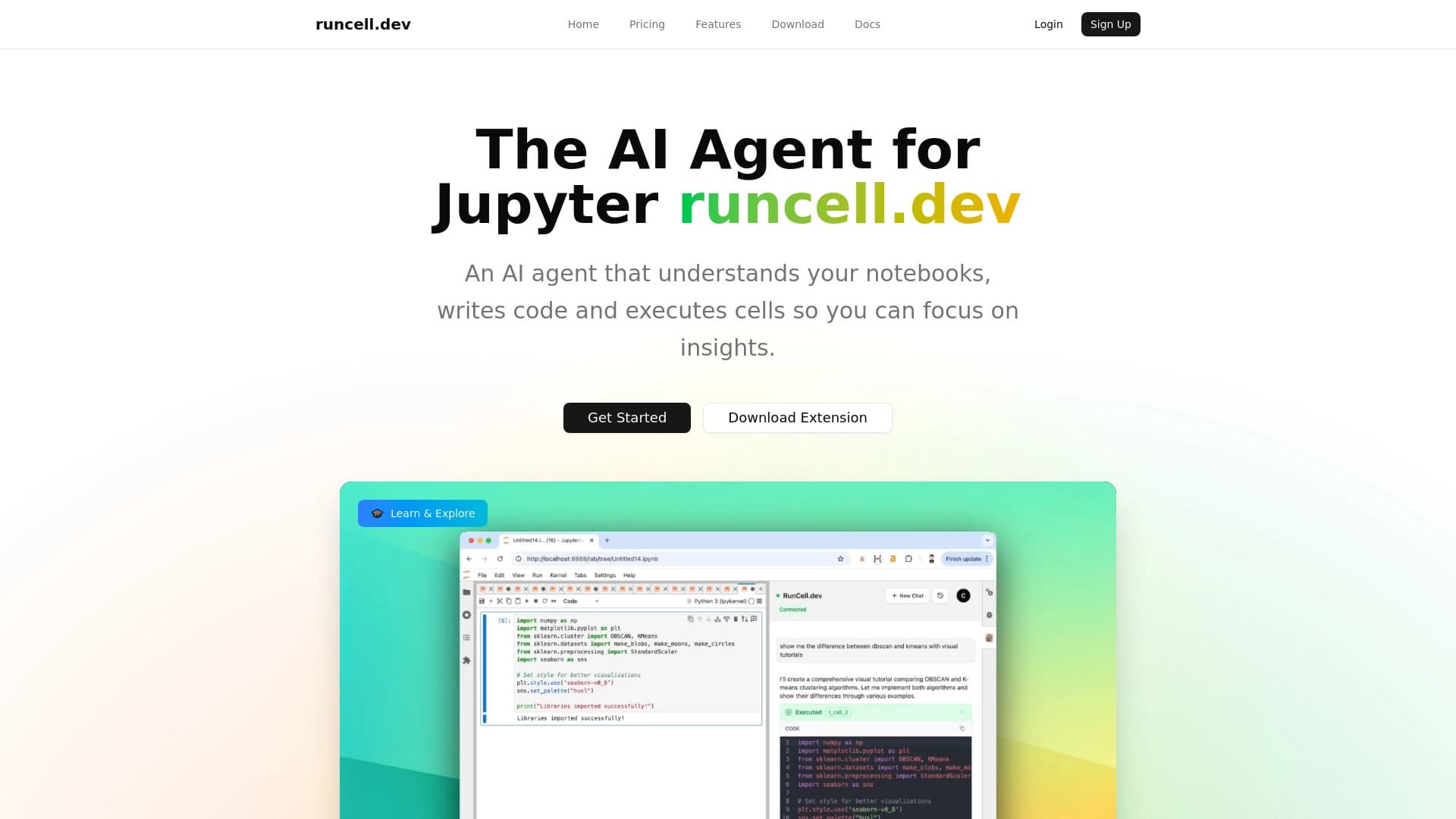
Runcell is an AI agent built-in directly Wednesday Jupyter Notebook . His main one. task routine operations when working with code and data . Instead of Manually execute each piece of code and spend time debugging The user receives the tool which It can run cells automatically, analyze errors, and suggest fixes.
The agent works like this. expansion Therefore, for its use No need to switch between different apps or browser windows . Runcell fits in organically c the usual workflow of the data scientist and helps to move faster from hypothesis to result . Particular emphasis is placed on interactivity and visibility what particularly useful in studying new algorithms.
Features of Runcell
| Characterization | Meaning |
|---|---|
| Type | AI agent for Automation of work in Jupyter Notebook |
| Categories | Assistants for code, teachers and tutors Explanation and analysis of the code |
| Platforms | Extension for Jupyter Notebook (direct integration) without separate annexes |
| Free fare | Got it. limited) |
| Targeted classroom | Data scientists developers data analysts |
| Main language | Python |
For whom is the Runcell neural network suitable?
Data scientists and analysts
The instrument is designed to specialist who regularly work with Jupyter Notebook for data analysis or prototyping machine learning models . Runcell helps to reduce the time to perform the same type of operations and allows focus on study-part eh not on mechanically running the code.
Developers and researchers
Developers using Python in the research purpose They will also find the tool useful. Runcell helps to test hypotheses faster Automate search parameters and get instant feedback on the written code.
Specialists Data Science students
Thanks to an interactive learning mode and explanation complex algorithm The neural network fits that. who is In the process of mastering Data Science and wants not just to read the theory but See its practical implementation.
How to use the Runcell neural network?
Installation and connection
To get started, you need to install an extension for Jupyter Notebook. . It's standard. procedure similar install plug-ins . After installation, the extension becomes available in the Jupyter interface and ready for use.
Main scenarios for work
The user can run automatic code execution scripts Get intelligent clues as you type and use a learning mode to parse out the incomprehensible fragment . Runcell analyzes cell context and offers optimizations or explanations what It makes the work process more efficient.
Training regime
A separate regime is designed to study new algorithms approaches . The user may ask the agent to explain what makes a specific block of code or show how it will change result . This is especially useful when working with machine learning models.
Basic runcell
Automatic code execution
Runcell can run code in Jupyter Notebook automatically . This saves time when working with long scripts and allows you to quickly pass the cycle “wrote – launched – checked the result”. ?
Intelligent code editing
The agent offers corrections and improvements right in the writing process. code . It suggests more effective implementation It helps to avoid typical Errors and highlights potentially problematic areas.
Interactive learning mode
The instrument may act in mentorship : he explains how complex algorithms Deconstructs the code line by line and demonstrates the impact of different parameters for the result.
Tips and optimization
Runcell constantly analyzes the workspace and suggests ways to improve it. code . This may be a recommendation to use a different data structure. A more optimal function or change the order of calculations.
Automatic scenarios
Expansion supports customization modelling operations : clearing up data , reporting Hyperparameters and other repetitive actions.
Benefits of Runcell
Acceleration of data
Thanks to the automation of routine operations and intellectual clues Time for data analysis and model training is significantly reduced. Users spend less time on technical details and more time on informative tasks.
Direct integration with Jupyter
No need to switch Between applications is an important plus. Runcell works inside Jupyter Notebook No need to install separate software or switch to another platform.
Practical training
interactive An approach to explaining algorithms allows you to understand into complex themes alive examples . It's more efficient. than reading documentation especially for people on practical mindset.
The disadvantages of Runcell
Platform limitations
Mainstream minus Runcell - rigid binding to the Jupyter Notebook . For those. who works elsewhere mediums development (VS Code, PyCharm) Google Colab, etc., is not yet available. This significantly narrows the audience. potential users.
Dependence on the Jupyter ecosystem
Since the expansion Does not support other platforms users which are periodically switched Between IDEs, you will have to either refuse using Runcell outside of Jupyter, or looking for alternative tools for other environments
What tasks does Runcell solve?
Automation routine operations
Elementary but Repetitive actions, such as running code check-up Error Search – can be fully or partially automated using Runcell.
Accelerating data analysis
The tool helps to process datasets faster : automates loading pre-processing visualization primary analysis Save the researcher time.
Accelerating learning model
Runcell Accelerates Experimental Cycle in Machine Learning Model Training It allows you to quickly pick up parameters and analyze Metrics obtained.
Explanation complex algorithm
Interactive learning mode helps to understand principally Algorithms and code are important for newcomers And for professionals. working on unfamiliar libraries.
Optimization code
Neural network tells you How to Improve Code Performance and Readability what positively later experiments.
Runcell prices
Runcell offers two tariffs plan . The first is free. s limited functionality and limits on utilization . He fits in. familiarity with the instrument and execution simple tasks. The second is paid. s empowerment : removal of limits Access to more complex functions and priority support . Exact figures and cost of paid tariff in the open springs not disclosed - up-to-date information should be sought to the official website of the project.
Terms of Use of Runcell
To work with Runcell, you need an installed Wednesday by Jupyter Notebook . Extension requires installation in this environment There is no need to download a separate application. The user should make sure what Jupyter version meets the requirements of the extension and follow the installation instructions. Others. rigid conditions utilization accessible springs Not specified.
Runcell availability
Runcell extends It is an extension for Jupyter Notebook and works directly in this environment. It means what The tool is available on all operating systems systems where Jupyter: Windows operates macOS and Linux . For use You will only need a browser and installed Jupyter Notebook; additional servers No capacity required.
What distinguishes Runcell from analogues
The key difference between Runcell and many other AI assistants for programmers is the deep integration with the Jupyter Notebook. . Instead of universal tool Working in all IDEs, Runcell focuses on one environment that It allows you to better understand the specifics of workers. Data Scientist processes.
The emphasis on learning is another notable difference. Many analogues are limited autocompletion and error correction then How Runcell offers a full-fledged interactive learning explaining the algorithms and Visualization of the results of changes.
Finally automation Scripts allow the user to configure repetitive operations within Jupyter. It goes beyond the typical. “High code” functionality and brings Runcell closer to AI-agent category eh not just AI augmentations for the editor.
Conclusion
Runcell is a practical AI agent for Jupyter Notebook which Helps data scientists and developers accelerate data analysis and model learning by automating code intellectual tips and interactive learning . The tool is limited to the Jupyter ecosystem, but deep integration with the environment is its main advantage. The availability of a free tariff allows you to get acquainted on functionality without financial investments, and Paid plans provide more opportunities for professional use.
Frequently asked questions
See also

AI assistant for academic writing that helps write, edit, and check scientific papers.

Online service for creating personalized children's books with AI-based illustrations.


Platform for testing, evaluating, and monitoring AI agents on large language models.
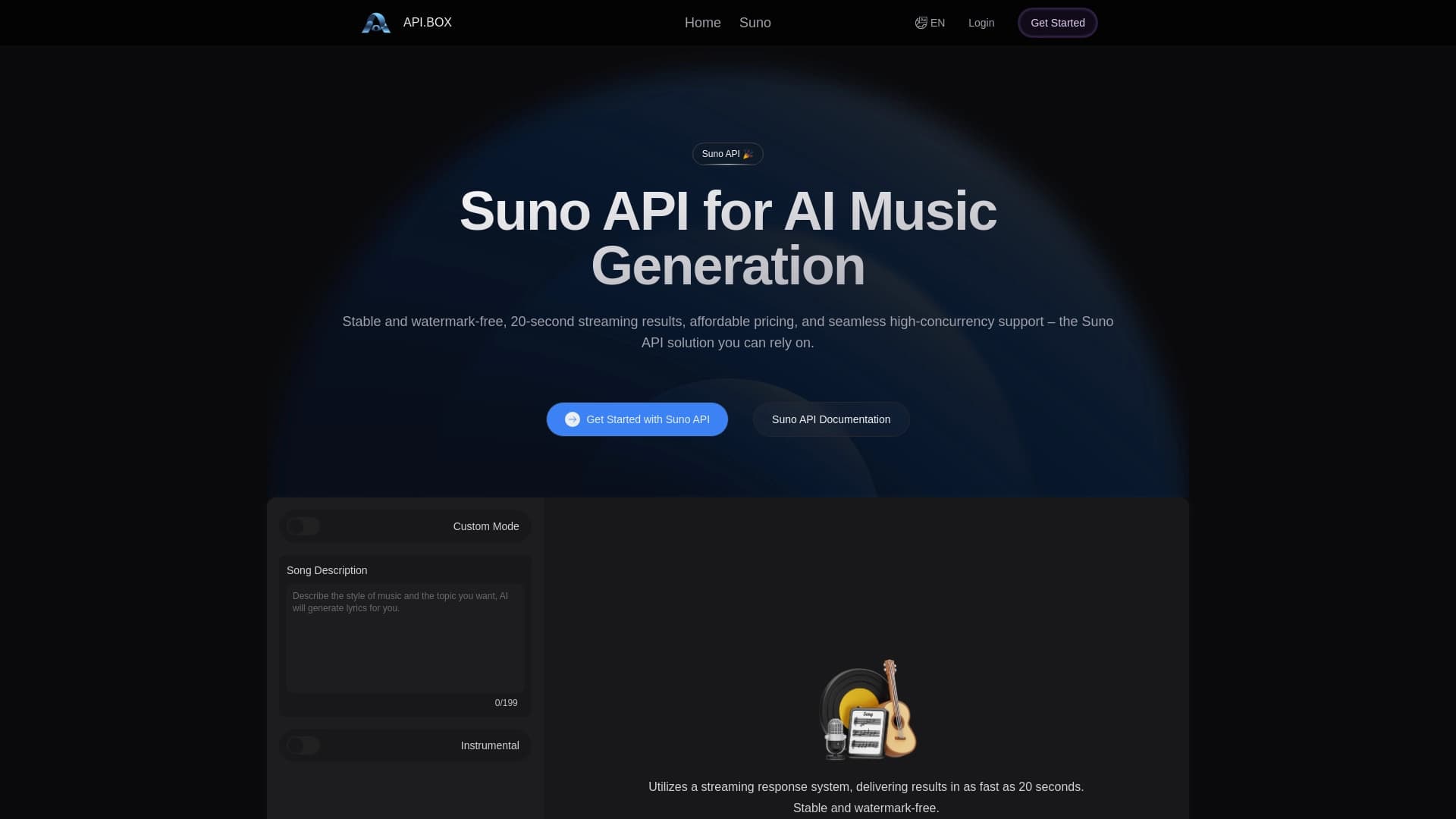
Unofficial API access to Suno AI for music generation and integration into applications.

AI platform for voice synthesis and cloning that converts text into realistic speech.


SDK suite for identity verification with face recognition, liveness detection, and ID document scanning.


AI app for voice recording and turning it into structured notes.


AI tool for creating flashcards and quizzes from text with spaced repetition.