
Rosebud AI
Платформа для создания игр, приложений и интерактивного контента с помощью текстовых описаний без навыков программирования.
Место в рейтингах
Обзор
Rosebud AI
Описание нейросети Rosebud AI
Rosebud AI — это платформа, которая позволяет создавать игры, приложения и другие интерактивные проекты, описывая их обычным текстом. Вместо написания кода вручную пользователь просто формулирует, какой результат хочет получить, а нейросеть берёт на себя техническую часть работы.
Сервис работает прямо в браузере, поэтому для начала не нужно устанавливать игровые движки или среды разработки. Подход, на котором построена платформа, часто называют vibe coding: вы описываете механику, персонажей или окружение, а система преобразует описание в готовый код и визуальные ассеты — спрайты, анимации и скайбоксы.
Rosebud AI подходит как для быстрого прототипирования идей, так и для более серьёзной разработки игр разных жанров. Дополнительно платформа поддерживает создание управляемых искусственным интеллектом NPC, которые реагируют на игроков и окружающую обстановку, что открывает дополнительные возможности для дизайна геймплея.
Характеристики Rosebud AI
| Характеристика | Значение |
|---|---|
| Тип | Платформа для создания интерактивного контента по текстовому описанию, AI-инструмент для создания игр |
| Категории | Создание игр, генерация кода, генерация изображений, No-code / Low-code, для разработчиков |
| Бизнес-модель | Freemium |
| Виртуальный ассистент | Rosie |
| Формат работы | В браузере, без установки программ и движков |
| Поддерживаемые проекты | Игры, приложения, сайты, образовательные проекты, VR и веб-проекты |
| Язык работы | Русский текст (описание механик, персонажей, окружения) |
| Целевая аудитория | Разработчики, дизайнеры, инди-студии, педагоги, создатели цифровых продуктов |
Для кого подходит нейросеть Rosebud AI?
Инди-разработчики и дизайнеры
Rosebud AI ориентирована на тех, кто хочет быстро проверить игровую концепцию, не вникая в тонкости программирования. Дизайнеры и инди-разработчики могут сформулировать текстовое описание желаемой механики и получить работающий прототип за несколько минут, не привлекая программистов на ранних этапах.
Педагоги и ученики
Платформа подходит для обучения созданию цифровых продуктов. Благодаря низкому порогу входа преподаватели могут знакомить студентов с основами геймдизайна и разработки, а учащиеся — практиковаться в создании собственных проектов без предварительного изучения языков программирования.
Создатели цифровых продуктов
Люди, которым нужно оперативно создавать прототипы приложений, сайтов и обучающих материалов, также найдут инструмент полезным. Возможность быстро собрать работающий образец идеи и показать его заказчику или команде делает процесс разработки и согласования заметно быстрее.
Как использовать нейросеть Rosebud AI?
Опишите проект текстом
Всё начинается с текстового описания. Пользователь вводит, что хочет получить, например, «платформер с пиксельной графикой» или конкретную игровую механику и персонажа. Система обрабатывает запрос и либо предлагает подходящий шаблон, либо сразу генерирует работающий прототип.
Дорабатывайте через ассистента Rosie
Дальше управление проектом происходит через диалог с виртуальным ассистентом Rosie. Помощник помогает уточнить детали, внести изменения в механику или визуальный стиль и протестировать результат. Такой формат снижает порог входа и позволяет обходиться без ручного редактирования кода.
Используйте шаблоны и библиотеку проектов
Вместо создания проекта с нуля можно взять готовый шаблон из обширной библиотеки — от простых 2D-платформеров до 3D-миров — и доработать его текстовыми командами. Также доступны для изучения и модификации проекты других пользователей из открытой библиотеки.
Основные функции Rosebud AI
Генерация кода и ассетов по тексту
Основная возможность платформы — преобразование текстовых описаний в работающий код. Нейросеть также создаёт визуальные элементы: спрайты, анимации, персонажей, окружение, текстуры и скайбоксы. Анимация аватаров задаётся с помощью обычных языковых запросов.
Виртуальный ассистент Rosie
Встроенный ассистент Rosie выступает центральным элементом управления. Через диалог с ним можно вносить правки, уточнять детали проекта, тестировать результат и управлять ходом разработки без глубоких технических знаний.
Инструменты для разработки и экспорта
Платформа предлагает инструменты для создания мобильных игр, VR-проектов и веб-приложений. Поддерживается разработка сюжетных линий и создание управляемых искусственным интеллектом NPC, которые разумно реагируют на игроков и окружение. Результаты можно тестировать, публиковать и экспортировать, а также интегрировать через API.
Интуитивный интерфейс
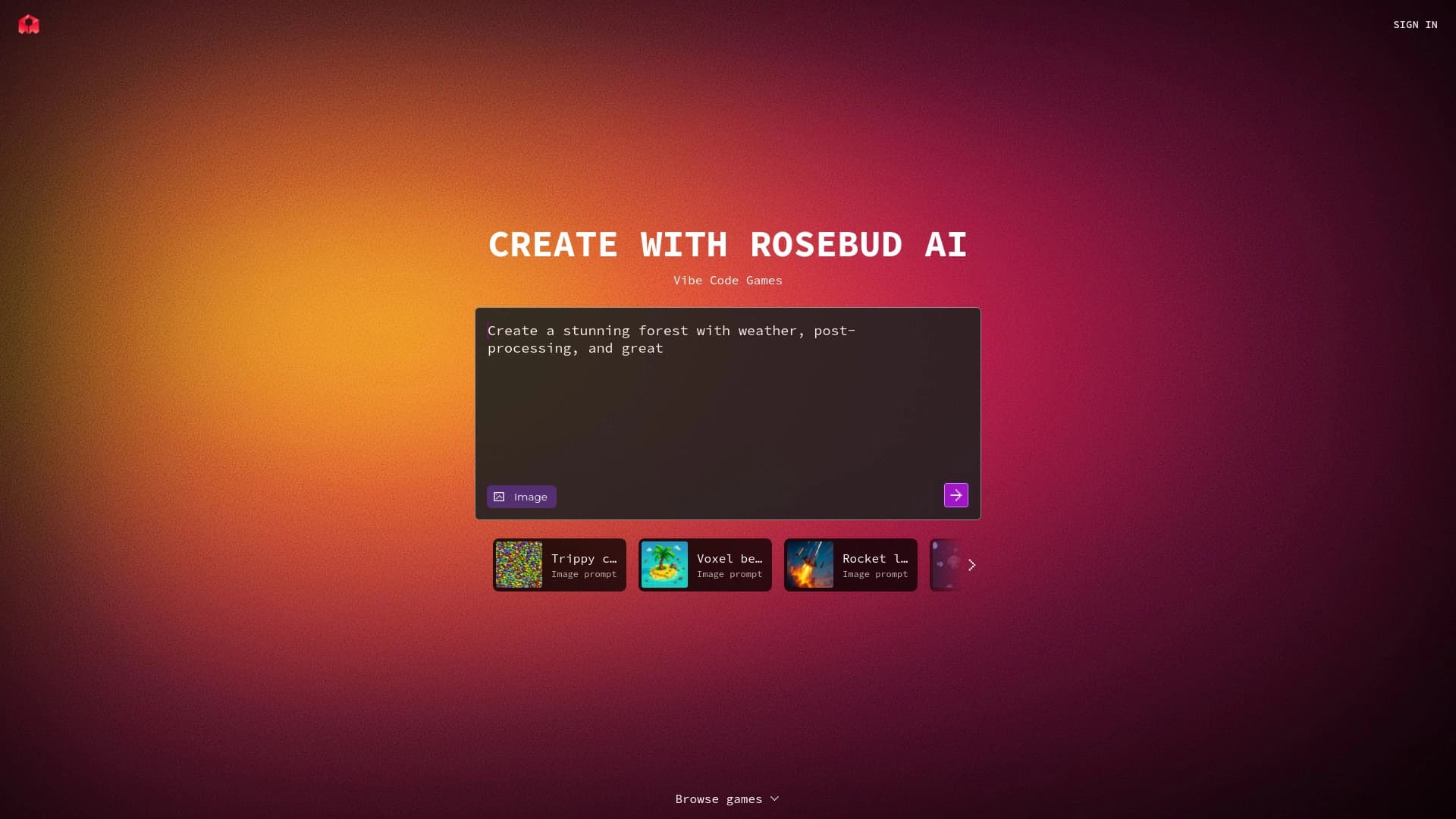
Работа организована в удобном интерфейсе с главным меню, полем ввода описания и областью предпросмотра. Это позволяет сразу видеть результат и быстро дорабатывать проект в одном окне.
Преимущества Rosebud AI
Низкий порог входа
Для работы не нужны навыки программирования — достаточно уметь формулировать свои идеи текстом. Встроенный помощник дополнительно снижает барьер для новичков, направляя процесс разработки.
Быстрое прототипирование
Переход от идеи к рабочему прототипу занимает всего несколько минут. Сервис отлично подходит для быстрой проверки геймплейных концепций без привлечения программистов и для создания демо-версий к презентациям.
Доступность и универсальность
Сервис работает в браузере на любом компьютере и мобильных устройствах с доступом в интернет, без необходимости устанавливать движки. Готовые игры сразу доступны для публикации и тестирования, а открытая библиотека позволяет дорабатывать чужие проекты.
Недостатки Rosebud AI
Несмотря на удобство, у платформы есть ограничения. Возможности сложной кастомизации конечных проектов ограничены, что может не устроить разработчиков, которым нужен глубокий контроль над кодом. Кроме того, не все сторонние сервисы и инструменты интегрируются с платформой, что сужает спектр внешних возможностей. Наконец, чтобы освоить все функции сервиса и использовать его в полной мере, потребуется некоторое время на изучение.
Какие задачи решает Rosebud AI
Создание интерактивного контента без программирования
Главная задача инструмента — позволить любому человеку создавать игры, приложения и сайты, описывая их текстом. Это снимает основное препятствие в виде необходимости знать языки программирования или разбираться в игровых движках.
Быстрое прототипирование и тестирование
Платформа помогает быстро проверить игровые и геймплейные идеи, собрать прототип и протестировать его до начала полноценной разработки. Это экономит время и ресурсы, избавляя от необходимости привлекать программистов на ранних этапах.
Обучение и ускорение разработки
Сервис используется как образовательный инструмент для обучения созданию цифровых продуктов, а для практикующих разработчиков — как средство ускорить отдельные этапы работы и создавать ассеты и механики быстрее, чем традиционными способами.
Цены Rosebud AI
Платформа работает по модели freemium. Это означает, что существует бесплатный тариф с базовым набором функций, а для дополнительных возможностей предусмотрены платные опции. Точные цифры и состав платных тарифов в исходных данных не раскрываются, поэтому при выборе плана стоит уточнять актуальные условия напрямую на сайте сервиса.
Условия использования Rosebud AI
Поскольку сервис построен на бесплатной модели с платными дополнениями, доступ к базовым функциям можно получить без первоначальных затрат. Платформа позволяет публиковать и тестировать созданные игры, а также экспортировать результаты и использовать API для интеграции. Детальные условия для различных тарифов, включая ограничения бесплатного плана, в доступных источниках не уточняются, поэтому их рекомендуется изучать в официальной документации сервиса.
Доступность Rosebud AI
Rosebud AI доступна как веб-версия и работает в браузере на компьютерах и мобильных устройствах с подключением к интернету. Установка дополнительных программ или игровых движков не требуется. Конкретные языки интерфейса и поддерживаемые регионы в исходных данных явно не указаны, поэтому эти детали стоит уточнять на официальном сайте платформы.
Чем отличается Rosebud AI от аналогов
Главное отличие Rosebud AI — это комбинация текстового описания как единственного способа управления разработкой и встроенного виртуального ассистента Rosie. Вместо того чтобы заставлять пользователя работать с отдельными инструментами генерации кода или ассетов по отдельности, платформа объединяет их в единый диалоговый процесс: вы общаетесь с ассистентом, и он превращает ваши слова в игры, приложения и сайты.
По сравнению со многими аналогичными сервисами, Rosebud AI делает акцент на полном цикле создания контента прямо в браузере — от генерации механик и визуальных ассетов до создания ИИ-управляемых NPC и экспорта результатов через API. Такой комплексный подход, ориентированный на работу без программирования, выделяет платформу среди инструментов, которые специализируются лишь на одной из этих задач.
Заключение
Rosebud AI — это платформа для создания игр, приложений и интерактивного контента на основе текстовых описаний, которая работает по принципу vibe coding прямо в браузере. Сервис снижает порог входа, позволяя дизайнерам, инди-разработчикам, педагогам и создателям цифровых продуктов быстро превращать идеи в работающие прототипы без знаний программирования. Среди ключевых возможностей — генерация кода и визуальных ассетов, виртуальный ассистент Rosie, библиотека шаблонов и создание ИИ-управляемых NPC. При этом платформа имеет ограничения по сложной кастомизации и интеграции сторонних сервисов, а модель распространения — freemium. В целом Rosebud AI — удобное решение для быстрого прототипирования и ускорения разработки, особенно на ранних этапах работы над проектом.
Часто задаваемые вопросы

Смотрите также


Платформа для автоматизации разработки ПО с помощью визуального конструктора ИИ-агентов.
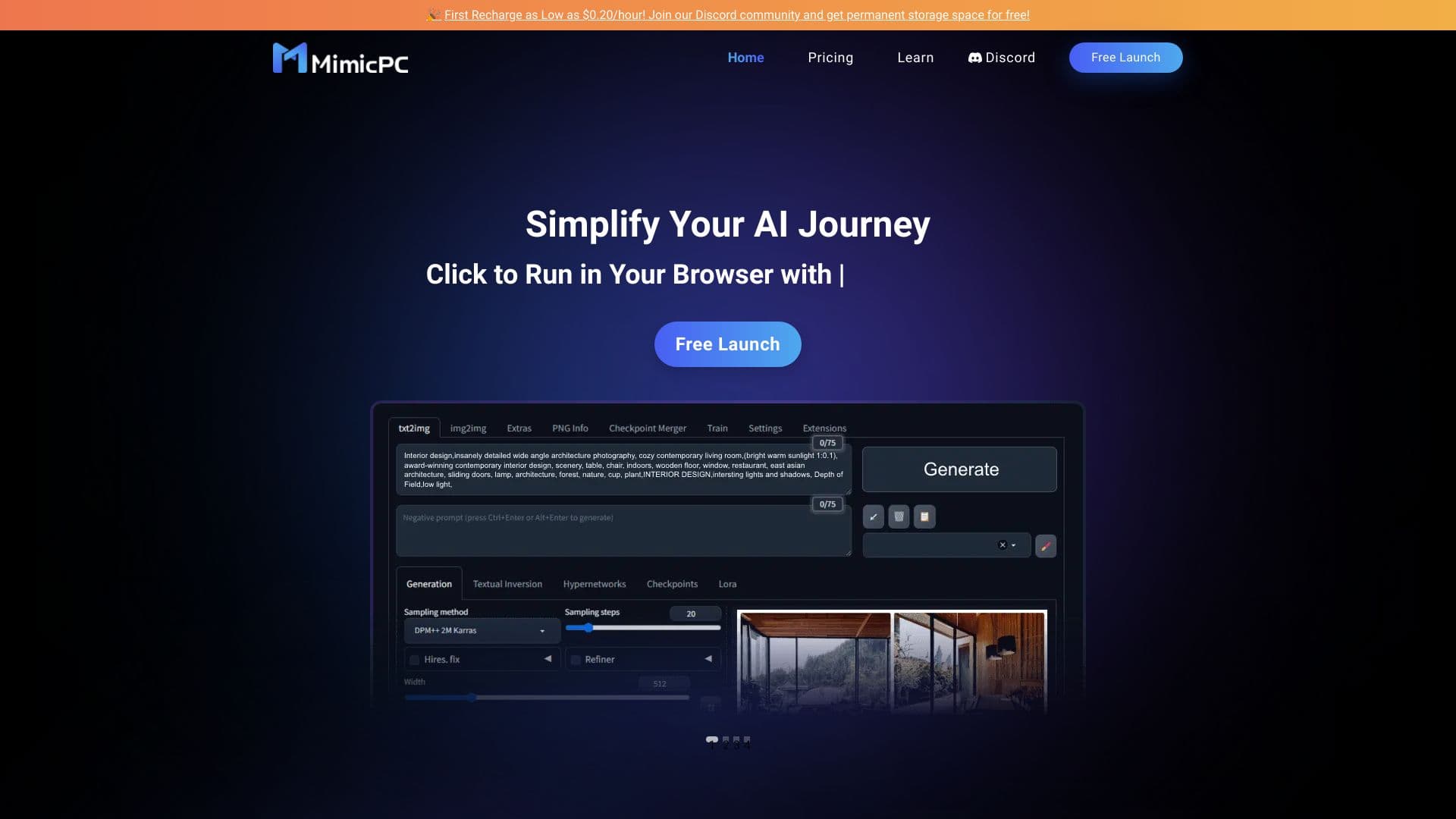
Облачная платформа для запуска ИИ-приложений прямо в браузере без установки.
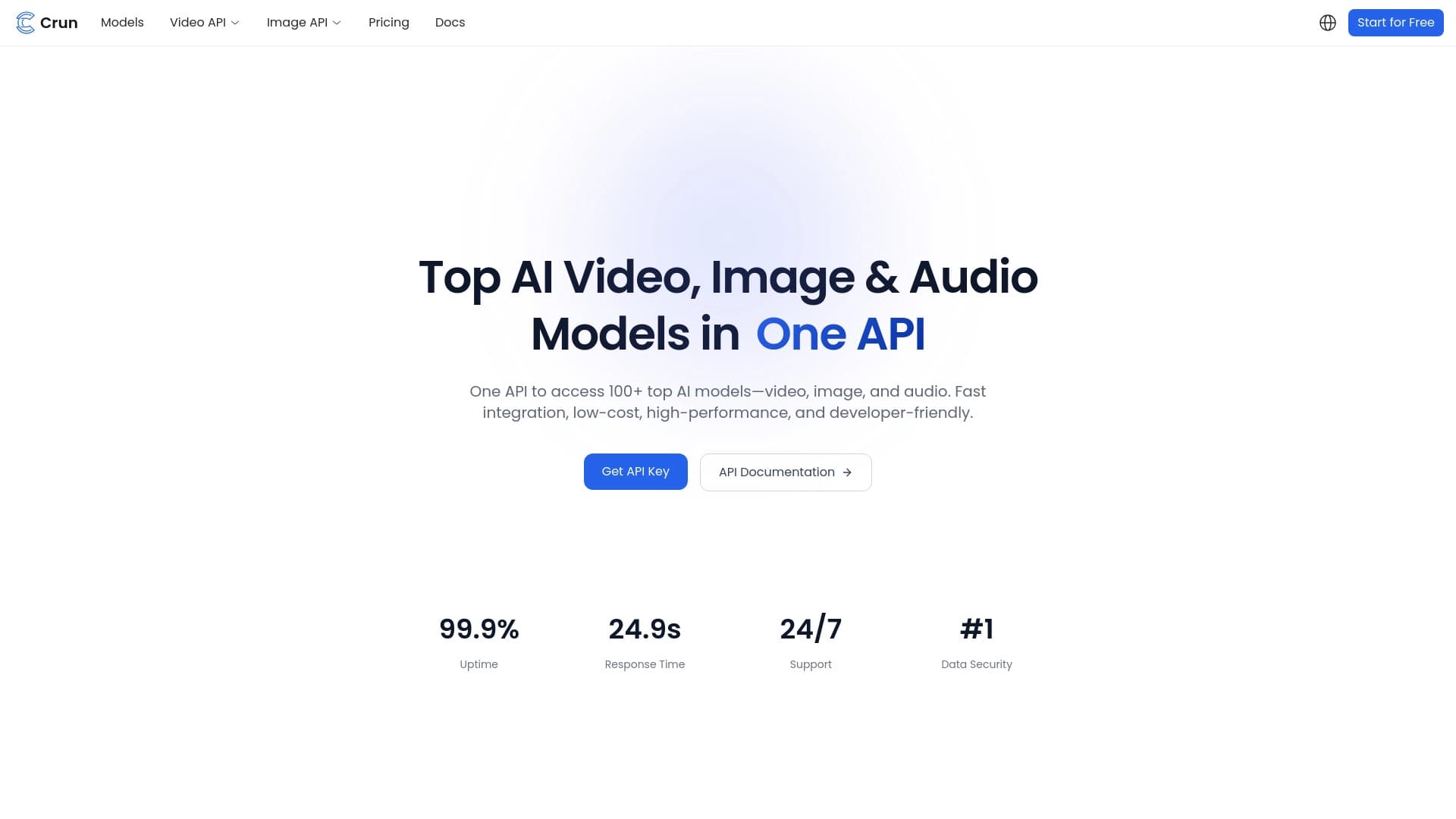
Объединенный API для доступа к более чем 100 популярным AI-моделям для разработчиков.

Платформа-сообщество для поиска, публикации и обмена открытыми моделями генерации изображений на основе ИИ.


BannsAi — сервис с использованием ИИ для быстрого создания рекламных баннеров по текстовому описанию или референсу.


Платформа на основе ИИ для генерации, редактирования изображений и создания рекламных креативов.

Терминальный ИИ-агент для программирования, который динамически подстраивается под задачи разработчика.

Cabina AI — это единая платформа для работы с разными генеративными нейросетями, позволяющая создавать тексты, изображения и видео.