
Rodin
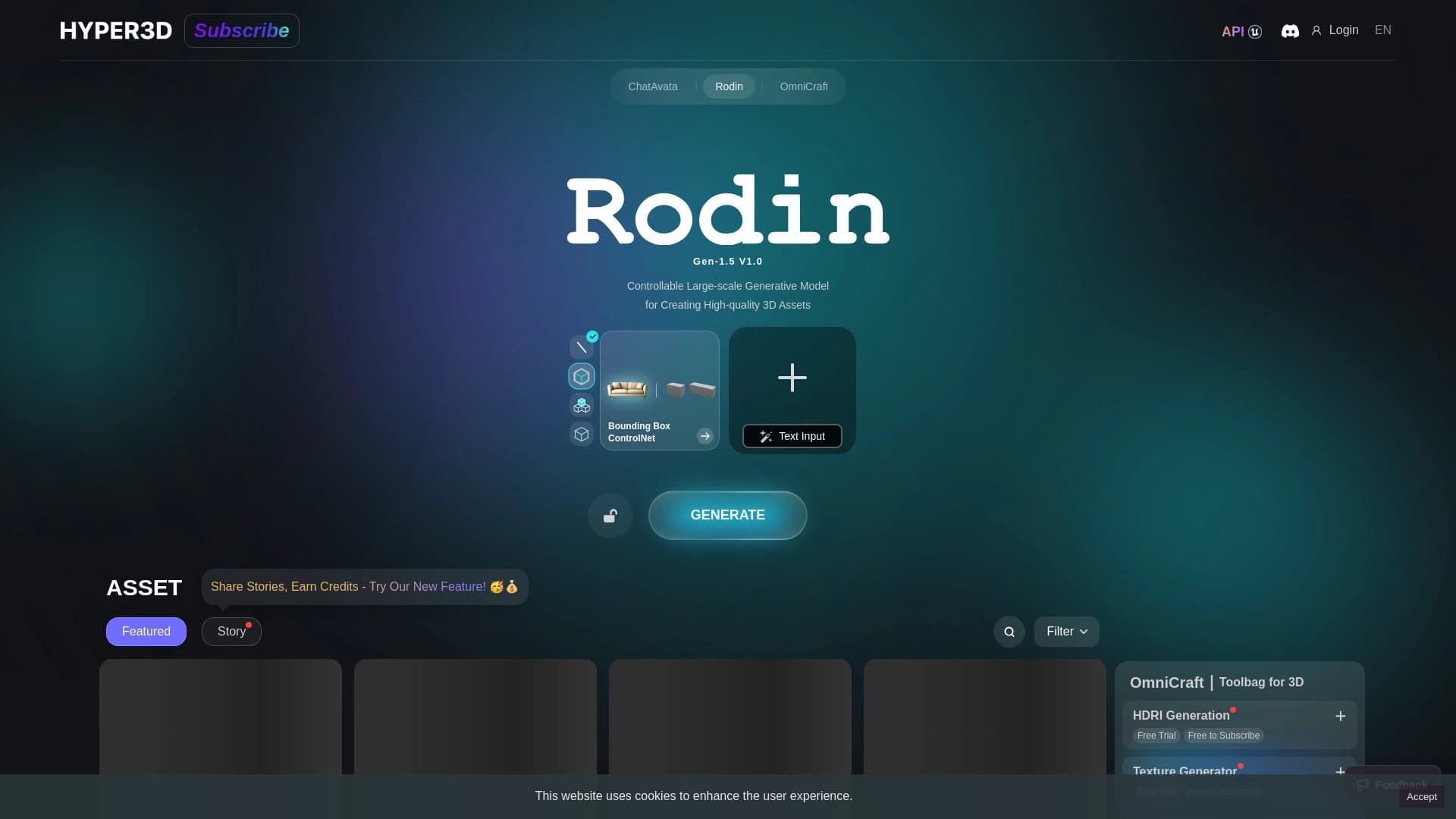
Rodin is an AI tool for generating and editing 3D models from a text description or an image.
Ranked in
Overview
Rodin is an AI tool for generating and editing 3D models, developed by DeemosTech and available through the Hyper3D platform. Instead of spending hours manually building polygons, you can describe the desired object with text or upload a reference image — and the service will construct a full-fledged three-dimensional model with textures.
Rodin's main focus is on the quality of its output. The neural network generates high-polygon meshes with clean quad mesh topology and 4K PBR textures, making the models suitable for professional use in VFX, architectural visualization, and animation without additional refinement. For those working in games, animation, or simply experimenting with 3D graphics, this tool noticeably speeds up the workflow.
Rodin Features
| Feature | Value |
|---|---|
| Type | AI 3D model generator |
| Developer | DeemosTech / Hyper3D |
| Platform | Website, API |
| Categories | 3D model generators from images, Tools for generating 3D models |
| Free tier | Yes (basic access, preview before approval) |
| Export formats | GLB, FBX, OBJ, and others |
| Monthly visits | 13M |
| User rating | 4.6 out of 5 |
| Company | Hyper3D |
| Date added | September 18, 2024 |
Who is Rodin suitable for?
3D artists and VFX specialists
Rodin is suitable for those who need high-quality models for professional rendering. Photorealistic textures and clean topology allow generated objects to be used in close-ups and complex scenes without additional processing.
Game designers and game developers
The tool integrates directly with Blender and Unreal Engine, speeding up asset creation and filling game scenes. Models can be generated right inside the engine's workspace.
Architects and product designers
For architectural visualization and product design, you need to quickly obtain interior items, furniture, and other objects with realistic materials. Rodin handles this task, saving time on manual modeling.
How to use Rodin?
Basic workflow
Go to the service's website, choose a generation mode — text prompt or image upload — and describe the desired object. Rodin will create a free low-poly preview that can be edited up to 50 times without payment.
Paying for results and exporting
Once the result is approved, credits are deducted and a final high-res version with 4K textures is created. The finished model can be downloaded in the desired format (GLB, FBX, OBJ, and others) and opened in Blender, Maya, Unity, or Unreal Engine.
Key Rodin features
Generation from text and images
Rodin supports Text-to-3D and Image-to-3D with multi-angle input. You can describe an object in words, upload one or more photos — the service will build a 3D model based on this data.
Editing individual parts of a model
Unlike many alternatives, Rodin allows you to edit specific elements of already finished models. Don't like the door handle or the shape of a table leg? You can change just that element without affecting the rest of the geometry. The system saves such elements as macros — they can be reused in other projects.
ChatAvatar and Fusion mode
ChatAvatar is a separate feature for creating hyper-realistic 3D faces. You can upload a photo or describe a character with text, and the system will reconstruct a detailed 3D head with customizable parameters. Fusion mode allows you to combine characteristics of multiple objects into a single asset.
Integration with Blender and Unreal Engine
Rodin integrates directly into popular engines and editors. The model is generated right inside the workspace, without the need to export and drag files — the generated object is already in the scene.
Rodin advantages
Output quality
Rodin delivers the best mesh quality among AI generators. Clean quad mesh topology and 4K PBR textures (albedo, normal, roughness, metallic) make models suitable for professional use without refinement.
Pay only for approved results
The service provides up to 50 free preview editing iterations. Credits are only deducted after you click "Approve" and request the final high-res render.
Additional capabilities
The unique ChatAvatar feature for hyper-realistic 3D faces and Fusion mode for creating unique assets set Rodin apart from competitors. Availability via API and the fal.ai aggregator expands automation possibilities.
Rodin disadvantages
Price and stability
With large generation volumes, Rodin costs more than competitors. Results for the same prompt are not always stable, and organic shapes produce less predictable results than hard surfaces.
Usability and limitations
Rodin's interface is less convenient compared to some alternatives. For complete beginners without experience in 3D editors, the entry threshold may be higher than desired.
What tasks does Rodin solve?
VFX and animation
Creating photorealistic 3D props for VFX and animation that withstand close-ups and professional rendering.
Architectural visualization
Generating furniture and interior items for architectural projects, speeding up scene filling.
Avatars and games
Creating 3D user avatars from photos for mobile applications, as well as obtaining basic 3D shapes with clean topology for subsequent sculpting in game development.
Rodin pricing
Subscription plans
Rodin operates on a freemium model. Basic access is free, but credits are needed for final renders. The educational plan costs $15 per month and includes 30 credits. The Creator tier is $30 per month for 30 credits. The Business plan is $120 per month for 208 credits. An Enterprise tier is available for corporate clients upon request.
Access via fal.ai
Separately, Rodin is available through the fal.ai aggregator at around $0.4 per generation, which may be more convenient for one-off tasks.
Rodin terms of use
Registration on the website is required to use the service. The free plan includes basic access and previews before approval. Credits can be purchased separately at approximately $1.5 each.
Rodin availability
The service is available via the website and via API. It is a cloud solution that does not require installing additional software. All work happens in the browser, and models are stored in cloud storage. Popular export formats are supported, including GLB, FBX, and OBJ.
How Rodin differs from alternatives
Positioning
Unlike Meshy or Luma Genie, Rodin is focused on maximum output quality rather than speed and generation volume. Meshy wins on speed, number of features, and price per credit, and also offers animations and 3D printing preparation. Rodin, however, wins on photorealism quality and topology cleanliness.
Which tasks to choose it for
If the model will appear in a close-up or professional render — that's a task for Rodin. For mass game development where speed and volume matter, Meshy is a better fit. For VFX and architectural visualization where quality is critical, Rodin is the right choice.
Conclusion
Rodin from Hyper3D is a tool that fulfills the need for high-quality 3D models without manual modeling. The service's main strengths are clean topology, 4K PBR textures, and the ability to edit individual model elements. At the same time, the price is higher than competitors, and results are not always stable. Rodin is worth choosing for professional 3D artists, VFX specialists, and architects who need ready-to-use models with minimal refinement.
Frequently asked questions
See also

Chat service for adults with virtual characters and role-playing games.
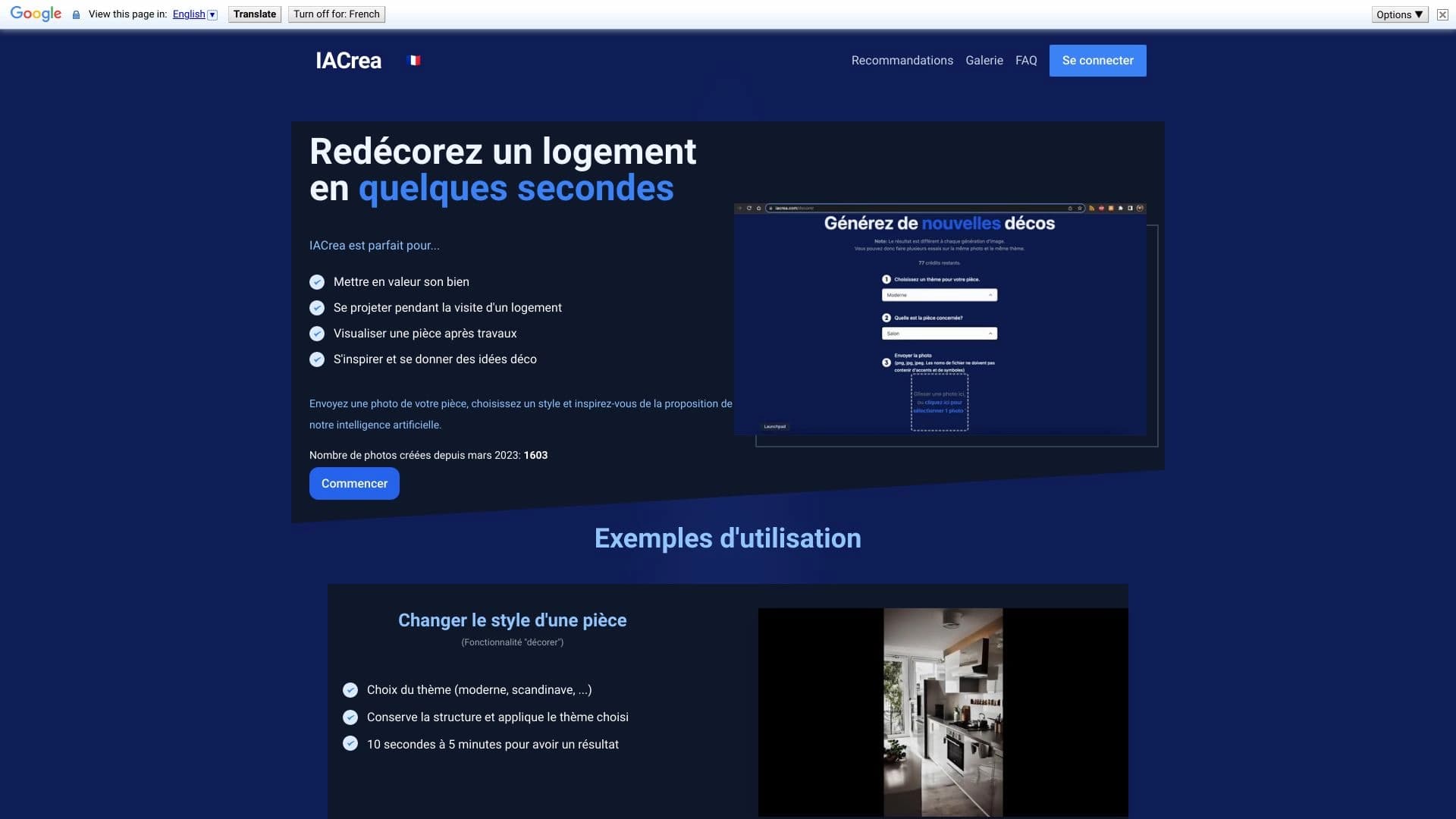

IACrea is an AI service for virtual home staging and real estate visualization, allowing you to quickly enhance interior and exterior photos.
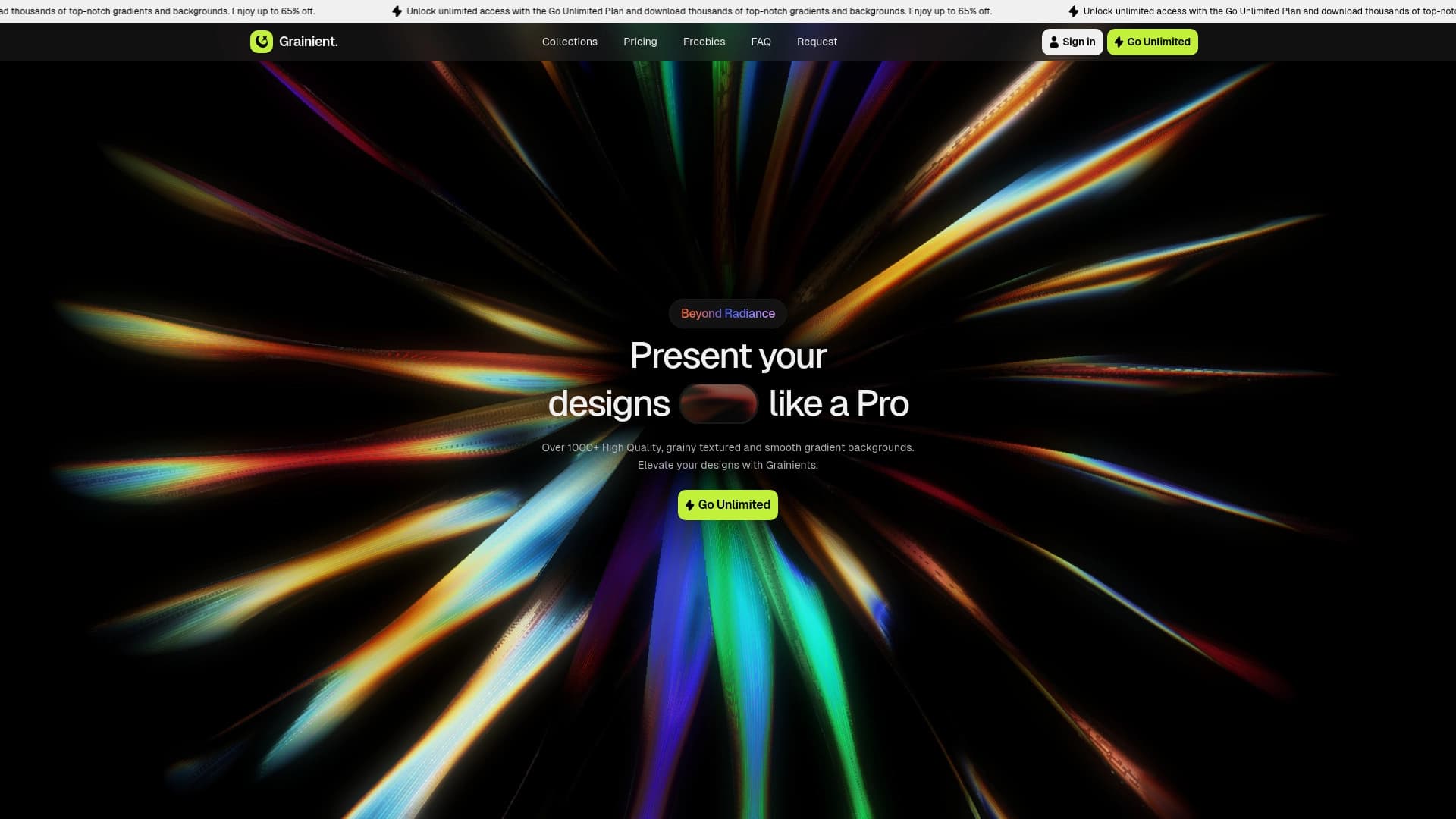

Service for finding and generating gradients and AI backgrounds for creative projects.
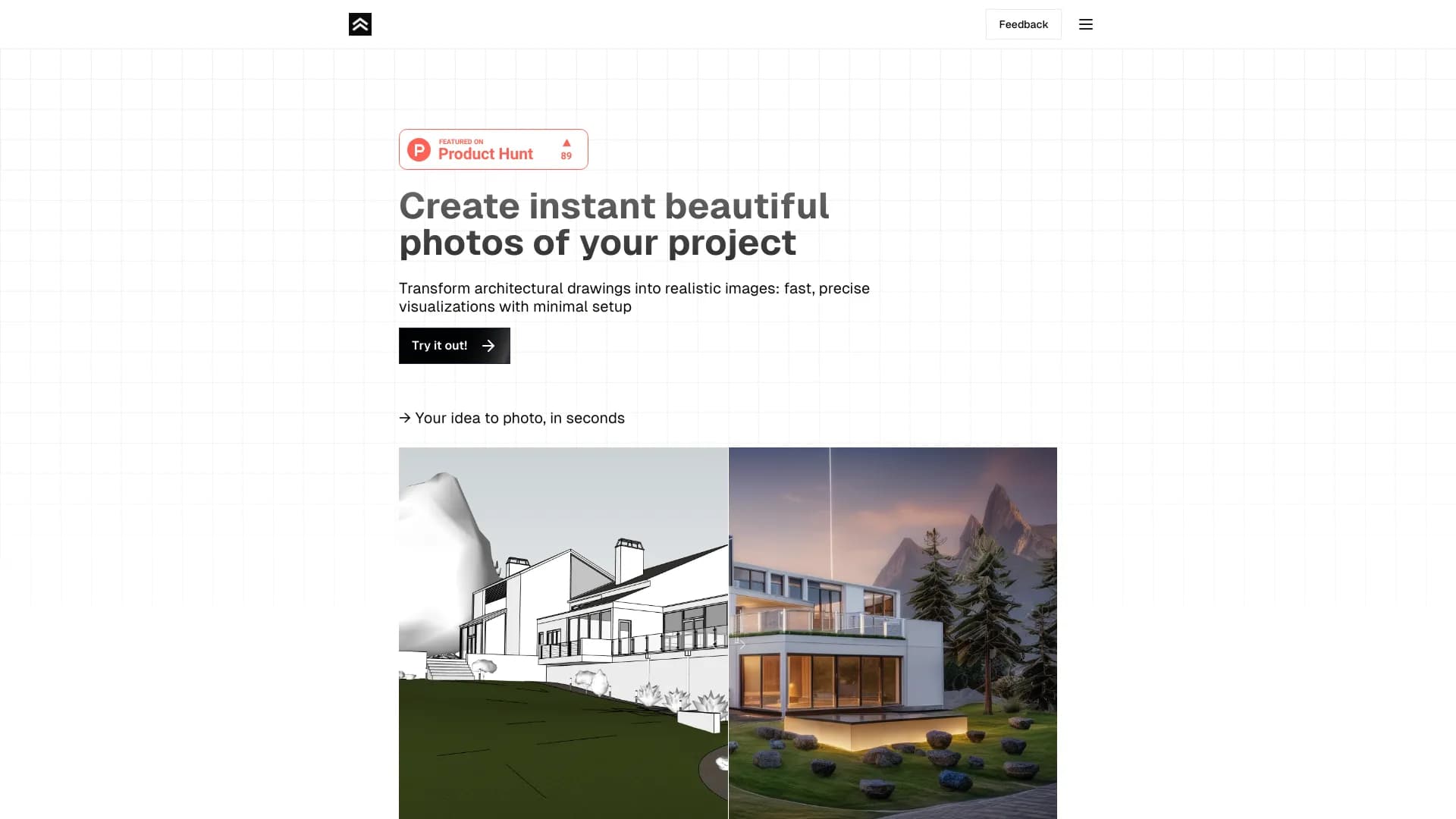
Service for rapid conversion architectural drawing Photorealistic 3D images.

AI agent for task automation, project management, and improving teamwork.
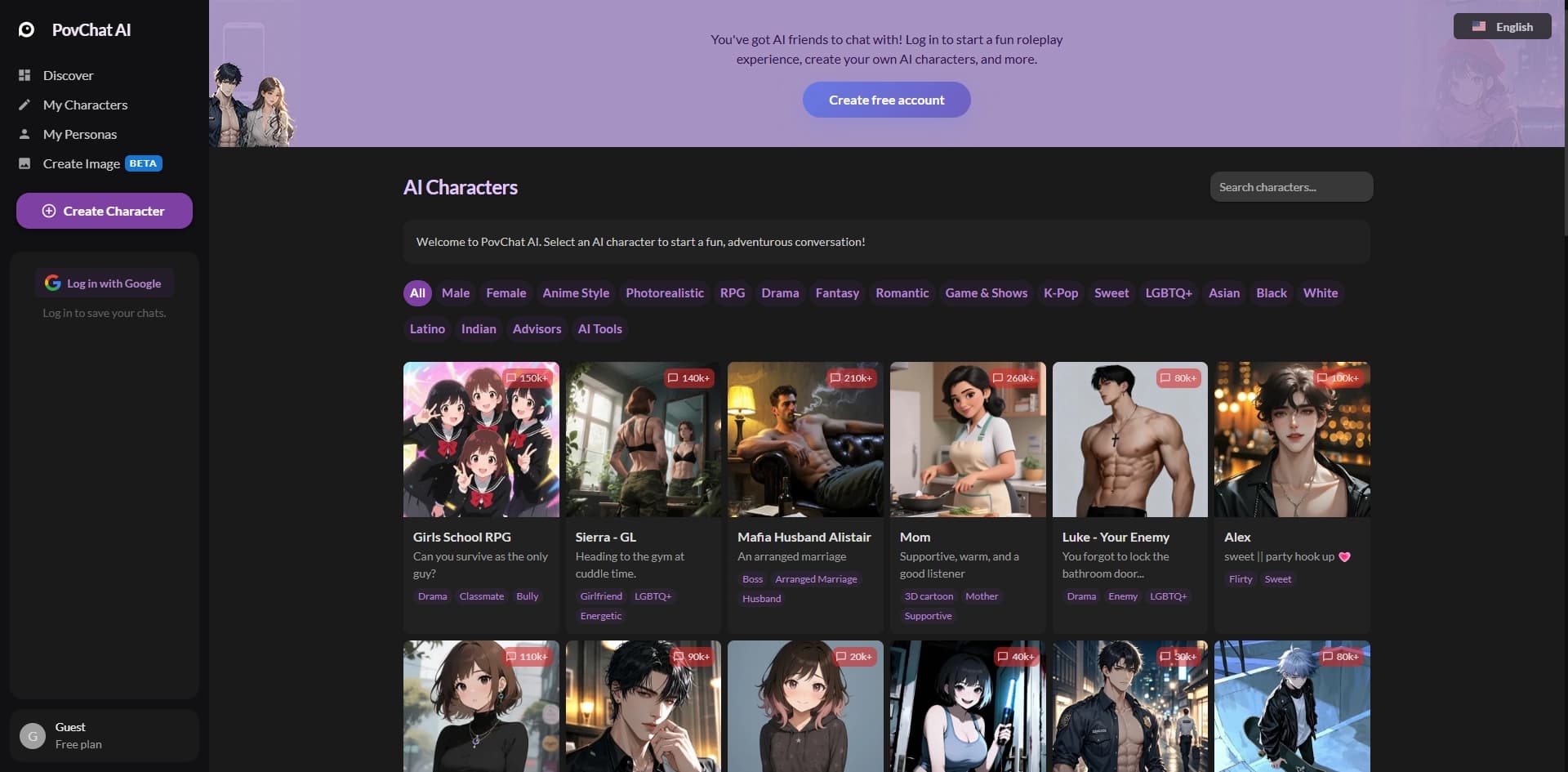

Platform for creating and interacting with customizable AI characters in the format of role-playing games and stories.
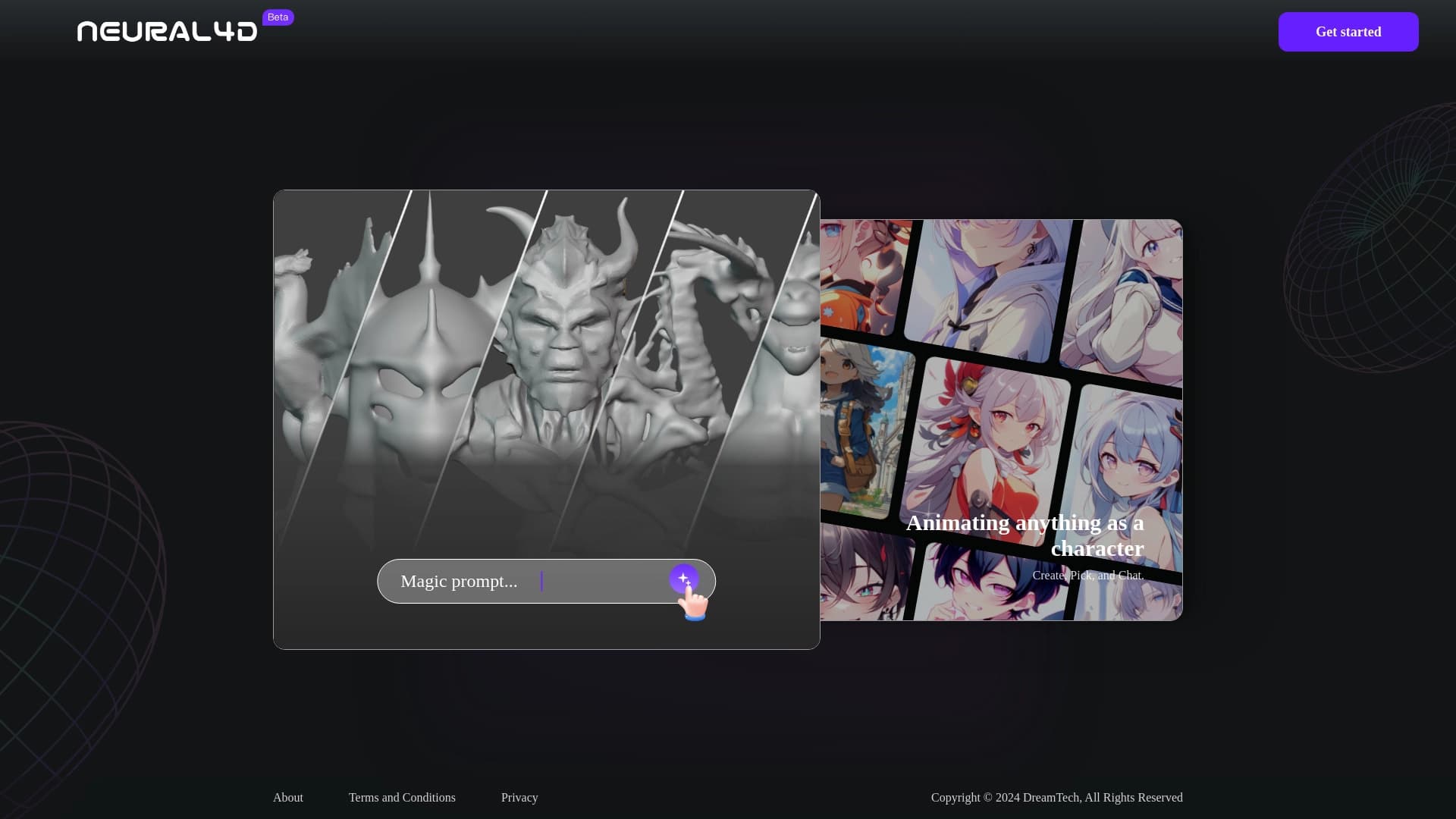

Neural4D is a platform for creating 3D models and animations using artificial intelligence.

Open. platform for creating and interacting with AI characters in role-playing roles play-chat uncensored.