

Neural4D
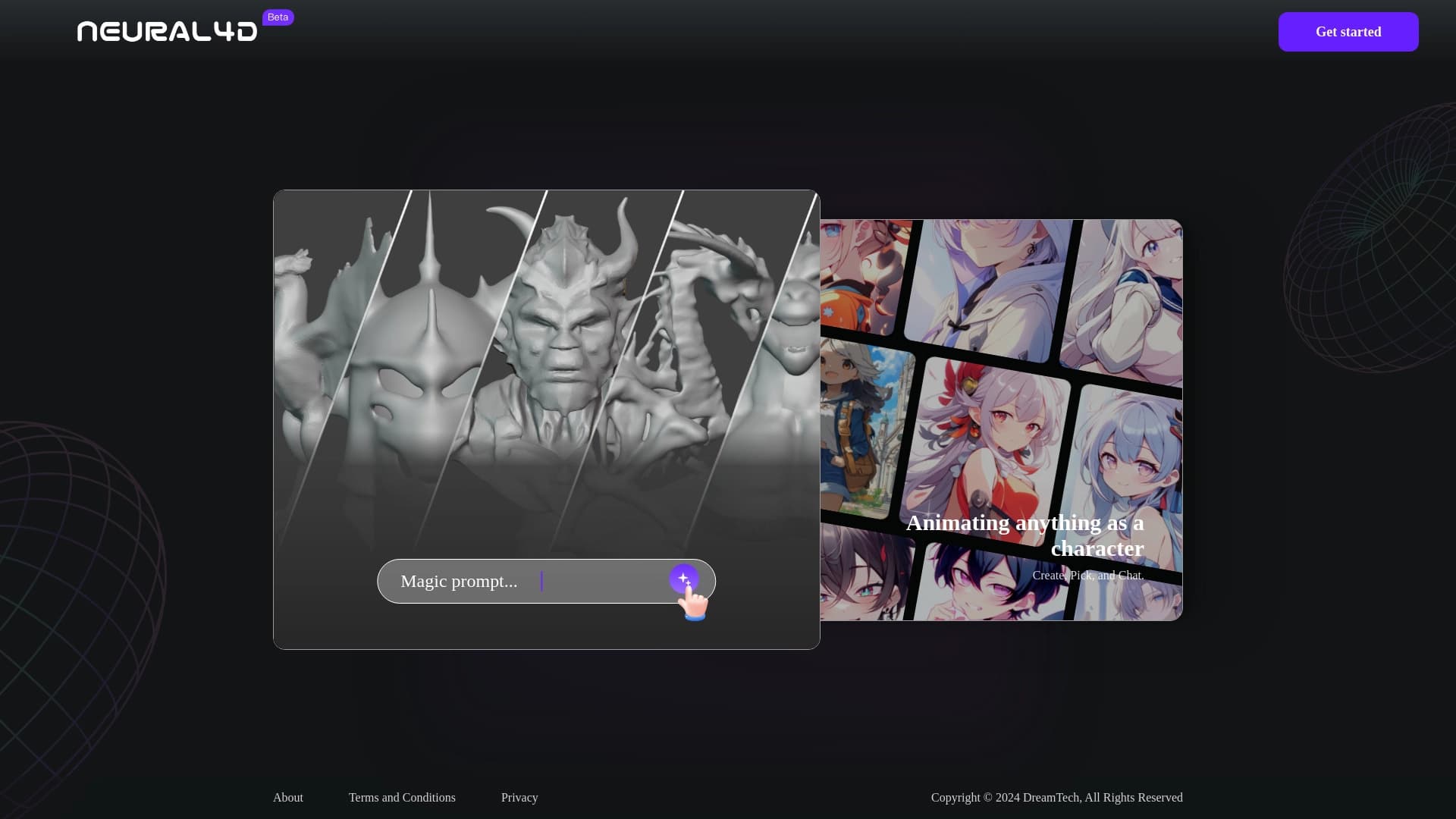
Neural4D is a platform for creating 3D models and animations using artificial intelligence.
Ranked in
Overview
Neural4D is a platform that uses artificial intelligence to turn text descriptions or uploaded images into full-fledged 3D models and animations. The service solves the main problem of classic 3D modeling — the high entry barrier. To work with Neural4D, you don't need to master complex professional software or have deep knowledge of polygonal modeling and rigging. Simply formulate a request in words or provide a reference image, and the neural network will handle the technical side of asset creation. This approach makes 3D graphics technology accessible to a wide range of users while retaining depth of control for industry professionals.
Neural4D Features
| Feature | Value |
|---|---|
| Type | AI-powered 3D modeling platform |
| Category | Text to Image, AI Photo & Image Generator, AI Character, AI 3D Model Generator, Text to 3D, Image to 3D Model |
| Platforms | Web, Linux, macOS, Windows |
| Date added | June 26, 2024 |
| Distribution model | Not specified |
| Model export | Available (formats not specified) |
Who is Neural4D suitable for?
3D artists and animators
Professionals in 3D graphics can use Neural4D as a tool for quickly creating draft concepts or populating scenes with secondary objects. The platform saves hours of routine work, allowing them to focus on the key elements of a project.
Game designers and VR developers
Game and virtual reality developers often need a large number of assets in a short time. Neural4D is suitable for generating both simple environment objects and characters. This speeds up the prototyping stage and allows quick testing of game mechanics on test models.
Marketers and designers
Professionals working with advertising and digital content can create 3D illustrations for banners, catalogs, and social media posts. The ability to easily convert a 2D image into a 3D model makes creating visually rich content accessible without hiring expensive 3D specialists.
How to use Neural4D?
Model creation process
The workflow with Neural4D is intuitive and takes just a few steps. Users need to register on the platform and choose a creation method — uploading an image or entering a text prompt. Depending on the choice, you'll need to describe the desired object in words or provide a reference image for the neural network to process.
Parameter settings and generation
Before starting generation, parameter settings are available to adjust the future result: detail level, style, or other characteristics. After configuring, simply click the "Generate" button and wait for the 3D model to be created. The finished result can be downloaded or exported to a work project.
Key features of Neural4D
Text and image generation
The platform's key capability is bidirectional 3D content creation. Text-based generation allows creating models from descriptions, while image upload produces a 3D interpretation of a flat picture. This makes the tool flexible for both "from scratch" scenarios and working with existing visual material.
Output quality and interface
Neural4D delivers high-resolution output, which is important for subsequent printing or large-format rendering. All processes are built into an intuitive interface that reduces cognitive load, allowing users to focus on the creative task rather than studying instructions.
Neural4D advantages
Efficiency and advanced technology
The platform significantly speeds up the 3D modeling process compared to traditional methods. Users gain access to cutting-edge AI algorithms that automate complex geometry-building stages, saving resources and development time.
Versatility across skill levels
The tool demonstrates versatility through the absence of strict qualification requirements. Beginners can quickly achieve visual results, while experienced professionals can use the platform as a stage in their development pipeline. The flexibility of application across various industries (from gaming to marketing) makes Neural4D a competitive solution on the market.
Neural4D drawbacks
There is no official information about serious limitations in the service. Among the obvious downsides are the potential dependence on cloud server performance (for the web version) and uncertainty in pricing policy, as data on generation limits and tariff costs are not disclosed in public sources. Also, at the time of publication, the available export formats and the list of supported interface languages are not specified.
What tasks does Neural4D solve?
Gaming industry and VR
The service is actively used in designing objects and characters for video games, including content creation for virtual and augmented reality. The ability to quickly generate assets allows game level content to be assembled in a short time.
Marketing and digital art
The platform is suitable for generating 3D elements for marketing purposes: creating packaging prototypes, product visualizations, and campaign illustrations. Additionally, artists can use Neural4D to explore forms and find inspiration when creating digital artworks.
Neural4D pricing
Official data on Neural4D pricing plans is currently not published. The website does not specify subscription costs or one-time fees per generation. It is also unknown whether free access or a trial period is provided upon registration. To clarify current information, it is recommended to check the platform's website for updates in the pricing section before use.
Neural4D terms of use
Account registration on the platform is required to get started. The website raises the question of a limit on the number of models that can be created, but no specific answer is provided in the service information. There are also no clarifications regarding rights to generated content or the possibility of using models in commercial projects, although this is indirectly implied by the stated support for professional tasks.
Neural4D availability
Neural4D is available through a web version that opens in a browser. Additionally, client applications are provided for three desktop operating systems: Linux, macOS, and Windows. This cross-platform coverage ensures the service can be integrated into virtually any work context. According to analytics, the user geography is quite broad: the largest share of traffic comes from the United States (about 19.33%), with significant visitor percentages also from China, India, and Brazil. Information about interface localization into other languages is not disclosed.
How Neural4D differs from alternatives
There are several popular tools on the market for creating 3D content: Blender, Adobe Dimension, Tinkercad, and SketchUp. The main difference of Neural4D lies in the way models are produced — it is fully automated by a neural network. Unlike classic editors (Blender, SketchUp), the platform does not require manual manipulation of polygons, wireframes, or UV unwrapping. Compared to Tinkercad, which focuses on simple geometric shapes, Neural4D allows creating complex organic structures and detailed assets from a text description alone. Unlike Adobe Dimension, which primarily works with ready-made 3D scenes, Neural4D generates the objects themselves. For users far from modeling, the platform's main advantage is the lack of need to learn complex interfaces, while for artists it's the high speed of obtaining base forms for further refinement.
Conclusion
Neural4D is a modern platform for creating 3D models and animations using artificial intelligence. The tool simplifies the 3D generation process, allowing users to turn text or images into ready-made assets without deep technical knowledge. The service targets a wide range of users — from professional artists and game designers to marketers and digital designers. Neural4D's key advantages are its intuitive interface, versatility of application, and the use of advanced AI technologies. The lack of detailed information about pricing and some technical parameters is offset by the simplicity of getting started and availability across all major platforms. Neural4D represents a promising tool that makes 3D modeling fast and accessible to everyone.
Frequently asked questions
See also
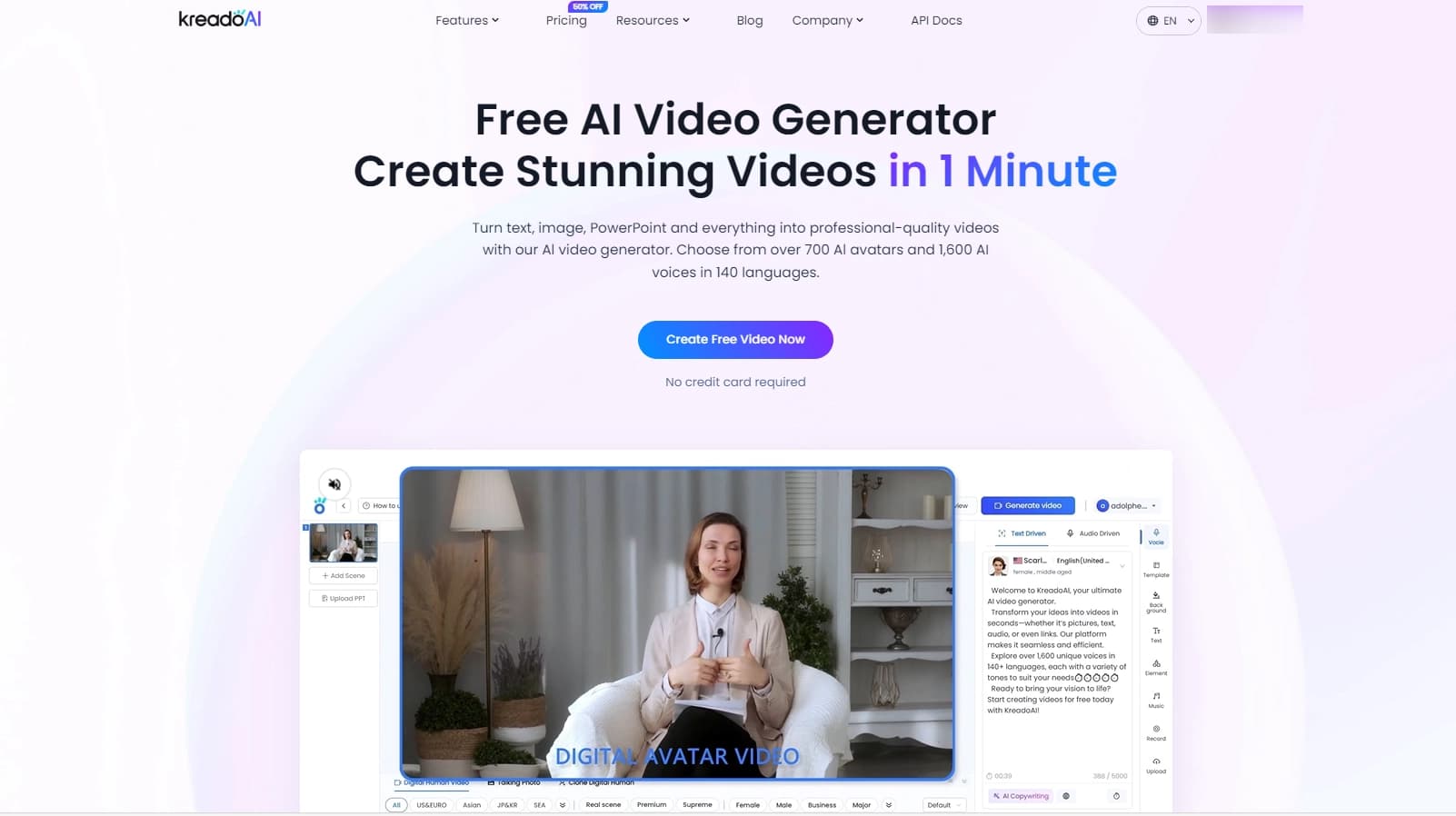

Service for creating multilingual videos with virtual or real characters from text.
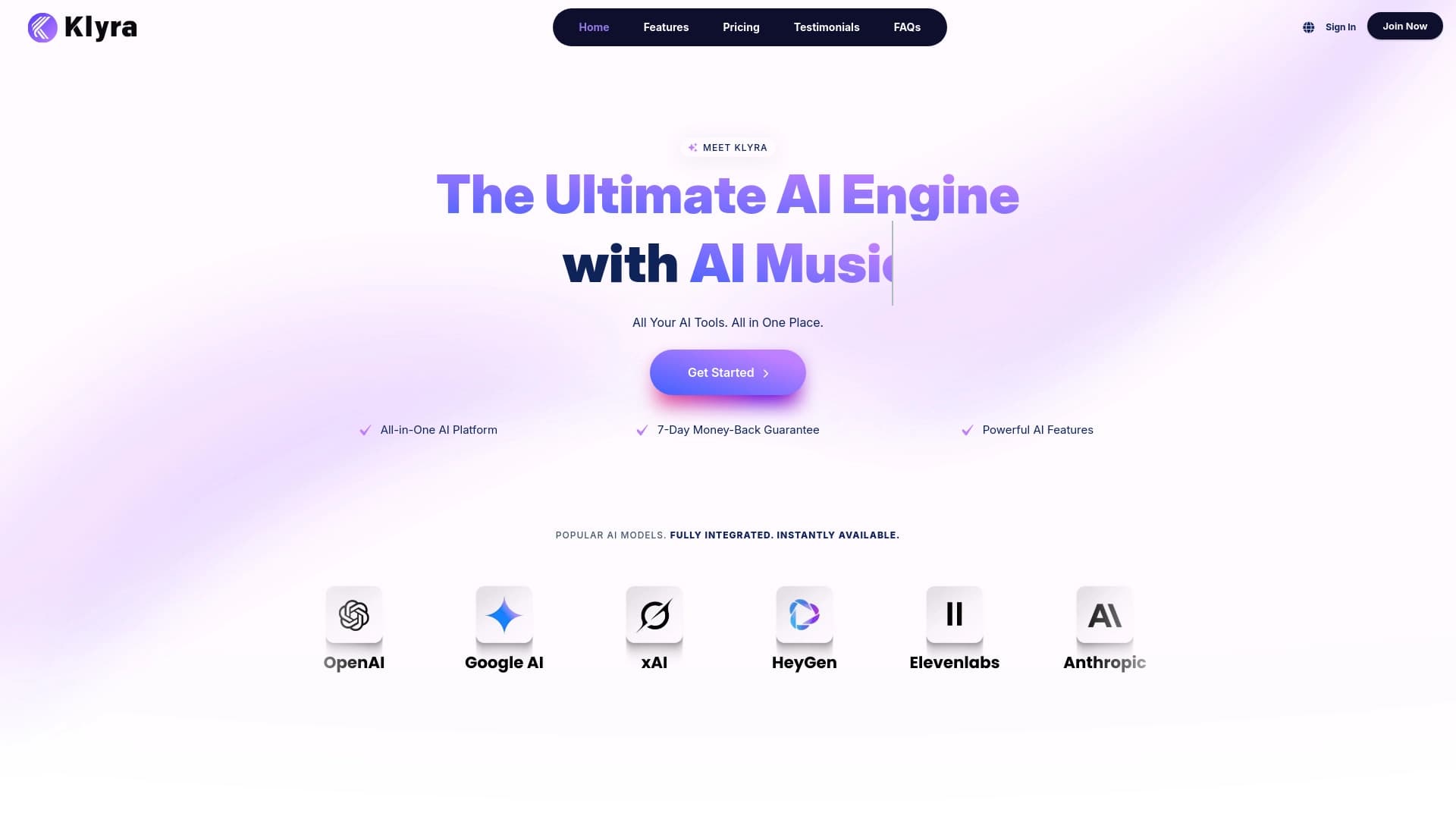
A unified AI platform for creating text, visual, video, and audio content.
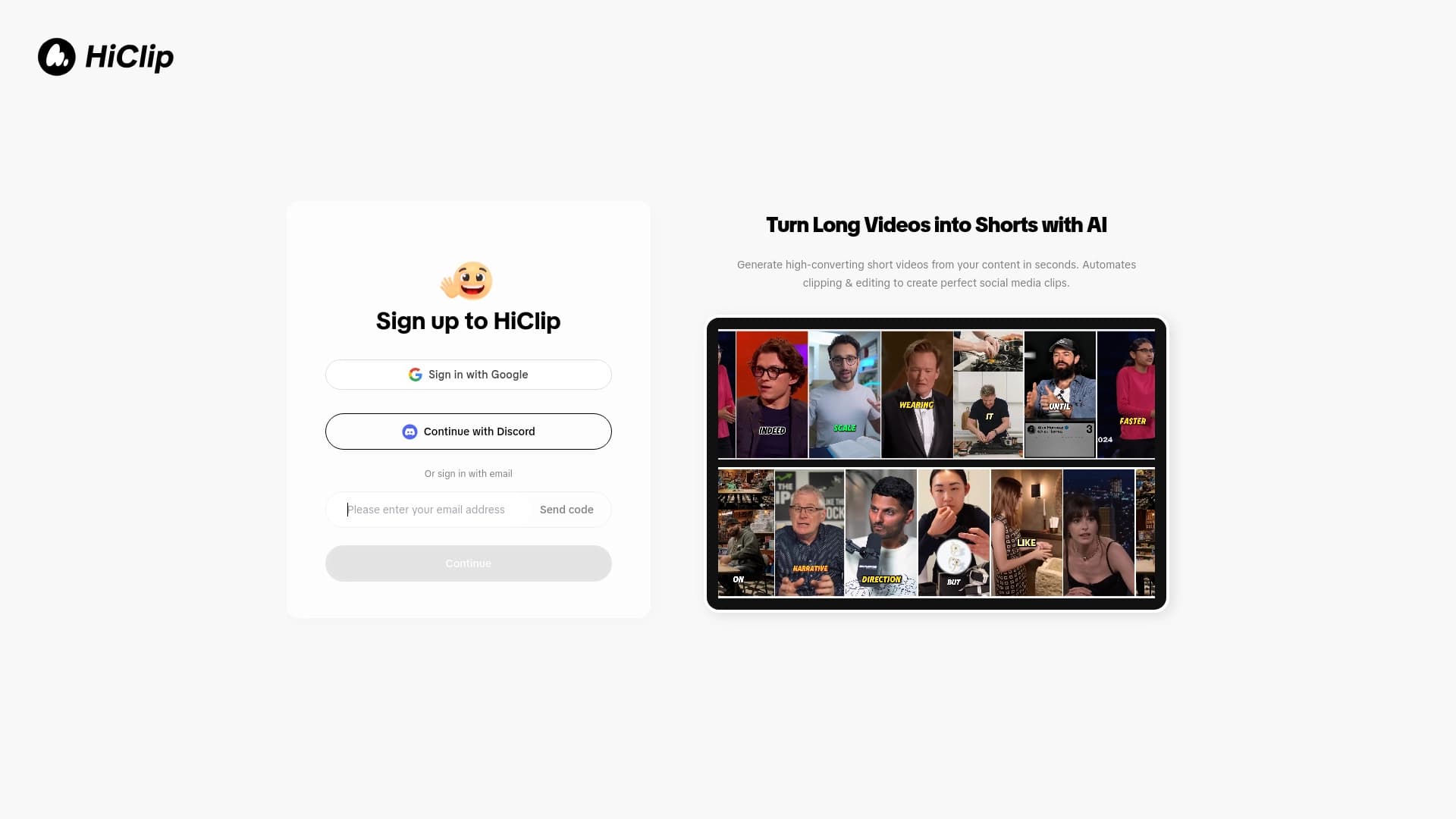

Automatically cuts long videos into short vertical clips for social platforms.

Generate advertising UGC videos with virtual actors without real filming.
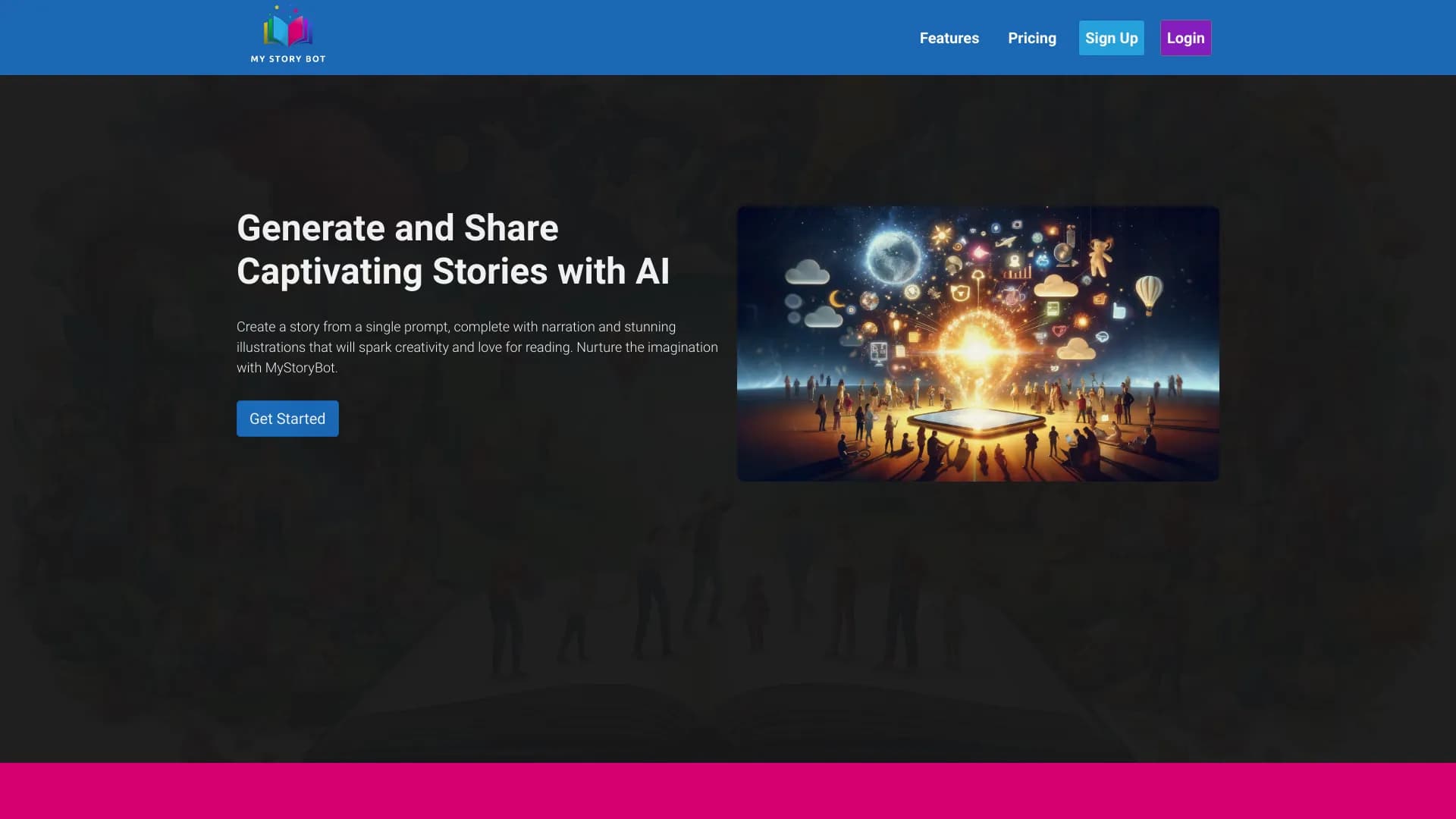
Online service for generating children's books with illustrations using AI.

AI agent for automating customer communications and support.
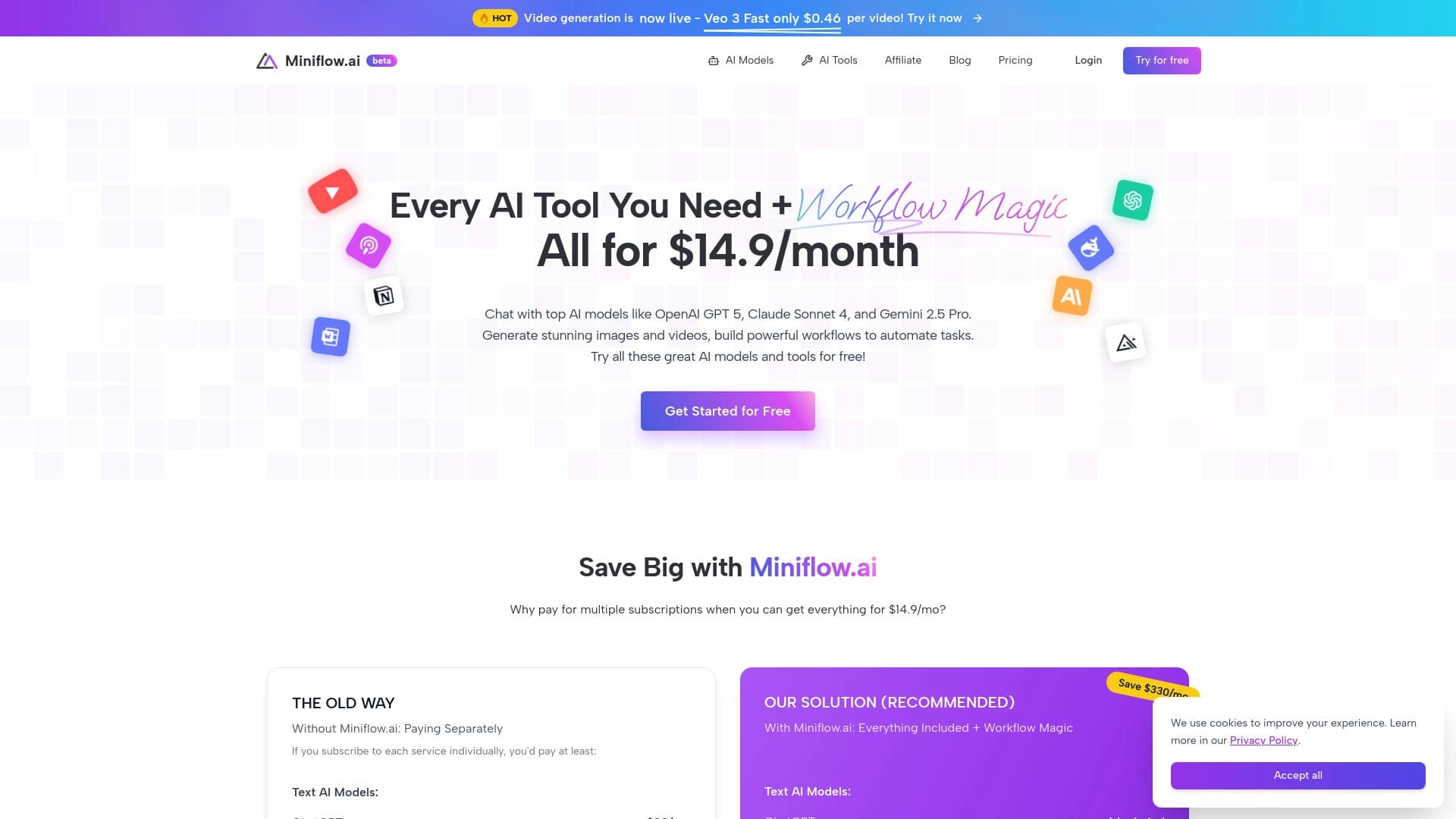

A platform combining over 200 AI tools for content generation and workflow automation.
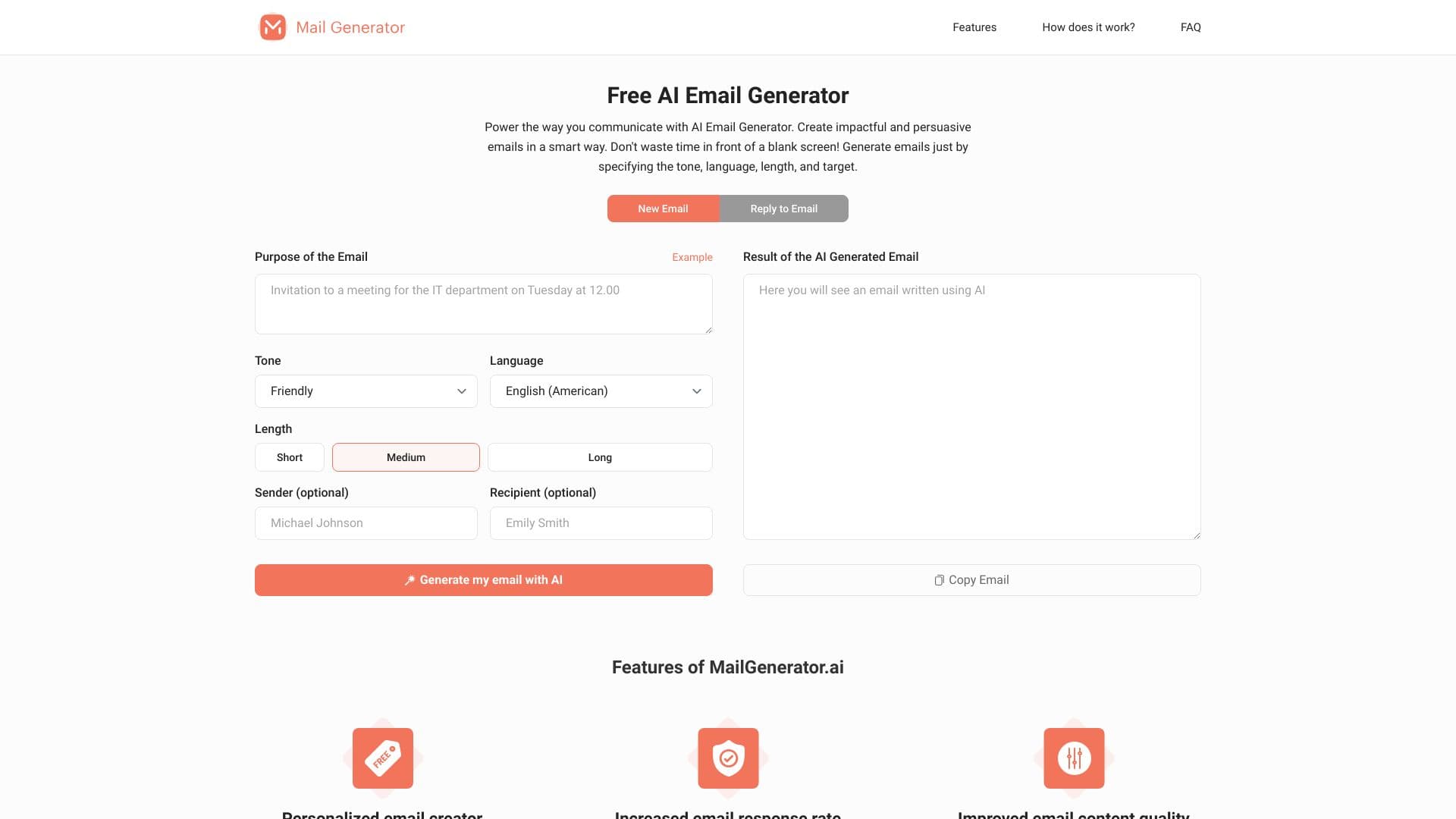

AI-powered online service for generating personalized letters for various purposes and tones.