

Rewind
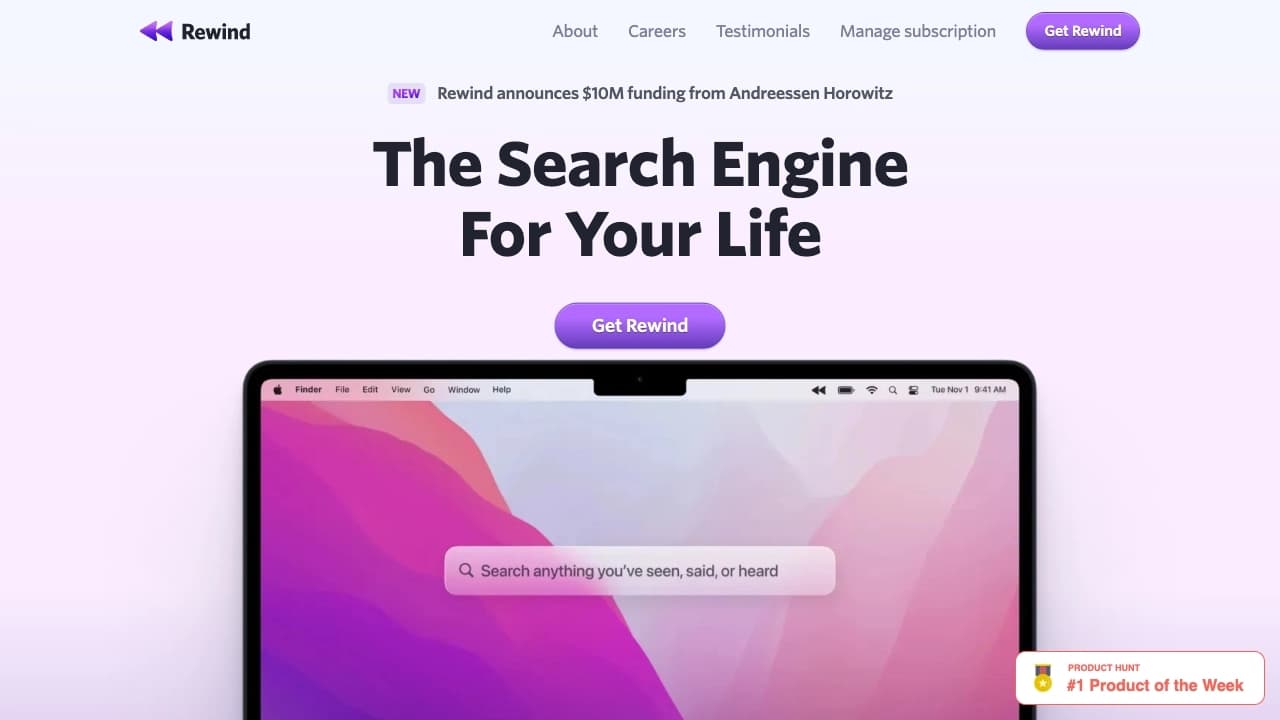
An app that automatically records and structures all your device activity, turning it into easily searchable notes and summaries.
Overview
Rewind
Description of Rewind
Rewind is an app that automatically captures everything that happens on your device: websites you’ve visited, documents you’ve viewed, meetings and discussions you’ve had. The service turns the collected data into structured notes and concise summaries that can be quickly found by keywords, context, or date.
The tool’s key feature is complete privacy: all information is stored locally on the user’s device and is not sent to the cloud. The product is optimized for the Apple ecosystem and integrates with GPT-4, allowing you to get personalized answers based on your data.
How it works
The program runs in the background, continuously tracking user activity and creating a kind of “digital memory” for the device. This removes the need to manually remember or write down important moments — everything is captured automatically.
Privacy philosophy
Unlike many alternatives, Rewind focuses on local data storage. This means your records, notes, and summaries stay under your control and do not end up in cloud storage without your involvement.
Rewind Specifications
| Specification | Value |
|---|---|
| Type | Tool for automating digital memory |
| Categories | Knowledge management, Notes and meeting minutes, Search and analysis, Assistants, Speech-to-text |
| Platforms | Apple Silicon (M1, M2), iPhone, Intel Macs; Windows planned |
| AI integration | GPT-4 |
| Data storage | Local, on the user’s device |
| Business model | Freemium |
Who is Rewind for?
People who value their time
Rewind is suitable for those who want to quickly review meetings and calls without spending time on manual note-taking and processing notes. Automatic meeting logging eliminates routine and saves hours of working time.
Those who care about privacy
The tool is designed for users who value privacy and do not want to send their data to the cloud. Local storage makes Rewind attractive to those who work with sensitive information.
Professionals
The product is especially useful for business analysts, developers, and other specialists who need to preserve and quickly find information from daily online and offline interactions.
How to use Rewind
Installation
Installation takes just a few minutes. After that, the program requires no constant attention and runs in the background.
Everyday use
After installation, Rewind automatically captures your activity on the device. You don’t need to start recording manually or monitor the app — everything happens invisibly.
Search and data review
When you need to find information, simply use the intelligent search by keywords, date, or context, or refer to automatically generated summaries and notes.
Key Features of Rewind
Automatic activity capture
The app records all actions on the device: websites visited, documents opened, meetings and discussions held. This creates a complete picture of your digital activity.
Transcription and summary generation
Rewind can record audio and compress it, create text transcripts, and generate brief summaries of recorded sessions. This lets you quickly review the content of long meetings without listening to them in full.
Intelligent search and GPT-4 integration
The service converts collected data into structured notes that can be searched by keywords, context, or date. The GPT-4 integration provides personalized answers to queries based on your accumulated information.
Advantages of Rewind
Complete privacy
All data is stored locally on the user’s device, with no requirement to send it to the cloud. This sets Rewind apart from most competitors with cloud storage.
Efficient resource use
The program consumes minimal system resources, running in the background without distracting the user. Efficient compression of recordings allows years of conversations and materials to be stored without significant load on the device.
Simplicity and speed
Quick installation and operation without constant user attention make the tool convenient for everyday use. Automatic creation of brief summaries helps you quickly review the information you need.
Drawbacks of Rewind
Limited platform support
The tool is optimized for the Apple ecosystem (macOS and iOS). Windows users cannot use the product yet — support for this platform is planned but not currently available.
Hardware requirements
Modern Apple Silicon chips (M1, M2) are required for the full experience on Mac. Although Intel processor support is provided, some features may be tailored to newer hardware.
What problems does Rewind solve?
Automatic meeting minutes
The program independently captures meetings and discussions, creating text transcripts and concise summaries. This eliminates the need for manual note-taking and rewatching long recordings.
Quick information search
Rewind allows you to quickly find mentioned tasks, code snippets, and other important details by keywords or date, saving time on routine search operations.
Report preparation and data loss prevention
The tool helps prepare reports based on captured information and minimizes the risk of losing important data by keeping all materials local and structured for later access.
Rewind Pricing
The tool operates on a Freemium model. This means the basic functionality is available for free, while advanced features are unlocked through paid plans. Exact figures and pricing for specific plans are not specified in the provided data, so check the product’s official website for current pricing information.
Rewind Terms of Use
The product is an app for automating digital memory, available within the Apple ecosystem. As with any program that processes personal data, it is important to review the current terms of use on the official website. The tool states local data storage, which implies keeping control of information on the user’s side; however, the detailed licensing and usage terms are not disclosed in the provided data.
Rewind Availability
The tool is supported on devices with Apple Silicon chips (M1, M2), iPhones, and Macs with Intel processors. The product is optimized for the Apple ecosystem (macOS and iOS). A Windows version is expected in the future, but the service is currently unavailable to users on other platforms.
How Rewind Differs from Alternatives
The main difference between Rewind and its competitors is its approach to information capture. Alternatives usually just record the screen or audio, whereas Rewind builds an intelligent index of events and content, turning data into structured notes and summaries.
The second important difference is local data storage. Most competitors, such as Mem, rely on cloud storage, whereas Rewind stores all information directly on the user’s device. This provides a higher level of privacy and control over data, which is especially valuable when working with confidential information.
Conclusion
Rewind is a well-designed tool for automating digital memory that captures all activity on your device and turns it into easily searchable notes and summaries. Thanks to local data storage and GPT-4 integration, the service lets professionals save hours on routine information searches and minimize the risk of data loss while retaining full control over privacy. Despite limited availability (Apple ecosystem only) and a Windows version still in the works, the tool already looks like a strong solution for those who value time and confidentiality.
Frequently asked questions
See also


A browser with built-in AI tools for chatting with neural networks, generating texts and images, translating and summarizing pages.

Platform for creating custom AI chats trained on your own business data.

An online service that lets you chat with PDF documents: ask questions and get concise answers with source attribution.


AI assistant for quickly creating and editing texts in various formats.


Service for automatic transcription of audio and video into text with support for over 100 languages.


Chrome extension that helps manage tabs, history, and bookmarks with an AI assistant.


A platform for creating corporate chatbots based on your own documents without coding.


AI-based service for automatic generation of text content in various formats.