

Reclaim AI
AI assistant for automatic scheduling of tasks, meetings, and habits in your calendar.
Overview
Reclaim AI Neural Network Overview
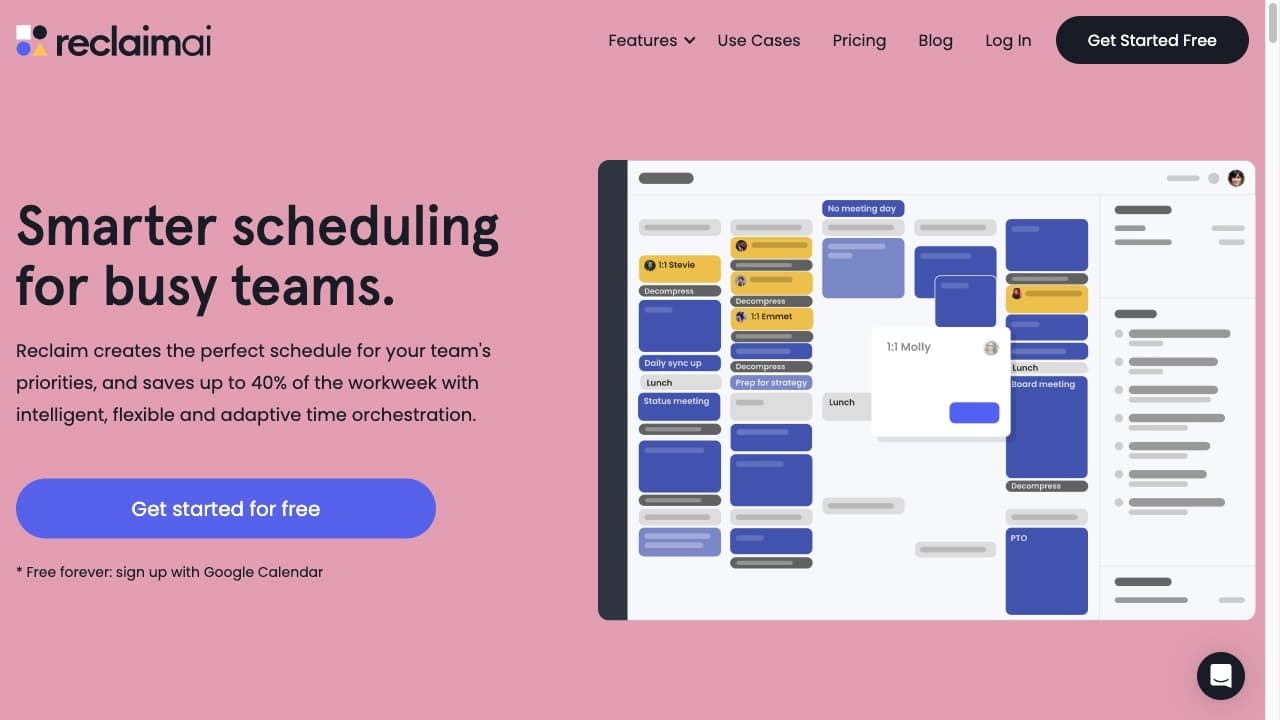
Reclaim AI is an intelligent calendar management assistant whose primary purpose is to automatically optimize your work schedule. Instead of manually finding time for each task or meeting, you delegate this to the algorithm. The system connects to your calendar and task trackers, then independently finds the best time slots for work, meetings, and personal tasks, dynamically adapting to changes.
A key feature of Reclaim AI is its ability to protect time for priority tasks. If someone tries to schedule a meeting during a period reserved for focused project work, the algorithm will suggest alternative time options, keeping your schedule intact. This allows teams and individual professionals to reduce unplanned interruptions and increase overall productivity by decreasing the number of meetings and scheduling conflicts.
Reclaim AI Characteristics
| Characteristic | Value |
|---|---|
| Type | AI-based scheduling tool, AI calendar assistant |
| Business Model | Freemium (free tier and paid advanced features available) |
| Category | Productivity, Scheduling, Task Management |
| Platforms | Web, iOS, Android, Mac, Windows, Chrome Extensions |
| Integrations | Google Calendar, Outlook, Asana, ClickUp, Todoist |
| Editor's Rating | 9.0 out of 10 (according to NeuroFolder criteria) |
| User Rating | 4.7 out of 5 (★★★★★) |
Who is Reclaim AI suitable for?
Managers and HR Specialists
For managers and HR professionals, Reclaim AI offers value through its People Analytics feature. This tool allows you to track the actual workload of your team, identify overloaded employees, and distribute tasks more evenly. This helps make informed decisions about resource management and prevent burnout.
Specialists and Freelancers
Developers, designers, copywriters, and other professionals whose work requires deep concentration will find Reclaim AI a reliable assistant. The tool automatically blocks time for focused work in the calendar, protecting it from unplanned meetings. This is especially useful for remote workers and freelancers who need to manage their own day and balance multiple projects.
Project Managers and Teams
For project managers, Reclaim AI helps synchronize team members' schedules by automatically finding optimal times for collaborative meetings and deadlines. The tool also efficiently distributes tasks from trackers (such as Asana or Todoist) across employees' calendars, taking priorities and deadlines into account.
How to use Reclaim AI?
Setup and Integration
After registration, you need to connect your primary calendar (Google or Outlook) and, if necessary, task trackers (Asana, ClickUp, Todoist). Then you set your working hours and priorities for different types of activities: meetings, deep work, breaks, and habits.
Automatic Scheduling
To get started, simply add tasks to the connected tracker or create a meeting. Reclaim AI will automatically place these items in your calendar at optimal time slots. For example, by setting a time goal for deep work (Focus Time), the AI will automatically block the corresponding hours in your schedule. If a conflict arises, the system will suggest moving secondary tasks to another time.
Monitoring and Adjustment
You don't need to constantly monitor the algorithm, but you can intervene when necessary. Reclaim AI provides analytics on how time is used and allows you to manually reschedule tasks. If a colleague tries to schedule a meeting during your "protected" slot, the AI will automatically suggest an alternative, saving your time and nerves.
Key Features of Reclaim AI
Focus Time and Buffer Time
- Focus Time: Allows you to block time in your calendar for deep work on important projects. The AI will decline or reschedule meetings that try to occupy this time, offering alternative options.
- Buffer Time: Automatically adds breaks between meetings. This helps avoid back-to-back meetings, giving you time to rest and prepare.
Task and Habit Management
- Automatic Task Scheduling: Reclaim AI integrates with Asana, ClickUp, and Todoist, automatically placing your tasks in the calendar based on deadlines and priorities.
- Habits: A feature for embedding regular activities (such as sports, learning, reading) into your daily or weekly schedule. Habits receive recurring slots that cannot simply be overridden by other tasks.
Smart Meetings and Analytics
- Smart Meetings: Finds the ideal meeting time for all participants by analyzing their calendars, time zones, and priorities. This reduces conflicts and the need for rescheduling.
- Time Tracking and People Analytics: Tracks how much time is spent on various tasks and projects and provides detailed analytics for you or for managing the entire team's workload.
Advantages of Reclaim AI
Automation and Time Protection
The main advantage is being freed from manual scheduling. The AI itself finds time for tasks and meetings and, crucially, protects slots for deep work from unplanned intrusions. This feature allows you to focus on what truly matters.
Integration and Analytics
Seamless integration with popular tools (Asana, Todoist, Google Calendar) makes task management centralized. Additionally, Time Tracking and People Analytics provide detailed information about personal productivity and team workload, enabling you to optimize workflows.
Flexibility and Smart Breaks
Reclaim AI doesn't just rigidly fix events; it dynamically reschedules when conflicts arise. Adding automatic breaks between meetings reduces fatigue and helps maintain a high level of concentration throughout the day.
Disadvantages of Reclaim AI
Learning Curve for Some Users
Despite the automation, effectively using all features requires time for initial setup. Beginners may not immediately understand how to properly set priorities and configure rules for different task types so that the algorithm works as efficiently as possible.
What tasks does Reclaim AI solve?
- Planning work time and tasks: Automatic task placement and time allocation in the calendar.
- Finding convenient meeting times for multiple participants: Analyzing all invitees' schedules to select the optimal slot.
- Protecting deep work time from unplanned meetings: Offering alternatives when someone tries to schedule a meeting during a blocked slot.
- Automatically placing tasks from trackers into the calendar: Importing and scheduling tasks based on deadlines and priorities.
- Adding breaks between meetings: Automatically inserting pauses into the schedule to prevent overwork.
- Tracking personal productivity and team workload: Providing analytics on time usage and employee load.
Reclaim AI Pricing
Reclaim AI operates on a Freemium model. This means there is a free plan that provides access to basic scheduling features, calendar integration, and task trackers. Access to more advanced features, such as expanded team analytics (People Analytics) or in-depth priority settings, will likely require upgrading to one of the paid plans. However, specific prices for paid subscriptions are not specified in the source data.
Terms of Use for Reclaim AI
Registration on the platform is required to start using the service. By creating an account, you agree to the service's terms of service and privacy policy. Since this is a cloud-based web service, a stable internet connection is required for its use.
Reclaim AI Availability
The service is available as a web application and has clients for major platforms: Web, Android, iOS, Mac, Windows, and Chrome Extensions. According to visit statistics, the primary users of Reclaim AI are residents of India (about 50.87%) and France (about 49.13%).
How Reclaim AI differs from alternatives
Operating Principle and Focus
Unlike simple meeting schedulers such as Calendly or Fantastical, Reclaim AI emphasizes automatic management of tasks and habits, not just coordinating meeting times. It actively interacts with task trackers, independently choosing when to complete a given task, while Motion is also a strong competitor but is often positioned as a comprehensive tool for project and calendar management.
Flexibility and Time Protection
The key difference between Reclaim AI and tools like Clockwise is a deeper level of time protection for focused work and habit management. Clockwise also optimizes schedules, but Reclaim AI offers tighter integration with external task trackers and flexible priority settings for recurring activities, giving you more control over your personal schedule.
People and Analytics
While Timely focuses on automatic time tracking, Reclaim AI goes further by providing analytics not only on where time went but also on scheduling efficiency and team workload. The People Analytics integration sets it apart from other alternatives, including Dola AI, CalendarScan, and Pool Planner AI, which solve more narrow tasks.
Conclusion
Reclaim AI is a powerful and well-designed AI assistant for those who want to take control of their time. It effectively handles the automatic scheduling of meetings, tasks, and habits, and provides reliable protection against unplanned interruptions. Deep integrations with popular task trackers and team analytics features make it a valuable tool both for individual professionals striving for maximum productivity and for managers looking to optimize workflows. Despite the need for initial setup, high user and editorial ratings confirm its effectiveness. It's an excellent choice for those ready to entrust their schedule to an intelligent algorithm.
Frequently asked questions
See also
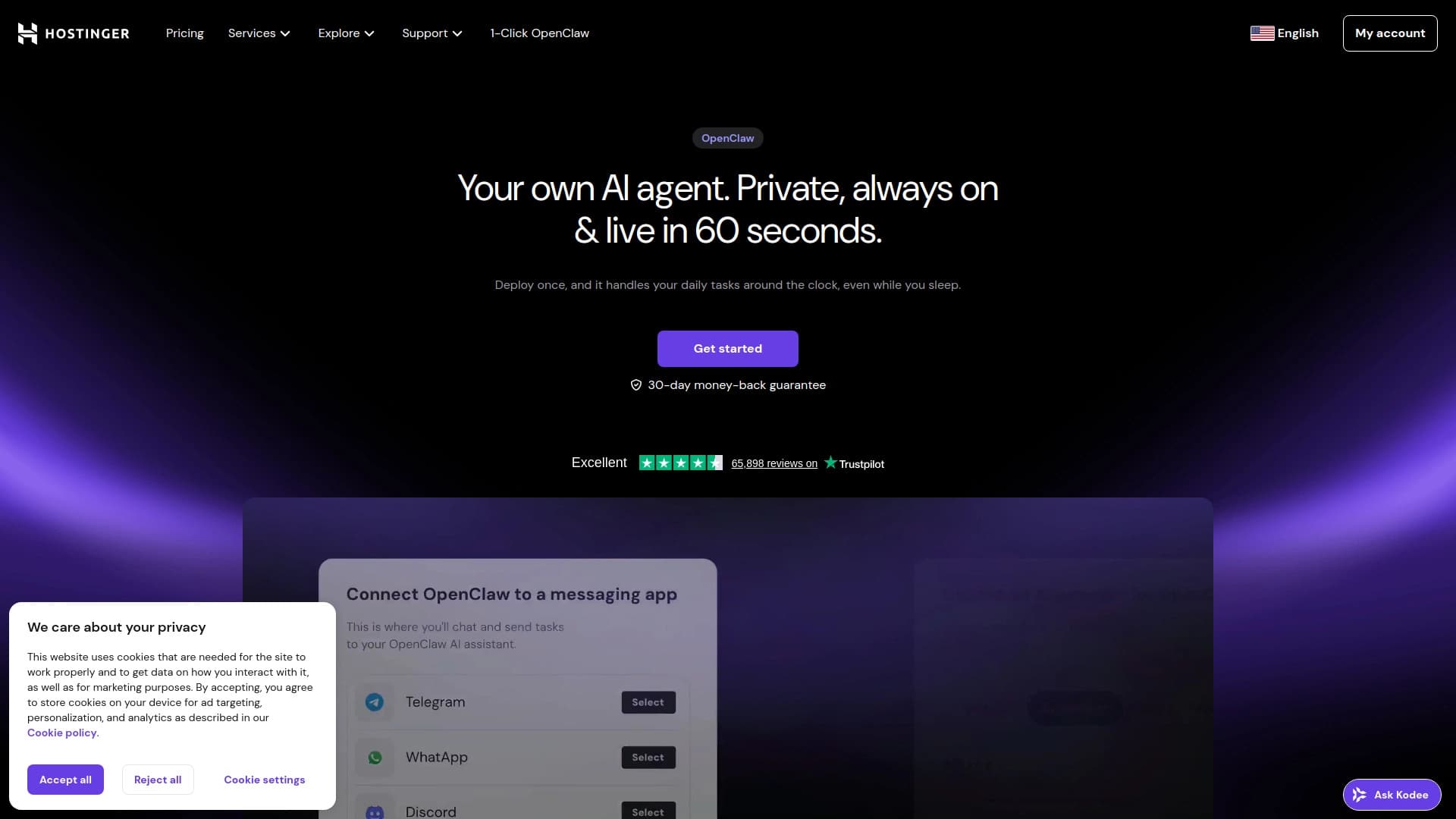
AI website builder from Hostinger for quickly creating websites based on a business description.


Platform for communicating with virtual characters on adult topics, with the ability to create your own role-playing scenarios.


Web service for generating images from text descriptions and communicating with virtual characters.
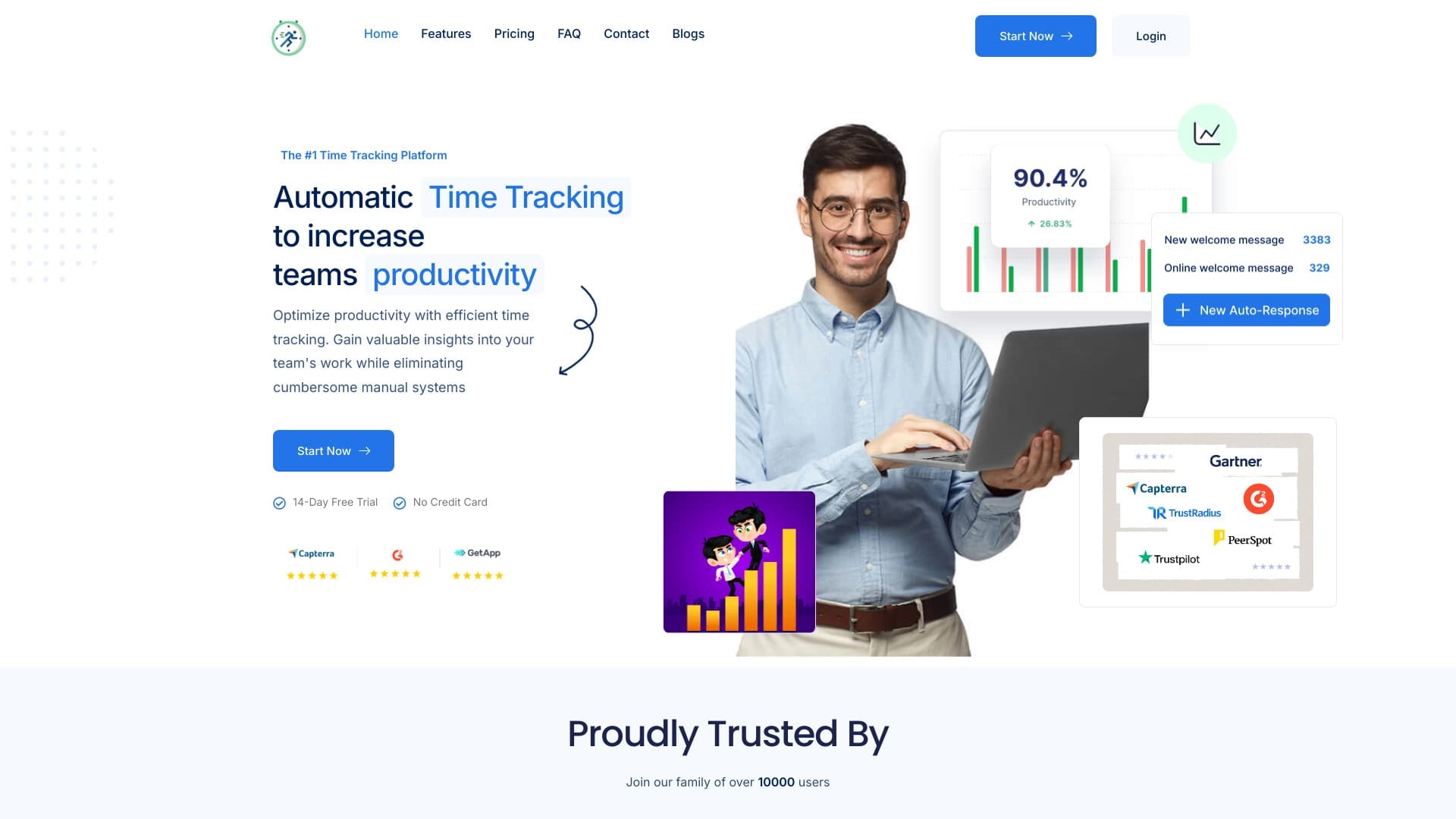

Platform for automatic work time tracking and team productivity analysis.


A platform for creating and interacting with AI characters, each with their own personality and story.
AI logo generator that creates unique variations in minutes.

AllChat is a universal platform that combines several popular language models in a single interface for communication, image generation, file analysis, and code execution.
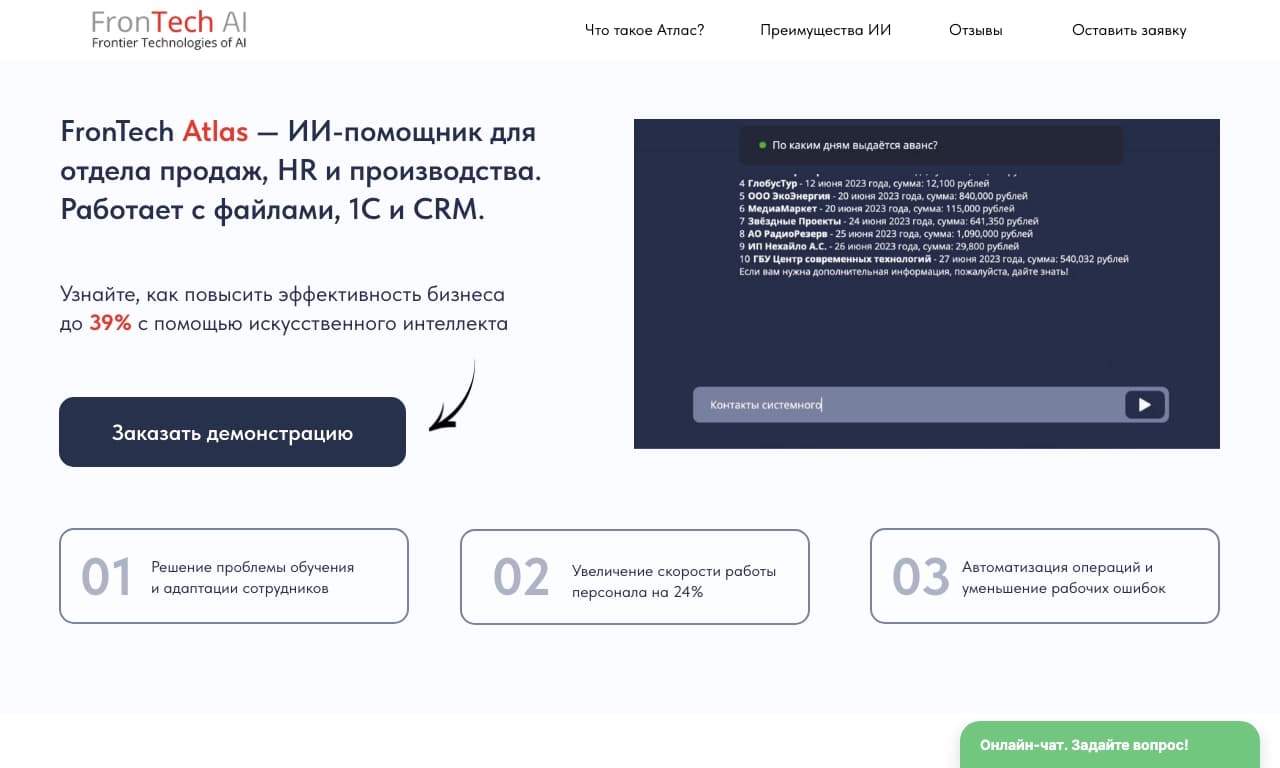
Corporate AI assistant for data analysis and business task automation, trainable on a company's own data.