
Qwen
Мультимодальный AI-инструмент от Alibaba Cloud для генерации текста, кода, изображений и видео, а также для решения задач разработки и автоматизации.
Обзор
Qwen
Описание нейросети Qwen
Qwen — это семейство мультимодальных AI-моделей от облачного подразделения Alibaba Group (Alibaba Cloud), предназначенных для решения широкого круга задач: от генерации текста и изображений до программирования и автоматизации разработки. Линейка включает несколько версий, среди которых выделяются Qwen3-Coder для работы с кодом, Qwen3.7-Max для агентных сценариев и мультимодальные модели для генерации и анализа изображений, видео и аудио.
Инструмент доступен в виде веб-чата и мобильного приложения, поддерживает русский язык и функционирует на территории России без необходимости использования VPN. Qwen объединяет возможности чат-бота, поисковика и генератора контента, предлагая пользователям бесплатный базовый доступ к мощным языковым моделям.
Характеристики Qwen
| Характеристика | Значение |
|---|---|
| Тип | Чат-бот, агентная AI-модель, универсальная нейросеть |
| Разработчик | Alibaba Cloud (Alibaba Group) |
| Категории | Чат-боты, генерация текста, генерация кода, генерация изображений, генерация видео |
| Цена | Бесплатно (есть платные тарифы для интенсивной нагрузки) |
| Контекстное окно | До 1 млн токенов |
| Поддерживаемые языки интерфейса | 119 языков, включая русский и китайский |
| Платформы | Веб (браузер), мобильные приложения (App Store, Google Play) |
| Доступность в России | Работает напрямую, без VPN (по данным сервиса chat.qwen.ai) |
| Рейтинг пользователей | 4.71 (источник 1) / 4.5 (источник 4) |
| Дата первого релиза | 27 ноября 2024 (модель QwQ-32B-Preview) |
Для кого подходит нейросеть Qwen?
Разработчики и программисты
Qwen предлагает специализированные модели для работы с кодом (Qwen3-Coder), поддерживающие написание, отладку и рефакторинг кода на нескольких языках программирования, включая Python, JavaScript, C++ и Java. Модель способна работать с крупными репозиториями объёмом до 1 млн токенов и выполнять многошаговые задачи разработки.
Создатели контента
Инструмент подходит авторам, дизайнерам, видеографам и художникам. Он позволяет генерировать тексты для статей и описаний, создавать фотореалистичные изображения и короткие видеоролики прямо в интерфейсе чата.
Русскоязычные пользователи
Благодаря поддержке русского языка интерфейса и возможности работы без VPN, Qwen доступен пользователям из России, которые ищут бесплатную альтернативу западным AI-сервисам с подпиской.
Как использовать нейросеть Qwen?
Через веб-версию
Зайдите на сайт chat.qwen.ai через браузер. Зарегистрируйтесь по электронной почте или через аккаунт Google — базовый доступ является бесплатным. После входа выберите подходящую модель (например, Qwen3.7-Max для сложных задач или Qwen3.7-Plus для работы с мультимедиа) и режим (Thinking для пошагового рассуждения или поиск по интернету).
Через мобильное приложение
Скачайте приложение Qwen Chat из App Store или Google Play. Установка и регистрация аналогичны веб-версии. Приложение предоставляет те же функции, включая генерацию изображений, видео и работу с документами.
Практические советы
Для генерации и редактирования изображений используйте специальную кнопку в интерфейсе чата. Прикрепляйте файлы (PDF, DOCX, код) для их анализа. Формулируйте запросы точно и уточняйте их итерациями для лучшего результата. Для разработки с Qwen3-Coder можно использовать Hugging Face, vLLM или развернуть модель локально при наличии ресурсов.
Основные функции Qwen
Генерация и работа с контентом
Qwen способен создавать тексты различных жанров, включая статьи, описания товаров и ответы на вопросы. Модели Qwen-Image и Qwen3-Omni позволяют генерировать и редактировать изображения, а также создавать короткие видеоролики на основе текстовых описаний. Инструмент поддерживает распознавание (ASR) и синтез речи (TTS).
Программирование и агентные сценарии
Qwen3-Coder выполняет написание, исправление и рефакторинг кода, поддерживает мультифайловую разработку и генерацию тестов. Агентные модели, такие как Qwen3.7-Max, умеют разбивать задачи на этапы, планировать выполнение и автоматически тестировать результаты. Контекстное окно до 1 млн токенов позволяет анализировать крупные проекты целиком.
Анализ и поиск информации
Модели Qwen могут анализировать изображения, документы и аудио, а также выполнять поиск информации в интернете. Гибридный режим рассуждения (Qwen3-Max-Thinking) сочетает пошаговые логические цепочки с быстрыми ответами, снижая потребление токенов на простых задачах.
Преимущества Qwen
Доступность и цена
Базовый функционал Qwen Chat предоставляется бесплатно (с лимитами запросов), что отличает его от многих западных сервисов, работающих по подписке. Пользователям из России не требуется использовать VPN для доступа к основному чат-сервису. Регистрация проста и не требует верификации через иностранные сервисы.
Производительность и выбор моделей
По заявлениям разработчиков, флагманские модели Qwen демонстрируют результаты, сопоставимые или превосходящие GPT-4, DeepSeek-V3 и Llama-3.1-405B в задачах понимания языка и генерации кода. Пользователю доступен широкий выбор моделей — от лёгких (Qwen3-0.6B) до мощных (Qwen3-235B-A22B) — под конкретные задачи.
Конфиденциальность и открытость
Alibaba Cloud декларирует упор на конфиденциальность данных пользователей. Веса ряда моделей семейства Qwen являются открытыми, что позволяет разработчикам развёртывать их локально или на собственных серверах. Для интеграции доступно API с документацией, совместимое с форматом OpenAI.
Недостатки Qwen
Ограничения бесплатного тарифа
На бесплатном тарифе действуют лимиты на количество запросов. При интенсивной нагрузке может потребоваться переход на платный план.
Противоречивая информация о доступности в России
Хотя официальный чат-сервис chat.qwen.ai работает напрямую без VPN, в некоторых источниках (источник 4) для использования Qwen2.5-Max из России требуется VPN. Пользователям рекомендуется уточнять актуальную информацию на момент использования.
Какие задачи решает Qwen
Разработка и программирование
Планирование и выполнение задач по программированию, автоматизация разработки, преобразование интерфейсных макетов в рабочий код, итеративное тестирование и исправление ошибок, работа с крупными кодовыми базами.
Создание и обработка контента
Генерация текстов для статей, описаний и ответов на вопросы. Создание фотореалистичных изображений, коротких видеороликов и анимированных сцен. Редактирование изображений с помощью текстовых команд.
Анализ и автоматизация
Обработка естественного языка, анализ данных и документов, распознавание и синтез речи. Автоматизация клиентской поддержки, помощь в обучении, многошаговые агентные задачи.
Цены Qwen
Qwen Chat предлагает бесплатный тариф с базовыми функциями: текстовый чат, генерация изображений, работа с документами. На бесплатном тарифе действуют лимиты на количество запросов. Для интенсивной нагрузки и доступа к API предусмотрены платные тарифы (модель оплаты «Бесплатно / Плата за API»). Точные цены платных планов не раскрыты в исходных данных и зависят от объёмов использования и выбранных моделей.
Условия использования Qwen
Для доступа к сервису требуется регистрация по электронной почте или через аккаунт Google. Базовый доступ является бесплатным. На бесплатном тарифе действуют лимиты запросов. Сайт может использовать cookies и сторонние сервисы аналитики (например, Яндекс Метрику). Для использования из России с некоторых зеркал сайта может потребоваться VPN.
Доступность Qwen
Qwen доступен через веб-версию в любом современном браузере, а также через мобильные приложения в App Store и Google Play. Основной чат-сервис chat.qwen.ai работает на территории России напрямую, без необходимости использования VPN. Интерфейс поддерживает 119 языков, включая русский. Некоторые модели семейства также доступны через Hugging Face для самостоятельного развёртывания.
Чем отличается Qwen от аналогов
Основное отличие Qwen от западных конкурентов (GPT-4, Claude) — предоставление мощных инструментов на бесплатной основе с лимитами, в то время как аналоги часто требуют ежемесячной подписки. От китайских аналогов (DeepSeek, ByteDance) Qwen отличается более широким выбором моделей под разные задачи и прямым доступом из России без VPN по данным основного сервиса. API Qwen совместим с форматом OpenAI, что упрощает миграцию для разработчиков. По заявлениям разработчиков, флагманские модели показывают результаты, сопоставимые или превышающие показатели DeepSeek V3 и GPT-4o в ряде тестов.
Заключение
Qwen — это мощное семейство мультимодальных AI-моделей от Alibaba Cloud, объединяющее чат-бота, генератор контента, код-ассистент и поисковик в одном интерфейсе. Инструмент доступен бесплатно с лимитами на количество запросов, работает на территории России без необходимости использования VPN (через основной сервис chat.qwen.ai) и полностью поддерживает русский язык. Благодаря широкому выбору моделей — от лёгких для быстрых задач до больших с контекстом в 1 млн токенов для анализа крупных проектов — Qwen подходит как разработчикам и создателям контента, так и обычным пользователям, ищущим бесплатную альтернативу западным AI-сервисам.
Тарифы
Часто задаваемые вопросы
Похожие нейросети











Смотрите также
Сервис для автоматизации первого контакта с клиентами в продажах.


Платформа для генерации и редактирования изображений и видео на основе искусственного интеллекта.

Браузерное расширение и веб-сервис с функциями ИИ-ассистента: ответы на запросы, суммаризация видео и документов, перевод текста.


Платформа для создания корпоративных чат-ботов на основе собственных документов без программирования.

Веб-сервис для генерации изображений по текстовым запросам и преобразования фото и видео в художественные арты.

Сервис для анимации фотографий и создания видео с цифровыми аватарами с помощью искусственного интеллекта.
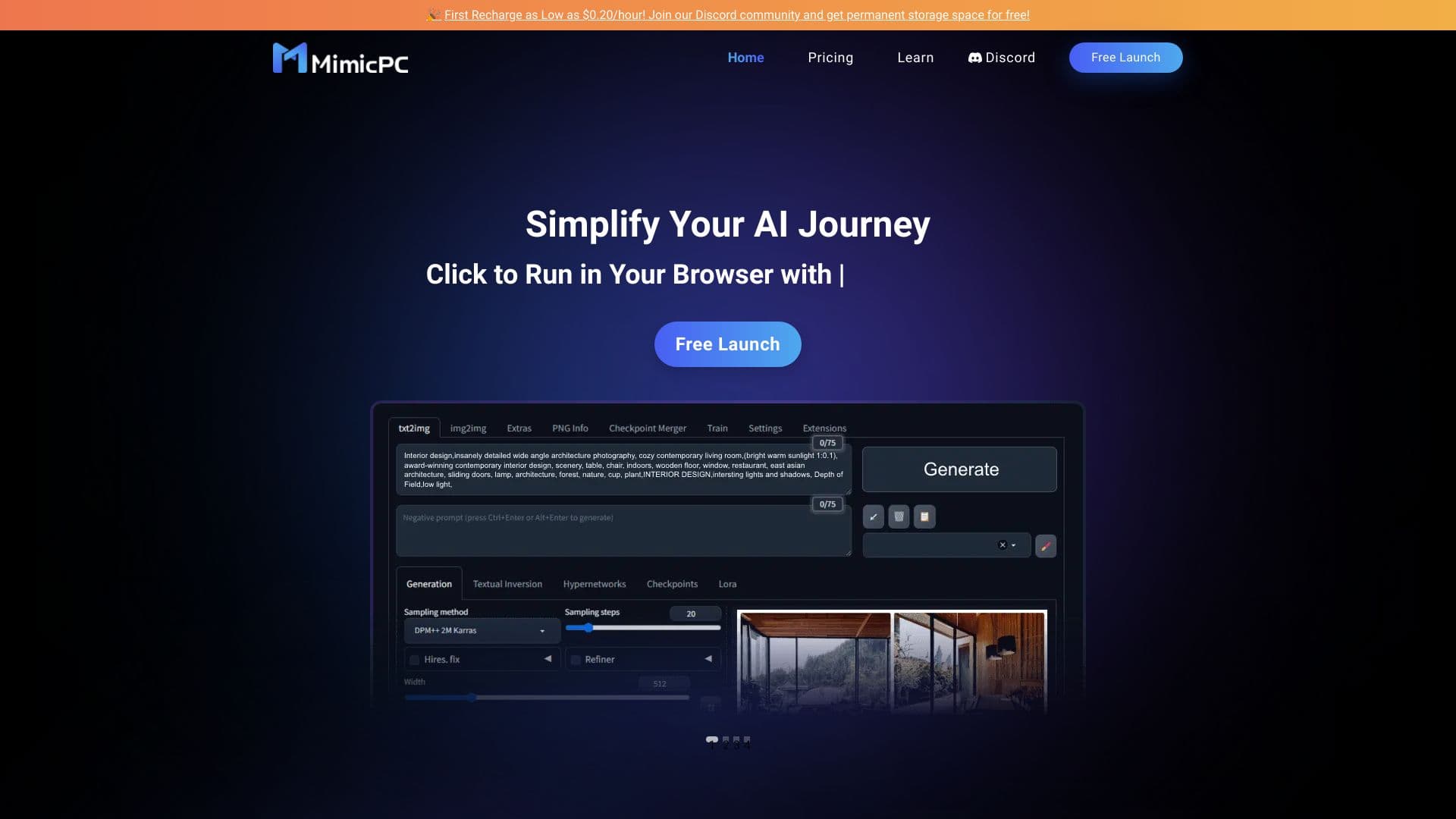
Облачная платформа для запуска ИИ-приложений прямо в браузере без установки.


Онлайн-сервис на основе нейросети для превращения обычных фотографий в стилизованные художественные портреты и аватары.