
Qdrant
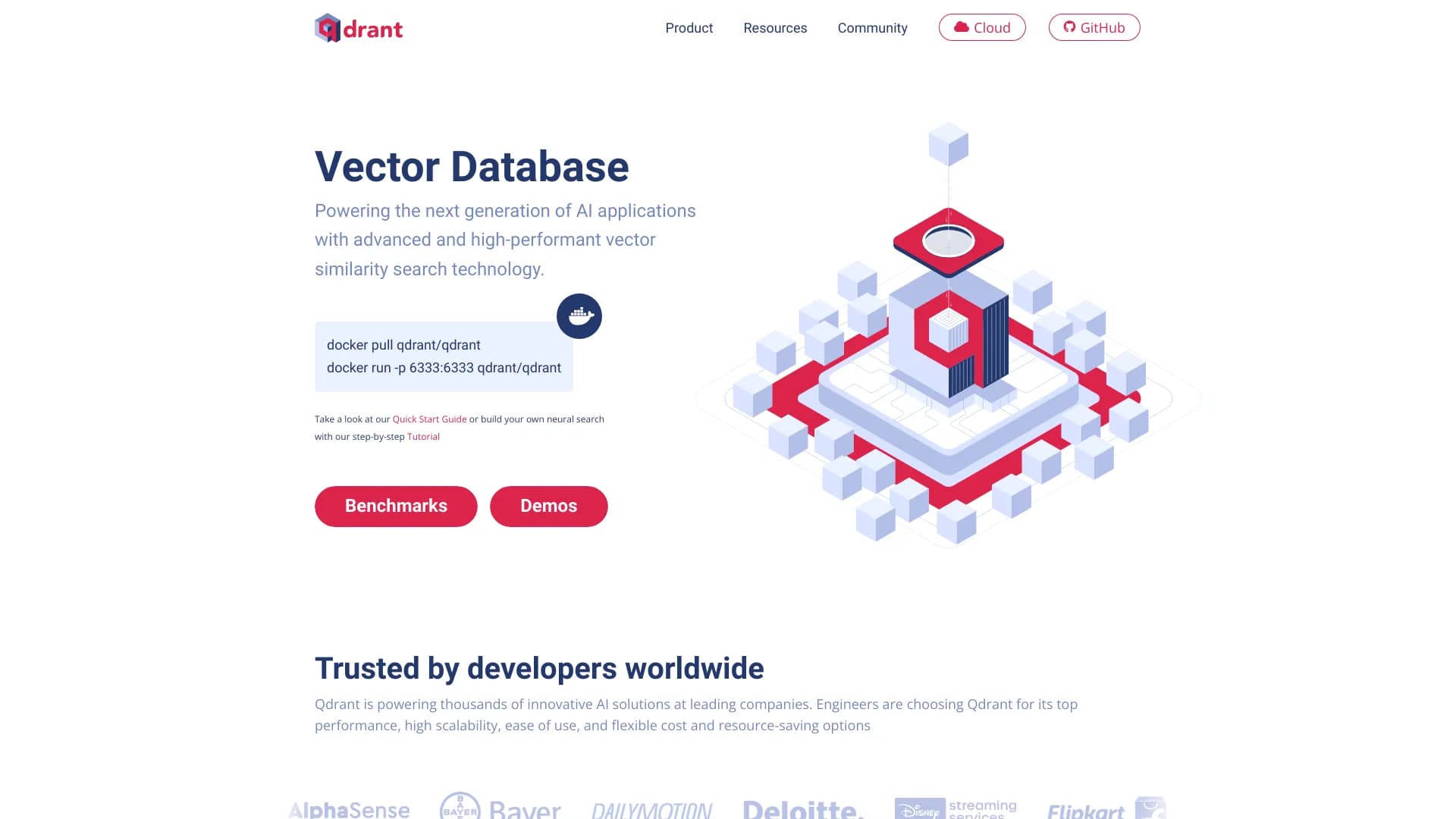
High-performance search engine for vector data and embeddings, used in AI applications.
Overview
Qdrant
About Qdrant
Qdrant is a high-performance search engine for vector data (embeddings), designed specifically for AI applications. The tool is written in Rust, which ensures high speed and reliability. Qdrant solves a key machine learning task — storing multidimensional vector representations and fast similarity search. This is necessary for recommendation systems, image and video search, and natural language processing tasks. The platform offers both an open-source solution for self-deployment and managed cloud options, including hybrid and private configurations. The basic free tier provides 1 GB of storage without requiring credit card details.
Architecture and Technologies
Qdrant is built on Rust — a systems programming language known for its performance and memory safety. This allows the engine to process large volumes of vector data with minimal latency. Qdrant's architecture was originally designed to be scalable: the system supports distributed deployment and can expand horizontally as load grows.
Cloud Solutions
In addition to deployment on your own servers, Qdrant offers managed cloud solutions. The cloud service includes automatic updates without downtime, simplifying operations for teams that do not want to handle infrastructure administration. Hybrid Cloud and Private Cloud are available for organizations with special security and data control requirements.
Qdrant Characteristics
| Characteristic | Value |
|---|---|
| Type | Vector search system |
| Category | AI tool for working with embeddings |
| Platforms | Web, Linux, Mac, Windows |
| Pricing model | Freemium (free tier available) |
| Date added to catalog | May 22, 2025 |
| Free plan | Yes (1 GB free forever, no credit card required) |
| Development language | Rust |
Who is Qdrant suitable for?
Developers and Engineers
Qdrant is primarily aimed at developers who build AI applications working with vector data representations. The tool requires technical knowledge for deployment and integration, so it is suitable for developers familiar with APIs and client libraries for various programming languages.
Data Scientists and ML Engineers
Data scientists and machine learning (ML) engineers can use Qdrant to store embeddings obtained from pre-trained models and perform similarity search within data processing pipelines. The tool integrates with popular AI frameworks, simplifying adoption into existing workflows.
AI Researchers and Business Analysts
AI researchers use Qdrant for experiments with vector search, clustering, and data classification. Business analysts can use the platform to build recommendation systems and analyze user behavior based on vector representations.
How to use Qdrant?
Registration and Setup
To get started, you need to register on the Qdrant platform. The free tier does not require entering credit card details, allowing you to start testing right away. After registration, the user gets access to a cloud cluster or can deploy Qdrant on their own infrastructure.
Installing the Client Library and Creating a Collection
Qdrant provides client libraries for several programming languages. After installing the library for the desired language, a data collection — a container for storing vectors — is created via the API. When creating a collection, vector dimension parameters and similarity metrics are set.
Uploading Data and Running Search Queries
Embeddings or data points are uploaded to the created collection. Each point can contain not only a vector but also additional metadata (payload). After uploading data, you can run search queries to find the most similar items, get recommendations, or detect anomalies. All operations are available through the RESTful API.
Main Features of Qdrant
Storing Multidimensional Vectors
Qdrant provides efficient storage of high-dimensional vector representations. The system supports data compression and quantization to save disk space. Vectors can be stored together with arbitrary metadata (payload), allowing flexible filtering of search results.
Fast Similarity Search
Qdrant's main specialization is nearest neighbor search among vector representations. The engine supports various similarity metrics (cosine distance, Euclidean distance, dot product) and is optimized for minimal response time even on large datasets.
Scalable Architecture and Framework Integration
Qdrant is designed for horizontal scaling: as data volumes grow, new cluster nodes can be added without stopping operations. The platform supports integration with popular machine learning frameworks and embedding models, and also provides a RESTful API for interacting with any applications.
Advantages of Qdrant
Open Source and Active Community
Qdrant is distributed as an open-source project with its source code available on GitHub. The platform has a large developer community that provides active support and continuous development of the tool. This gives users the opportunity to study the code, make changes, and participate in the product's development.
High Performance and Scalability
Thanks to its Rust implementation, Qdrant demonstrates high speed and reliability. The platform can handle large AI applications with large volumes of vector data. Horizontal scaling allows performance to be increased as load grows, and managed cloud solutions offer updates without downtime.
Wide Range of Use Cases and Cost-Effective Storage
Qdrant is suitable for many tasks: search, recommendations, anomaly detection, clustering, and classification. The tool easily integrates with popular embedding models and AI frameworks. Storage cost-effectiveness is achieved through vector compression and quantization, which reduces disk space costs.
Disadvantages of Qdrant
Infrastructure Focus
Qdrant is primarily an infrastructure component for vector search, not a full-fledged AI platform with a graphical interface or built-in models. It does not provide tools for model training or data processing — its role is limited to storing and searching embeddings.
Technical Expertise Requirements
Deploying and integrating Qdrant requires technical knowledge. The developer needs to understand the principles of working with APIs, vector representations, and be able to configure infrastructure. This can become a barrier for users without experience in programming or administration.
Platform Limitations
Qdrant does not have a direct mobile application or browser extension. Access to the system is via API, web interface, or client libraries, which limits the ability to use it on mobile devices without additional client-side development.
What tasks does Qdrant solve?
Recommendation
Pricing
Frequently asked questions

See also


Chrome extension that helps manage tabs, history, and bookmarks with an AI assistant.


AI platform for automating video editing, including face replacement, video translation, and avatar creation.


Side AI panel that helps answer questions, work with documents, and generate images.


Online image editor with AI-powered features for photo processing, design, and content generation.
Unified API for accessing over 100 popular AI models for developers.
Free open-source language model specializing in reasoning, mathematics, and programming.


A platform for automating software development using a visual builder for AI agents.

A neural network-powered cloud service for generating 3D models, textures, and animations from text descriptions or images.