

Pokecut
AI-powered online image editor for background removal, quality enhancement, and generating new images.
Ranked in
Overview
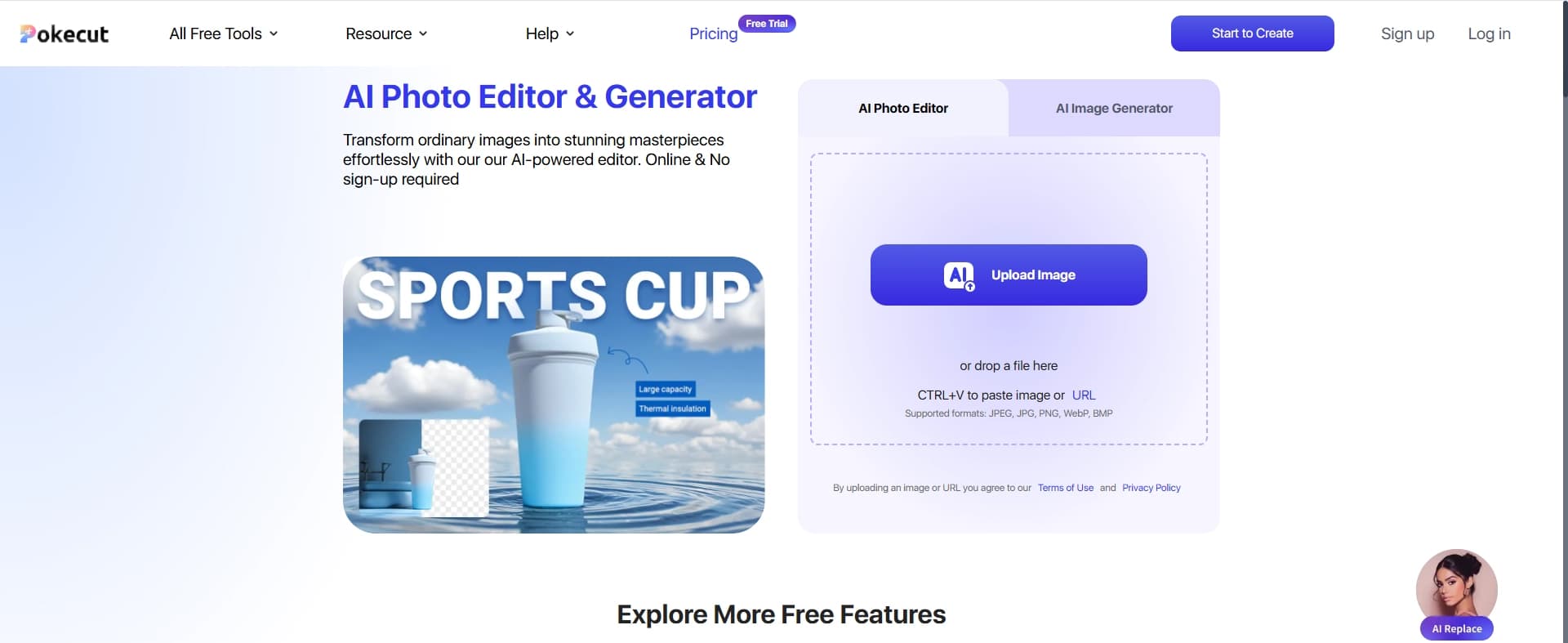
Pokecut is a browser-based online image editor powered by artificial intelligence. The service's key feature is that there is no need to create an account or install any software. All functionality is available directly in the browser window, allowing you to process photos in just a few minutes.
The tool is designed to handle three core tasks: background removal, image quality enhancement, and new image generation. The interface has a minimalist design without being overloaded with settings, so even users with no experience in graphic editors can figure it out.
Pokecut Features
| Feature | Value |
|---|---|
| Type | Online image editor with AI-powered features |
| Categories | Background editing, photo processing, image generation |
| Platform | Browser (web application) |
| Registration | Not required |
| Free plan | Yes, the service is completely free for all users |
Who is Pokecut suitable for?
Online store owners
Pokecut lets you quickly prepare product photos: remove unwanted backgrounds and make images cleaner and more presentable. This is especially useful for those selling products on marketplaces or through their own website.
SMM specialists and bloggers
Managing social media often requires clean, high-quality images without unnecessary details. The service helps create visual content for posts, stories, and ad creatives without turning to a designer.
Beginners in photo editing
Pokecut is designed for people who don't want to learn complex programs like Photoshop. The simple interface and automatic algorithms let you achieve decent results without any special knowledge.
How to use Pokecut?
Uploading an image
To get started, simply open the service's website and click the "Upload" button. After selecting a file, it automatically appears in the editor's workspace.
Choosing a tool
Once the photo is uploaded, three main tools become available: background removal, quality enhancement, and new image generation. You just need to select the appropriate function — the algorithm processes the image automatically.
Saving the result
The finished image can be downloaded to your device right away. No additional steps, export settings, or save parameters are required.
Key features of Pokecut
Background removal
The neural network automatically detects the foreground object and cuts it out, leaving a transparent background or replacing it with a solid color. This is convenient for preparing images to insert into other materials.
Photo quality enhancement
The algorithm improves sharpness, corrects color reproduction, and eliminates visible image defects. Photos become more vibrant and detailed.
New image generation
Users can create a new image based on an uploaded one or from scratch. The AI offers options that fit the task at hand.
Pokecut advantages
No registration required
You don't need to create an account, verify an email address, or enter personal data to use the service. This saves time and preserves privacy.
Completely free access
All features are available to users with no restrictions or paid subscriptions. There are no hidden fees or premium plans.
Simple interface
The intuitive button layout and minimal number of settings make the service accessible to users of any skill level.
Works in the browser
No software download or installation is required. A stable internet connection is all you need.
Pokecut limitations
Limited set of tools
The service lacks advanced professional retouching features: spot correction, layers, masks, brushes, and other tools needed for fine-tuning images. Pokecut is not suitable for complex tasks, as it focuses on basic processing.
What tasks does Pokecut solve?
Product photo processing
The service lets you prepare images for catalogs and storefronts: remove backgrounds, improve the product's appearance, and make photos look more "commercial."
Creating content for social media
Users can quickly prepare visual materials for posts and stories: clean images without backgrounds, enhanced photos, and new graphic elements.
Personal photo editing projects
Suitable for everyday tasks: removing backgrounds from family photos and improving image quality.
Pokecut pricing
The service is completely free for all users. There are no paid plans, subscriptions, or one-time fees for using specific features. Anyone can use all of Pokecut's capabilities without restrictions.
Pokecut terms of use
No registration or personal data is required to get started. The only requirement is a stable internet connection, as the service operates as a web application and processes images on remote servers.
Pokecut availability
The service is a web application that works through any modern browser. No additional software installation is required. It can be accessed from desktop computers, laptops, and mobile devices via a browser.
How Pokecut differs from alternatives
Focus on simplicity
Unlike professional editors, Pokecut is not overloaded with complex settings and parameters. Users don't need to understand layers, channels, or masks — just upload a photo and click the right button.
No barriers to entry
Many online editors require registration or offer limited functionality in their free versions. Pokecut provides all capabilities without creating an account or making a payment.
Narrow specialization
The service focuses on three tasks: background removal, quality enhancement, and image generation. This makes it unsuitable for professional work but highly effective for quick everyday tasks.
Conclusion
Pokecut is a simple and completely free AI-based online image editor that lets you perform basic tasks like background removal, quality enhancement, and image generation without requiring registration. It's suitable for quick photo processing for personal or commercial purposes but lacks advanced tools for professional retouching. It's an optimal choice for beginners and users who need fast results without complex settings.
Frequently asked questions
See also
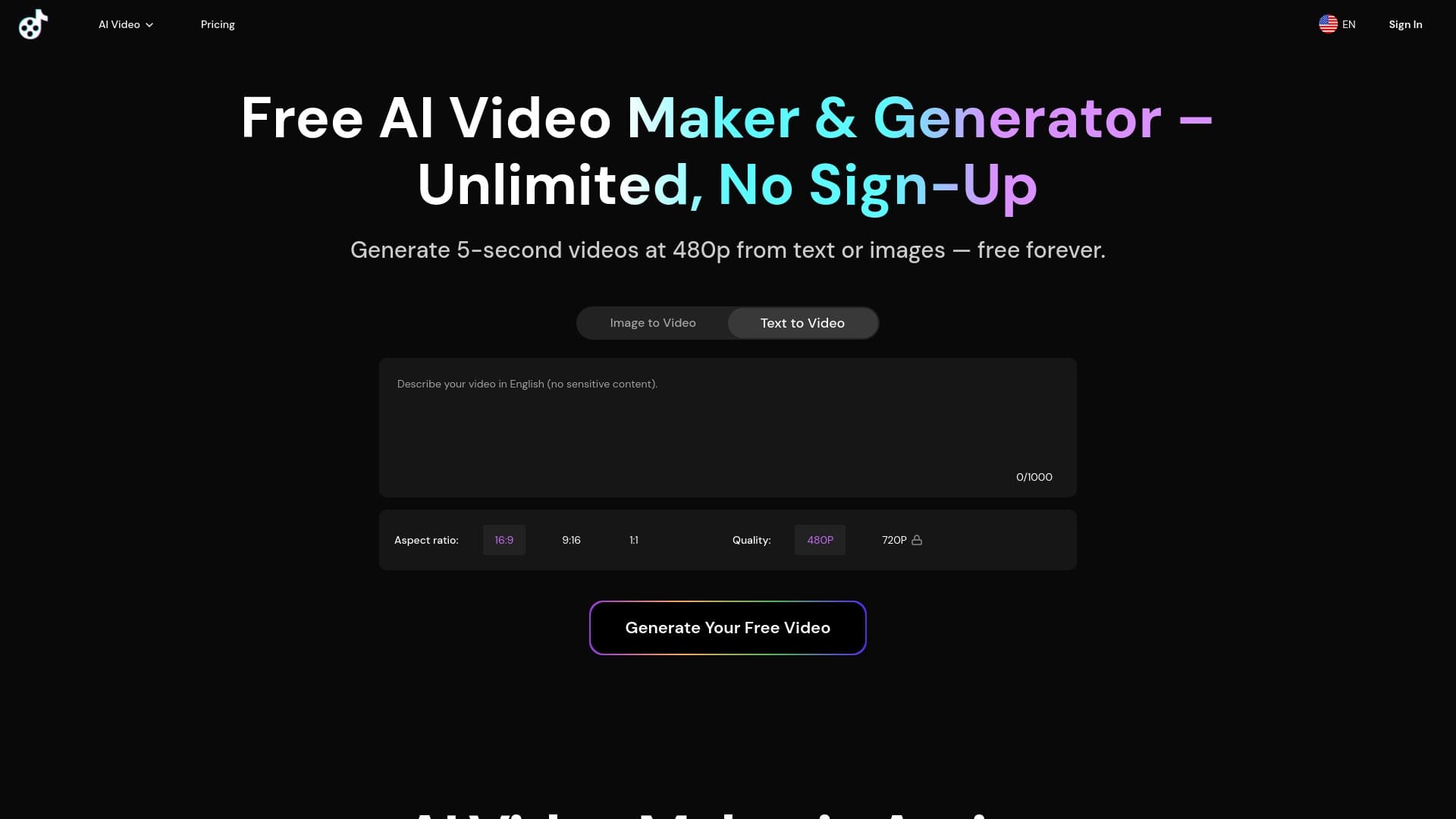
Generate advertising UGC videos with virtual actors without real filming.
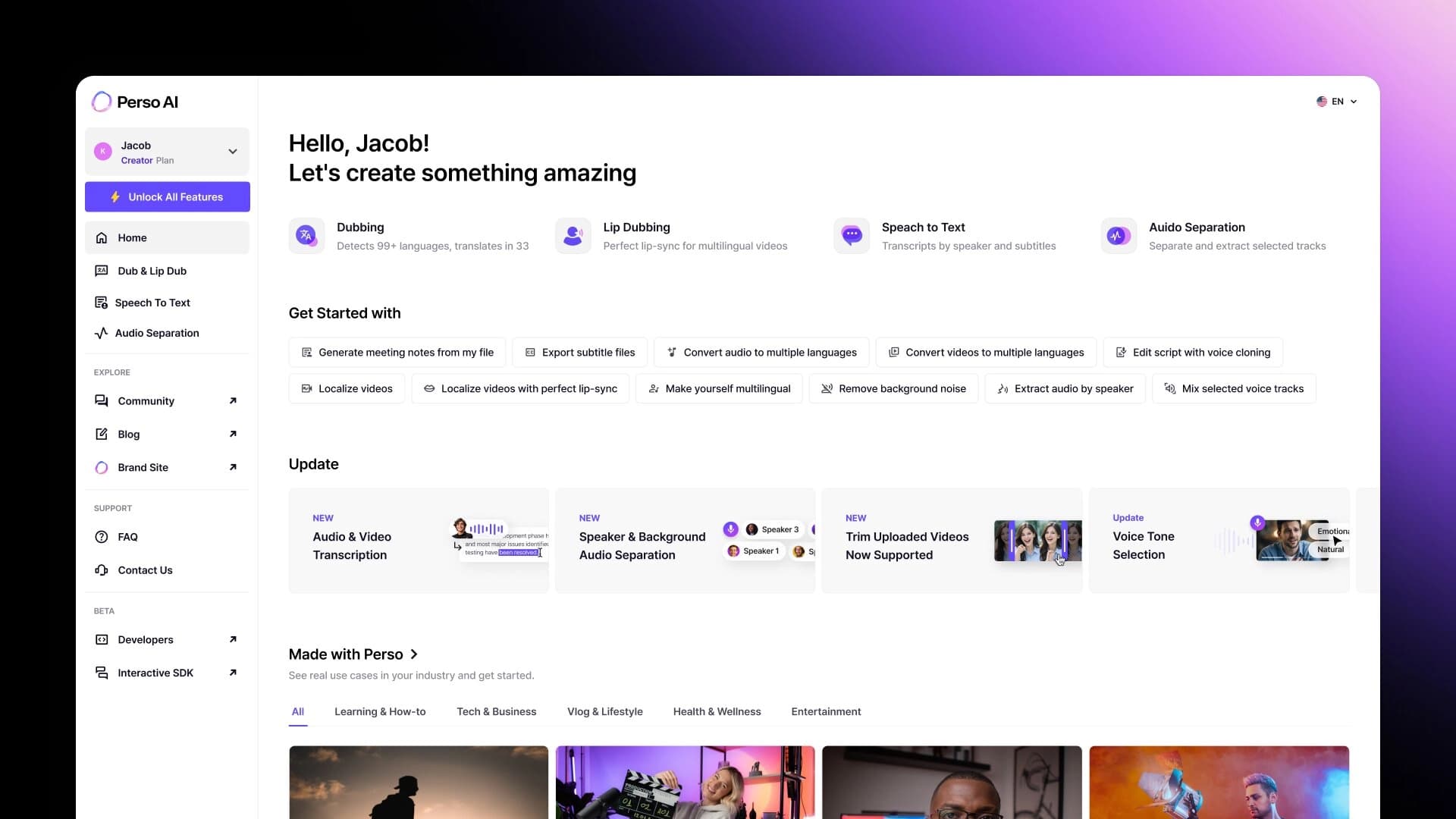

Neural network for professional video dubbing into multiple languages with voice cloning and cultural adaptation of content.
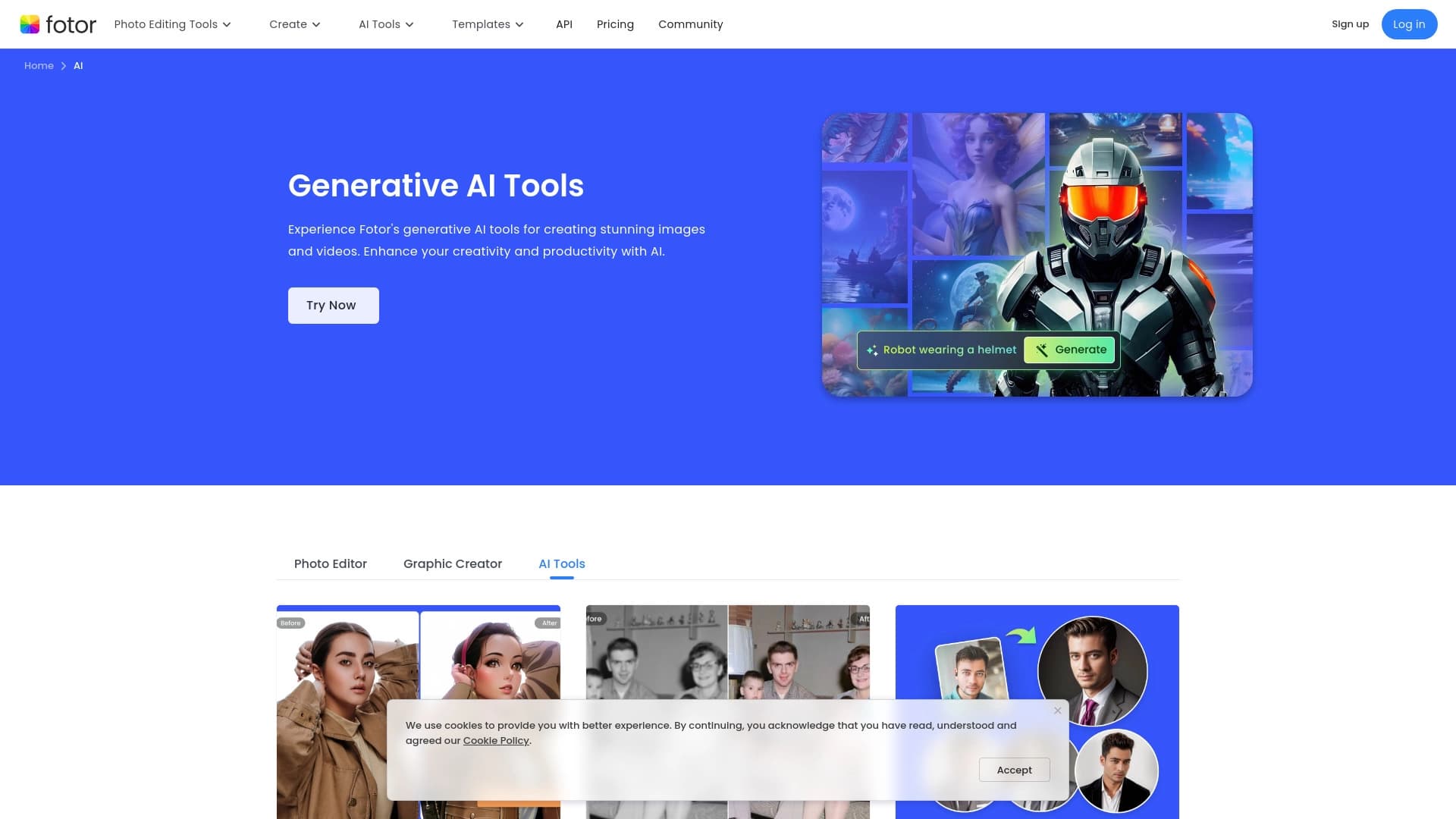

Online image editor with AI-powered features for photo processing, design, and content generation.

Google model for generating and editing images from text descriptions with 4K support and character identity preservation.

A set of more than 200 ready-made prompts for business and SEO, adaptable to ChatGPT, Claude, and Gemini.

AI platform for creating text and visual content, oriented toward marketing tasks.
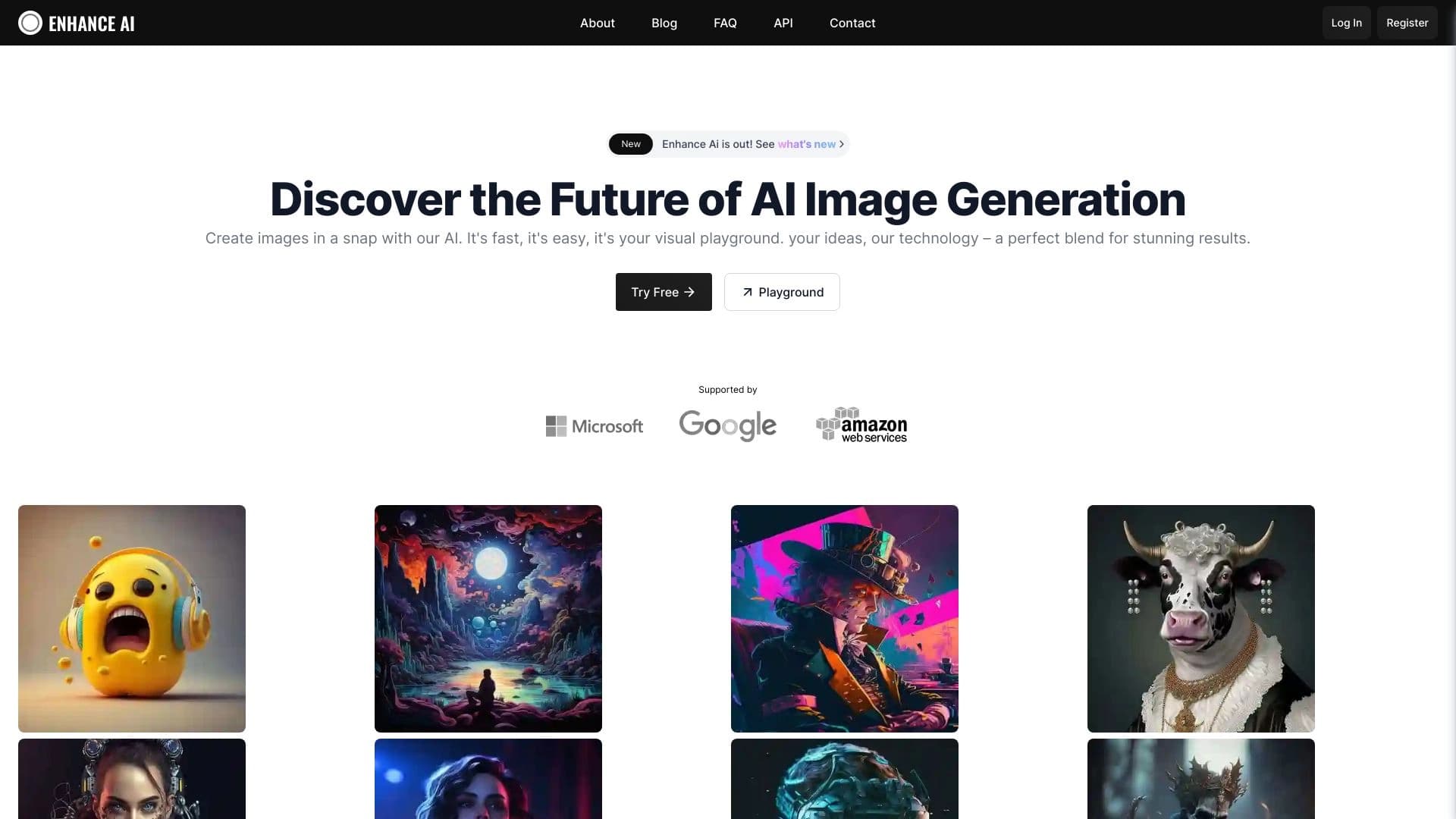
Online AI-powered platform for generating and processing images.

A browser with built-in AI tools for chatting with neural networks, generating texts and images, translating and summarizing pages.