
Photopea
Бесплатный онлайн-редактор изображений, работающий в браузере с поддержкой PSD и десятков других форматов.
Обзор
Photopea
Описание нейросети Photopea
Photopea — это бесплатный веб-приложение для редактирования изображений, которое работает напрямую в браузере и не требует установки дополнительного программного обеспечения. Сервис обеспечивает полную совместимость с форматом PSD, позволяя открывать файлы из Adobe Photoshop с сохранением всех слоёв, масок, стилей и эффектов. Помимо PSD, редактор поддерживает более 40 форматов, включая RAW, AI, SVG, Figma, PDF и MP4.
В Photopea встроены ИИ-функции, такие как удаление фона и замена объектов по текстовому описанию. Все операции выполняются локально на устройстве пользователя — файлы не загружаются на сервер, что обеспечивает конфиденциальность и высокую скорость обработки. По сути, Photopea предлагает функциональность, близкую к десктопным графическим редакторам, но в формате онлайн-сервиса.
Характеристики Photopea
| Характеристика | Значение |
|---|---|
| Категория | Редактирование изображений, Графический дизайн, Удаление фона, Векторная графика |
| Тип | Веб-приложение (работает в браузере) |
| Бизнес-модель | Бесплатно |
| Поддержка PSD | Да, полная совместимость |
| Платформы | Web |
| Рейтинг пользователей | 4.6 из 5 |
| Оценка редакции | 9.3 из 10 |
| Доступность в России | Только с VPN |
Для кого подходит нейросеть Photopea?
Для дизайнеров и графических специалистов
Photopea в первую очередь ориентирован на дизайнеров, которым требуется работа с PSD-файлами и многослойными проектами в условиях, когда профессиональное ПО недоступно — например, на чужом компьютере, в интернет-кафе или на устройстве с ограниченными ресурсами.
Для фрилансеров и небольших команд
Сервис подходит фрилансерам и небольшим студиям, которые ищут бесплатную альтернативу подписочным графическим редакторам. Возможность открывать файлы из Figma, AI и других форматов делает его универсальным инструментом для работы с макетами от разных заказчиков.
Для пользователей без опыта в профессиональном ПО
Благодаря интуитивному интерфейсу, напоминающему классические растровые редакторы, Photopea подходит тем, кто редко работает с графикой, но время от времени нуждается в редактировании PSD-файлов, удалении фона или быстрой правке изображений.
Как использовать нейросеть Photopea?
Начало работы в браузере
Для использования Photopea не требуется установка — достаточно открыть любой современный браузер и перейти на сайт сервиса. Интерфейс редактора загружается мгновенно и готов к работе.
Загрузка и открытие файлов
Пользователь может загрузить изображение или файл PSD напрямую из локального хранилища. Photopea также поддерживает открытие файлов по ссылке и перетаскивание (drag-and-drop). После загрузки все слои, маски и эффекты исходного файла отображаются в рабочей области.
Редактирование и экспорт
Редактирование выполняется так же, как в обычном графическом редакторе: доступны инструменты выделения, кисти, работа со слоями, текстом и векторными объектами. После завершения работы результат можно сохранить в PSD, PNG, JPG, SVG и других форматах.
Основные функции Photopea
Полноценная работа со слоями
Photopea поддерживает все ключевые возможности работы со слоями, включая создание масок, применение стилей слоёв, использование умных объектов и корректирующих слоёв. Это позволяет переносить сложные PSD-проекты между Photoshop и Photopea без потери данных.
Поддержка десятков форматов
Редактор открывает более 40 форматов файлов: PSD, PNG, JPG, RAW, AI, Figma, PDF, MP4, CDR и другие. Это делает Photopea универсальным инструментом для работы с графикой из разных источников — от сырых фотографий до векторных иллюстраций.
Встроенные ИИ-функции
Сервис включает нейросетевые инструменты для удаления фона и замены частей изображения по текстовому описанию. Эти функции работают полностью на устройстве пользователя, без отправки данных на внешние серверы.
Векторная графика
Photopea позволяет не только редактировать растровые изображения, но и создавать и редактировать векторную графику — логотипы, иконки и другие элементы, что расширяет сферу применения сервиса за пределы обычной фотокоррекции.
Преимущества Photopea
Полностью бесплатный
Сервис не требует оплаты, подписки или покупки лицензии. Пользователи получают доступ ко всем основным функциям редактора без ограничений.
Работа без установки
Photopea работает в браузере на любом устройстве — ПК, ноутбуке, планшете. Не требуется установка программ и нет привязки к конкретному компьютеру.
Полная совместимость с PSD
При открытии и сохранении файлов PSD все слои, маски, стили и эффекты сохраняются корректно. Это позволяет использовать Photopea как полноценную замену Photoshop при срочной правке макетов.
Конфиденциальность и скорость
Обработка файлов происходит локально на устройстве пользователя — данные не передаются на сервер. Это не только защищает конфиденциальную информацию, но и ускоряет выполнение операций за счёт отсутствия сетевых задержек.
Недостатки Photopea
Ограниченная доступность в России
Для пользователей из России сервис доступен только с использованием VPN, что создаёт дополнительные препятствия для его применения.
Зависимость от браузера и интернета
Хотя файлы обрабатываются локально, для запуска самого приложения требуется стабильное интернет-соединение. В офлайн-режиме Photopea недоступен.
Отсутствие десктопной версии
В отличие от Photoshop и других профессиональных редакторов, Photopea не имеет нативной десктопной версии, что может ограничивать производительность при работе с очень большими файлами или сложными проектами.
Какие задачи решает Photopea
Редактирование PSD-файлов без Photoshop
Основная задача сервиса — предоставить возможность открывать и редактировать PSD-файлы на устройствах, где не установлен Adobe Photoshop. Это особенно актуально для срочных правок и работы на чужих компьютерах.
Быстрая правка макетов
Photopea позволяет быстро вносить изменения в дизайн-макеты в отсутствие профессионального ПО. Дизайнер может открыть файл, поправить текст, заменить изображение или скорректировать цвета прямо в браузере.
Удаление фона и ретушь
Встроенный ИИ-инструмент для удаления фона позволяет быстро очистить изображение. Кроме того, через замену объектов по текстовому описанию можно выполнять более сложные операции ретуши.
Создание и редактирование векторной графики
Сервис подходит для создания логотипов, иконок и других векторных элементов, а также для открытия и редактирования файлов в форматах AI, SVG и CDR.
Цены Photopea
Photopea распространяется полностью бесплатно. Сервис не требует оформления подписки, покупки лицензии или внесения каких-либо платежей для использования основных функций редактирования изображений.
Условия использования Photopea
Будучи веб-приложением с бесплатной моделью распространения, Photopea не требует регистрации и создания учётной записи для начала работы. Все действия с файлами выполняются локально на устройстве пользователя — загрузка изображений на сервер не происходит, что является ключевым условием конфиденциальности. Детальные условия использования регулируются политикой сервиса, доступной на официальном сайте.
Доступность Photopea
Photopea работает как веб-приложение в любом современном браузере. Сервис доступен на всех платформах, поддерживающих браузеры: Windows, macOS, Linux, ChromeOS. Для пользователей из России доступ к сервису возможен только с использованием VPN. Обработка файлов выполняется локально на устройстве, поэтому скорость работы напрямую зависит от производительности компьютера пользователя.
Чем отличается Photopea от аналогов
Бесплатная модель без ограничений
В отличие от многих онлайн-редакторов, которые предлагают бесплатный доступ лишь с ограниченным функционалом или водяными знаками, Photopea предоставляет полноценный набор инструментов для работы со слоями, масками и векторной графикой без каких-либо платных подписок.
Обработка на стороне клиента
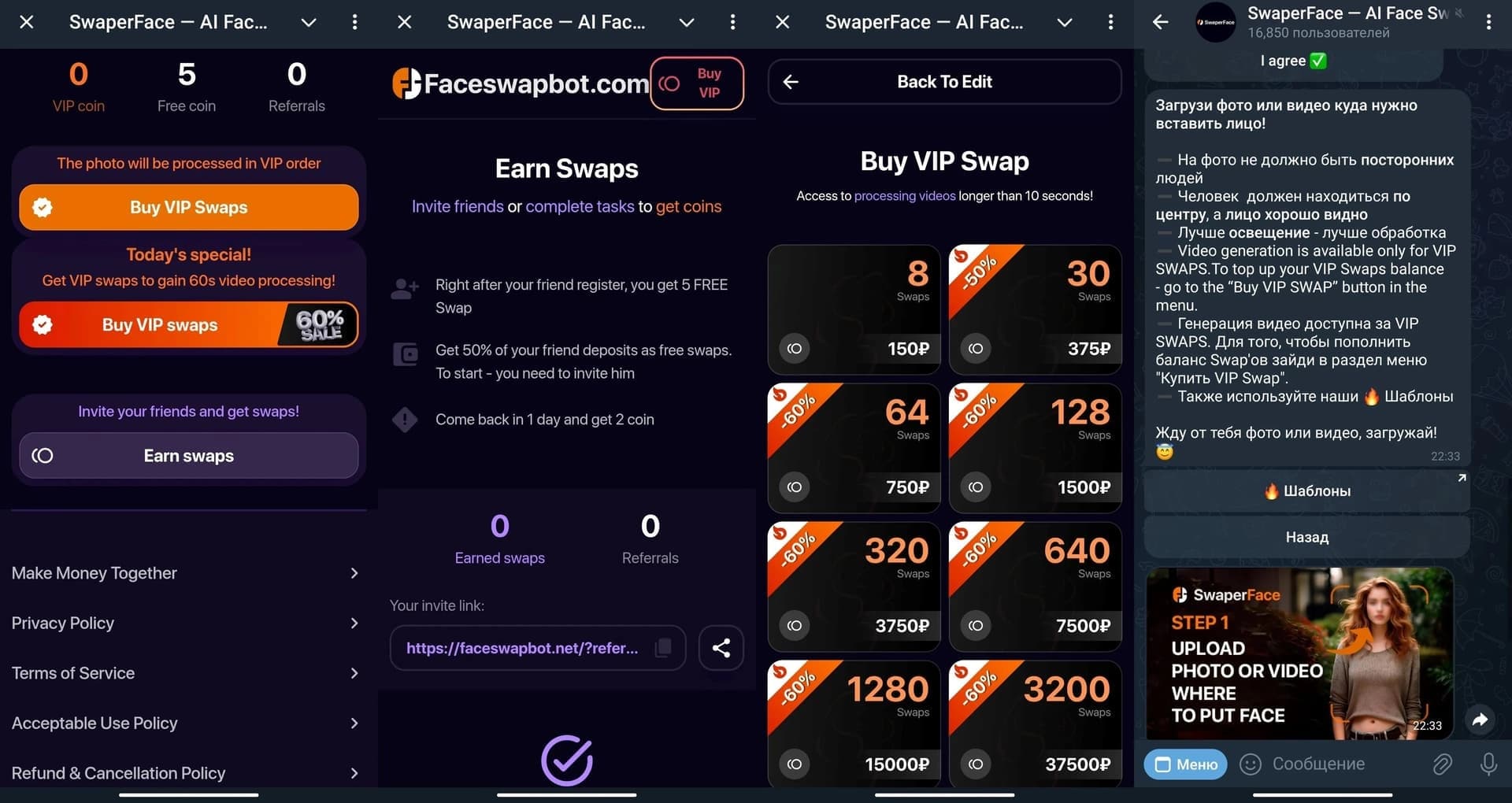
Ключевое отличие Photopea от таких аналогов, как SwaperFace, Benzin.io, Everypixel или Magic Eraser, заключается в локальной обработке файлов. Пользователю не нужно загружать изображения на сторонний сервер — все операции выполняются на его устройстве, что обеспечивает конфиденциальность данных.
Универсальная поддержка форматов
Photopea поддерживает более 40 форматов (включая PSD, AI, Figma, RAW, CDR), что делает его значительно более универсальным по сравнению с узкоспециализированными сервисами, которые работают только с определёнными типами файлов или решают одну задачу — например, только удаление фона или цветокоррекцию.
Заключение
Photopea — это бесплатный графический редактор, работающий в браузере, с полноценной поддержкой PSD-файлов и десятков других форматов. Благодаря локальной обработке файлов, встроенным ИИ-функциям и отсутствию необходимости в установке, сервис представляет собой удобный инструмент для быстрого редактирования изображений, правки макетов и работы с векторной графикой. Photopea особенно полезен для дизайнеров и всех, кому нужна альтернатива профессиональному ПО в ситуациях, когда оно недоступно.
Часто задаваемые вопросы



Смотрите также


Инструмент для генерации 3D-моделей на основе текстового описания, изображений или набросков.


Нейросеть для генерации коротких видео по текстовым описаниям или изображениям.


Сервис для виртуальной примерки одежды с помощью ИИ.


Онлайн-редактор изображений с функциями на базе ИИ для обработки фото, дизайна и генерации контента.


Бесплатный веб-инструмент от Google, который с помощью машинного обучения превращает грубые наброски в аккуратные иконки и иллюстрации.

Сервис для создания персонализированных аватаров и фотосессий с помощью ИИ на основе загруженных селфи.


Онлайн-инструмент для создания дипфейков и редактирования изображений с помощью ИИ.
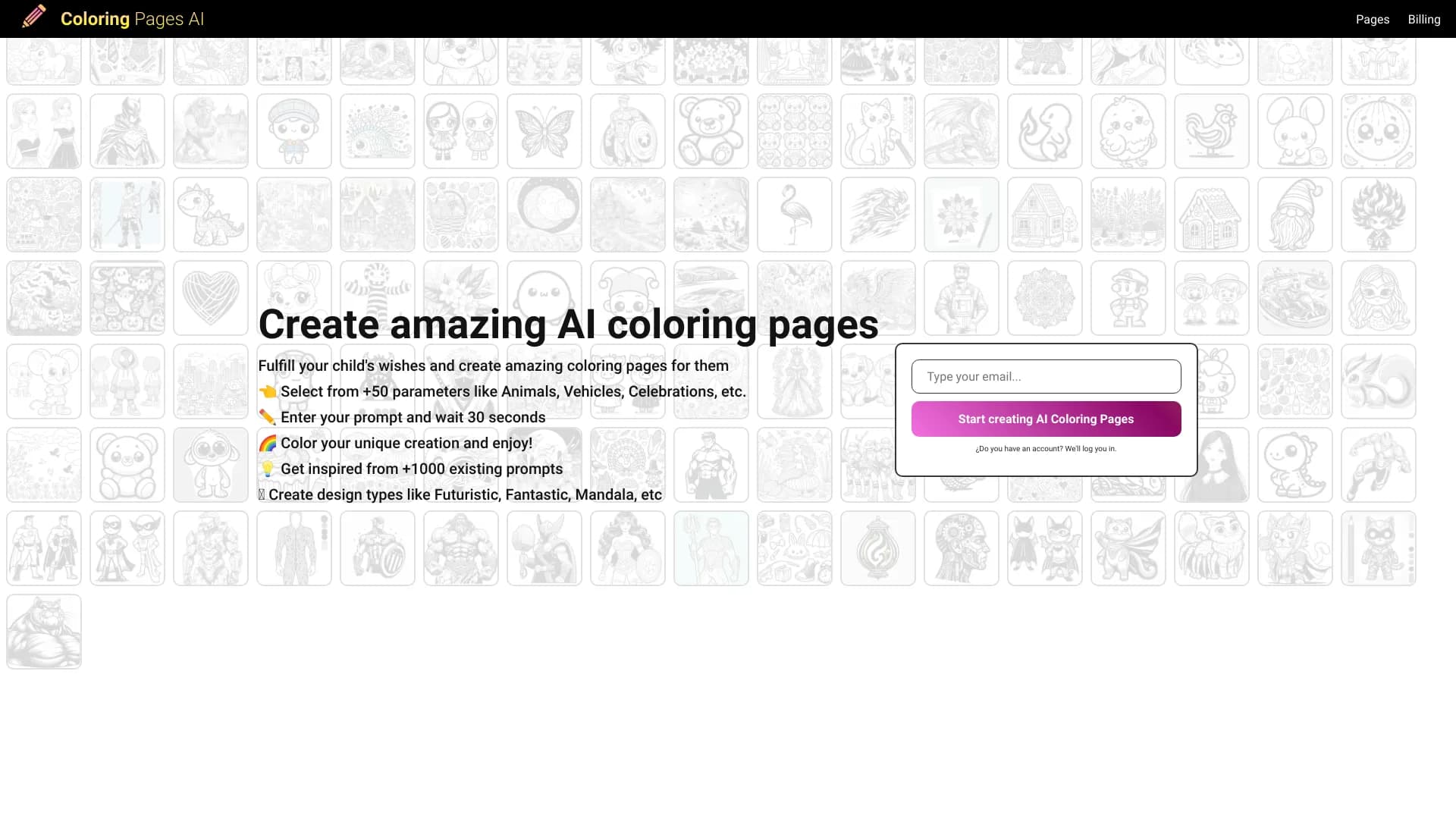

Генератор раскрасок, создающий контурные рисунки из фотографий или текстовых описаний.