

OnVerb
A unified interface for working with several popular AI models from OpenAI, Google, Anthropic, and Mistral.
Overview
OnVerb AI Description
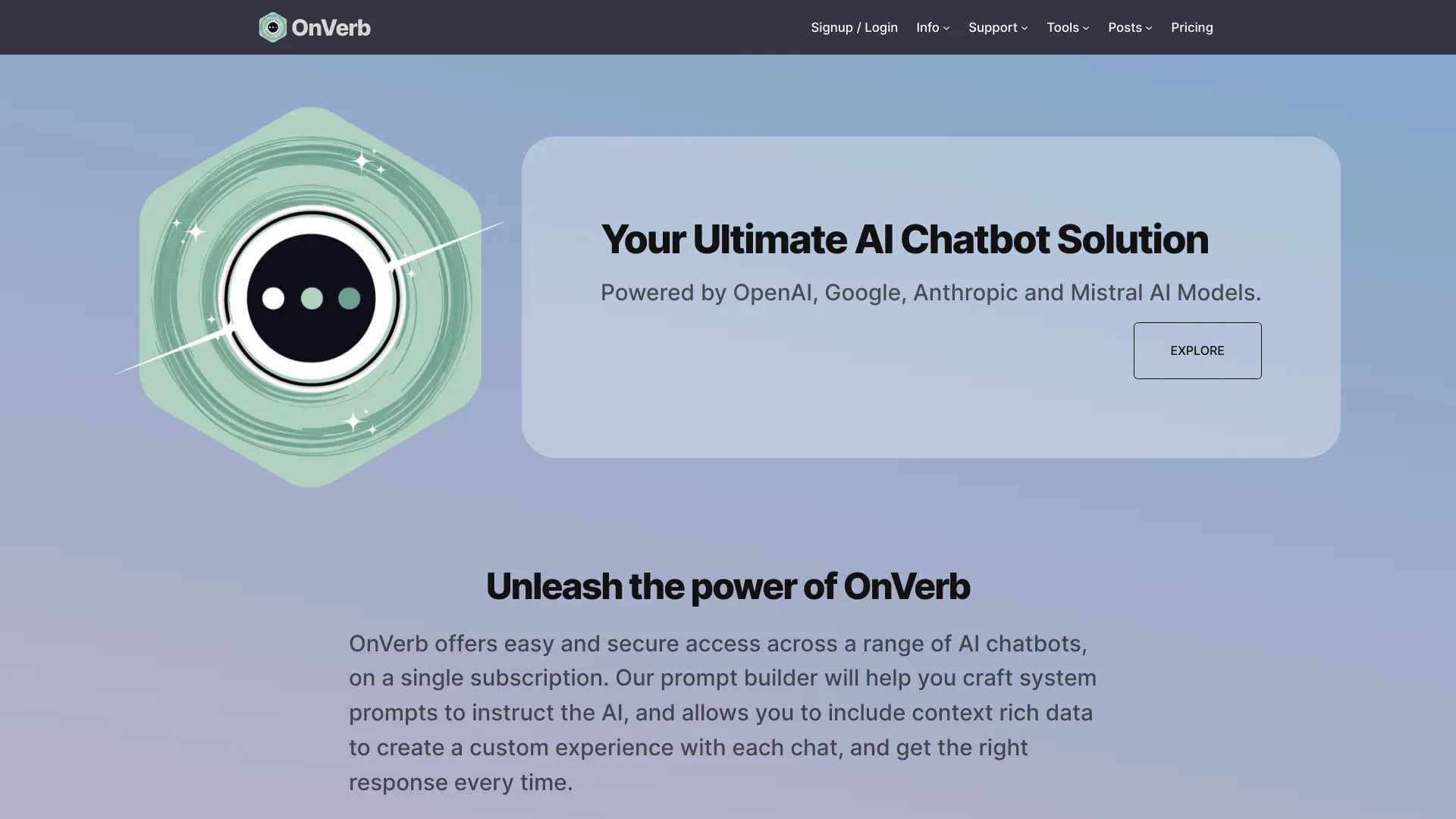
OnVerb is an AI aggregator that combines several popular large language models from leading companies — OpenAI, Google, Anthropic, and Mistral — into a single interface. Instead of opening dozens of tabs with different chatbots, users get one working environment for interacting with all key AI systems.
The platform is aimed at professionals who regularly use multiple AI models in their daily work. OnVerb's core value lies not just in providing access to models, but in organizing the workflow: users can switch between ChatGPT, Gemini, Claude, and Mistral without additional setup, compare responses, and maintain a centralized repository of prompts and context.
OnVerb is positioned as a tool for standardizing work with artificial intelligence. Storing prompt templates and managing context in one place allows teams to build reproducible processes and achieve consistent quality of results when using different models.
OnVerb Features
| Feature | Value |
|---|---|
| Type | AI aggregator / prompt engineering |
| Category | AI aggregators, Prompts / prompt engineering |
| Website | onverb.com |
| Integrated models | OpenAI, Google, Anthropic, Mistral |
| Distribution model | Not specified |
Who is OnVerb suitable for?
Editors and content specialists
Editors writing content for different channels often have to choose a model for a specific task. OnVerb allows quick switching between AI models, selecting the most suitable generation style, and comparing which chatbot handles a given task better.
Developers and technical specialists
Programmers working with code can use different models for generating snippets, finding errors, or refactoring. OnVerb's unified interface eliminates the need to keep multiple services open simultaneously and simplifies comparing solutions proposed by different AI systems.
Marketers and analysts
Marketing and analytics professionals can leverage different models for data processing, idea generation, writing creative materials, and preparing reports. The centralized prompt repository simplifies standardizing repetitive tasks and allows the team to work in a consistent style.
How to use OnVerb?
Getting started
To start using OnVerb, simply go to onverb.com and register. After creating an account, a unified chat interface opens with all integrated models available. No additional plugins or complex setup are required to start a conversation — you can immediately select the desired model and send a request.
Switching between models
A key feature of the OnVerb workflow is instant switching between AI models without interrupting the conversation. Users can ask the same question to multiple models and visually compare their responses. This allows evaluating each system's strengths in the context of a specific task and choosing the optimal option.
Working with prompts
For recurring tasks, OnVerb allows creating prompt templates. Instructions are saved in the system and can be reused with different models. There is also the ability to add context to requests, which is especially useful when working on long-term projects or when the model needs to be trained on the specifics of particular tasks.
Key OnVerb features
Unified interface for multiple AI chatbots
OnVerb brings together models from OpenAI, Google, Anthropic, and Mistral in one workspace. Users don't need to switch between different platforms or remember each interface's specifics — all chatbots are available in a single window.
Switching between models
The platform allows instantly changing the active model within a conversation. This is convenient for comparing responses, selecting the right tool for a specific task, and analyzing differences in behavior across AI models.
Prompt management system
OnVerb provides functionality for working with prompts: you can set instructions, add context to them, and save successful formulations as templates for reuse. Prompts are stored centrally, allowing you to return to them at any time.
Centralized storage of prompts and context
All saved templates and contextual data are accessible from one place. This simplifies teamwork, as accumulated prompts don't have to be searched for in chat history or shared via messengers — they are always at hand in a shared space.
OnVerb advantages
No need to manage multiple accounts
Using OnVerb eliminates the need to create and maintain separate accounts across different services. A single entry point simplifies the workflow and saves time on administration.
Convenient comparison of responses from different models
The ability to ask the same question to multiple AI models in one interface and immediately see all responses allows quickly assessing which one handles a specific task better. This is especially valuable when choosing a tool for specific use cases.
Fewer manual explanations thanks to prompt templates
Saved templates eliminate the need to re-enter long instructions and clarifications every time. This not only speeds up work but also minimizes the risk of errors when repeating routine tasks.
Consistent response style and process standardization
Thanks to a unified prompt and context repository, OnVerb helps achieve predictable results and a consistent response style. Teams can build reproducible AI workflows by embedding best practices into the system.
Suitable for teamwork
Centralized prompt storage and the ability to share accumulated knowledge make OnVerb a convenient tool for teams that want to standardize their work with artificial intelligence and make it more manageable.
OnVerb drawbacks
Since OnVerb positions itself as an aggregator, an obvious limitation is its dependence on third-party models. If one of the integrated AI models is temporarily unavailable or changes its access terms, this could affect the platform's overall operation.
Additionally, users who primarily work with a single model and don't need comparison or switching may find OnVerb's functionality excessive. For such scenarios, using a specific service directly may be a simpler solution. Precise information about the service's drawbacks based on available data is not disclosed, so a complete list of limitations can only be compiled after direct testing of the platform.
What tasks does OnVerb solve?
Working with texts, code, analytics, and creative scenarios
OnVerb is applicable to a wide range of tasks — from writing texts and generating code to analytical work and creating creative concepts. Different models handle different types of tasks better, so the aggregator allows choosing the optimal tool for each specific situation.
Selecting the optimal tool for a task
The ability to quickly switch between models and compare their responses helps determine which AI model is best suited for a particular job. This is especially relevant when users develop an understanding of each model's strengths.
Accelerating everyday tasks
Centralized prompt and context storage reduces the time spent preparing requests. Instead of re-entering the same instruction, users can refer to a saved template and adapt it to a new task if needed.
OnVerb pricing
Official information about OnVerb's pricing policy is not disclosed in available sources. There is no data on the availability of a free tier, subscription costs, or the list of available plans at the time of this review. For up-to-date pricing information, it is recommended to contact the platform's developers directly or visit the official website onverb.com.
OnVerb terms of use
Specific terms of service, including data processing policies, request volume limits, and content usage rules, are not described in available sources. As with most AI platforms, it is important to review the terms published on OnVerb's official website before actively using the service to understand all regulations and restrictions.
OnVerb availability
OnVerb is available as a web service. To get started, simply visit onverb.com — no separate applications or extensions are required. This makes the platform convenient to use on any device with internet access and a modern browser. Registration on the site unlocks access to all integrated models and prompt management functionality.
How OnVerb differs from alternatives
OnVerb's main difference from direct alternatives is the combination of aggregating leading AI models with a developed prompt management system. While some similar tools focus only on switching between models, OnVerb adds a workflow organization layer: templates, context, and centralized storage.
Additionally, the platform emphasizes team use and standardization. By saving prompts in a shared space, OnVerb simplifies replicating successful practices within a team. This distinguishes the service from tools primarily oriented toward individual use without collaboration features.
Conclusion
OnVerb is a practical AI chatbot aggregator that solves a real problem for professionals working with multiple AI models. Instead of cumbersome switching between different services, the platform offers a single window for OpenAI, Google, Anthropic, and Mistral models with the ability to quickly compare responses. The developed prompt management system allows centrally storing templates and context, making OnVerb a convenient tool for standardizing work with artificial intelligence both individually and in a team format.
Frequently asked questions
See also
A platform for enhancing the capabilities of distributed systems.
AI platform for content generation and automation of complex task integrable on popular office tools.

AI-powered affiliate marketing optimization platform.


AI-powered platform for automatically creating SEO-optimized content for multichannel sales.

Generative platform for real-time AI-powered image and video creation and editing.
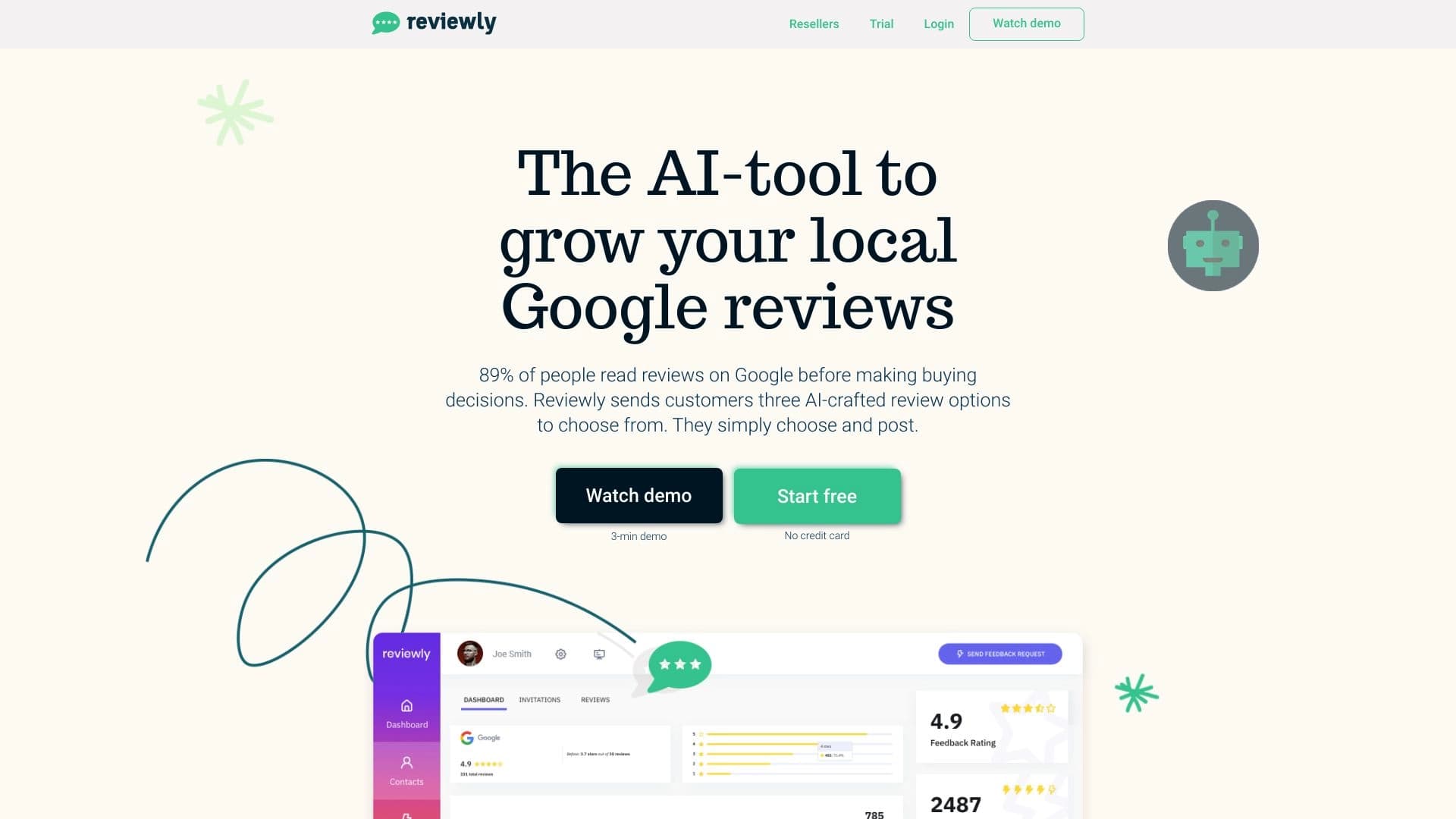

An artificial intelligence platform for automation Managing reviews on Google.
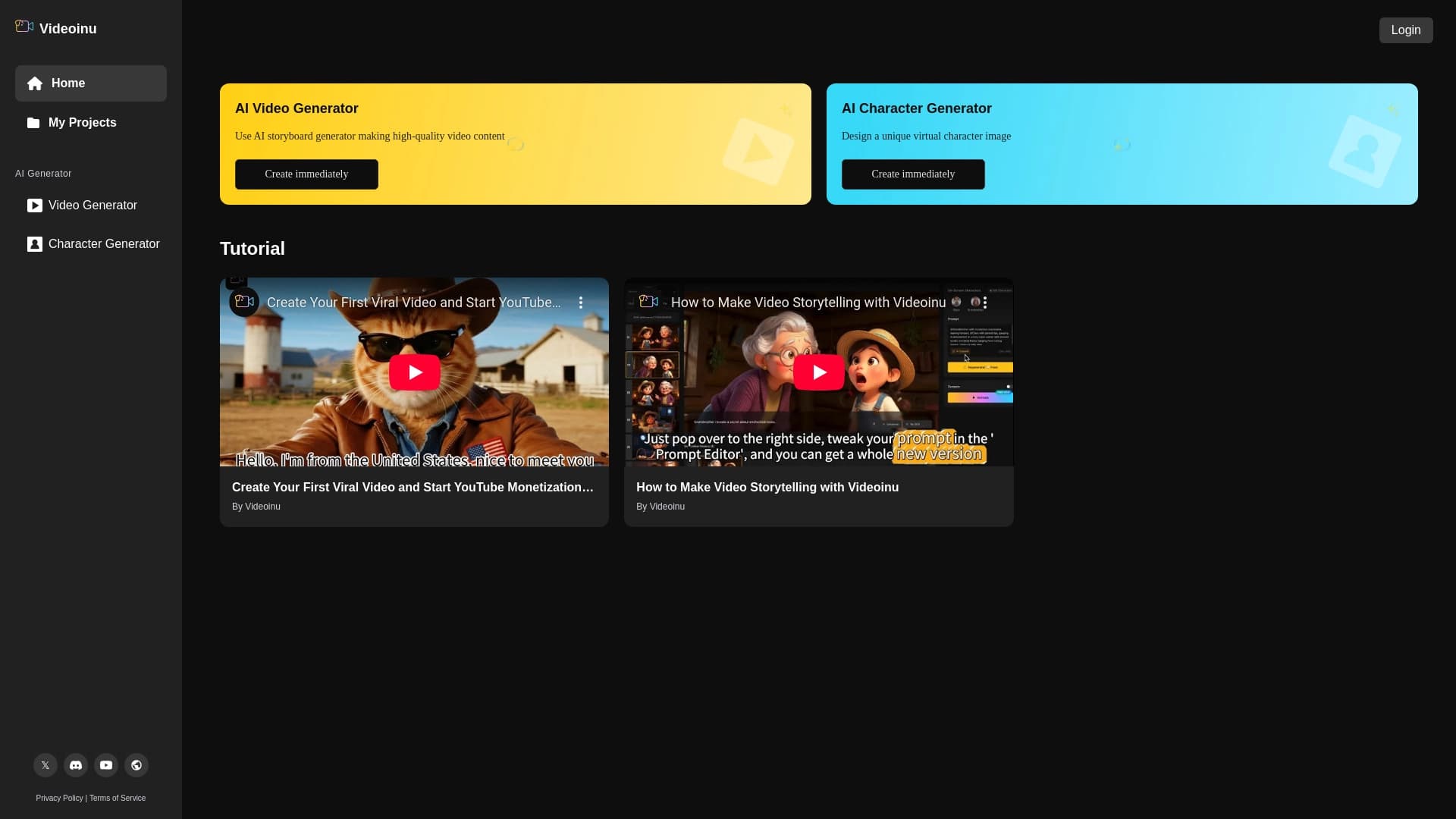

Service based on AI to create animation faceless video textual scripts.
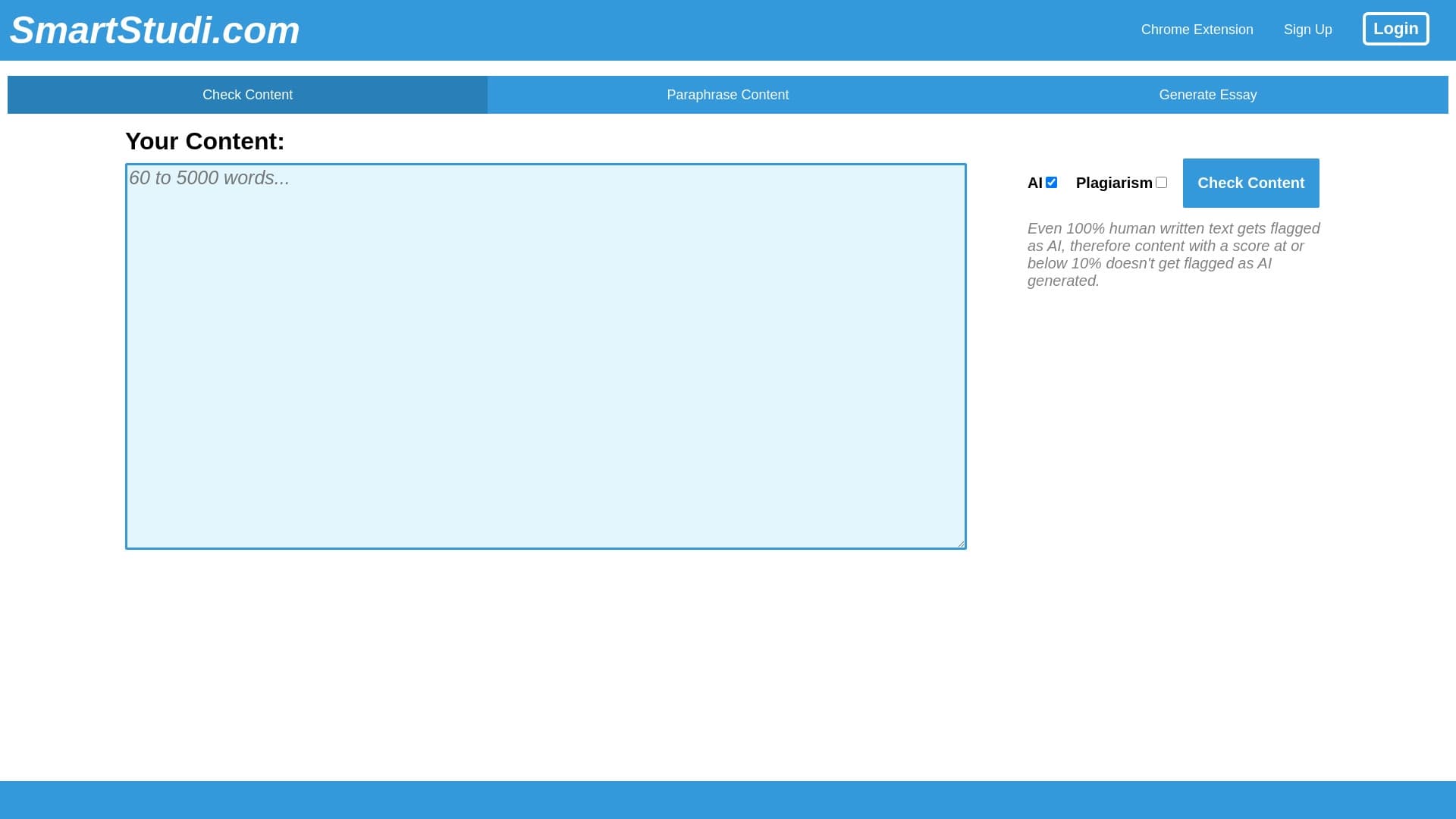

Text checking tool AI-generated , plagiarism and improvements content.