

Napkin AI
Сервис, который автоматически превращает введённый текст в наглядные схемы, блок-схемы и инфографику.
Место в рейтингах
Обзор
Napkin AI
Описание нейросети Napkin AI
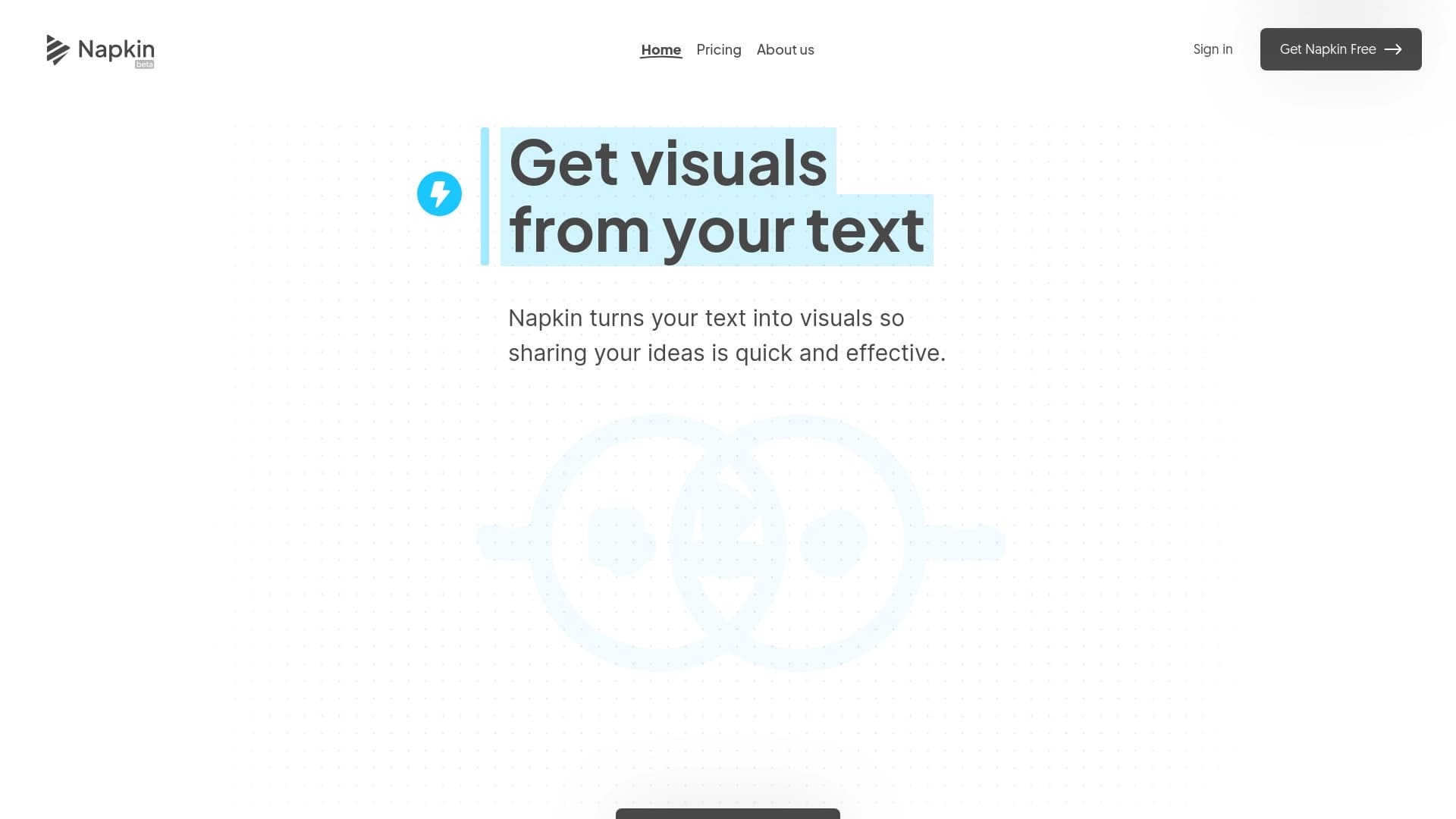
Napkin AI — это онлайн-сервис, который автоматически превращает введённый текст в наглядные визуальные элементы: схемы, блок-схемы, диаграммы и инфографику. Пользователю не нужно разбираться в дизайне или писать сложные промпты — достаточно вставить готовый текст, и нейросеть сама подберёт подходящий визуал.
Полученные изображения можно редактировать: менять цвета, шрифты, иконки и стили, а также настраивать соединительные линии между элементами. Готовые работы экспортируются в форматы PPT, PNG, PDF и SVG, благодаря чему их удобно использовать в презентациях, статьях, обучающих материалах, блогах и контенте для социальных сетей.
Инструмент работает как веб-сервис и ориентирован на тех, кто ценит скорость и простоту: вместо ручного рисования или долгой работы в дизайнерских редакторах пользователь получает готовый визуал за считанные секунды.
Характеристики Napkin AI
| Характеристика | Значение |
|---|---|
| Тип | Визуальный AI-сервис, онлайн-платформа |
| Платформа | Веб (через браузер) |
| Категории | Диаграммы и схемы, иллюстрация, генерация презентаций, генерация дизайна, текстовые визуалы |
| Веб-сайт | www.napkin.ai |
| Форматы экспорта | PPT, PNG, PDF, SVG |
| Преобразование | Текст в изображение, текст в графический материал |
| Языки | Поддержка более 60 языков |
| Модель распространения | Freemium (бесплатный план и платные тарифы) |
| Командная работа | Реальное время редактирования, общие рабочие пространства, комментирование |
Для кого подходит нейросеть Napkin AI?
Бизнесмены и маркетологи
Напкин подходит предпринимателям и маркетологам, которым нужно быстро подготовить презентации, питч-деки, отчёты или посты для социальных сетей. Сервис позволяет превращать коммерческие тексты в наглядные визуалы без привлечения дизайнера и экономит время на ручной вёрстке.
Преподаватели и студенты
Для образовательных целей Napkin AI также полезен: преподаватели могут быстро создавать схемы и инфографику для лекций, а студенты — оформлять доклады, проекты и учебные материалы. Простота интерфейса делает сервис доступным даже для новичков без опыта в дизайне.
Контент-мейкеры и дизайнеры
Контент-мейкеры используют сервис для подготовки изображений к статьям, блогам и постам в соцсетях, а дизайнеры — как быстрый инструмент для создания черновых визуалов, которые затем можно дорабатывать. Также инструмент подходит менеджерам проектов и консультантам, которым нужны понятные схемы для коммуникации идей.
Как использовать нейросеть Napkin AI?
Шаг 1 — Вставьте текст
Откройте сервис и вставьте готовый текст — это может быть содержимое документа, заметки или данные, введённые вручную. Сложный промптинг не требуется: сервис сам анализирует контент и предлагает подходящие визуальные форматы.
Шаг 2 — Сгенерируйте визуал
Нажмите кнопку генерации, и нейросеть автоматически создаст подходящий визуал за считанные секунды. Вам останется выбрать понравившийся вариант из предложенных.
Шаг 3 — Настройте оформление
Готовый визуал можно редактировать: менять иконки, декоративные элементы, соединители, цветовые схемы и шрифты, подстраивая оформление под конкретную задачу или фирменный стиль.
Шаг 4 — Экспортируйте результат
После настройки можно экспортировать работу в одном из поддерживаемых форматов — PPT, PNG, PDF или SVG — и использовать её в презентациях, статьях, документации или социальных сетях.
Основные функции Napkin AI
Преобразование текста в визуалы
Главная функция сервиса — автоматическая генерация наглядных элементов из текста: схем, диаграмм, инфографики, блок-схем и других визуальных блоков. Нейросеть сама анализирует содержание и подбирает подходящий формат представления.
Редактирование визуалов
Все сгенерированные материалы полностью редактируемы: пользователь может менять иконки, декораторы, соединительные линии, цвета и шрифты. Это позволяет гибко настраивать изображение под конкретные задачи без навыков дизайна.
Экспорт и командная работа
Готовые работы экспортируются в форматы PPT, PNG, PDF и SVG. Сервис также поддерживает функции совместной работы: редактирование в реальном времени, общие рабочие пространства и комментирование, что удобно при работе в команде.
Преимущества Napkin AI
- Экономия времени — визуалы создаются мгновенно автоматически, без ручной работы и длительного редактирования.
- Простота использования — понятный интерфейс подходит новичкам, не требуется навыков дизайна или сложного промптинга.
- Полная редактируемость — иконки, цвета, шрифты и соединители можно менять под конкретную задачу.
- Гибкие форматы экспорта — поддержка PPT, PNG, PDF и SVG позволяет использовать результаты в разных каналах.
- Широкая языковая поддержка — более 60 языков, что делает сервис доступным для международной аудитории.
- Бесплатный план — в бета-версии доступен бесплатный тариф с функциями Pro, что удобно для тестирования.
Недостатки Napkin AI
- Ограничение по устройствам — создание и редактирование визуалов доступно только на десктопе, мобильное редактирование пока не поддерживается.
- Не подходит для строгих схем — сервис не предназначен для создания строгих алгоритмических блок-схем, например по стандартам ГОСТ, так как ориентирован на красивые визуальные блоки.
- Нет мобильных приложений — в настоящее время отсутствуют приложения в Google Play и Apple App Store.
- Ограничения бесплатного плана — бесплатный тариф имеет лимиты по количеству AI-кредитов и часть функций доступна только в платных версиях.
Какие задачи решает Napkin AI
Визуализация текста
Основная задача сервиса — превращение текстовой информации в наглядные схемы, диаграммы и инфографику. Это помогает упростить коммуникацию идей без навыков рисования и сделать сложный контент более понятным.
Подготовка презентаций
Napkin AI позволяет быстро создавать визуальные блоки для презентаций и питч-деков, а также экспортировать их в формат PPT для дальнейшей работы в привычных инструментах.
Создание контента и учебных материалов
Сервис подходит для подготовки изображений к статьям, блогам, постам в социальных сетях, а также для оформления обучающих материалов и документации. Готовые визуалы можно использовать в отчётах и образовательных проектах.
Цены Napkin AI
Бесплатный план
Бесплатный тариф (0 USD) включает 500 AI-кредитов в неделю, безлимитное редактирование визуалов, импорт файлов (PPT, DOC, PDF, HTML, MD), экспорт в PNG и PDF, встроенные стили и шрифты, стандартные иконки и брендирование Napkin. Кредитная карта не требуется.
План Plus
Тариф Plus стоит 9 USD в месяц и включает 10 000 AI-кредитов в месяц, экспорт в PPT и SVG, 3 пользовательских стиля, жирные иконки, отсутствие брендирования и управление командой.
План Pro
Тариф Pro стоит 22 USD в месяц и включает 30 000 AI-кредитов в месяц, эксклюзивные дизайны, безлимитные пользовательские стили, возможность загрузки собственных шрифтов, управление командой и докупку кредитов. Годовая подписка даёт скидку 25%.
Условия использования Napkin AI
Для использования сервиса нужен доступ к сайту napkin.ai через браузер. Сейчас Napkin AI находится в бета-версии, и Pro-план предоставляется бесплатно — это хорошая возможность протестировать платформу. После завершения бета-тестирования ожидается платная подписка с расширенными возможностями, точная стоимость которой пока не объявлена. Создание и редактирование визуалов доступно только на десктопе, а детали регистрации и требования к аккаунту в доступных источниках не уточняются.
Доступность Napkin AI
Napkin AI — это веб-платформа, доступная через браузер без необходимости установки дополнительного программного обеспечения. Сервис поддерживает более 60 языков, что делает его доступным для широкой международной аудитории. Мобильное редактирование в настоящее время не поддерживается, а информация о требованиях к VPN и региональных ограничениях в источниках отсутствует.
Чем отличается Napkin AI от аналогов
Отличие от Canva и Lucidchart
В отличие от Canva, которая требует больше времени на ручной дизайн, и Lucidchart, специализирующегося на сложных технических схемах, Napkin AI быстрее и проще благодаря автоматической генерации визуалов из текста. Пользователю не нужно вручную собирать элементы — достаточно вставить текст и выбрать подходящий формат.
Отличие от SmartBuddy и Mermaid Chart
По сравнению с SmartBuddy или Mermaid Chart, которые ориентированы на создание строгих алгоритмических блок-схем, Napkin AI нацелен на создание красивых визуальных блоков для презентаций, статей и маркетинговых материалов. Это делает его более универсальным для задач, где важна наглядность и эстетика, а не строгая техническая точность.
Заключение
Napkin AI — практичный инструмент для быстрого превращения текста в наглядные визуальные материалы: презентации, схемы, инфографику и контент для социальных сетей. Благодаря простоте использования и автоматической генерации визуалов, сервис подходит бизнесменам, преподавателям, студентам, маркетологам и контент-мейкерам, не требуя навыков дизайна. Бесплатный бета-план с функциями Pro даёт хорошую возможность протестировать платформу, а основным ограничением на текущий момент остаётся отсутствие мобильного редактирования.
Тарифы
Часто задаваемые вопросы
Смотрите также
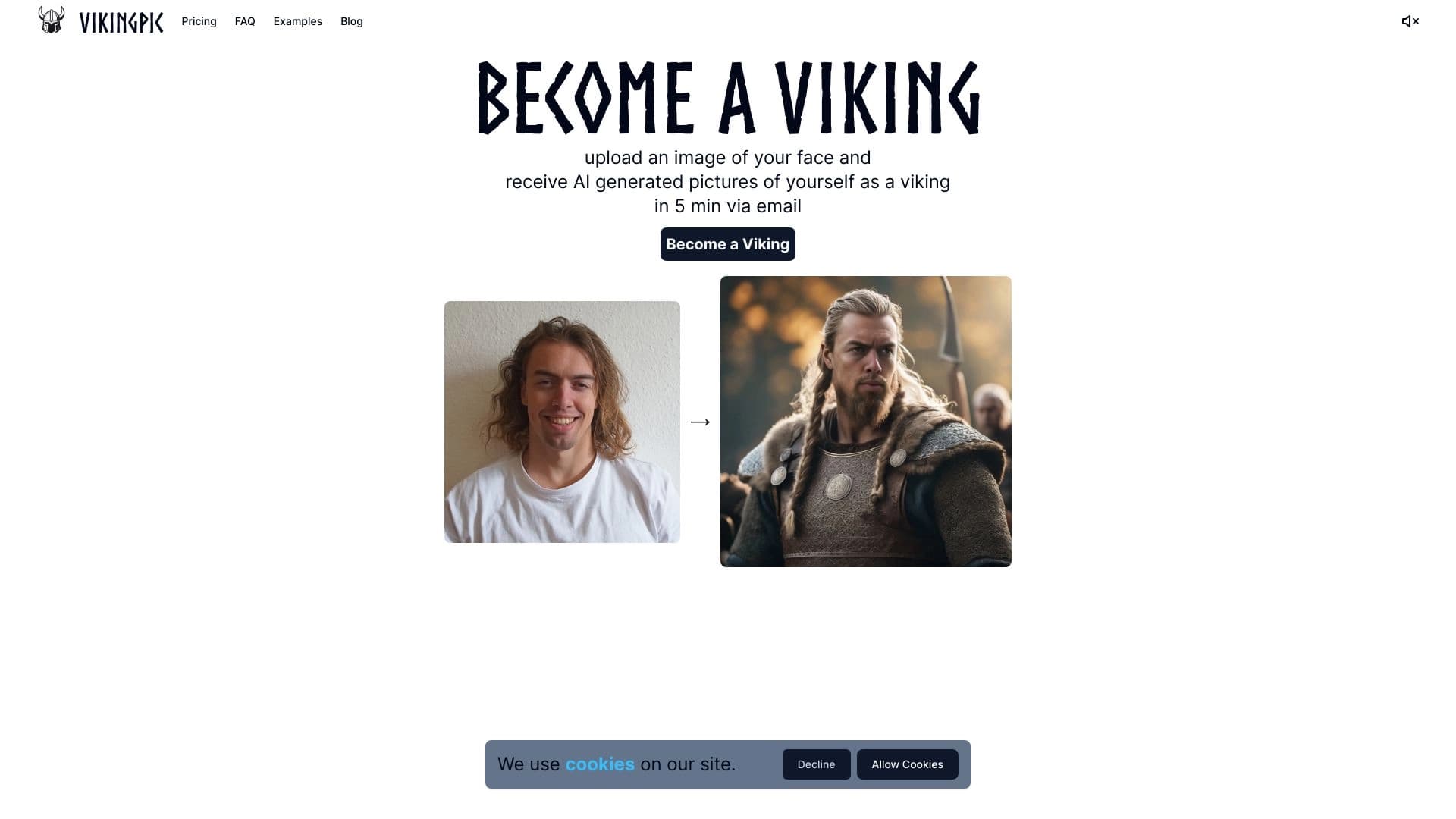
Сервис превращает фотографии в портреты в стиле викингов.
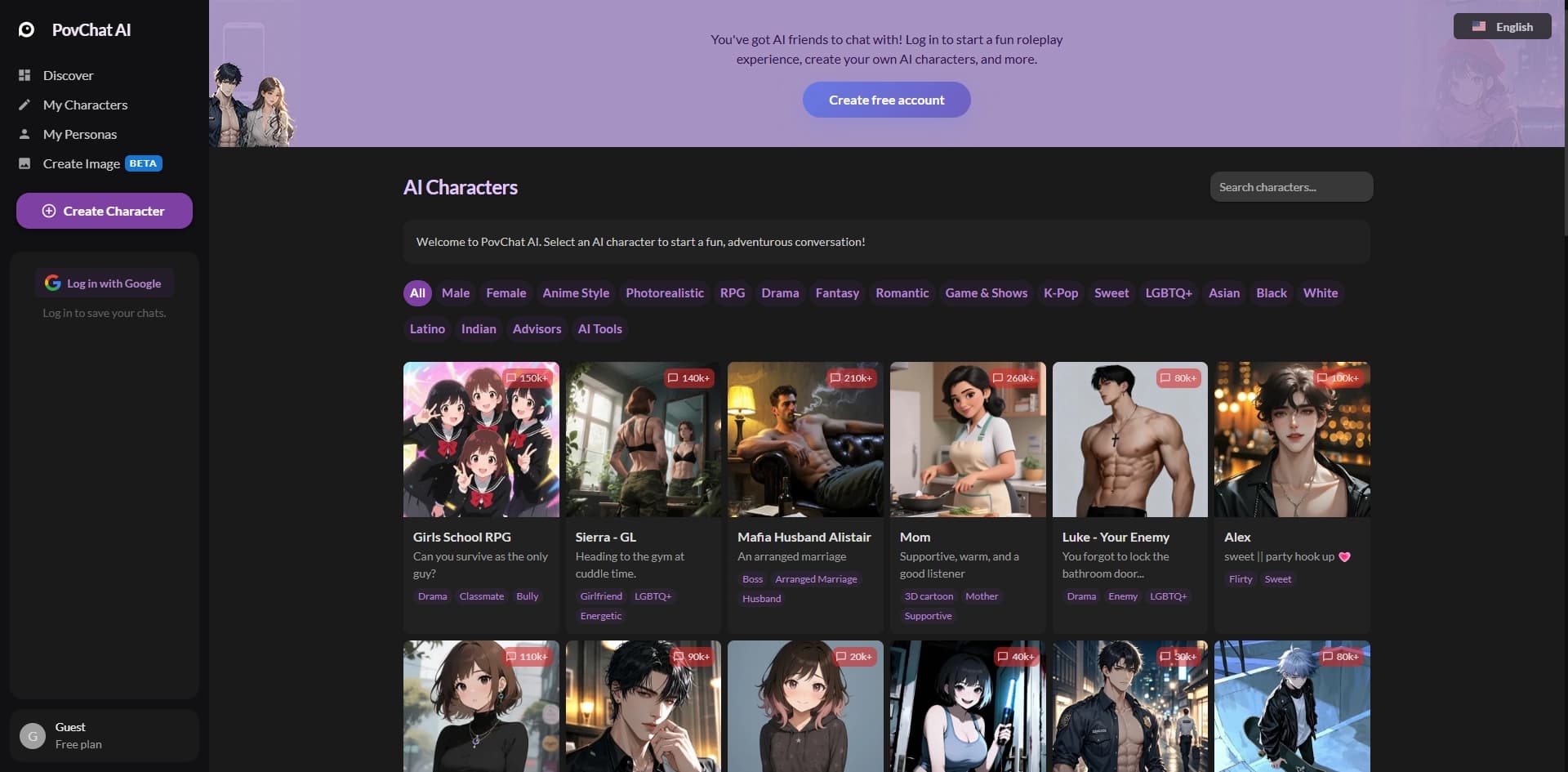

Платформа для создания и общения с настраиваемыми AI-персонажами в формате ролевых игр и историй.
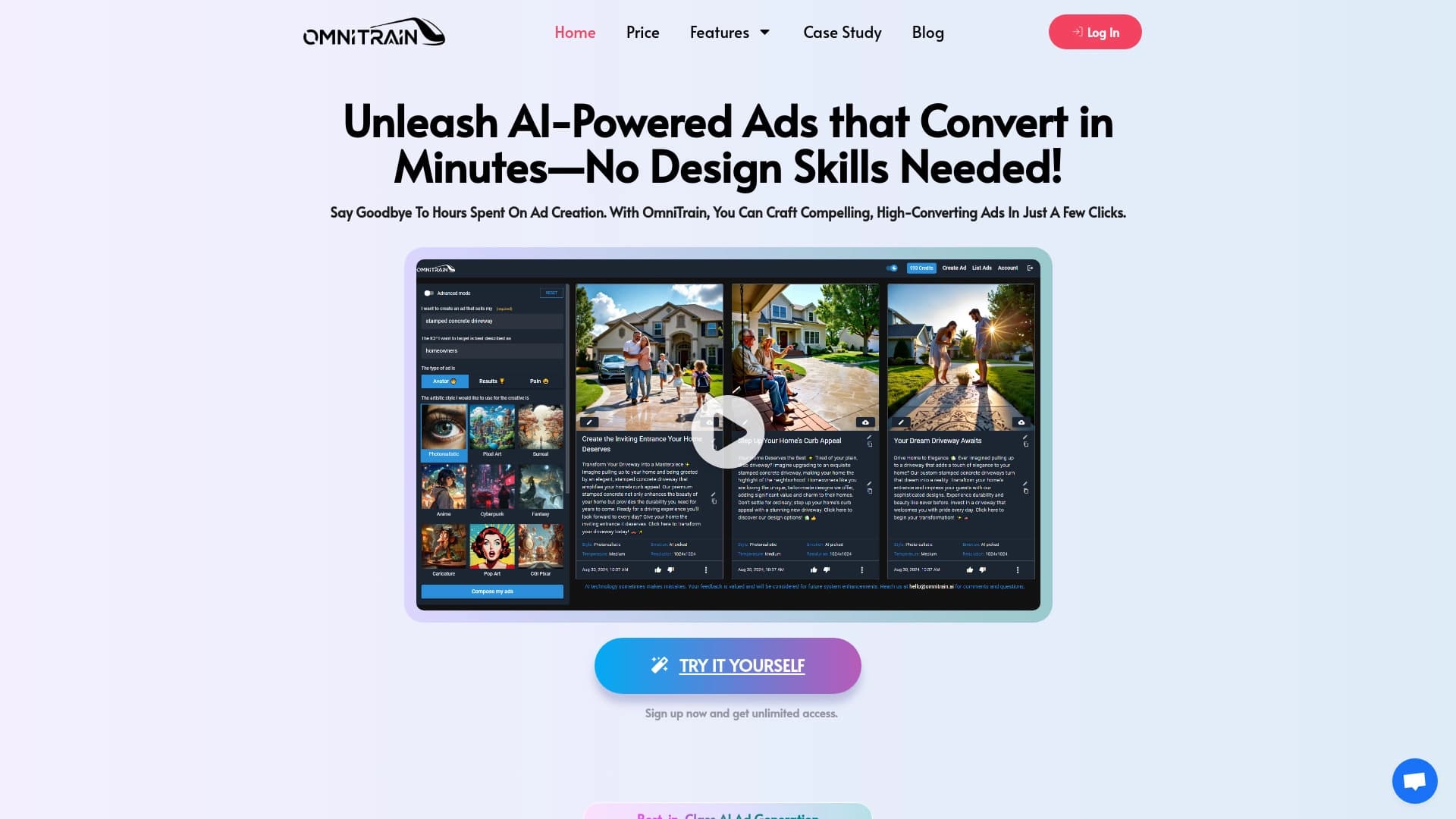

Платформа для генерации рекламных изображений и видео с помощью ИИ.
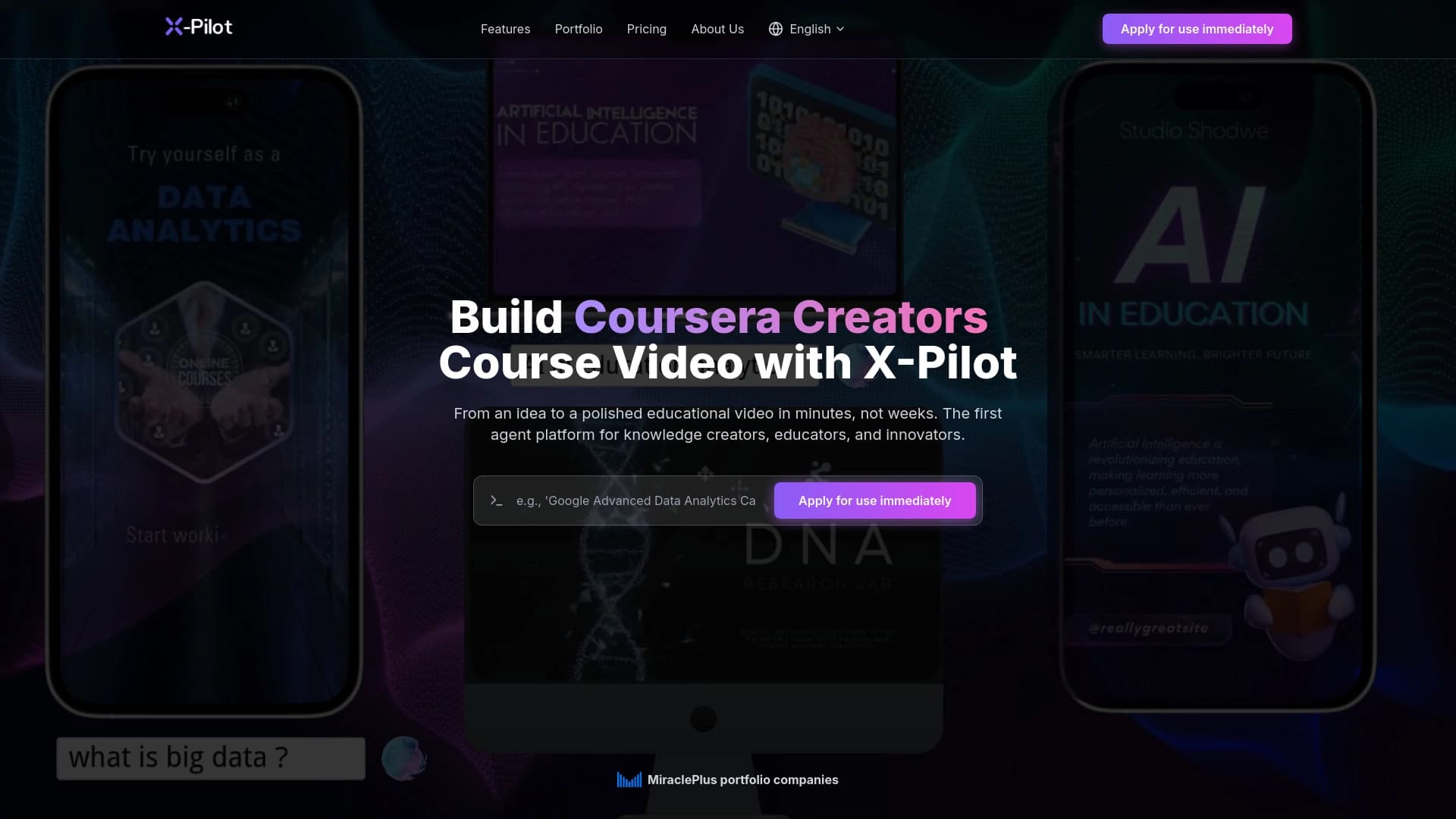

X-Pilot автоматизирует создание учебных видеороликов и курсов на основе загруженных документов и текстов.

AI-агент для автоматизации задач, управления проектами и улучшения командной работы.
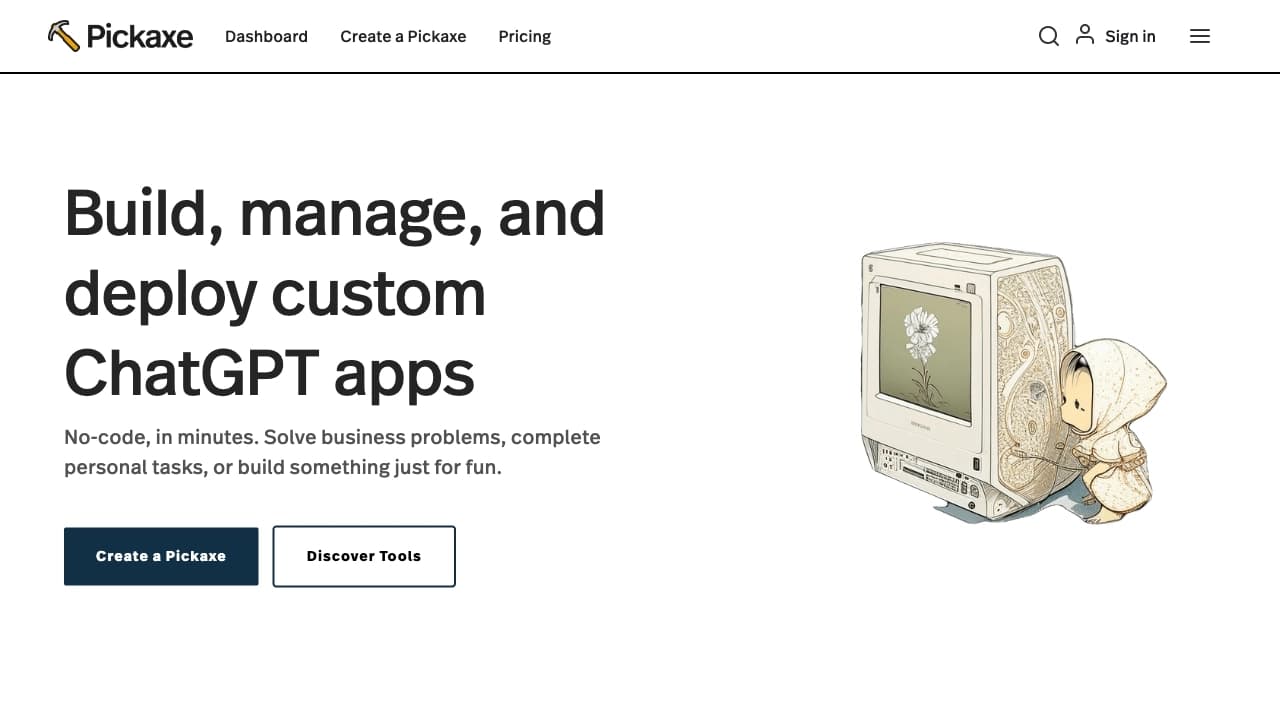

Платформа для создания и продажи собственных ИИ-инструментов без кода на основе ваших данных и знаний.
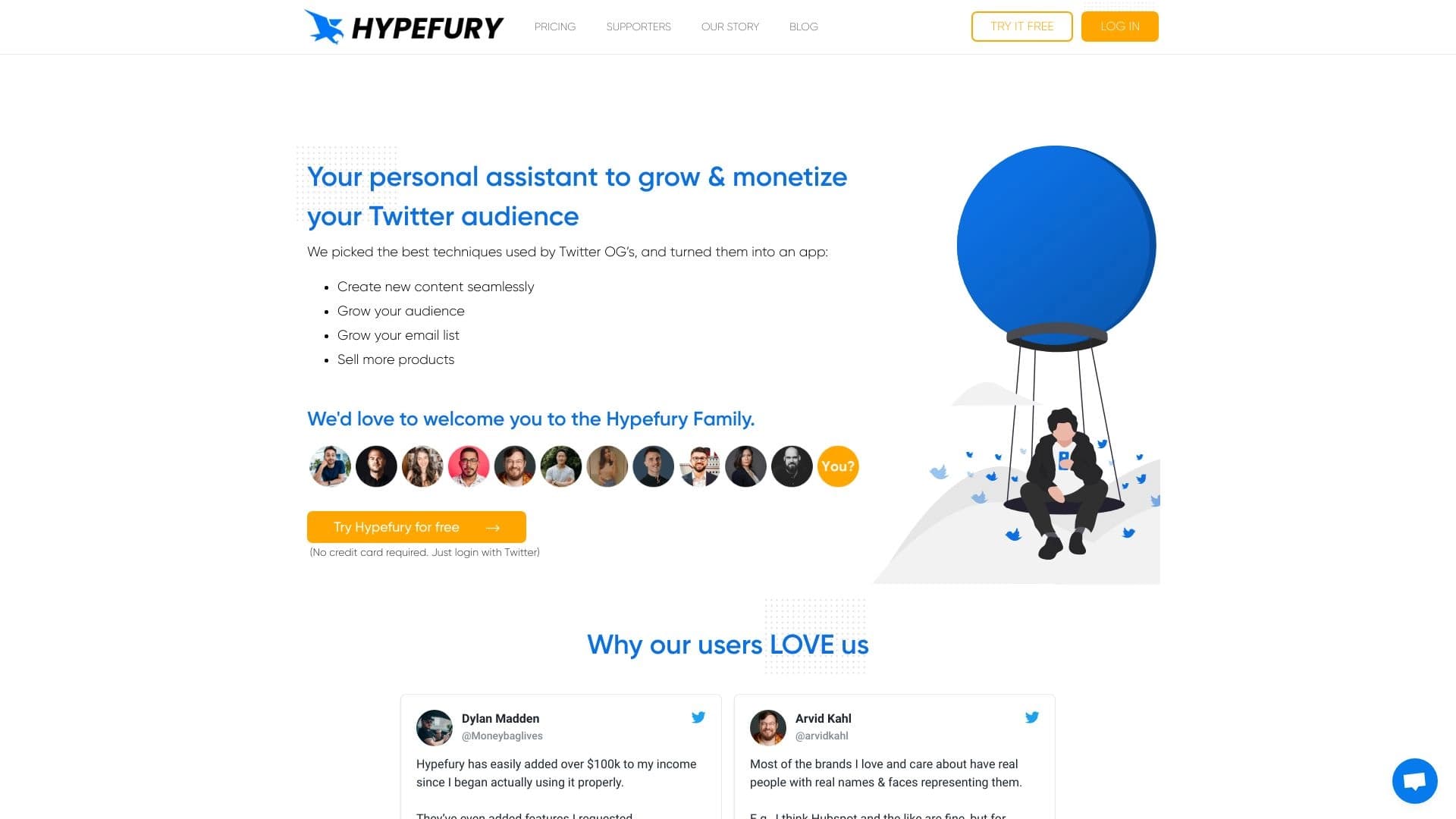

Инструмент для автоматизации и планирования публикаций в социальных сетях, ориентированный на Twitter.
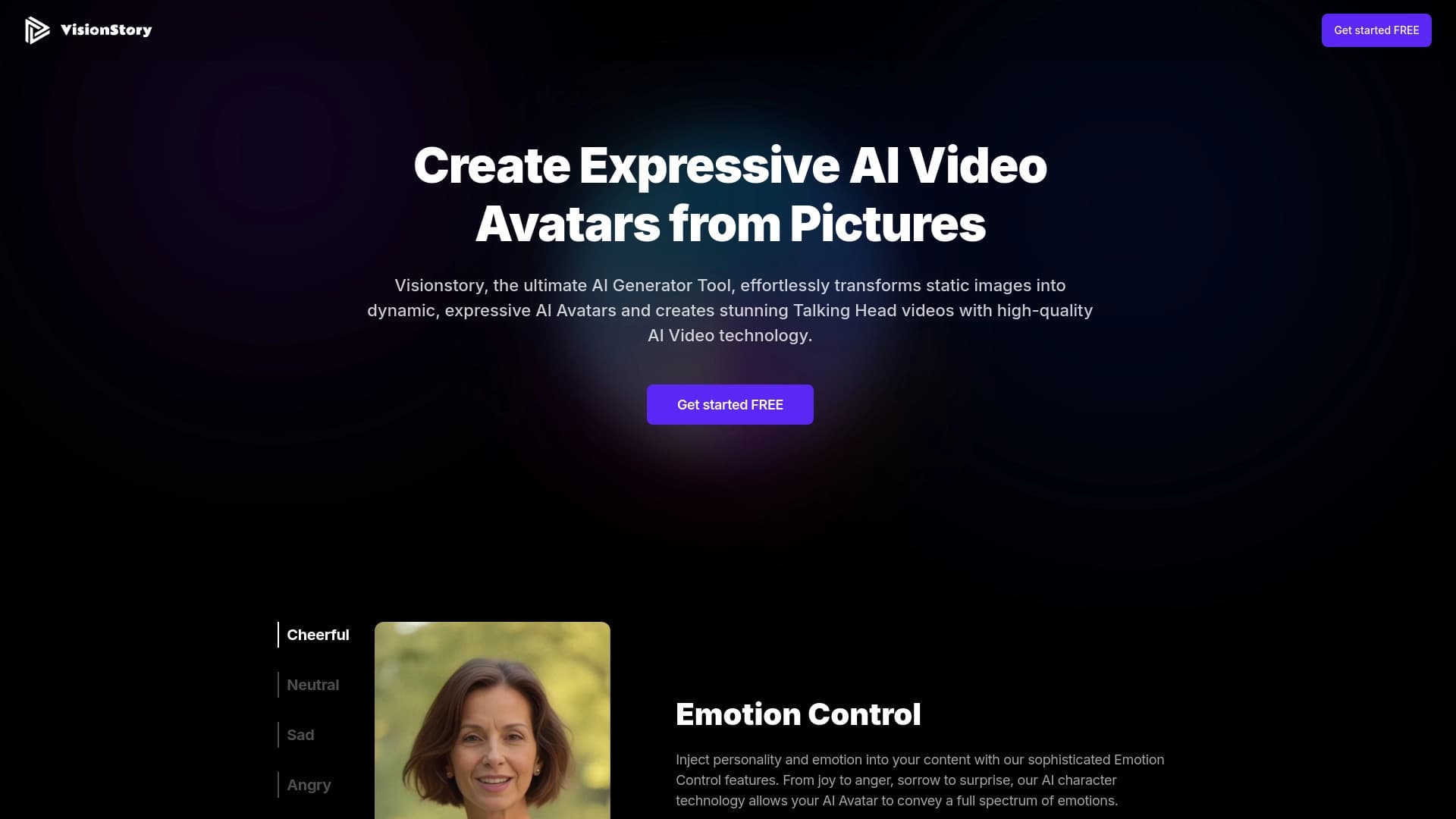

Сервис для превращения статичных фотографий в видео с говорящими анимированными персонажами.