

Mokker
Сервис на основе ИИ для автоматической замены фона и редактирования фотографий товаров.
Обзор
Mokker
Описание нейросети Mokker
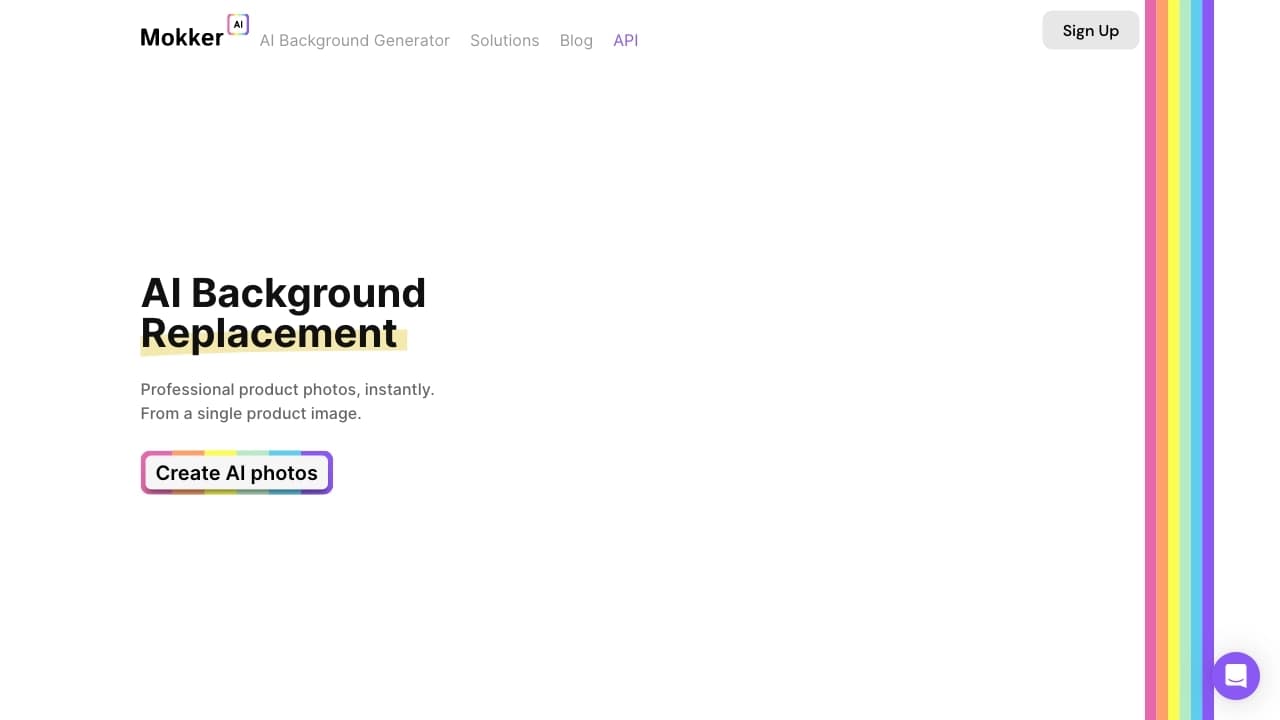
Mokker — это сервис на основе искусственного интеллекта, предназначенный для автоматической замены фона и редактирования фотографий товаров. Пользователь загружает снимок продукта, а нейросеть сама вырезает объект из кадра, сохраняя при этом тени и отражения. Готовый объект затем размещается на выбранном фоне — либо из готовой библиотеки шаблонов, либо по текстовому описанию пользователя.
Платформа позволяет быстро создавать целую серию изображений для карточек товаров в разных контекстах, а также адаптировать стиль изображений, менять цвета и текстуры, добавлять уникальные эффекты и фильтры. Благодаря этому бренды могут поддерживать единую визуальную идентичность без дорогих предметных фотосессий.
Назначение платформы
Mokker ориентирован в первую очередь на коммерческие задачи электронной коммерции. Вместо аренды студии и привлечения фотографа сервис позволяет получать качественные снимки товаров самостоятельно, в короткие сроки и с минимальными затратами.
Замена фона и редактирование
Инструмент объединяет в себе несколько возможностей: фоторедактор, генератор изображений и настройку стиля. Пользователь может не только заменить задний план, но и доработать внешний вид продукта, подобрав подходящую освещённость и оформление под конкретную сцену.
Характеристики Mokker
| Характеристика | Значение |
|---|---|
| Бизнес-модель | Free Trial |
| Стоимость | от $13/мес (Starter) |
| Категории | Арт, генератор изображений, редактирование изображений, маркетинг |
| Теги | удалить фон |
| Модель распространения | Freemium |
| Доступность | Веб-сайт |
Для кого подходит нейросеть Mokker?
Mokker рассчитан на специалистов, работающих с товарными изображениями в коммерческой сфере.
Продавцы маркетплейсов и интернет-магазинов
Основная аудитория — продавцы на маркетплейсах и владельцы интернет-магазинов, которым нужно быстро получать качественные карточки товаров без обращения к профессиональной фотосъёмке.
Дизайнеры и маркетологи
Сервис также полезен дизайнерам, маркетологам и создателям рекламы, которым требуется адаптировать стиль существующих изображений, улучшать визуальную идентичность бренда и экспериментировать с оформлением.
Как использовать нейросеть Mokker?
Работа с сервисом построена на простом интуитивном алгоритме, который не требует специальных навыков.
Загрузка фото товара
Для начала достаточно загрузить фотографию продукта в сервис. Mokker автоматически удалит фон с изображения, по возможности сохранив тени и отражения объекта.
Выбор фона и генерация
После удаления фона пользователь выбирает шаблон из библиотеки, включающей более 100 вариантов. Также можно задать собственный текстовый промпт для создания уникального сценария. ИИ формирует готовое изображение и подстраивает освещение под выбранную сцену.
Основные функции Mokker
Автоматическое удаление фона
Сервис аккуратно вырезает объект из фотографии, сохраняя естественные тени и отражения, что позволяет добиться реалистичного результата.
Библиотека шаблонов и кастомные промпты
В распоряжении пользователя более 100 готовых фонов. Кроме того, для уникальных сценариев можно создавать собственные текстовые запросы, расширяя возможности оформления.
Настройка освещения и стиля
ИИ автоматически подстраивает освещение под выбранную сцену, а также позволяет менять цвета, текстуры и добавлять эффекты и фильтры для адаптации визуального стиля.
Преимущества Mokker
Быстрое получение качественных фото
Сервис позволяет получать изображения уровня глянцевого каталога без студии и фотографа, экономя значительное время на подготовку карточек товаров.
Экономия на фотосессиях
Использование автоматической генерации фонов избавляет от затрат на аренду студии, оборудование и услуги специалистов, заменяя их несколькими кликами.
Возможность A/B-тестирования
Благодаря быстрому созданию вариантов изображений одного продукта в разных контекстах, Mokker подходит для A/B-тестирования разных фонов и поиска наиболее эффективного оформления.
Недостатки Mokker
По имеющейся информации, сервис в первую очередь ориентирован на коммерческие задачи электронной коммерции и товарные изображения. Детальные данные о возможных ограничениях бесплатного плана, а также о технических недостатках платформы в доступных источниках не раскрываются, поэтому полную оценку ограничений дать сложно.
Какие задачи решает Mokker
Создание фотогеничных снимков без студии
Сервис решает задачу получения качественных изображений товаров без привлечения фотографа и аренды студии, что особенно важно для небольших магазинов и отдельных продавцов.
Быстрое создание серии фотографий
Mokker позволяет оперативно готовить серию изображений для карточек товаров на маркетплейсах, для соцсетей и интернет-магазинов, экономя время на рутинной обработке.
Показ продукта в разных контекстах
Инструмент помогает представить один и тот же товар в различных сценариях и окружении, что делает карточки более информативными и привлекательными для покупателей.
Цены Mokker
Сервис работает по freemium-модели и предлагает несколько тарифных планов.
Бесплатный план
Бесплатный тариф включает 20 фотографий и позволяет познакомиться с возможностями сервиса перед покупкой.
Платные тарифы
Тариф Starter стоит $13 в месяц и включает 500 изображений. Тариф Team оценивается в $29 за пользователя и не имеет лимитов на количество создаваемых фотографий. Стоимость может также указываться как $19 в рамках отдельных условий пробного периода.
Условия использования Mokker
Чтобы начать работу, достаточно загрузить фотографию товара — никаких сложных настроек не требуется. Сервис предоставляет бесплатный пробный план, позволяющий протестировать функциональность до оформления платной подписки. Пользователь может создавать кастомные промпты для уникальных сценариев оформления.
Доступность Mokker
Сервис доступен через веб-сайт, что позволяет работать с ним с любого устройства через браузер без установки дополнительного программного обеспечения. Информация о поддерживаемых языках интерфейса и регионах в доступных источниках не указана.
Чем отличается Mokker от аналогов
Главное отличие Mokker — узкая специализация на товарных изображениях для электронной коммерции. В отличие от универсальных генераторов изображений, сервис изначально заточен под задачи продавцов: автоматическое удаление фона с сохранением теней и отражений, готовая библиотека более чем из 100 шаблонов и возможность быстрого создания серии карточек товаров в разных контекстах.
Такой фокус позволяет получать результат, близкий к профессиональной студийной съёмке, без длительного подбора промптов и настройки дополнительных параметров. Вместе с тем функциональность по оформлению и стилизации — изменение цветов, текстур, добавление эффектов — делает его полезным не только для магазинов, но и для маркетинговых задач. Близкие по направлению решения существуют у других инструментов в этой нише, однако Mokker выделяется сочетанием простоты работы и коммерческой направленности на фотографии продуктов.
Заключение
Mokker — практичный инструмент для электронной коммерции, который позволяет быстро и без студии создавать качественные изображения товаров с аккуратно заменённым фоном. Сочетание автоматического удаления фона с сохранением теней и отражений, обширной библиотеки шаблонов и поддержки кастомных промптов делает сервис удобным решением для продавцов маркетплейсов, владельцев интернет-магазинов, дизайнеров и маркетологов. Наличие бесплатного плана позволяет оценить возможности сервиса без финансовых вложений, а платные тарифы подстраиваются под объём задач — от небольшого магазина до команды без ограничений по количеству изображений.
Тарифы
Часто задаваемые вопросы
Смотрите также


Бесплатный веб-инструмент от Google, который с помощью машинного обучения превращает грубые наброски в аккуратные иконки и иллюстрации.

AI-инструмент для обработки изображений товаров и генерации профессиональных фотографий с виртуальными моделями.

Сервис для создания персонализированных аватаров и фотосессий с помощью ИИ на основе загруженных селфи.


Сервис для виртуальной примерки одежды с помощью ИИ.


AI-помощник для быстрого создания и редактирования текстов в различных форматах.


Веб-сервис для генерации аниме-изображений по текстовым запросам с помощью ИИ.


Онлайн-инструмент для создания дипфейков и редактирования изображений с помощью ИИ.


Онлайн-сервис для создания аниме-изображений по текстовому описанию за несколько секунд.