
Modish
Мобильное приложение для генерации вариантов дизайна интерьера по фотографии комнаты.
Обзор
Modish
Описание нейросети Modish
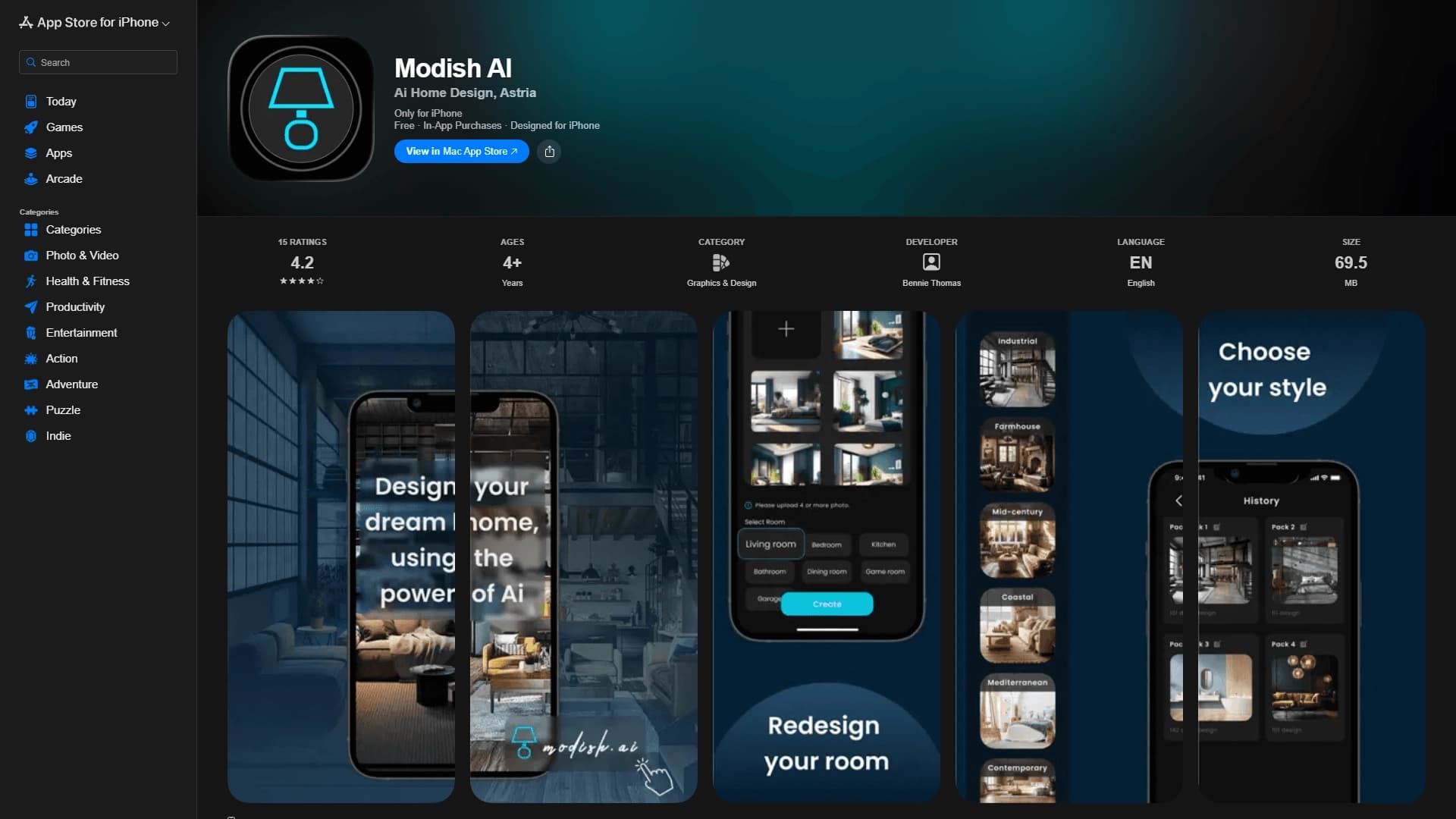
Modish AI — это мобильное приложение для iPhone, которое использует возможности нейросетей для генерации дизайна интерьера. Принцип работы инструмента предельно прост: пользователь загружает фотографию существующей комнаты, выбирает желаемый стиль оформления, а искусственный интеллект создает реалистичный концепт с новой мебелью, декором и цветовой гаммой.
Приложение позиционируется как решение для быстрой визуализации идей при планировании ремонта или обустройства нового жилья. Оно не требует от пользователя специальных знаний в области дизайна — достаточно сделать снимок помещения и указать направление, в котором хочется двигаться. Modish берет на себя рутинную работу по подбору элементов интерьера и их компоновке, превращая процесс поиска образа будущей комнаты в интерактивную сессию.
Сервис работает на связке передовых моделей машинного обучения, включая Astria, DALL·E 3 и Midjourney, что обеспечивает высокую степень реалистичности генерируемых изображений. Для дизайнеров Modish может выступать в роли инструмента для создания черновых концептов и презентационных материалов для клиентов.
Характеристики Modish
| Характеристика | Значение |
|---|---|
| Тип | Мобильное приложение |
| Категория | Дизайн интерьера, мебель и декор |
| Платформы | iOS (iPhone) |
| Языки интерфейса | Не указано |
| Наличие бесплатного тарифа | Да (бесплатно с внутриигровыми покупками) |
| Поддерживаемые модели | Astria, DALL·E 3, Midjourney |
| Ссылка в App Store | apps.apple.com/us/app/modish-ai/id6453697125 |
Для кого подходит нейросеть Modish?
Владельцы жилья и арендаторы
Modish ориентирован в первую очередь на людей, которые планируют ремонт, обустраивают новую квартиру или просто хотят освежить обстановку в существующем жилье. Вместо того чтобы полагаться на абстрактные картинки из журналов или тратить время на многочисленные посещения мебельных салонов, пользователь может сгенерировать несколько вариантов оформления конкретно своей комнаты. Это помогает быстрее определиться с направлением дизайна и избежать дорогостоящих ошибок.
Профессиональные дизайнеры интерьера
Для дизайнеров Modish выступает в роли вспомогательного инструмента на начальных этапах работы с клиентом. С его помощью можно быстро создавать предварительные концепты, сравнивать альтернативные стилистические решения и показывать заказчику наглядные варианты преображения помещений. Это существенно ускоряет процесс согласования и помогает сформировать общее видение проекта до начала детальной проработки.
Начинающие пользователи без опыта в дизайне
Приложение рассчитано на людей без специальной подготовки. Управление адаптировано под сенсорный экран iPhone и не требует разбираться в сложных настройках. Достаточно сделать фото и выбрать стиль — остальное приложение сделает самостоятельно.
Как использовать нейросеть Modish?
Шаг 1: Загрузка фотографии комнаты
Первый этап работы с Modish — загрузка снимка помещения, которое вы хотите преобразить. Фотографию можно сделать непосредственно в приложении через камеру iPhone или выбрать уже существующее изображение из галереи устройства. Важно, чтобы комната была хорошо освещена и не содержала лишних предметов, которые могут исказить итоговый результат.
Шаг 2: Задание параметров и получение результата
После загрузки снимка необходимо сформулировать пожелания по стилю будущего интерьера. Приложение обрабатывает запрос с использованием нейросетей и возвращает готовые AI-варианты оформления комнаты с новой мебелью, отделкой и декоративными элементами. Результаты представлены в виде реалистичных изображений, которые можно сравнивать между собой и выбирать наиболее подходящий вариант.
Основные функции Modish
Генерация дизайн-концептов
Ключевая функция Modish — создание AI-дизайна интерьера на основе фотографии реальной комнаты. Нейросети анализируют геометрию помещения, расположение окон и дверей, особенности освещения и предлагают гармоничные варианты оформления, которые можно использовать для дальнейшей реализации.
Виртуальная визуализация идей
Приложение позволяет экспериментировать с разными стилями, цветовыми решениями и планировками без физических изменений в комнате. Пользователь может быстро перебирать варианты от минимализма до классики, от светлых тонов до насыщенных акцентов, видя наглядный результат каждого эксперимента.
Подбор мебели и декора
Для каждого сгенерированного концепта Modish подбирает мебель, элементы декора и отделочные материалы, гармонирующие с выбранным стилем. Это помогает не только сформировать общее видение интерьера, но и получить конкретные идеи для последующей закупки предметов обстановки.
Создание презентационных материалов
Профессиональные дизайнеры могут использовать сгенерированные изображения для создания концептов и презентаций для клиентов. Возможность быстрого сравнения альтернативных вариантов оформления облегчает обсуждение проекта и принятие решений.
Преимущества Modish
Скорость и экономия ресурсов
Modish превращает дизайн интерьера в быстрый процесс, который не требует привлечения профессионального дизайнера на начальном этапе. Это экономит как время, так и бюджет пользователя, позволяя исключить заведомо неподходящие варианты до обращения к специалистам или начала ремонтных работ.
Качество генерации на базе передовых моделей
Приложение использует несколько мощных моделей машинного обучения — Astria, DALL·E 3 и Midjourney. Такая комбинация обеспечивает высокую степень реалистичности и детализации генерируемых изображений, что приближает результаты к работе профессионального визуализатора.
Простота использования для новичков
Управление в Modish адаптировано под iPhone и не требует от пользователя технических навыков или знаний в области дизайна. Весь процесс — от загрузки фотографии до получения готового концепта — занимает минимум времени и интуитивно понятен.
Гибкая модель распространения
Приложение доступно бесплатно с внутриигровыми покупками, что позволяет познакомиться с базовым функционалом без первоначальных вложений. Расширенные возможности открываются по мере необходимости — по мере того как пользователь убеждается в полезности инструмента.
Недостатки Modish
Исчерпывающего перечня ограничений Modish в доступных источниках не представлено. Однако ключевым ограничением является платформенная зависимость: приложение функционирует только на устройствах iOS (iPhone), что исключает его использование на Android-смартфонах, планшетах и персональных компьютерах. Также в материалах не указан перечень поддерживаемых языков интерфейса, что может создавать неопределенность для русскоязычных пользователей. Детальная информация о лимитах бесплатного тарифа и стоимости отдельных функций также отсутствует.
Какие задачи решает Modish
Визуализация идей для комнат
Основная задача Modish — превратить абстрактные пожелания и разрозненные референсы в четкое визуальное представление будущего интерьера. Вместо того чтобы мысленно комбинировать фотографии из журналов, пользователь видит целостный образ комнаты в выбранном стиле.
Подбор стиля, мебели и декора
Приложение помогает сориентироваться в многообразии стилистических направлений и предметов интерьера. Генерируемые концепты демонстрируют, как конкретные стили, цвета и планировки будут выглядеть в конкретном помещении.
Создание концептов интерьера для клиентов
Для дизайнеров и декораторов Modish служит инструментом быстрой проработки черновых идей и создания предварительных презентаций. Это позволяет сократить время на начальные согласования и быстрее переходить к детальному проектированию.
Экономия времени и бюджета при планировании ремонта
Возможность заранее увидеть результат преображения комнаты снижает риск ошибок при выборе материалов, мебели и цветовых решений. Пользователь приходит в магазин с четким пониманием, что именно ему нужно, а не с размытыми представлениями.
Цены Modish
Приложение Modish распространяется по модели freemium: базовый функционал доступен бесплатно, при этом внутри приложения предусмотрены покупки, которые открывают расширенные возможности. Конкретные цены на внутриигровые покупки и состав платного контента в доступных источниках не раскрываются. Пользователям, планирующим активное использование сервиса, рекомендуется уточнять актуальную информацию о стоимости функций непосредственно в приложении в App Store.
Условия использования Modish
Modish рассчитано на начинающих пользователей с минимальным порогом входа. Приложение доступно бесплатно с внутриигровыми покупками — то есть для начала работы не требуется внесения предоплаты, а дальнейшее использование строится на принципе оплаты по мере необходимости. Интерфейс адаптирован для сенсорного управления на iPhone и не требует специальных навыков или знаний в области дизайна и нейросетей.
Доступность Modish
Modish доступно исключительно для владельцев iPhone — других платформ приложение не поддерживает. Скачать приложение можно в официальном магазине App Store. Информация о поддерживаемых языках интерфейса и наличии локализации для русскоязычных пользователей в источниках не указана.
Чем отличается Modish от аналогов
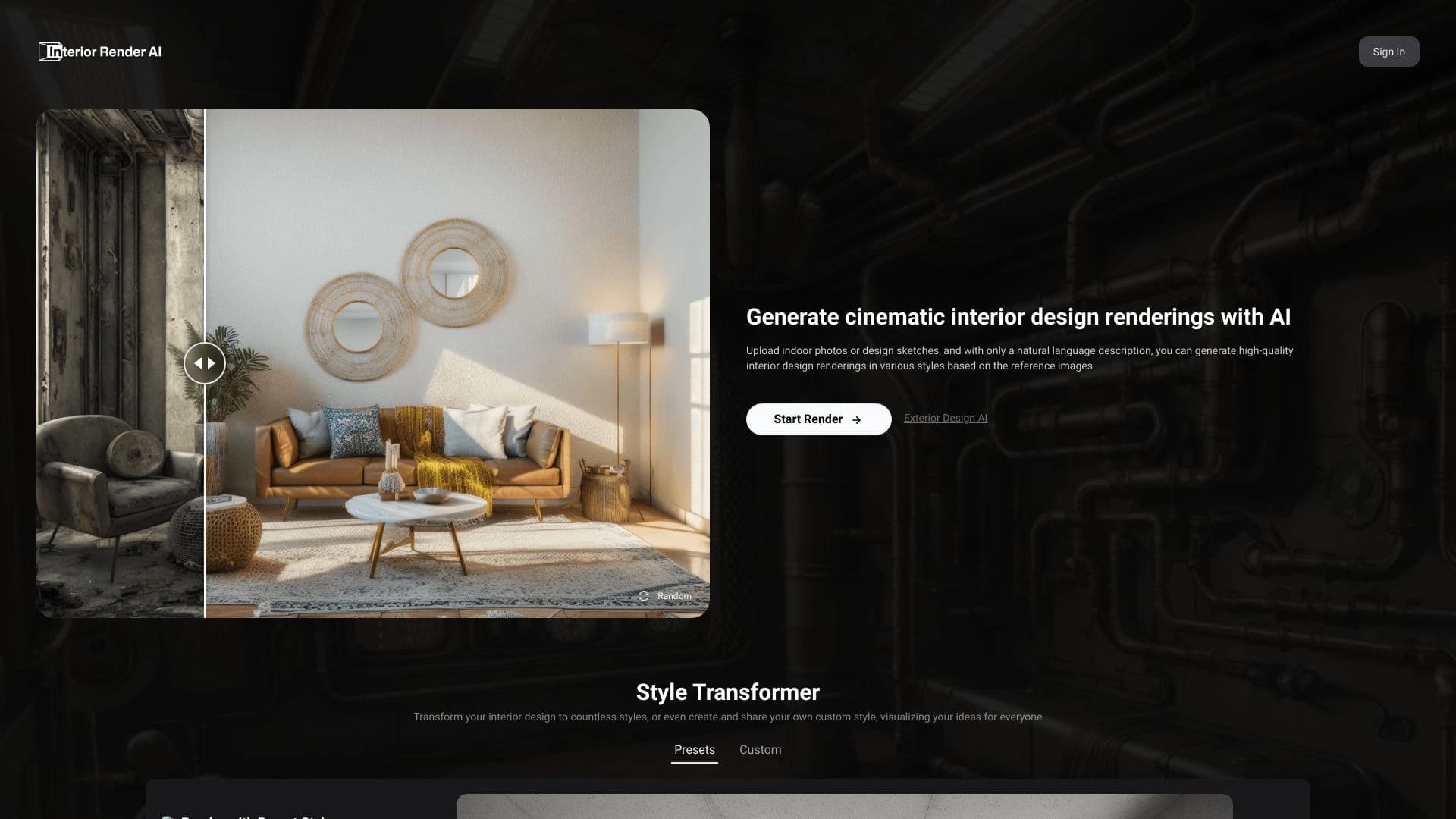
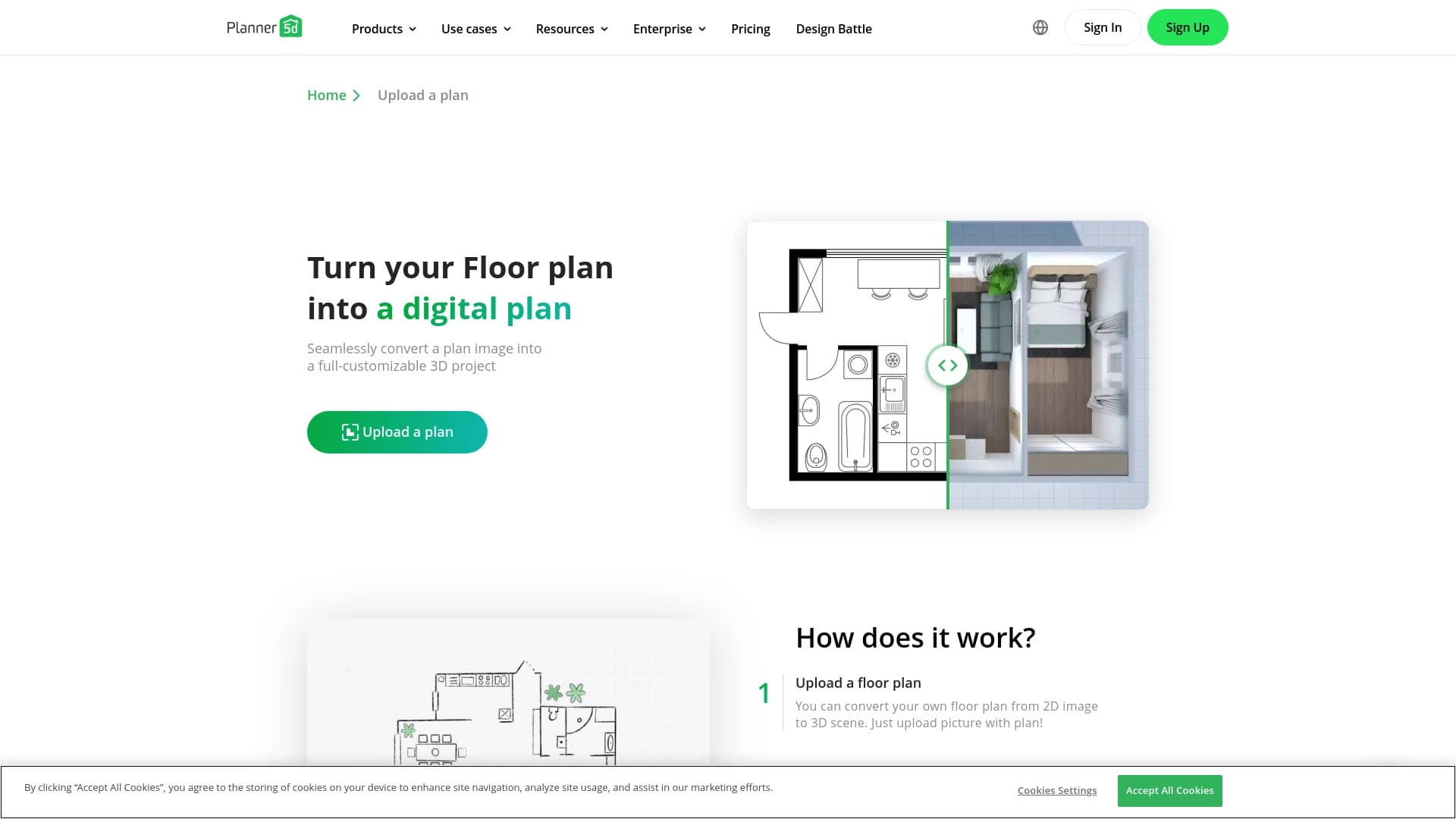
Modish выделяется среди аналогичных сервисов ориентацией на мобильные устройства Apple: это нативное приложение для iPhone, тогда как многие конкуренты, включая Deroom AI, Planner 5D, Interior Render AI, ZOYO, Palette Immo и Interior Amore, предлагают более широкие платформенные варианты — веб-версии, приложения для Android или десктопные редакторы.
Ключевую роль в формировании отличий играют используемые модели нейросетей. Modish опирается на Astria, DALL·E 3 и Midjourney — это одни из самых сильных моделей генерации изображений, что напрямую влияет на качество и реалистичность результатов.
Кроме того, Modish позиционируется как решение для быстрых черновых концептов без глубокой детализации, в то время как некоторые аналоги, например Planner 5D, ориентированы на создание точных планов помещений, а другие — на гиперреалистичные рендеры. Это делает Modish подходящим выбором для быстрого поиска идей, но возможно недостаточно гибким для сложных профессиональных задач с тонкой настройкой параметров.
Заключение
Modish AI — это практичное мобильное приложение для iPhone, которое делает AI-дизайн интерьера быстрым, наглядным и доступным. Используя передовые нейросетевые модели Astria, DALL·E 3 и Midjourney, оно позволяет владельцам жилья, арендаторам и дизайнерам за считанные минуты получать реалистичные варианты оформления комнат, сравнивать стили и находить вдохновение для ремонта. Freemium-модель распространения и ориентация на начинающих пользователей снижают порог входа, однако ограничение только платформой iOS существенно сужает потенциальную пользовательскую аудиторию. Modish целесообразно рассматривать как эффективный вспомогательный инструмент для генерации первичных идей и предварительных концептов интерьера.
Часто задаваемые вопросы

Смотрите также

Облачный сервис на основе нейросетей для генерации 3D-моделей, текстур и анимаций по текстовому описанию или изображению.


Онлайн-инструмент для создания дипфейков и редактирования изображений с помощью ИИ.


Онлайн-сервис на основе нейросети для превращения обычных фотографий в стилизованные художественные портреты и аватары.


Онлайн-сервис для создания аниме-изображений по текстовому описанию за несколько секунд.

Cabina AI — это единая платформа для работы с разными генеративными нейросетями, позволяющая создавать тексты, изображения и видео.


Онлайн-редактор для удаления лишних объектов, текста и дефектов с фотографий с помощью нейросети.

Сервис для создания персонализированных аватаров и фотосессий с помощью ИИ на основе загруженных селфи.


Нейросеть Google для генерации и редактирования изображений по текстовому описанию на базе моделей Gemini.