

Missive
Collaborative email platform and team communications tool.
Ranked in
Overview
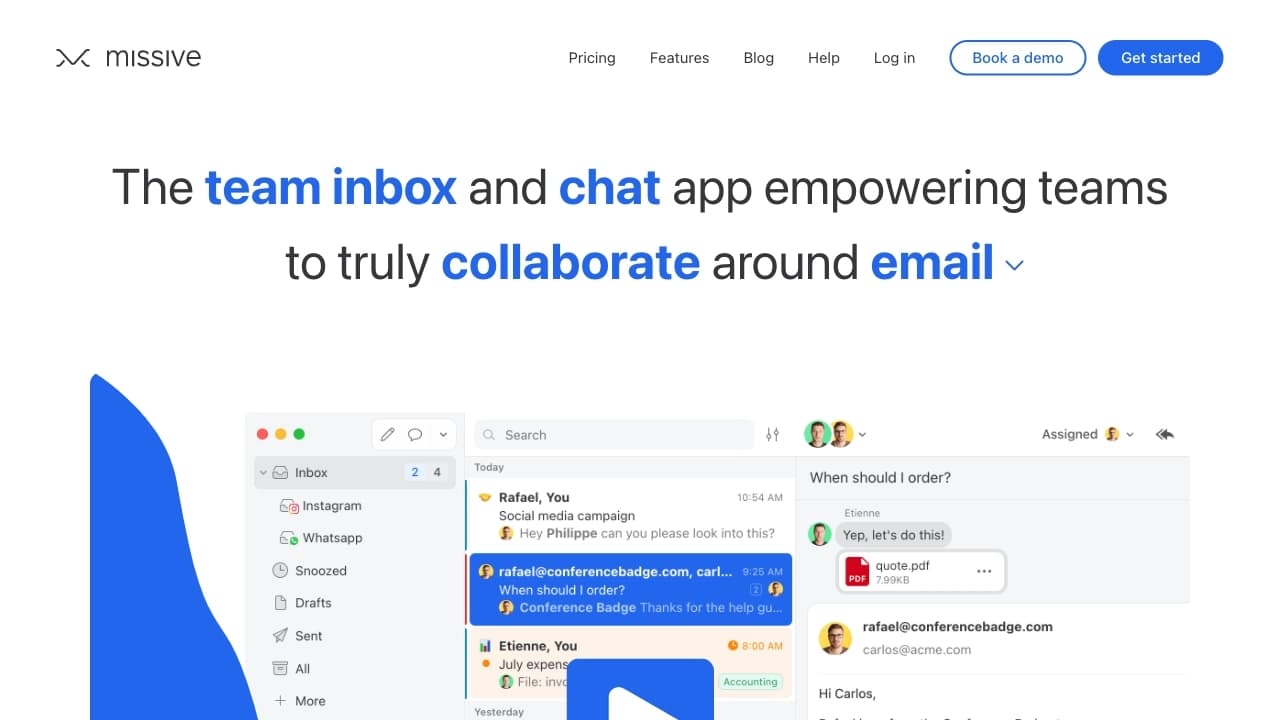
Missive is a work platform that combines email, team chat, and a task management system in a single window. Instead of switching between an email client, a messenger, and a task tracker, a team can process incoming emails collaboratively in real time.
The core idea of the service is to turn email from a personal tool into a collective one. In a regular inbox, only one employee sees an email, but in Missive, several people can work on an incoming message simultaneously: one clarifies details in chat, another prepares a draft reply, and a third assigns a task related to that email. Built-in AI-powered features help generate reply options and automate routine operations to speed up correspondence handling.
The interface has a modern, minimalist design and allows fine-tuning to fit a specific team's workflows. However, there is one important thing to know before adoption: all emails and correspondence within the workspace are visible to every team member. For many, this is a plus in terms of transparency, but for departments handling confidential information, it may be a limitation.
Missive Features
| Feature | Value |
|---|---|
| Business model | Freemium (free tier + paid subscriptions) |
| Pricing | From $14/month |
| Categories | Mobile apps, email generators |
| Primary purpose | Collaborative email management, team communications |
| Key features | AI-powered reply generation, shared email access, routine automation, interface customization |
| Availability | Web version, mobile apps, Gmail integration |
| Distribution model | Freemium |
| Limitations | All emails are visible to all team members |
Who is Missive for?
Teams handling a high volume of incoming emails
Missive is primarily aimed at teams that process a significant amount of correspondence daily: sales departments, customer support, account managers. The ability for multiple employees to see an email at once reduces response time and lowers the risk of losing an important inquiry.
Small startups and small businesses
For companies where employees often wear multiple hats, a unified window for email, chat, and tasks simplifies coordination. There's no need to purchase and configure several separate services — everything works in one interface.
Remote and distributed teams
When employees are in different time zones, shared access to the inbox allows any team member to pick up a task and respond to a client without waiting for a colleague to come online.
How to use Missive
Connecting an email account
The service supports connection via Gmail and other email systems. The web version works directly in the browser, allowing you to start using it without installing additional software. Mobile apps sync with the main account.
Organizing collaborative work
After connecting the inbox, all incoming emails become available to the team. Employees can assign responsibility for specific messages, leave internal comments, and discuss reply drafts in chat without forwarding emails to each other.
Using AI and automation
While processing correspondence, you can use the reply generator: the system will suggest several text options based on the content of the incoming email. Routine operations (sorting, assigning labels, standard replies) can be configured through automation to reduce manual work.
Key Missive Features
AI-powered reply generation
Missive can create multiple reply options to an incoming email directly in the interface. This helps respond quickly to common requests and speeds up preparing correspondence for clients and partners.
Real-time collaborative email processing
Unlike classic email clients, here an email can be opened by several employees at once. They see each other's actions, can discuss the content, and jointly formulate a reply — all in real time.
Routine task automation
Repetitive operations (labeling emails, sorting into folders, sending standard notifications) can be configured as automatic rules. This frees up team time for more complex and important tasks.
Flexible interface customization
The platform allows adapting the workspace to a specific organization's processes: customizing the inbox view, creating convenient folder and label structures, and managing notifications.
Missive Advantages
Increased email productivity
AI reply generation and routine automation reduce the time employees spend drafting emails and performing mechanical operations. The result is fast handling of incoming messages without compromising communication quality.
Improved teamwork
Shared access to emails eliminates the situation where an important message "gets stuck" in someone's personal inbox. Every team member can join the discussion, which is especially useful in situations requiring multi-party coordination.
Quality user support
The service is known for its quick response to customer requests. Support demonstrates a deep understanding of user needs, helping resolve issues quickly and incorporating feedback into product development.
Missive Disadvantages
Lack of correspondence privacy
The main — and perhaps the only significant — drawback is that all emails entering the workspace are visible to every team member without exception. The service does not offer the ability to restrict access to individual messages for specific employees. For teams working with confidential information, this can be a critical limitation.
What problems does Missive solve?
Simplifying email communication
Missive solves the problem of fragmented communication channels: instead of several services (email, chat, task tracker), a single platform is used where all communication is concentrated in one interface.
Speeding up responses to important messages
Thanks to shared access and AI suggestions, response time to incoming inquiries is significantly reduced. An email doesn't go unanswered even if the responsible employee is busy or unavailable.
Uniting the team for collaborative email work
The tool transforms email handling from an individual task into a team process. Discussions, clarifications, and approvals happen directly in the context of the email, making interaction more efficient and transparent.
Missive Pricing
The service operates on a freemium model: there is a free tier with limited functionality and paid subscriptions starting at $14 per month. More expensive tiers typically include advanced automation capabilities, additional integrations, and increased limits on the number of team members or email volume processed. Exact terms of paid plans beyond the starting price should be checked on the service's official website.
Missive Terms of Use
To get started with Missive, you need to create an account. The service supports connection via Gmail, which simplifies registration for users of that email service. The basic freemium terms allow using the platform's functionality without payment, but advanced features are only unlocked with a paid plan. Specific limitations of the free plan (number of members, scope of automation features, available integrations) are not detailed in available sources, so it's advisable to review current information on the official website before choosing a plan.
Missive Availability
Web version and Gmail
The primary way to work is through the web interface in a browser. The tool integrates with Gmail, allowing you to use it on top of your familiar email platform without switching to a separate application.
Mobile apps
For working on the go, mobile apps are available that sync with the web version, letting you stay connected with your team and handle email from any device.
How Missive differs from alternatives
The main difference between Missive and traditional email clients or standalone messengers is built-in collaboration. In standard Gmail, an email is tied to a single account, whereas in Missive the entire inbox is inherently a shared space for the team. This fundamentally changes the approach to correspondence handling: instead of forwarding emails "in circles," employees work on them in parallel, seeing each other's actions in real time.
Another difference is the built-in AI. Reply options for incoming messages are generated directly in the interface, which is not a standard feature of most email services. Routine automation is also built into the platform, while competitors often implement it through third-party plugins requiring separate setup.
At the same time, it's worth noting that many similar tools offer finer-grained access control and privacy settings, whereas in Missive all correspondence is open to the entire team. This is a key difference to evaluate before getting started.
Conclusion
Missive is a practical solution for teams that need to establish collaborative email work and reduce the time spent processing incoming messages. The integration of email, chat, and tasks in a single interface, along with AI reply generation and automation features, makes the service a useful tool for boosting productivity. The main limitation — the lack of correspondence privacy within the team — should be assessed in advance. If your department doesn't handle confidential data and your requirements for communication speed and transparency are high, Missive is definitely worth considering as an effective candidate for improving your company's workflows.
Frequently asked questions
See also


Side AI panel that helps answer questions, work with documents, and generate images.


Platform with a suite of AI tools for image generation, face swapping, and chatting with AI characters.

AI tool for automatically removing backgrounds from images right in the browser.
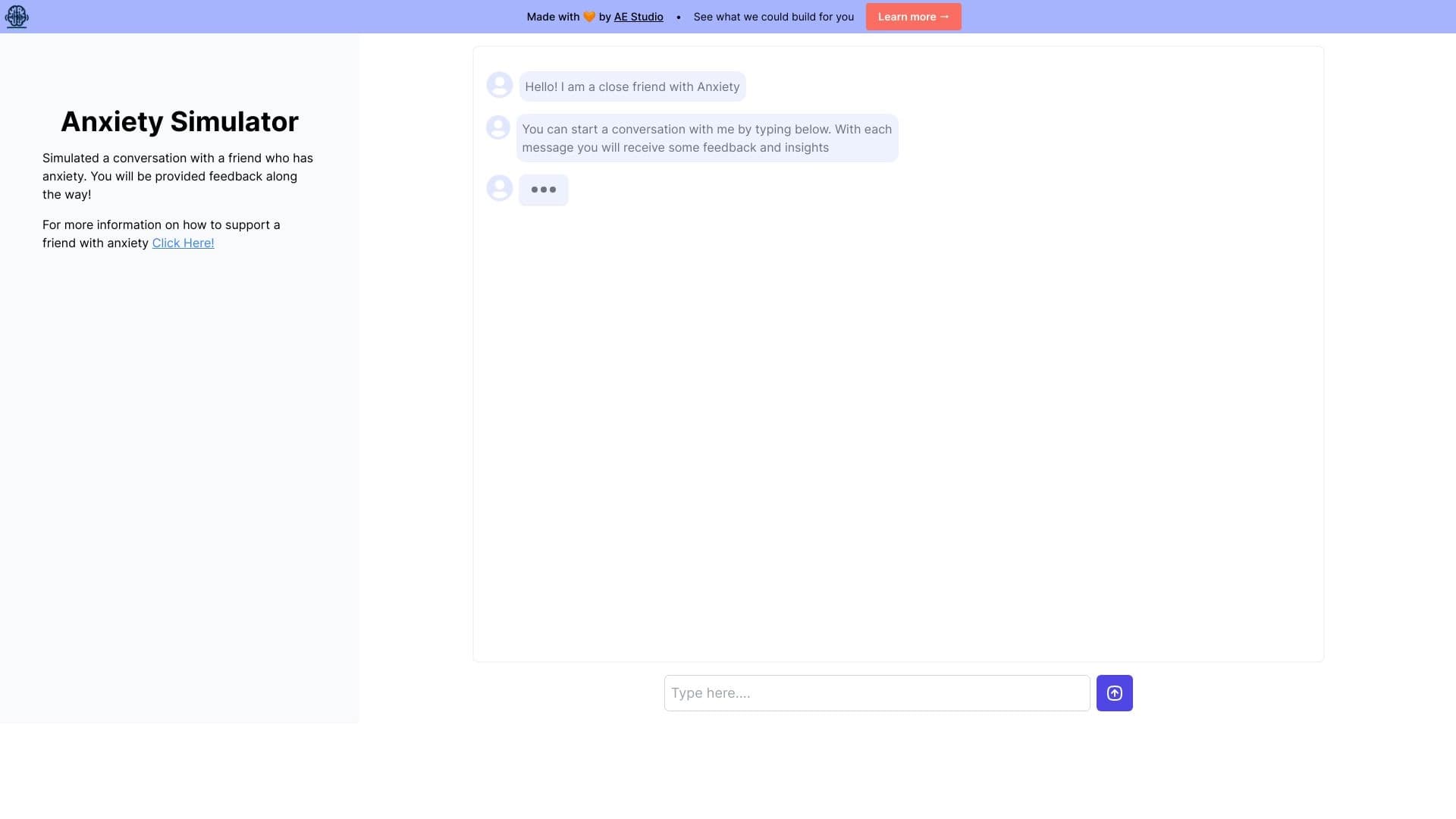
Web simulator for practicing supportive communication with a person experiencing anxiety.

AI platform for fast resume screening that helps recruiters select suitable candidates.
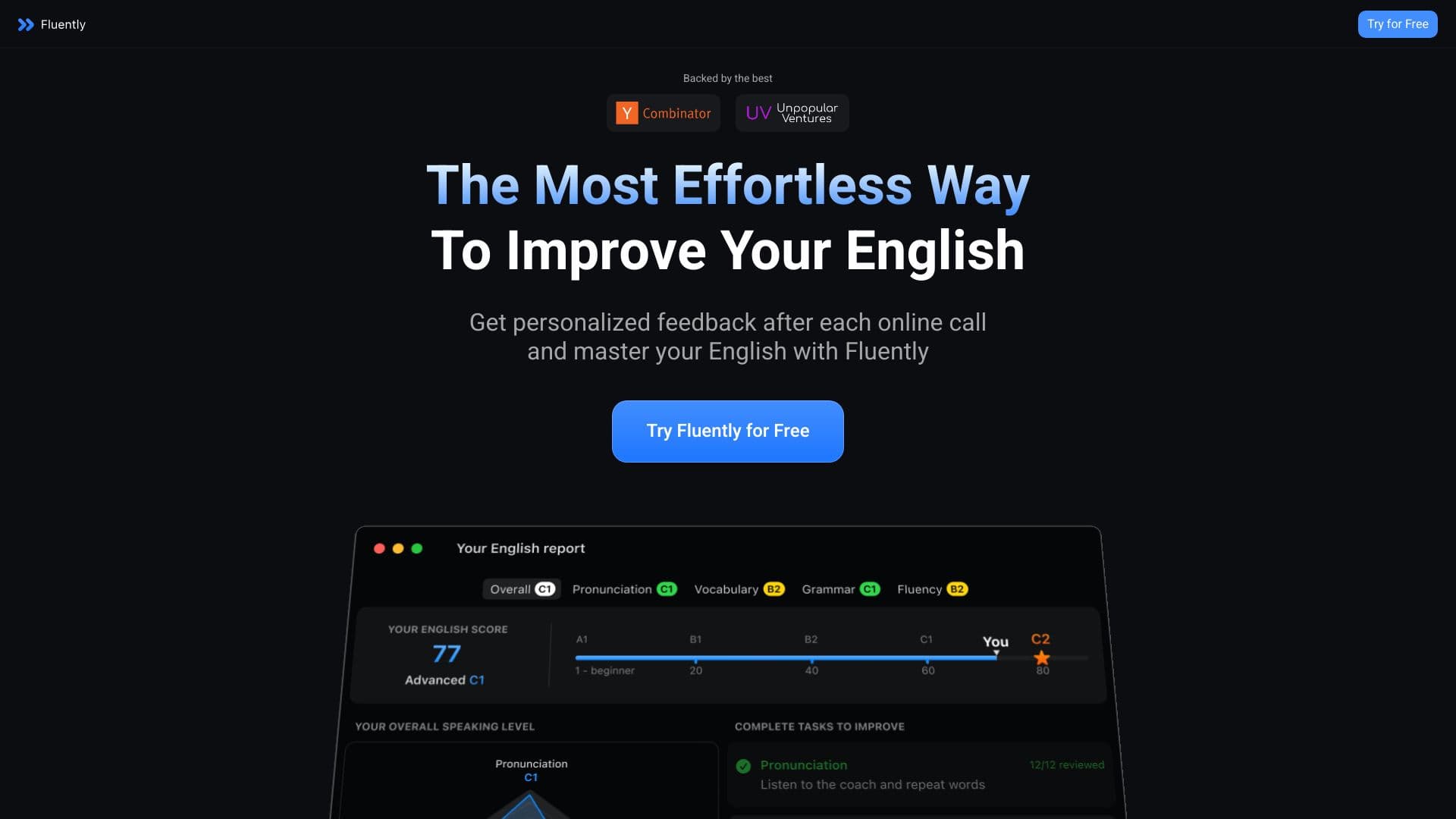

AI speaking coach that provides real-time feedback during calls and everyday conversations.


Aimi is a service that automatically creates music and voiceovers for videos by analyzing the video footage.


AI email assistant that integrates with Gmail and Outlook.