

Microsoft Bing
Search engine with an integrated AI chatbot and DALL·E 3-based image generator.

Overview
Microsoft Bing
Description of Microsoft Bing AI
Microsoft Bing is a search engine from Microsoft enhanced with artificial intelligence. Unlike traditional search engines, Bing offers a built-in chatbot that can hold a conversation, answer questions, and generate content. The system also integrates Bing Image Creator powered by DALL·E 3, a tool for creating images from text descriptions. The service combines search, a personal assistant, and generative AI in one, making interactions with information more flexible and versatile.
Microsoft Bing features
| Feature | Value |
|---|---|
| Type | Chatbot, search engine, image generator |
| Developer | Microsoft |
| Categories | Search engines, Chatbots, Image generation, Text-to-image, Personal assistant |
| Platforms | WEB (modern browser), PC, Bing apps for Android and iOS |
| Interface languages | Russian, English, Spanish, French, German, Chinese, Japanese, and others |
| Free plan available | Yes |
| VPN required | Yes, in some countries |
| Russian language and interface | Supported |
| Chatbot modes | Balanced, creative, precise |
| Distribution model | Freemium |
Who is Microsoft Bing AI for?
Designers and artists
Bing Image Creator lets you quickly create visual concepts, illustrations, and images from a text description. The service suits those who need to generate ideas or ready-made images without having to work in complex graphic editors.
Bloggers and content creators
For bloggers, Bing is useful in several ways: the chatbot helps generate texts and post ideas, while Image Creator creates unique illustrations. Support for multilingual queries expands opportunities for audiences in different countries.
A wide audience of users
Basic Bing search is available to everyone without registration. The system suits private users as well as professionals, students, and corporate clients who need accurate search results, personalization, and integration with other Microsoft services.
How to use Microsoft Bing AI?
Getting started
To use basic Bing search, just open the website in a modern browser—no registration is required. To access the chatbot and image generation feature, you need to sign in with a Microsoft account. In some countries, a VPN may be required to use the service.
Using Bing Image Creator
Go to the Designer feature on the Bing website or in the app. Enter a text description of the image you want, choose the format (aspect ratio), and select a style (realism, abstract, etc.). After you start generation, the AI will create images. The system works in a chatbot format: you can refine the request, change details, and regenerate the result.
Working with the chatbot
The Bing chatbot is available right in the search interface. You can choose one of three modes: Balanced (suits most tasks), Creative (more freedom for generation), and Precise (strict adherence to the request). The chatbot answers questions, finds information, writes texts, code, poems, and songs, and helps optimize ready-made content.
Key features of Microsoft Bing
Search and chatbot
The main function of Bing is advanced search with AI-based algorithms that improve the accuracy and relevance of results. The built-in chatbot lets you not only get links but also carry on a conversation, ask clarifying questions, and receive detailed answers. It supports generating various content: from poems and songs to software code and essays.
Image generation
Bing Image Creator, based on DALL·E 3, creates images from a text description. You can set the format (aspect ratio) and choose a style. The feature is available in a chatbot format, so you can refine requests and achieve the desired result without restarting the process.
Integration and personalization
Bing is integrated into the Microsoft ecosystem, providing unified access to the company's services. The system offers personalized search results, enhanced image and video search, and better content filtering. The interface adapts to different devices.
Advantages of Microsoft Bing
Free access and multilingual support
Basic Bing search is completely free. Bing Image Creator is also available for free. The chatbot supports many languages, including Russian, and understands multilingual queries. This makes the service accessible to a wide audience at no extra cost.
Simplicity and flexibility
The chatbot format simplifies interaction: you can refine requests without re-entering them. The three modes let you choose between a creative and a strict approach. For image generation, you can adjust style and format, giving you control over the result.
Integration with the Microsoft ecosystem
Bing is closely connected with other Microsoft products, which is convenient for users already working in that environment. High search accuracy, fast access to information, and enhanced multimedia capabilities are key advantages over traditional search engines.
Disadvantages of Microsoft Bing
Regional restrictions
In some countries, access to Bing (especially its advanced features) may require a VPN. This creates additional inconvenience for users in those regions.
Need for an account
Although basic search does not require registration, access to the chatbot and Image Creator requires a Microsoft account. This can be a barrier for those who do not want to create an additional account.
Algorithmic limitations
Like any AI system, Bing may show algorithmic biases in its results. There may be concerns about personal data processing. In addition, users may need time to get used to the new features and modes.
What tasks does Microsoft Bing solve?
Search and information retrieval
The system provides fast and relevant search results, personalizes results, and helps you find information on the internet. The chatbot answers questions, analyzes texts, and provides detailed responses.
Content generation
Bing handles tasks for creating text and visual content: poems, code, songs, essays, and other materials. Image Creator lets you quickly generate unique images for design, blogs, presentations, and art projects.
Content optimization and improvement
The Bing chatbot can help improve and optimize ready-made content—from fixing errors to rephrasing texts. This is useful for copywriters, editors, and anyone who works with text.
Microsoft Bing pricing
Microsoft Bing is distributed under a freemium model. Basic search is available for free without registration. The chatbot and Bing Image Creator image generation feature are also free, provided you sign in with a Microsoft account. At the time of writing, the service does not offer paid plans for its core features.
Microsoft Bing terms of use
No registration is required to access basic search. To use advanced features (chatbot, image generation, personalization), you need to sign in with a Microsoft account. In some countries, using a VPN may be required due to regional restrictions. Users are advised to review Microsoft's privacy policy regarding the processing of personal data.
Microsoft Bing availability
The service is available through a web browser on the official Bing website, as well as through the Bing app for Android and iOS. PC is supported. The interface and chatbot are available in many languages, including Russian. Image generation requests are also accepted in different languages. In some countries, access to the service is restricted and may require a VPN.
How is Microsoft Bing different from alternatives?
Integration of search and chatbot
Unlike many AI tools that exist separately from search engines, Microsoft Bing combines traditional search with a chatbot in a single interface. This lets you get search results and have a conversation at the same time, refining your requests.
Three modes of operation
The ability to choose between Balanced, Creative, and Precise modes gives users control over the style of the chatbot's responses. Most alternatives do not offer this flexibility, as they work in a single mode.
Free Image Creator powered by DALL·E 3
Bing Image Creator image generation is based on DALL·E 3 technology and is available for free. Many alternatives, such as Midjourney, require a paid subscription or do not offer the same level of integration with search and a chatbot.
The Microsoft ecosystem
Bing is deeply integrated with Microsoft products, which sets it apart from independent AI tools. For ecosystem users, this provides seamless access to additional features and personalization.
Conclusion
Microsoft Bing is a multifunctional service that combines a search engine, a chatbot, and an image generator based on DALL·E 3. It suits a wide range of users: from those who need accurate search to designers and bloggers creating content. Free access, Russian language support, and three modes of operation make it a convenient tool. The main limitations are regional restrictions and the need for a Microsoft account for advanced features.
Frequently asked questions



See also
Intelligent assistant from Microsoft, built into the Bing search engine and Edge browser, powered by GPT-4.


A browser with built-in AI tools for chatting with neural networks, generating texts and images, translating and summarizing pages.

A platform for aggregating world news using AI to analyze and reduce bias.
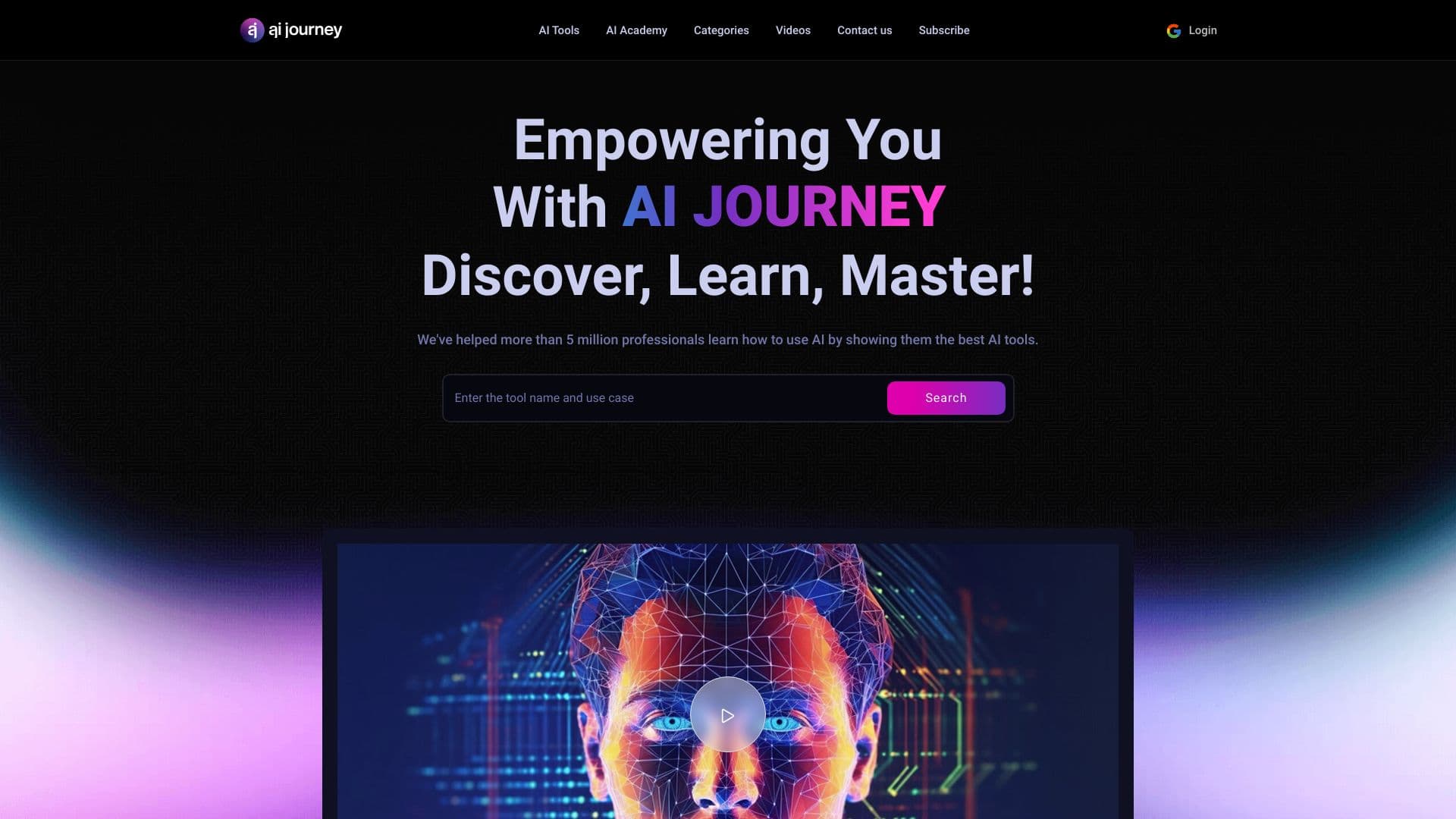
AIJOURNEY is a catalog and search platform for discovering AI tools, updated daily.

Mobile AI assistant powered by DeepSeek for generating texts, images, and searching for information.
Personalized news platform based on generative AI that tailors content to the user's interests.
AI Finder is a tool for searching files on macOS using natural language queries.

Catalog and aggregator of AI tools that helps you find neural networks by category.