

Meitu
Neural network for editing photos and videos with a focus on anime stylization and portrait enhancement.
Overview
Meitu
Description of the Meitu neural network
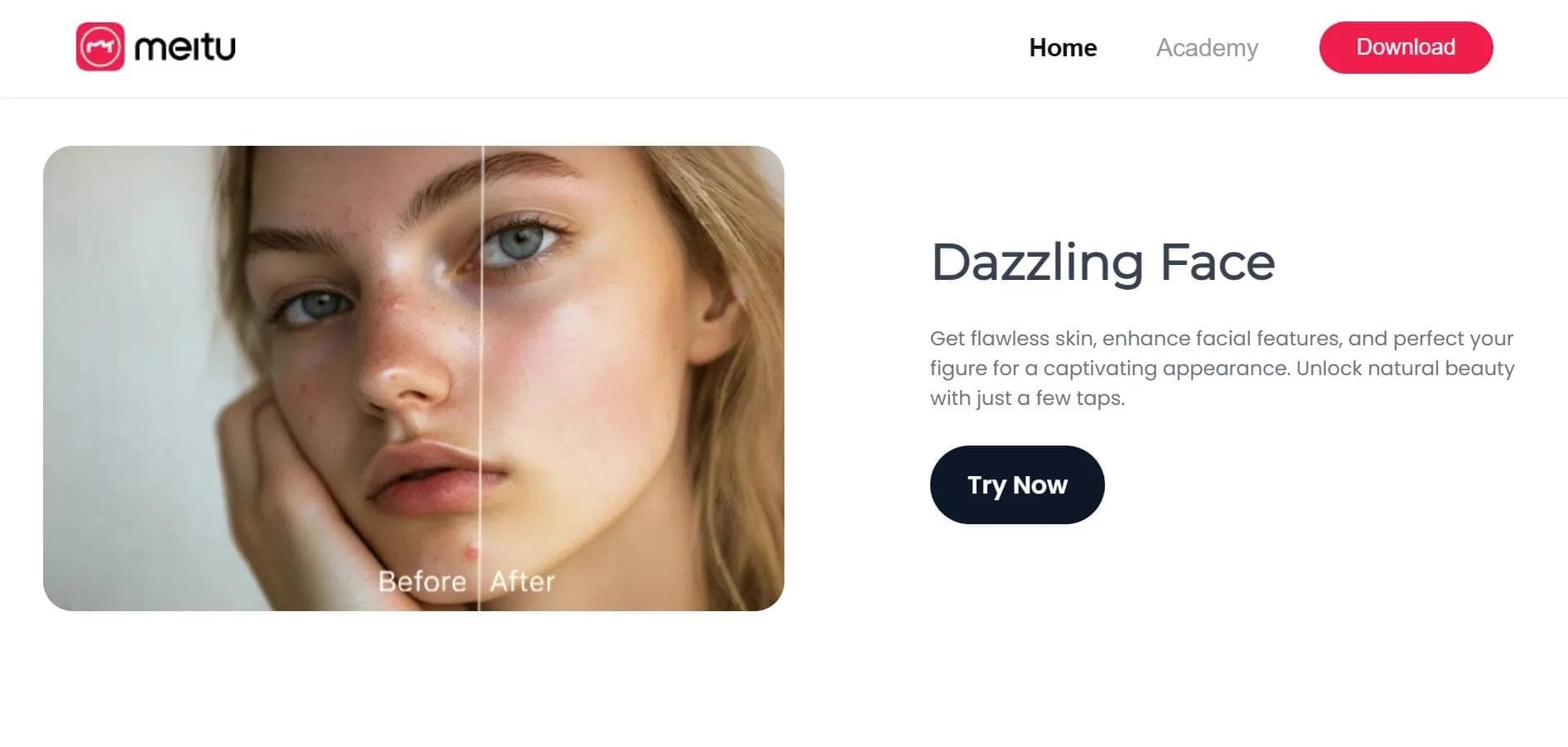
Meitu is a neural network for photo and video editing that specializes in creating anime styles and enhancing portraits. The tool lets you turn ordinary shots into artistic images and animations in seconds. Meitu has more than 25 different tools in its arsenal, including converting sketches into digital art, removing backgrounds, and restoring old photos. The app is available on Android, iOS, and as a web version.
Meitu features
| Feature | Value |
|---|---|
| Type | Photo editor with AI features |
| Categories | Photo editing, Stylization and filters, Background editing |
| Platforms | Android, iOS, web version |
| Interface languages | English, Chinese |
| Free plan available | Yes, with basic features |
| Premium subscription cost | $5.49 per month |
| Maximum resolution | 4K |
| Monthly users | Over 10 million |
Who is the Meitu neural network suitable for?
For content creators and bloggers
Meitu suits those who regularly edit images for social media and need quick tools for retouching, stylization, and background removal. The ability to process up to 100 photos at once and export in 4K makes it a convenient solution for managing content plans.
For anime stylization enthusiasts
Users interested in stylizing photos into anime get one of the fastest tools on the market — converting a shot into an anime style takes about 5 seconds. This is the service's main specialty.
For users restoring old photos
Meitu lets you restore old photos with improved clarity. This feature will be useful for those who want to digitize and improve family archive shots without deep knowledge of photo editors.
How to use the Meitu neural network?
Step 1: Installation and registration
Download the Meitu app on Android or iOS from the official app store, or use the web version on the website. Sign up via Google account or email.
Step 2: Upload an image
Upload a photo from your device's gallery. The service supports high-resolution images — up to 4K.
Step 3: Choose a tool and adjust settings
Select the desired editing tool from 25+ available options: anime stylization, background removal, photo restoration, portrait retouching, or collage creation. Adjust the processing settings to your preferences.
Step 4: Save the result
After processing is complete, save the result to your device. Export is available in PNG and MP4 formats.
Main features of Meitu
Converting photos to anime style
One of Meitu's key features is turning ordinary photos into anime-style images. The process takes about 5 seconds and requires no manual adjustment.
Background removal and object work
The neural network removes backgrounds with 98% accuracy and also lets you remove unwanted objects from images. This simplifies creating clean compositions without using professional editors.
Restoring old photos
The tool restores old shots: it improves clarity, removes scratches and defects, giving photos a higher-quality look.
Portrait retouching and collage creation
Meitu enhances portraits with automatic skin retouching — processing accuracy reaches 95%. You can also create collages from 10 images, convert sketches into digital drawings, and add text with a choice of 50 fonts.
Video animation
In addition to working with photos, the service supports video animation with motion effects, expanding the possibilities for creating dynamic content.
Advantages of Meitu
- Supports image processing at resolutions up to 4K
- Ability to process up to 100 photos at once
- Export in PNG and MP4 formats
- Support for 20 text languages when adding captions
- Skin retouching accuracy — 95%
- Algorithm updates every 3 months, improving processing quality
- Free version with basic features available
Disadvantages of Meitu
Meitu's main drawback is the lack of Russian language support in the interface. The app is available only in English and Chinese, which may limit its use by Russian-speaking audiences.
What tasks does Meitu solve
- Creating anime avatars for social networks and messengers
- Improving the quality of old photos from family archives
- Removing unwanted objects and backgrounds from images
- Retouching portraits and correcting skin
- Creating collages from several photos
- Converting hand-drawn sketches into digital drawings
Meitu pricing
Meitu operates on a freemium model. The free version provides access to basic editing features. The premium subscription costs $5.49 per month and unlocks 10 additional tools, expanding image and video processing capabilities.
Meitu terms of use
Registration is required to get started — via Google account or email. After registration, you need to download the app to a mobile device or open the web version. Basic features are available without payment.
Meitu availability
Meitu is available on three platforms: Android, iOS, and a web version. The interface supports two languages: English and Chinese. Russian is not supported in the interface. The number of active users exceeds 10 million per month.
How Meitu differs from alternatives
Anime stylization speed
Meitu stands out for its speed of converting photos into anime style — the process takes about 5 seconds, which is faster than many alternatives. This makes the service a specialized solution specifically for stylizing portraits.
Wide set of tools in one app
Unlike narrowly specialized services that solve one task (for example, only background removal or only retouching), Meitu combines more than 25 tools: from restoring old photos to video animation and collage creation.
Distribution model and price
Meitu operates on a freemium model with a premium subscription of $5.49 per month, which is comparable to the rates of many alternatives, while also offering algorithm updates every 3 months. Among the alternatives are Kolors by Kuaishou, TryHairNow, Pixlio AI, AI Image Combiner, Gemini Watermark Remover, and Phygital+.
Conclusion
Meitu is an AI-powered photo editor focused on anime stylization and portrait retouching. The service offers many tools, support for processing up to 4K, the ability to process up to 100 photos simultaneously, and a free plan. The main limitation is the lack of Russian in the interface. Meitu is suitable for users looking for a fast and multifunctional image editing solution with an emphasis on anime stylization and portrait enhancement.
Frequently asked questions

See also


AI tool for automating social media marketing, including content generation, post scheduling, and analytics.

A service that automatically generates enhanced photos for dating site profiles.

Web platform for AI-powered image and cinematic video generation, featuring studio-grade editing tools.


AI-powered online platform for quickly creating text content, including blogs, articles, and social media posts.
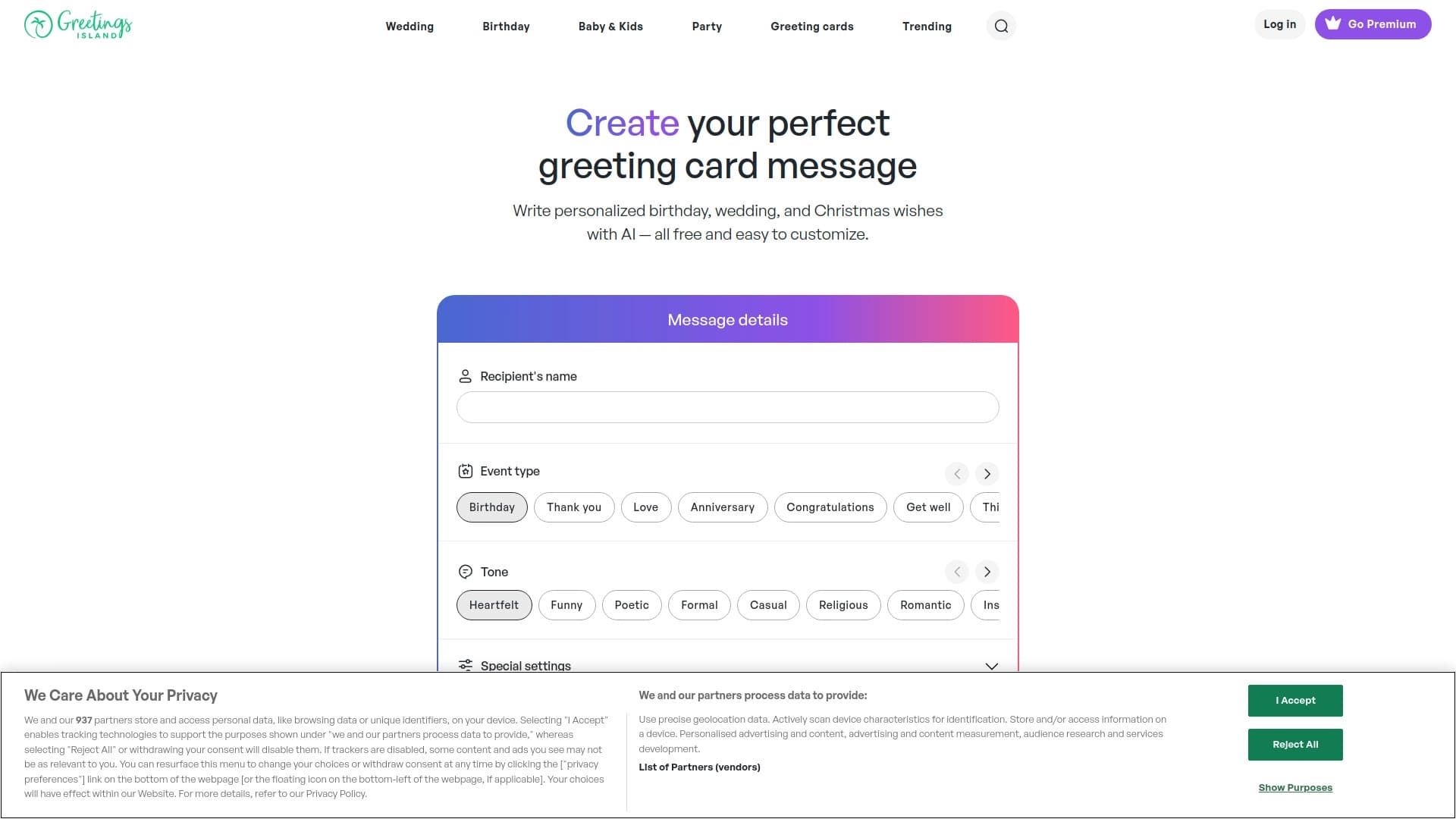

Generator of personalized invitation texts and designs for various events.

Mobile app for photo editing and creating stylized avatars using AI.

Web service for generating images from text prompts and converting photos and videos into artistic artworks.

Anakin.ai is a low-code platform that combines various AI models for content creation and workflow automation without coding.