

MeetGeek
AI-ассистент для автоматической записи, транскрибации и суммаризации онлайн-встреч.
Место в рейтингах
Обзор
MeetGeek
Описание нейросети MeetGeek
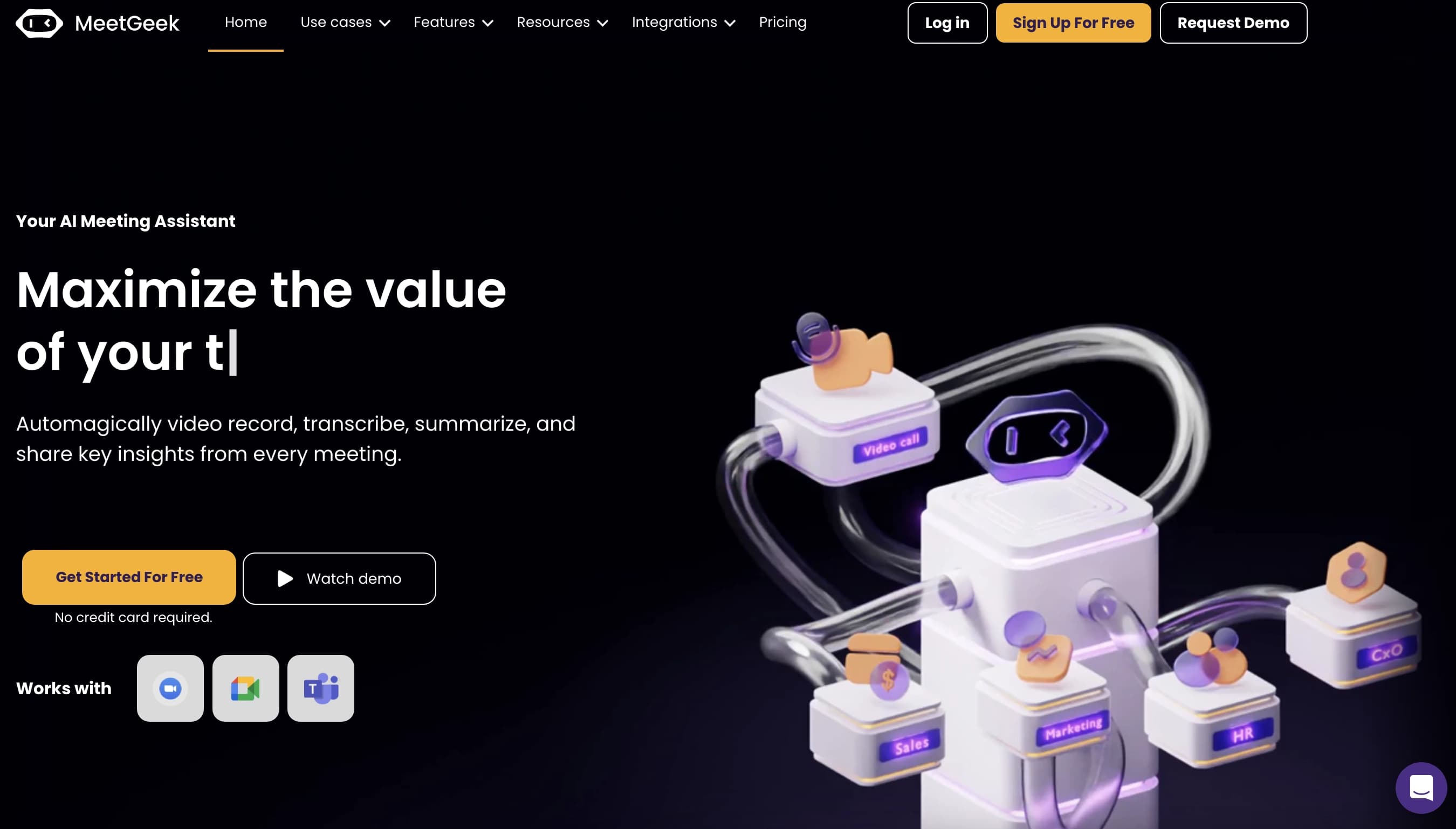
MeetGeek — это интеллектуальный ассистент для онлайн-встреч, который берёт на себя рутинную работу по записи, расшифровке и обработке совещаний. Инструмент автоматически подключается к запланированным встречам через календарь, фиксирует весь разговор и превращает его в структурированные материалы: расшифровки, краткие сводки и списки действий.
Ключевая особенность MeetGeek — глубокая интеграция с рабочим процессом. Сервис распознаёт тип встречи (продажи, интервью, планёрка, онбординг) и создаёт конспект, а не просто сплошной текст. ИИ выделяет важные моменты, задачи, решения и возражения клиентов, что позволяет быстро вернуться к нужному фрагменту диалога в любой момент.
Инструмент поддерживает работу с Zoom, Google Meet, Microsoft Teams и другими платформами для видеоконференций, а также интегрируется с более чем 7000 приложений, включая CRM и мессенджеры. MeetGeek подходит как индивидуальным специалистам и фрилансерам, так и крупным компаниям, стремясь повысить продуктивность за счёт автоматизации ведения заметок и последующих действий.
Характеристики MeetGeek
| Характеристика | Значение |
|---|---|
| Тип | Интеллектуальный AI-ассистент для онлайн-встреч |
| Категории | Транскрибация аудио, заметки и протоколы, планирование и встречи, продуктивность, автоматизация, суммаризация |
| Модель распространения | Freemium (бесплатный тариф + платные) |
| Платформы | Zoom, Google Meet, Microsoft Teams, другие платформы для видеоконференций (через расширение Chrome) |
| Языки интерфейса и расшифровки | Более 50 языков |
| Интеграции | CRM, мессенджеры, календари, корпоративные хранилища, платформы для совместной работы, более 7000 приложений через Zapier |
| Веб-сайт | meetgeek.ai |
Для кого подходит нейросеть MeetGeek?
Индивидуальные специалисты и стартапы
Фрилансеры, консультанты и небольшие команды, которые проводят много встреч с клиентами, могут автоматизировать запись и подготовку итоговых материалов. MeetGeek избавляет от необходимости вручную фиксировать детали разговора, позволяя сосредоточиться на самом диалоге.
Руководители и HR
Для руководителей сервис помогает отслеживать ключевые решения и задачи по итогам совещаний, а также повышать прозрачность встреч. HR-специалисты могут использовать инструмент для интервью, онбординга и планёрок, автоматически получая структурированные конспекты.
Команды продаж и проектные менеджеры
Продавцам MeetGeek помогает выделять возражения клиентов и запросы на функции, которые затем можно передавать в CRM. Проектные менеджеры используют сервис для фиксации задач, решений и статусов на встречах, делегируя рутину по ведению протоколов автоматизации.
Как использовать нейросеть MeetGeek?
Быстрый старт через расширение Chrome
Чтобы начать работу, достаточно установить расширение MeetGeek в браузере Chrome. После этого инструмент автоматически подключается к встречам на поддерживаемых платформах — никаких сложных настроек и приглашения бота не требуется. Начать можно бесплатно, а при необходимости расширить возможности позднее.
Настройка рабочих процессов и интеграций
Для полноценного использования рекомендуется настроить интеграции с CRM, планировщиками и командными чатами — это позволит автоматически передавать итоги встреч в нужные системы. Также полезно ознакомиться с обучающими материалами, настроить фильтры для приоритезации информации и использовать теги со структурированными шаблонами конспектов.
Регулярная работа с отчётами
Пользователям советуют регулярно просматривать автоматические отчёты по завершённым встречам. Это помогает поддерживать архив в актуальном состоянии и своевременно извлекать из него задачи, решения и другую важную информацию через встроенный поиск.
Основные функции MeetGeek
Запись, транскрибация и суммаризация
MeetGeek автоматически записывает и расшифровывает встречи на более чем 50 языках. ИИ распознаёт тип совещания и формирует структурированные конспекты — подробные или краткие, с выделением важных моментов, задач, возражений клиентов, запросов на фичи и ключевых решений.
Поиск по архиву и чат
Сервис хранит единый архив всех встреч с поиском по ключевым словам, темам и участникам. Встроенный чат позволяет задавать вопросы по содержанию совещаний и быстро находить нужные фрагменты диалога. Есть возможность обмениваться результатами с коллегами.
Шаблоны и интеграции
Пользователи могут создавать собственные шаблоны конспектов под свои задачи. MeetGeek интегрируется с HubSpot, Salesforce, Slack, Notion, Asana и более чем 7000 приложений через Zapier, а также с календарями, корпоративными хранилищами и платформами для совместной работы.
Преимущества MeetGeek
Экономия времени и снижение ручного труда
MeetGeek автоматизирует ведение протоколов и сводок, избавляя команды от рутинной ручной работы. По отзывам пользователей, инструмент экономит минимум 5 часов в неделю на обработке данных о встречах. Некоторые команды благодаря архиву и поиску сокращают количество совещаний на 50%.
Простота внедрения
Не нужно устанавливать сложное ПО или приглашать бота на каждую встречу — достаточно расширения Chrome. ИИ автоматически определяет тип встречи и создаёт структурированный конспект, а не просто сплошной поток текста, что делает сервис доступным для внедрения без серьёзной подготовки.
Прозрачность и отсутствие потерь информации
Инструмент минимизирует риск потери важных данных: все решения, задачи и ключевые моменты фиксируются и остаются доступными для поиска. Это повышает прозрачность встреч, ускоряет доступ к важным решениям и позволяет быстро к ним возвращаться.
Недостатки MeetGeek
Главный недостаток сервиса — зависимость качества распознавания от чистоты звука на встрече. При плохом микрофоне, посторонних шумах или нескольких одновременно говорящих участниках точность расшифровки может снижаться. Поэтому для стабильного результата рекомендуются качественные микрофоны и тихие помещения.
Какие задачи решает MeetGeek
Автоматизация протоколов и сводок
MeetGeek берёт на себя запись, расшифровку и подготовку итоговых материалов встреч, избавляя участников от необходимости вручную фиксировать детали. Задачи, решения и другая структурированная информация извлекаются автоматически.
Ускорение принятия решений и передача данных
Благодаря кратким саммари и выделению ключевых моментов решения принимаются быстрее. Инструмент автоматически передаёт итоги встреч в CRM, планировщики и командные чаты, помогая делегировать задачи и соблюдать нормативы.
Создание и поиск в архиве встреч
MeetGeek формирует единый архив всех прошедших совещаний с возможностью поиска по ключевым словам, темам и участникам. Это позволяет быстро находить нужную информацию из прошлых разговоров и использовать её в дальнейшей работе.
Цены MeetGeek
MeetGeek работает по модели freemium с бесплатным тарифом (Free). Бесплатный план позволяет начать пользоваться базовыми возможностями инструмента — расширением Chrome, записью и расшифровкой встреч. Подробные сведения о стоимости и составе платных тарифов в доступных источниках не приводятся, поэтому конкретные цифры и границы лимитов бесплатной версии неизвестны.
Условия использования MeetGeek
Для работы MeetGeek требуется установка расширения для браузера Chrome, через которое инструмент подключается к Zoom, Google Meet, Teams и другим платформам для видеоконференций. Сервис имеет бесплатный тариф, однако детальные условия использования в источниках подробно не описаны. Перед началом работы стоит ознакомиться с актуальными правилами на официальном сайте meetgeek.ai.
Доступность MeetGeek
MeetGeek работает через расширение Chrome и поддерживает основные платформы для видеоконференций — Zoom, Google Meet, Microsoft Teams и другие. Расшифровка доступна на более чем 50 языках, что делает сервис универсальным для международных команд. Сведения о региональных ограничениях или необходимости использования VPN в источниках отсутствуют.
Чем отличается MeetGeek от аналогов
Главное отличие MeetGeek — глубокая автоматизация всего цикла работы со встречами: инструмент сам подключается к запланированным совещаниям через календарь, не требуя приглашения бота или установки сложного ПО. Достаточно расширения Chrome, после чего ассистент самостоятельно присоединяется к встречам.
В отличие от многих конкурентов, MeetGeek не просто выдаёт сплошную расшифровку или «стену текста», а распознаёт тип встречи и формирует структурированный конспект с задачами, решениями и ключевыми моментами. Дополнительно сервис выделяет возражения клиентов, запросы на фичи и автоматически определяет тип совещания (продажи, интервью, планёрка, онбординг).
Широкая экосистема интеграций (более 7000 приложений через Zapier, включая HubSpot, Salesforce, Slack, Notion и Asana) позволяет встроить MeetGeek в существующий рабочий процесс, в отличие от более узкоспециализированных решений, которые ограничиваются только транскрибацией или работой с одной платформой.
Заключение
MeetGeek — практичный AI-ассистент для онлайн-встреч, который автоматизирует запись, транскрибацию и суммаризацию совещаний, превращая их в структурированные конспекты с задачами и решениями. Простое подключение через расширение Chrome, поддержка более 50 языков и широкие интеграции делают его удобным решением для команд и профессионалов, которые проводят много встреч и хотят экономить время на рутинной обработке данных. Инструмент сокращает ручной труд по ведению протоколов, снижает риск потери важной информации и ускоряет принятие решений, при этом основной ограничением остаётся зависимость точности распознавания от чистоты звука. Для тех, кто хочет навести порядок в своих встречах и их итогах, MeetGeek — достойный вариант для старта с бесплатного тарифа.
Часто задаваемые вопросы

Смотрите также


BannsAi — сервис с использованием ИИ для быстрого создания рекламных баннеров по текстовому описанию или референсу.
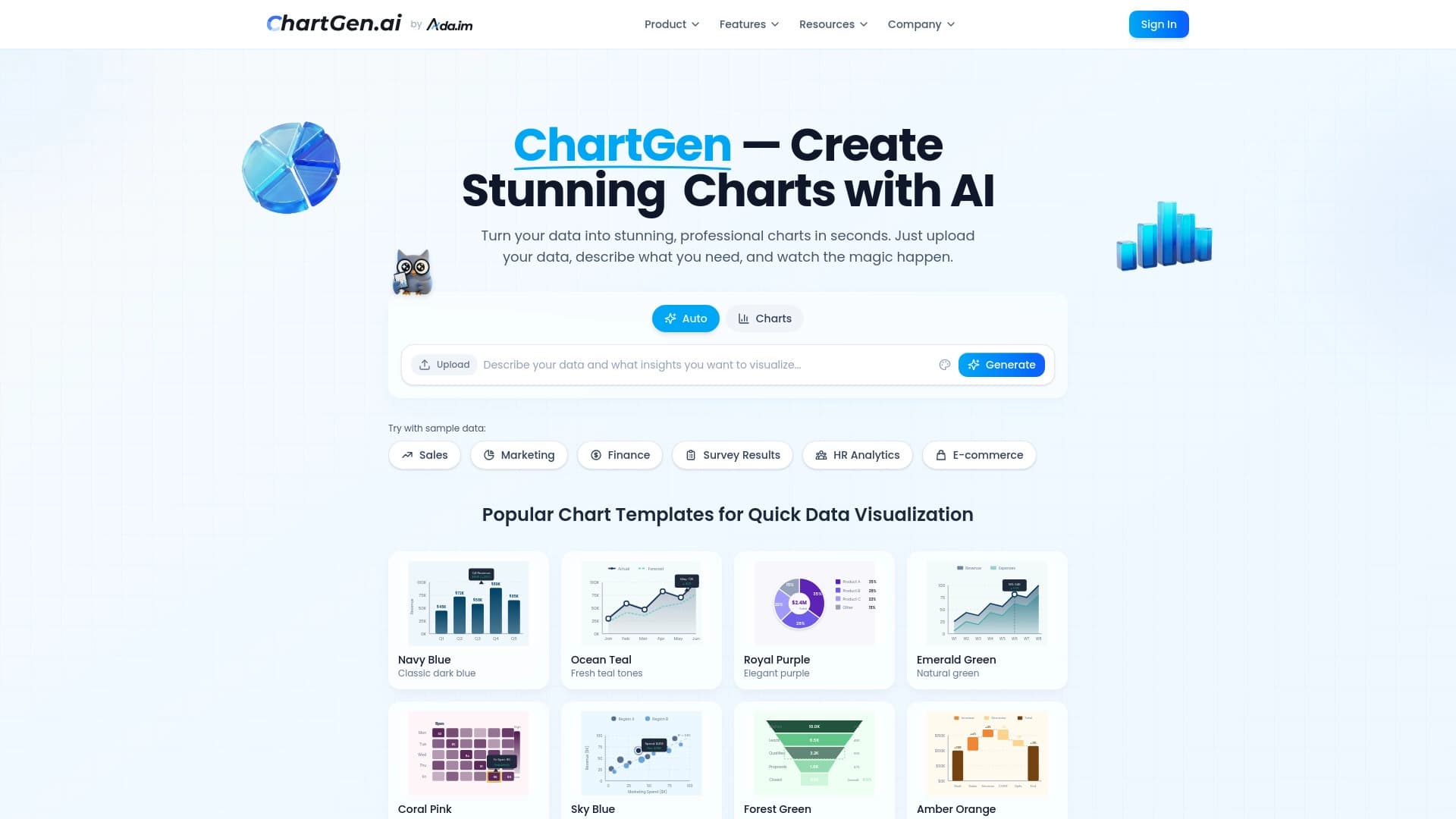

Генератор диаграмм и графиков из загруженных данных по текстовому описанию на естественном языке.


Платформа для общения с виртуальными ИИ-персонажами, которых можно создавать и настраивать под себя.


Боковая AI-панель, которая помогает отвечать на вопросы, работать с документами и генерировать изображения.

Браузерное расширение и веб-сервис с функциями ИИ-ассистента: ответы на запросы, суммаризация видео и документов, перевод текста.

Онлайн-сервис на базе ИИ, который автоматически преобразует банковские выписки из PDF в структурированные CSV-файлы.
Инструмент для перевода текста прямо на изображениях с сохранением оригинального оформления.
Онлайн-платформа для создания интерактивных AI-двойников на основе биографии, характера и личного опыта пользователя.