

Mapify
AI tool for automatically creating mind maps from text, videos, and PDF documents.

Ranked in
Overview
Mapify AI Description
Mapify is an AI-powered web service designed to automatically create mind maps from diverse content. The tool can process text materials, videos, PDF documents, as well as Word and PowerPoint files. The main purpose of the service is to transform large volumes of information into clear, structured diagrams with key points and logical connections highlighted.
The project is a development of the Chatmind service, created by the Xmind team. Mapify uses machine learning algorithms to analyze the content of uploaded materials and automatically build a hierarchical structure that reflects the essence of the source data. This allows users to quickly organize information without manually creating notes and outlines.
Mapify Characteristics
| Characteristic | Value |
|---|---|
| Type | Neural network |
| Category | Mind map creation |
| Editorial rating | 8.7 out of 10 |
| User rating | 4.7 |
| Platforms | Web |
| Editorial review date | 06.10.2024 |
Who is Mapify suitable for?
Students and learners
The main target audience of the service is students who regularly have to work with large volumes of educational information. Mapify helps quickly take notes on lectures, structure materials from textbooks and scientific articles, and prepare plans for coursework and theses. Converting text into a mind map allows for better comprehension of the material through visual representation of connections between concepts.
Professionals working with information
The tool is also useful for specialists whose work involves document analysis, presentation preparation, and idea structuring. Marketers, analysts, project managers, and other knowledge workers can use Mapify to process reports, research, and other text materials, turning them into visual diagrams for further work.
Anyone who needs to visualize ideas
The service is suitable for any user who needs to quickly structure thoughts, create a plan, or present complex information as a visual map. Mapify eliminates the need to manually think through the hierarchy of elements and come up with formulations for each branch — the neural network does this automatically.
How to use Mapify?
Uploading source material
To start working with Mapify, the user needs to upload source content. The service supports several formats: plain text, PDF documents, video files, as well as office formats Word and PowerPoint. You can also paste text directly into the input field if the material is already in digital form.
Generating a mind map
After uploading the material, the neural network analyzes the content and automatically creates a structured mind map. The algorithm identifies key concepts, determines the hierarchy, and builds connections between elements. The processing takes a short time, after which the user is presented with a ready-made mind map that can be viewed and edited.
Working with the result
The resulting map can be refined manually — changing the structure, adding or removing elements, reformulating branch headings. The finished mind map can be used for study, work, or personal purposes, exporting it to a suitable format if necessary.
Key Features of Mapify
Creating mind maps from text
The user can upload a text document or paste a text fragment, and the neural network will transform it into a structured mind map. This feature is useful for taking notes on articles, textbook chapters, lectures, and any other text materials.
Creating mind maps from videos
Mapify can analyze video content and create mind maps based on it. This allows you to quickly get structured content from video lectures, webinars, or educational videos without spending time watching them in real time.
Creating mind maps from PDF files
Uploading PDF documents is one of the key features of the service. Mapify extracts content from files of this format and transforms it into a visual mind map, which significantly simplifies working with scientific articles, reports, and other large documents.
Advantages of Mapify
Time savings
Automatic mind map creation significantly reduces the time spent on information processing. Instead of manually reading, highlighting key ideas, and building a diagram, the user gets a ready-made result in minutes.
Working with various formats
The ability to upload materials in different formats — text, video, PDF, Word, PowerPoint — makes the service a versatile tool. The user does not need to pre-convert files or manually transfer content to a text editor.
Clarity and structure
Mind maps created by the neural network have a clear hierarchical structure and visual connections between elements. This facilitates perception and memorization of information, and also allows you to quickly find the necessary fragments in large volumes of data.
Disadvantages of Mapify
Limited platform
Mapify works only through a web interface and does not provide desktop or mobile applications. This means that working with the service requires a constant internet connection and the use of a browser.
Dependence on source material
The quality of the generated mind maps directly depends on the structure and quality of the uploaded content. If the source text or video has an unclear structure or contains many secondary details, the neural network may highlight the wrong accents, which will require manual refinement of the result.
What tasks does Mapify solve?
Information retrieval
Thanks to the automatic extraction of key points and building connections between them, Mapify helps quickly find the necessary information in large arrays of text. The user does not need to re-read the entire document — it is enough to study the mind map to understand the structure and location of important blocks.
Creating plans and structures
The service effectively solves the task of creating plans and structuring ideas. Based on the uploaded material, the neural network builds a hierarchy of concepts that can be used as a plan for writing an article, preparing a presentation, organizing a project, or other purposes that require a logical structure.
Mapify Pricing
Mapify operates on a freemium distribution model. This means that the service provides free basic functionality that allows you to get acquainted with the tool's capabilities and create mind maps with certain limitations. For users who need extended functionality — removing limits on the number of processed documents or access to additional features — paid plans are available. The exact terms of the pricing plans and subscription costs should be checked on the official website of the service, as this information may change over time.
Mapify Terms of Use
The service is available for use through the web interface on the official project website. Registration and account creation are required to work with the tool, after which the user gets access to the basic functionality within the free plan. Detailed terms of use include rules for processing uploaded materials and restrictions on the commercial use of content created with the service. It is recommended to review the terms of service and privacy policy on the official website before starting work, as they may contain important restrictions on the use of the tool.
Mapify Availability
Mapify is available as a web platform and works through any modern browser. A stable internet connection is required to use the service. Information about availability in other countries and regions may vary, so users from other countries should check the ability to access the service from their location. The date of the last check of availability and relevance of information about the service is 06.10.2024.
How Mapify differs from alternatives
Mapify combines several key features that distinguish it from other mind map creation tools. The main difference lies in its ability to process videos and PDF files without the need to pre-convert them to text. Many competing services work primarily with text data, while Mapify offers a wider range of supported formats.
The project's origin from the Xmind team — a well-known developer of mind mapping software — also sets Mapify apart from alternatives. This heritage provides a deeper understanding of the needs of users working with mind maps and high-quality implementation of functionality. Among the closest competitors of the service are ChatINFO, Perplexity AI, Walles AI, X-Ray Contact, and Sniper Search, but Mapify stands out precisely for its comprehensive approach to converting various types of content into structured mind maps.
Conclusion
Mapify is a functional AI tool for automatically creating mind maps from various types of content, including text, video, PDF, and office documents. Thanks to its ability to process large volumes of information and visually present results, the service will be useful for students, professionals, and all users who need quick data organization. Despite some technical limitations, Mapify remains a sought-after tool in the market of neural networks for working with information, combining the convenience of a web platform with the power of artificial intelligence algorithms.
Frequently asked questions
See also
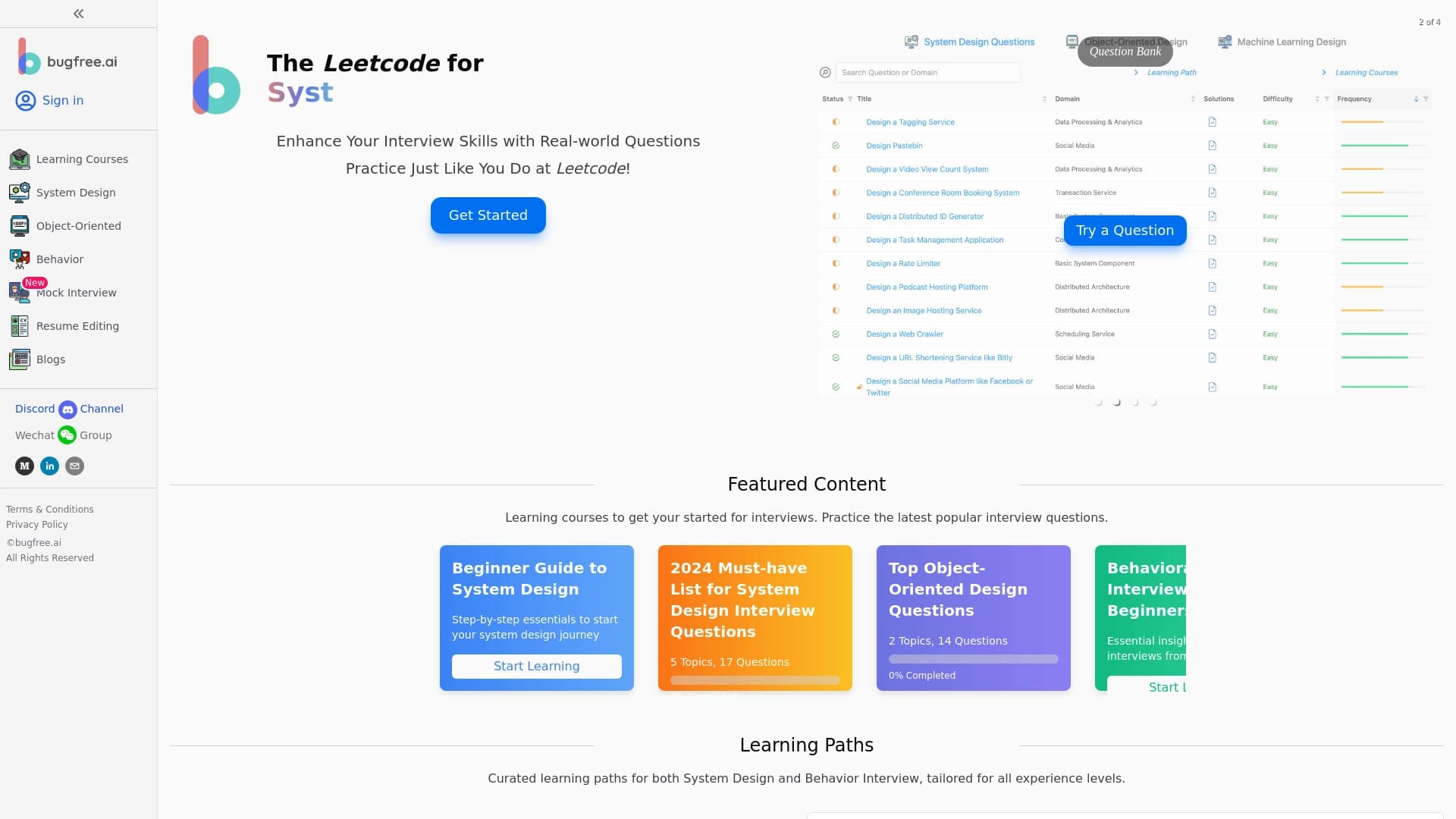
A platform to prepare for technical and behavioral interviews with AI simulators and feedback.


AI platform for tracking project progress and teamwork.
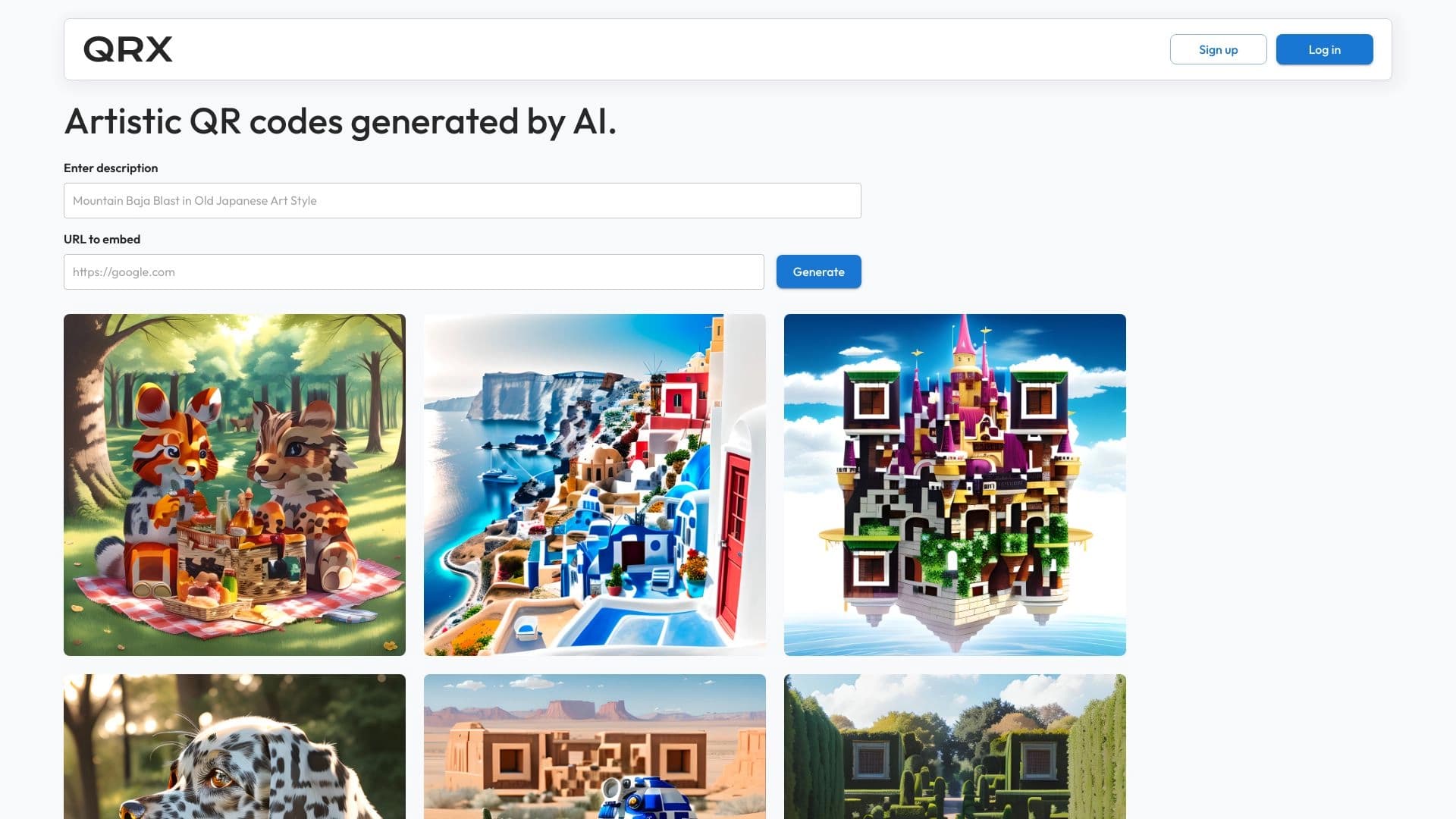
AI platform for Creating Artistic QR Codes who remain fully readable.
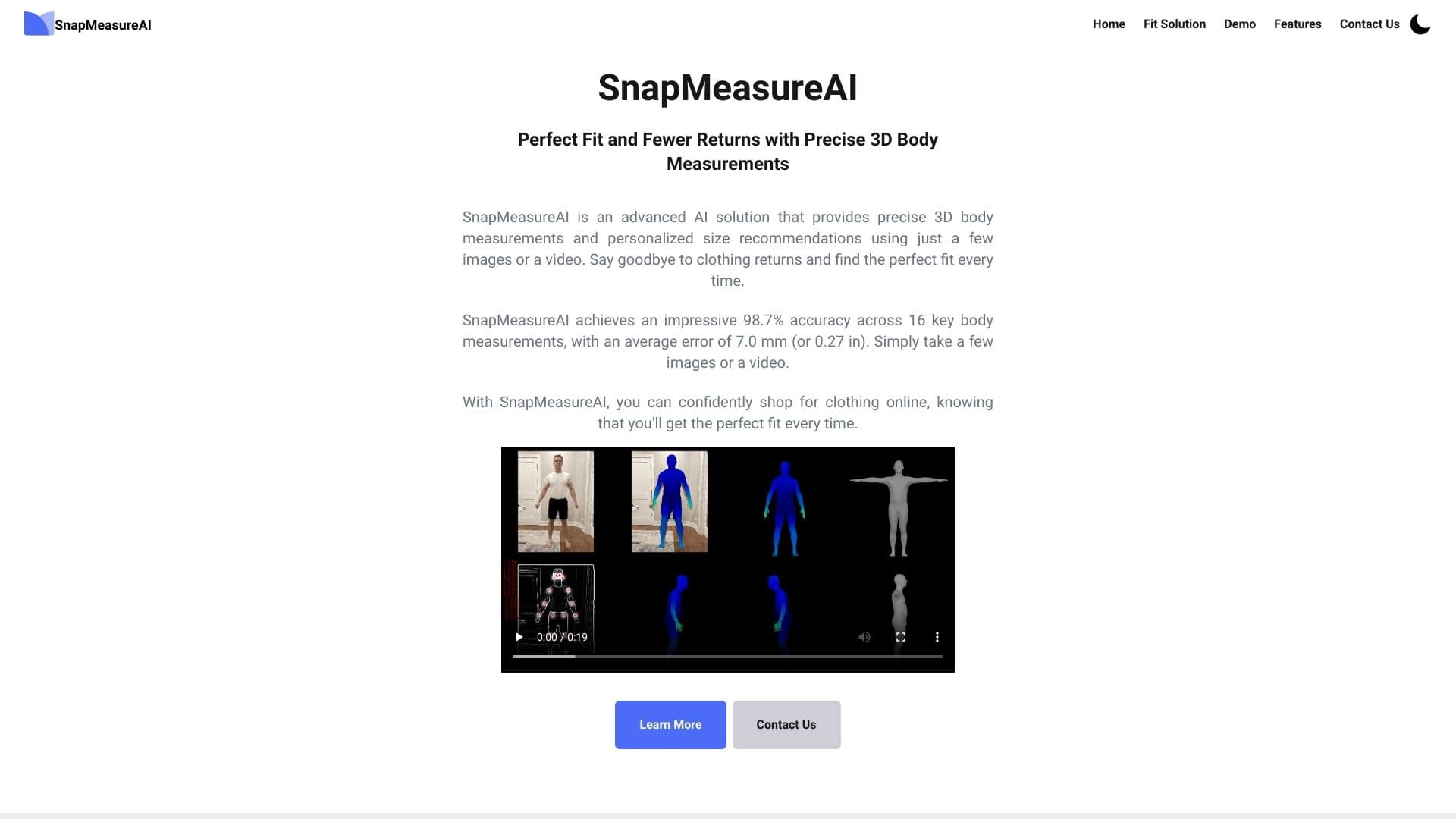

Service for accurate body measurement from photos with using computer vision.

Web service for automating the processing of standard documents with minimal human involvement.
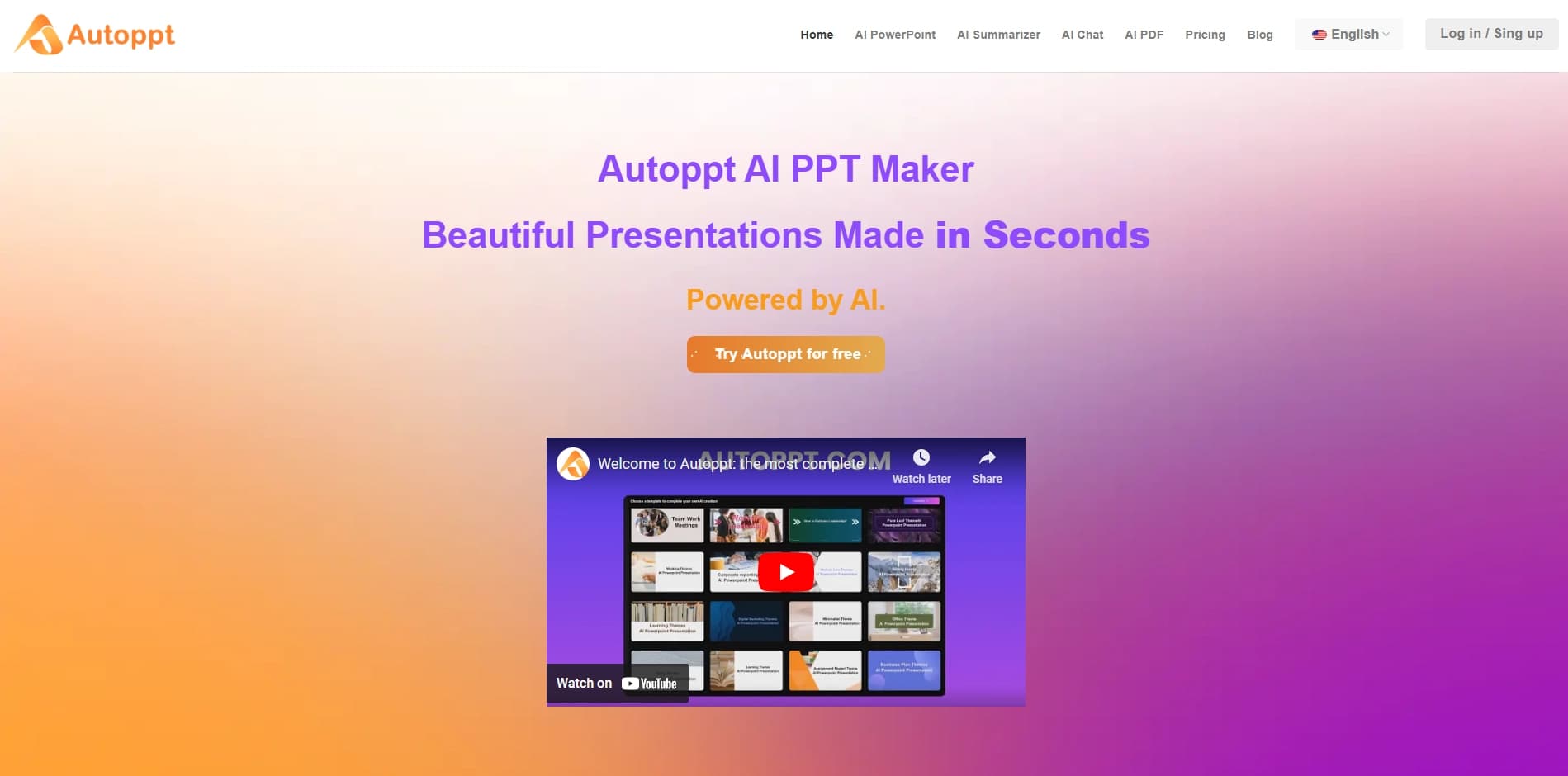

Online AI-powered service for quickly creating presentations based on a given topic or an uploaded document.

AI tool for generating ideas, scripts, and tags for content creators.
Machine and human translation service with support for more than 200 languages and NLP features oriented on business and government organizations.