
Image to STL
Converts 2D images into 3D models for printing using AI.
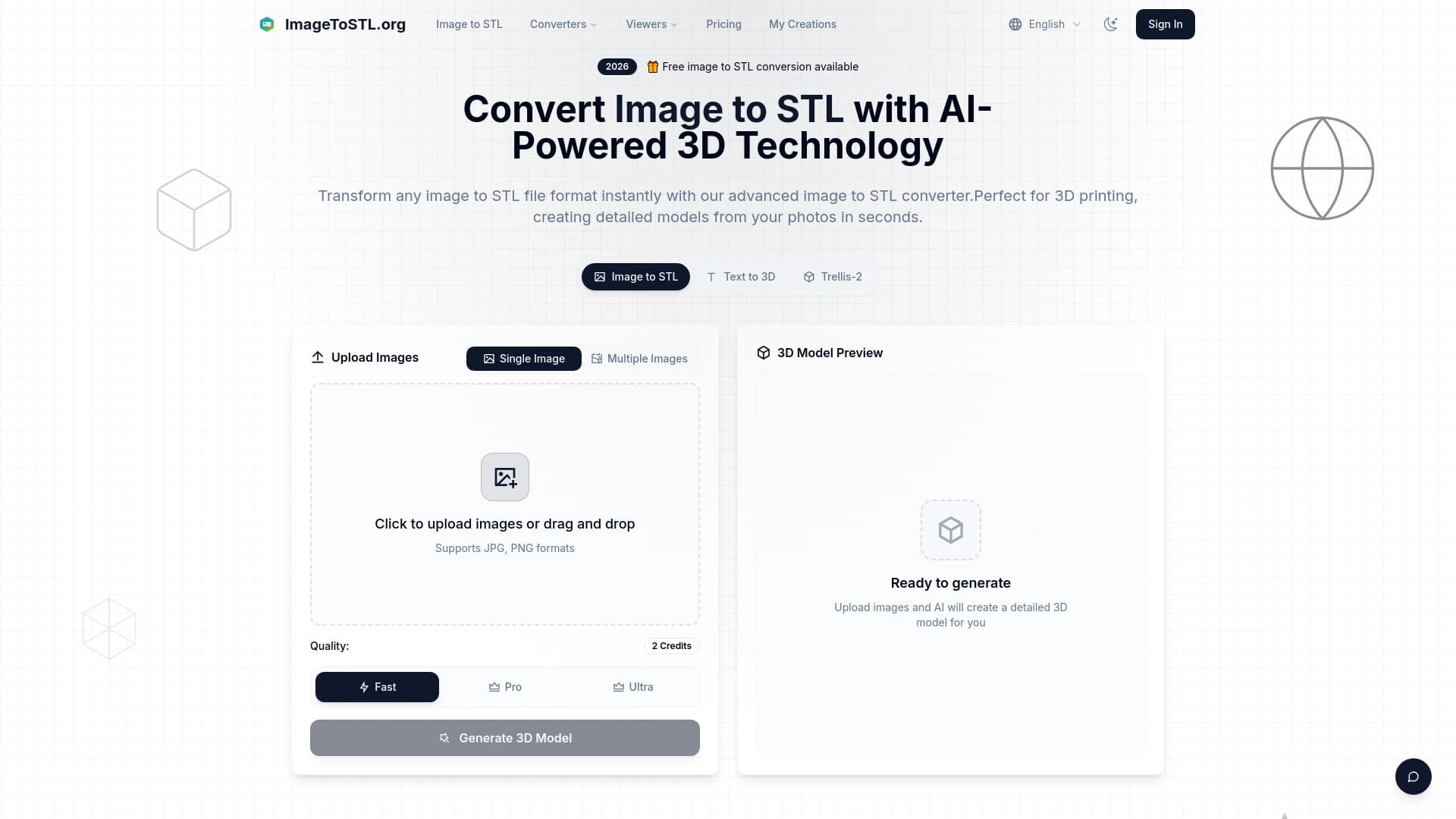
Overview
Image to STL is a specialized online service that solves the task of converting two-dimensional images into three-dimensional models ready for 3D printing. Instead of manually creating a model in a CAD program, the user simply uploads an image, and the neural network automatically builds three-dimensional geometry based on it.
The main feature of the tool is that there is absolutely no need to understand complex 3D modeling. The process is fully automated: from file upload to receiving a finished STL file. This makes the service accessible to beginners while also saving time for experienced users who need to quickly get a working three-dimensional version of an image without extra manual operations.
Image to STL Features
| Feature | Value |
|---|---|
| Primary purpose | Converting 2D images into 3D models |
| Output format | STL |
| Technology | Artificial intelligence |
| Usage method | Online service |
| Manual modeling required | No |
| Target audience | 3D printer and slicer users |
| Learning curve | Minimal |
Who is Image to STL suitable for?
3D printing enthusiasts
The tool is ideal for those who want to turn a photo, drawing, or icon into a physical object but lack the skills to work with specialized 3D editors. Instead of learning complex software, users get a ready-made model in just a couple of clicks.
Designers and engineers
Professionals who need to quickly create a prototype or test model based on a flat sketch will also find the service useful. Image to STL works well for draft versions and for tasks where speed matters more than detailed geometry refinement.
Educational projects
Teachers and students can use the tool to demonstrate the 3D printing process, create teaching aids, or bring educational projects to life. The simplicity of the service allows users to focus on printing itself rather than on time-consuming modeling.
How to use the Image to STL neural network?
Step 1: Prepare and upload an image
The user needs to select a suitable two-dimensional image. The clearer and more contrasting the source image, the better the resulting three-dimensional model will be. The file is then uploaded to the service's website via a dedicated form.
Step 2: Automatic processing by the neural network
After uploading, the AI independently analyzes the image and builds a three-dimensional model. No settings, parameters, or manual adjustments are required from the user — the system handles all the work of converting a flat drawing into a relief three-dimensional structure.
Step 3: Download and use the STL file
Once the model is ready, the user downloads the file in STL format. This file can be opened in any slicer to configure printing or sent directly to a 3D printer to create a physical object.
Key features of Image to STL
2D to 3D conversion
The core of the service is the automatic conversion of flat images into three-dimensional models. The neural network analyzes contours, shadows, and color transitions to create a relief surface based on them.
STL file generation
The tool outputs results in the standard STL format, which is used by most slicers and 3D printers. This ensures maximum compatibility with existing hardware and software.
Fully automated process
The service is designed to minimize manual actions. The user does not manipulate polygons, adjust relief depth, or edit the mesh — the intelligent algorithm makes all decisions on its own.
Advantages of Image to STL
Ease of use
Even someone with no experience in 3D modeling can get a finished three-dimensional model in minutes. The interface is intuitive, and the processing workflow requires no specialized knowledge.
Fast results
Instead of spending hours or even days working in CAD programs, users only spend time uploading a file and waiting for automatic generation. This makes the service convenient for tasks with tight deadlines.
Browser accessibility
No powerful software installation or a professional computer is required. All you need is an internet connection and a browser on any device.
Disadvantages of Image to STL
Limited control over the result
Since the process is fully automated, the user has no way to influence model detail, relief height, or other parameters. This makes the tool unsuitable for tasks that require precise geometry adjustment.
Dependence on source image quality
The final result directly depends on how good the uploaded image is. Complex, detail-heavy, or low-contrast images may produce unsatisfactory three-dimensional results.
Limited scope of application
The tool is not suitable for creating engineering parts, mechanisms, or precise models where dimensions, tolerances, and technical requirements must be met. It is more of a generator of relief copies of images than a full-fledged design tool.
What tasks does Image to STL solve?
Creating souvenir products
With the service, you can quickly turn photos, logos, or drawings into physical objects — keychains, badges, decorative elements. This is a sought-after feature for small-scale production and personalized gifts.
Prototyping ideas
Designers and product developers can use the tool for quick visual validation of a concept. A flat sketch becomes a three-dimensional model that can be evaluated in physical form before full-scale modeling begins.
Educational and creative experiments
The service is suitable for demonstrating the capabilities of 3D printing in schools, clubs, and workshops. The tool is also useful for artists and sculptors who want to create a base relief for further refinement.
Image to STL pricing
Based on available data, the exact cost of using the service is not disclosed. Information on whether the tool is free, operates on a paid subscription, or uses a pay-per-use system is currently unavailable. For up-to-date pricing information, users are advised to contact the service's official website directly.
Image to STL terms of use
Specific terms and conditions for using the service have not been published in available sources. There is no data on registration requirements, restrictions on commercial use of generated models, maximum upload file sizes, or allowed source image formats. Users should clarify these details when first accessing the platform.
Image to STL availability
The tool is an online service, meaning it is accessible from any device with an internet connection and a web browser. This usage model requires no app installation and works equally well on computers, tablets, and smartphones. No precise information is available regarding geographic access restrictions or the need to use paid internet resources.
How Image to STL differs from alternatives
The key difference between Image to STL and traditional 3D modeling programs is the absence of any manual interaction with geometry. Classic CAD systems require creating sketches, extruding, cutting, and other operations, while Image to STL fully automates the process, turning an image into a model without human involvement.
Compared to other AI tools for 2D-to-3D conversion, Image to STL focuses specifically on the STL output format, which is directly compatible with 3D printing hardware. Many alternatives are aimed at creating models for games or animation that require further processing in third-party programs. Here, priority is given to simplicity of the end use — the model is ready for printing immediately after generation.
Conclusion
Image to STL is a practical automated tool for quickly turning two-dimensional images into three-dimensional models suitable for 3D printing. The service is focused on maximum simplicity and speed, completely eliminating the need for manual modeling. It suits both beginners wanting to try 3D printing and experienced users who need to quickly obtain a working model based on a flat drawing.
The main limitation of the tool is the lack of control over detail and generation quality, which makes it poorly suited for professional engineering tasks. Nevertheless, for creating souvenirs, prototypes, educational materials, and creative projects, Image to STL offers a convenient and fast solution. Questions about pricing and legal aspects of use need to be clarified on the service's official resource.
Frequently asked questions
See also
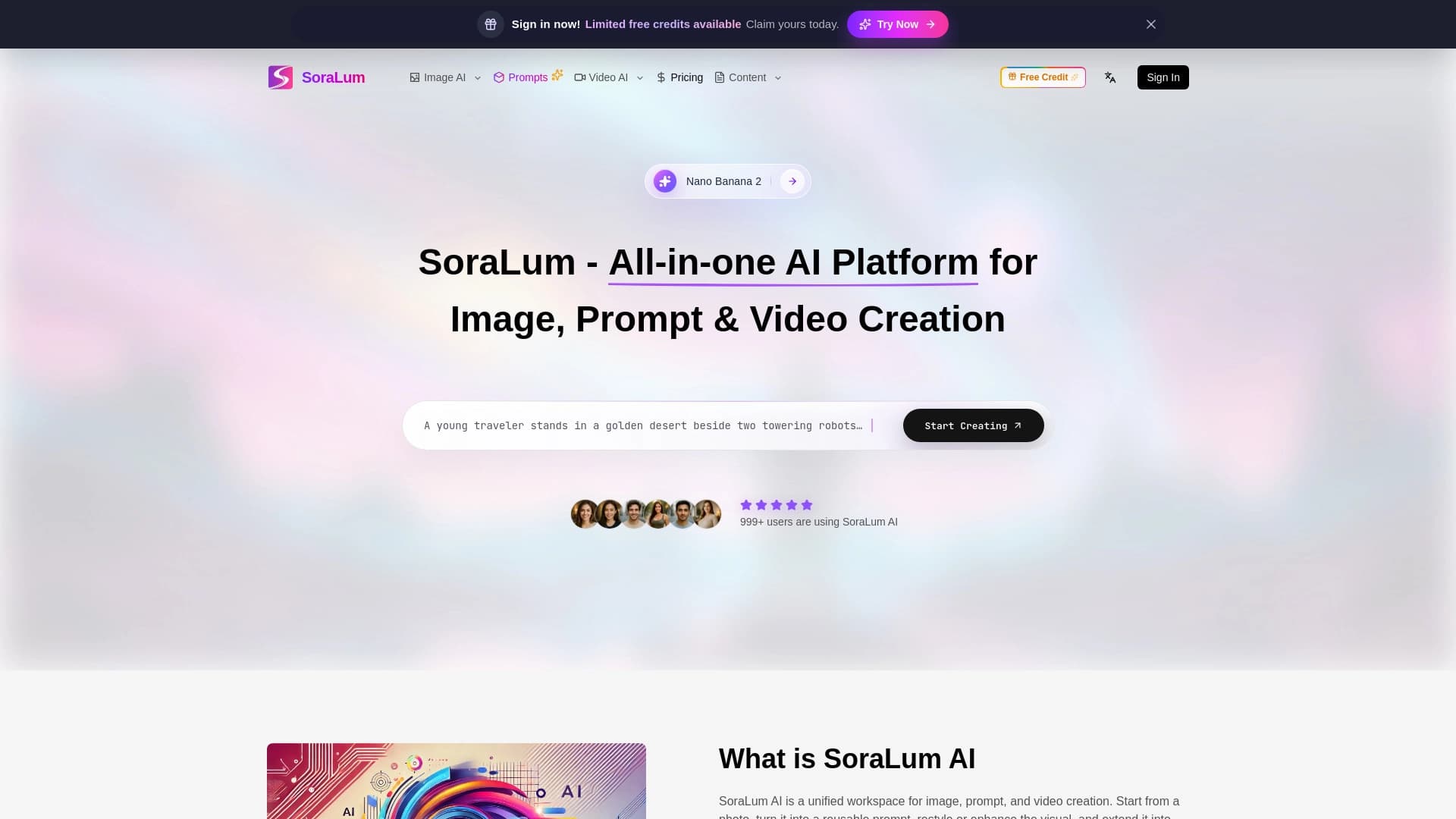

A universal AI platform for creation editing and animations of images and videos.
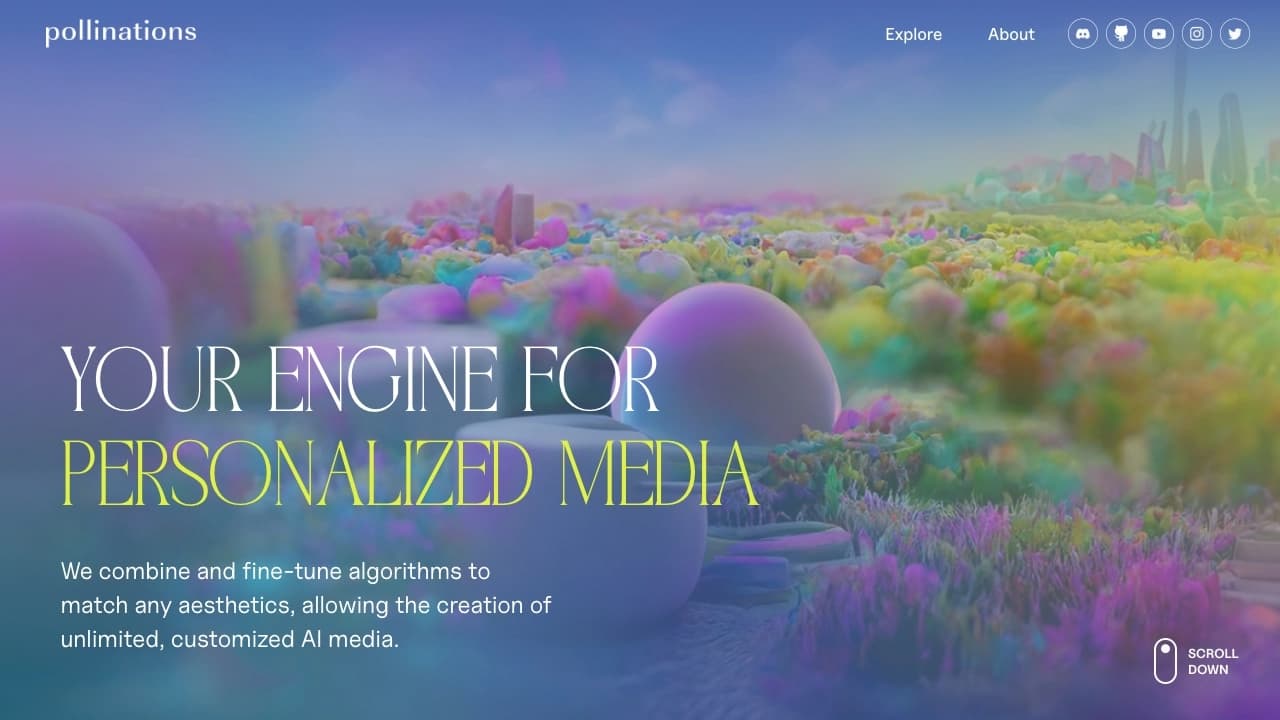

An open platform for generating images and other visual content from text descriptions using AI.
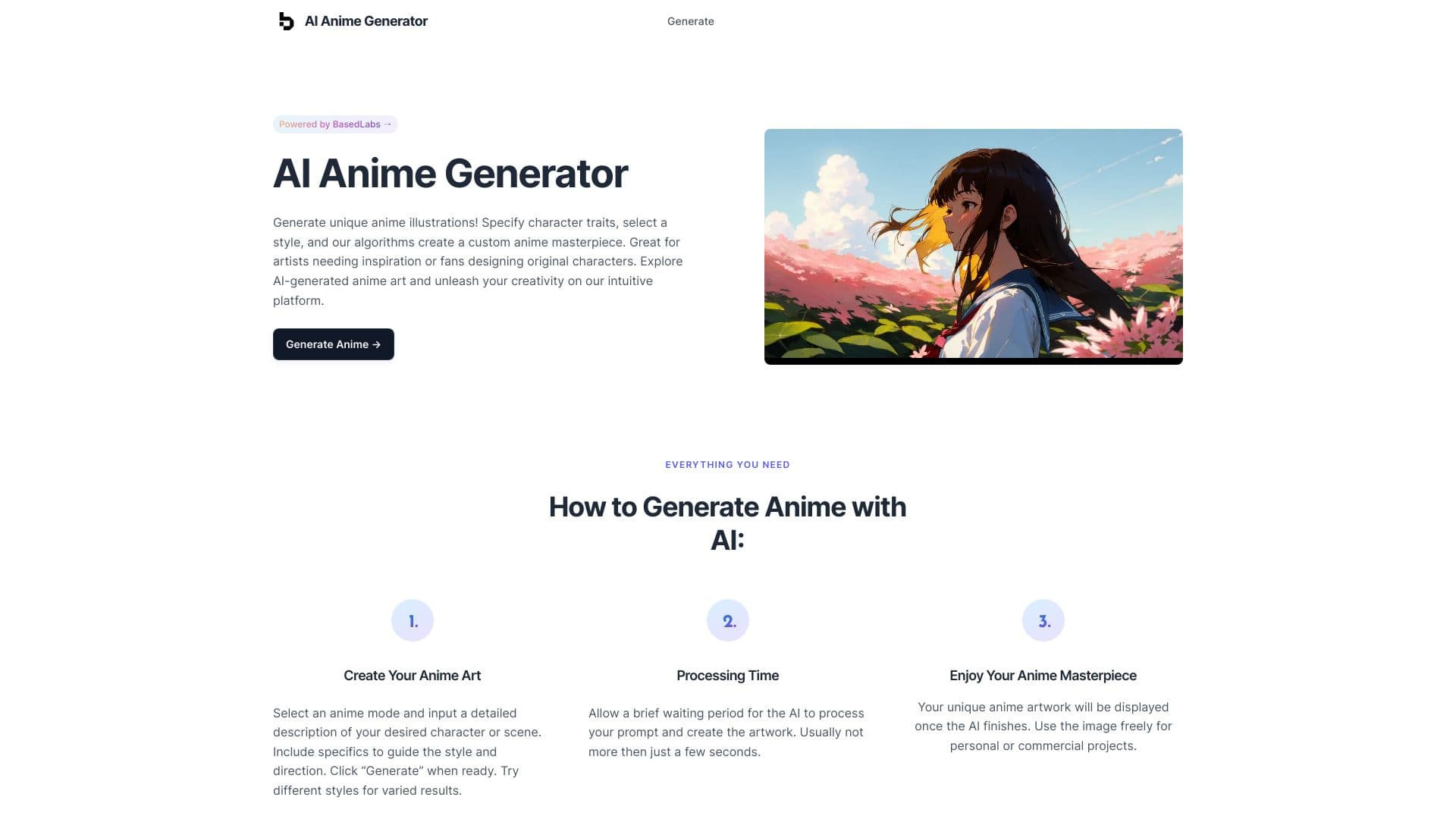

Online service for creating anime images from a text description in seconds.
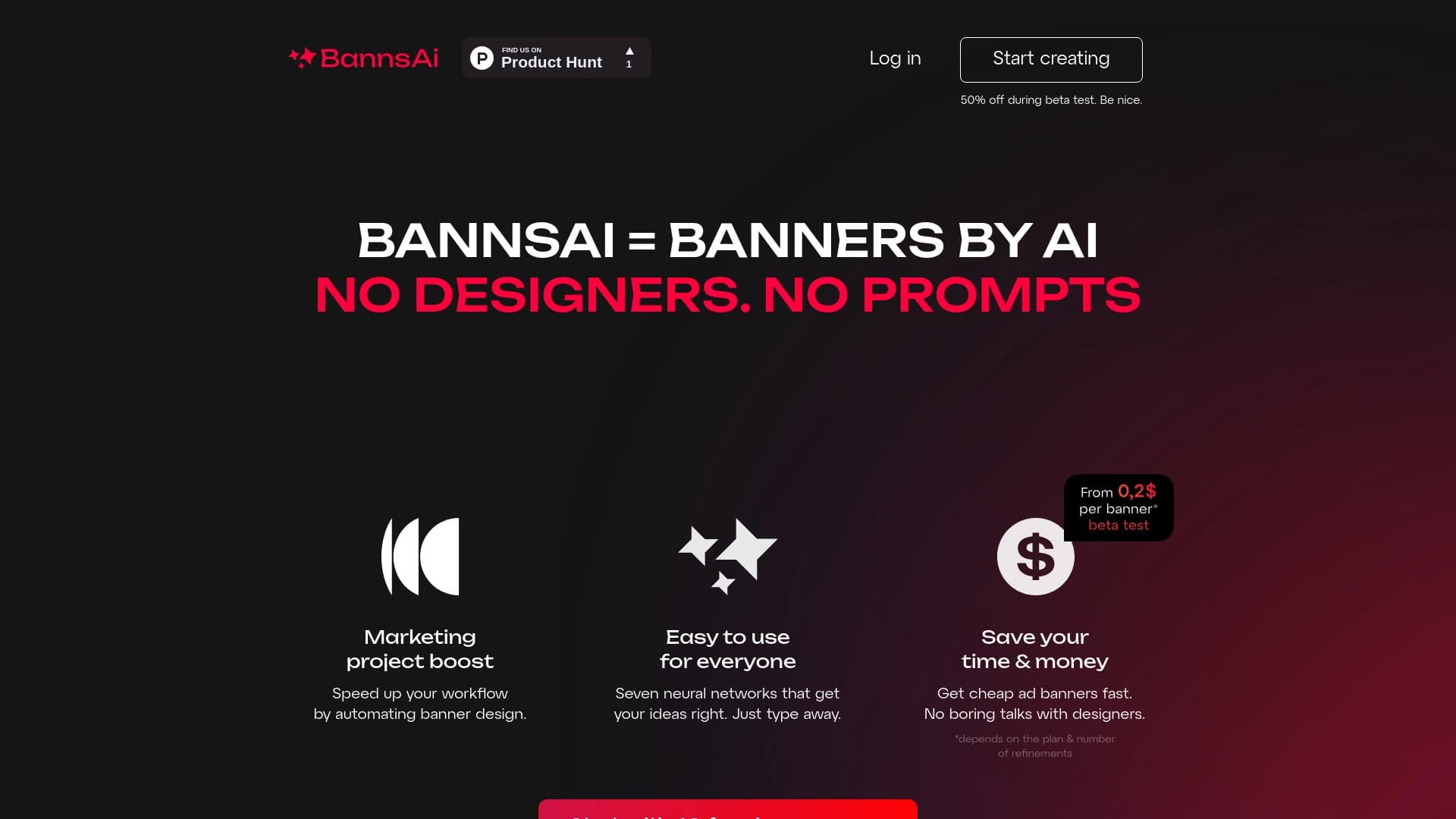

BannsAi is an AI-powered service for quickly creating ad banners based on a text description or reference.

AI-powered tool for generating character images and avatars.
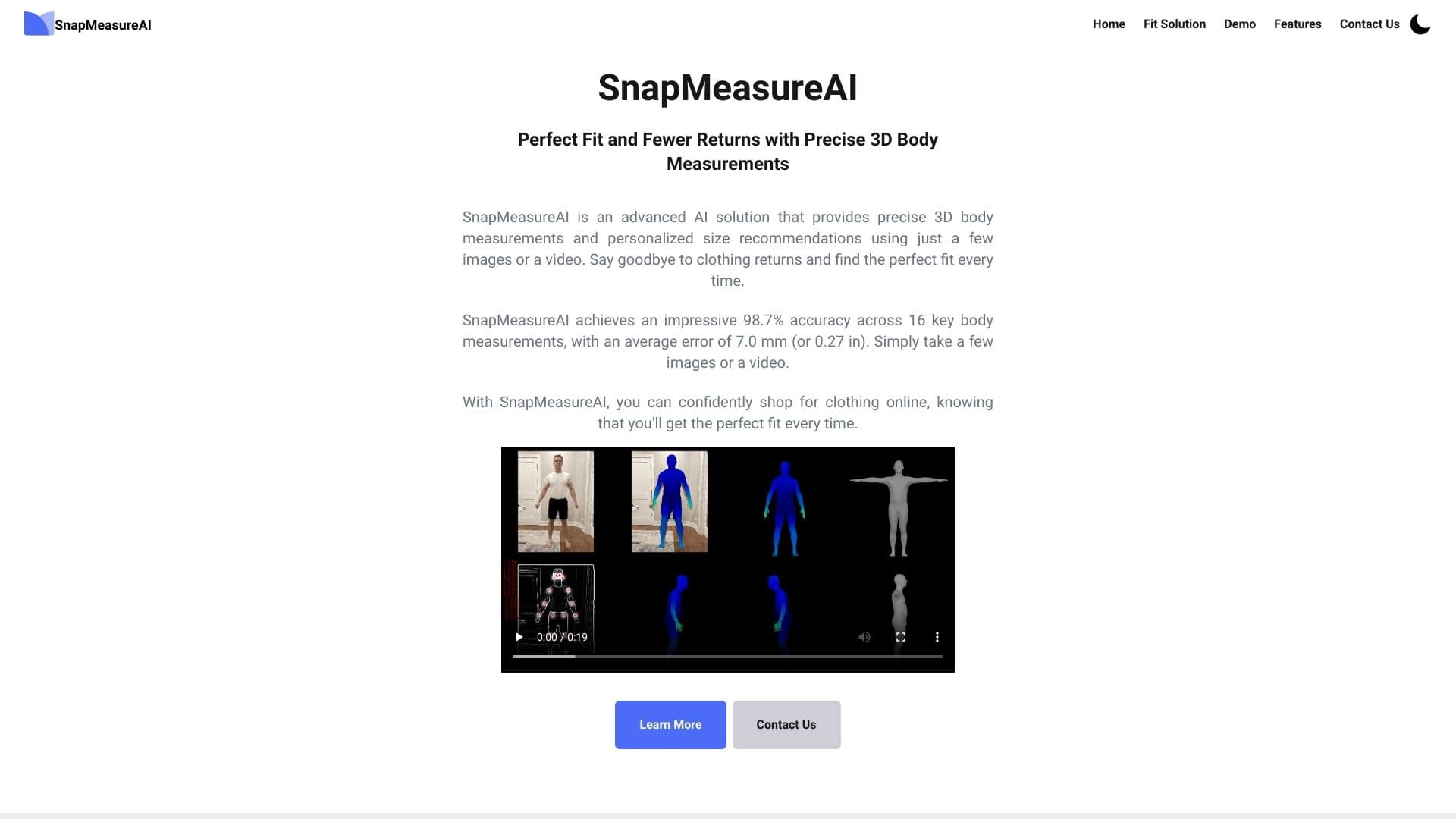

Service for accurate body measurement from photos with using computer vision.
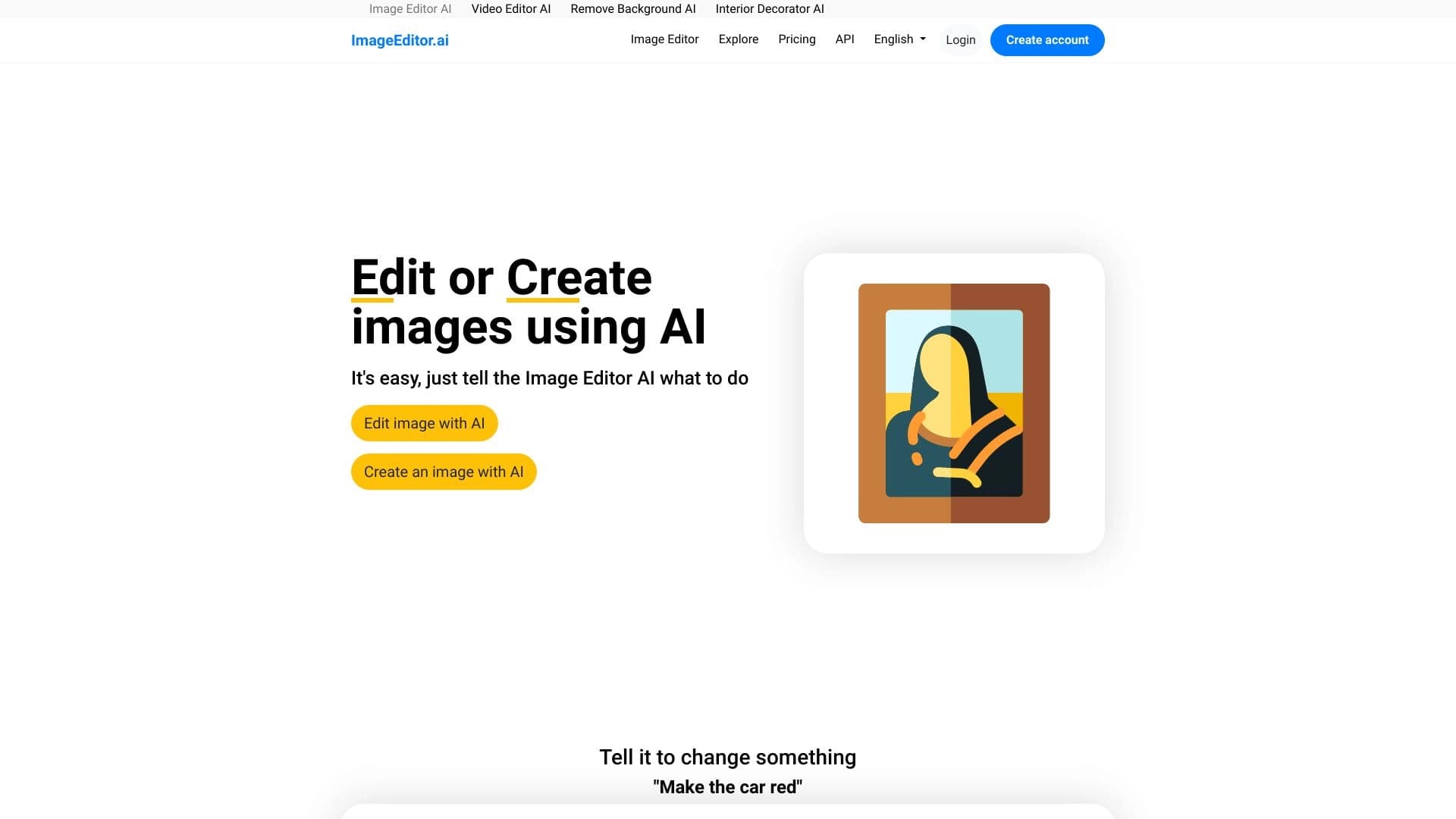

AI-powered online image editor that lets you edit photos by text description right in your browser.
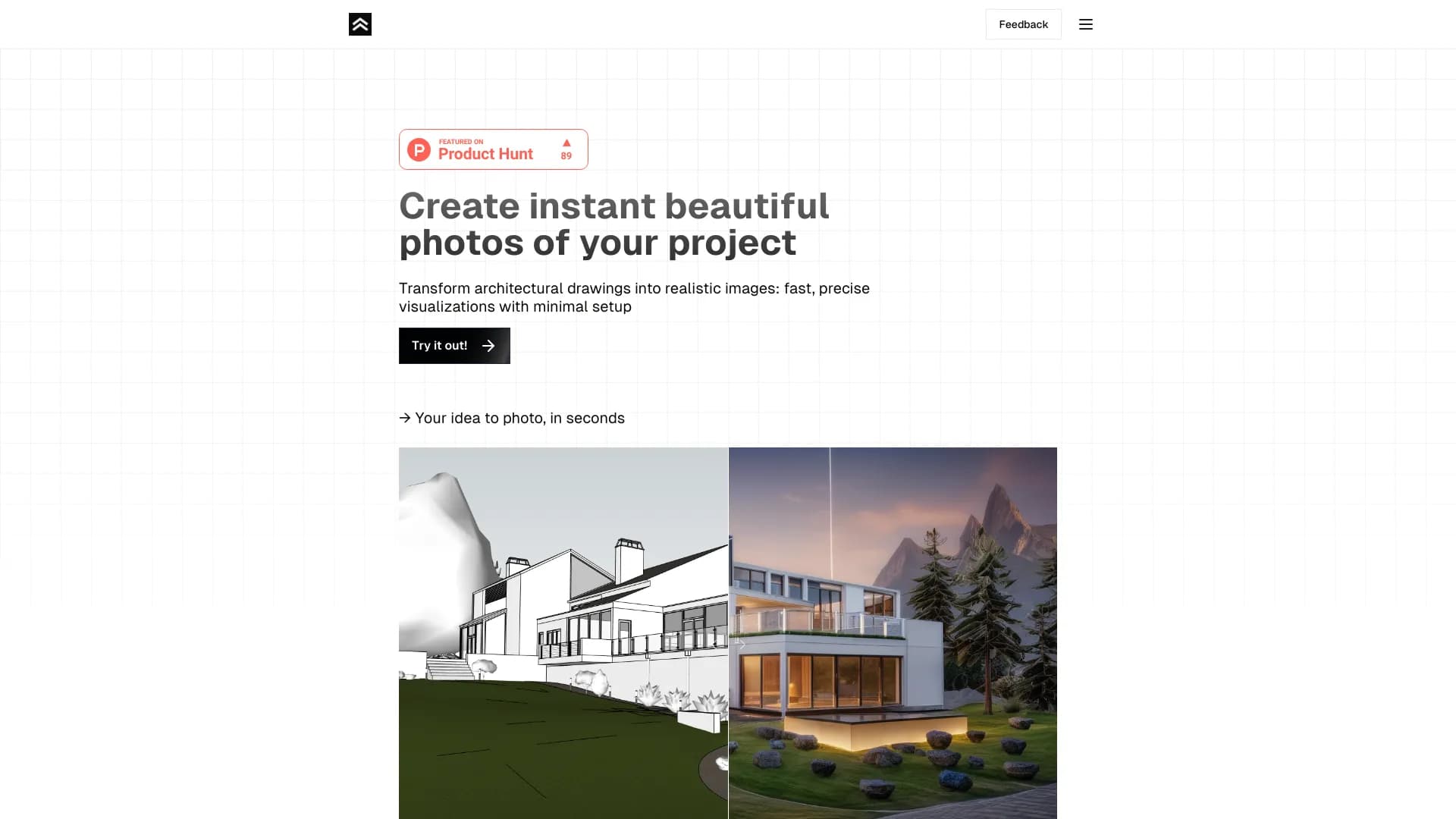
Service for rapid conversion architectural drawing Photorealistic 3D images.