

Hermes Agent
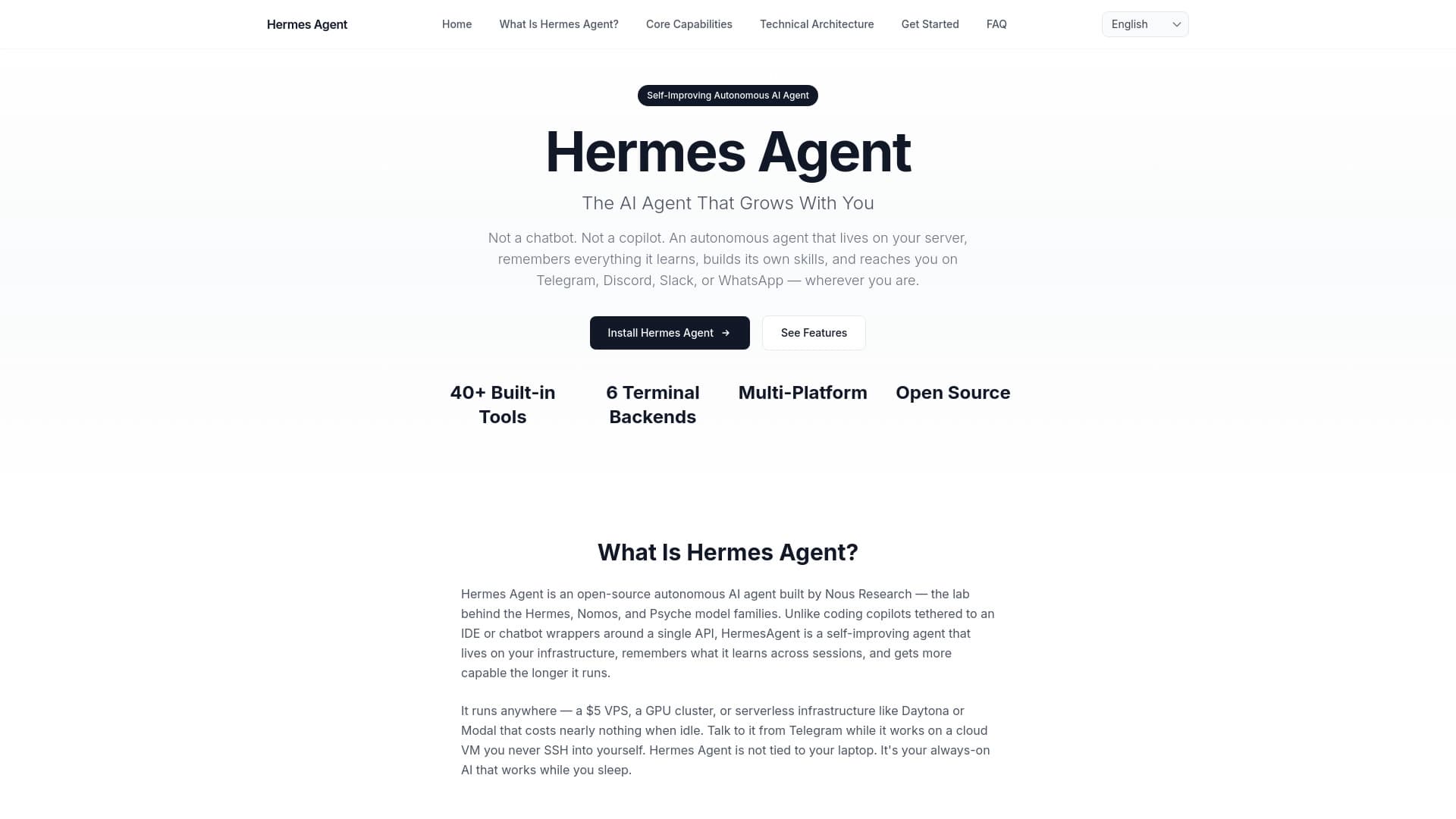
Open-source ИИ-агент от Nous Research с самообучающимися навыками, памятью и поддержкой автоматизации задач по расписанию.
Место в рейтингах
Обзор
Hermes Agent
Описание нейросети Hermes Agent
Hermes Agent — это самообучающийся ИИ-агент с открытым исходным кодом от Nous Research, предназначенный для долгосрочной автоматизации рабочих процессов. В отличие от обычных чат-ботов, он сохраняет память между сессиями, самостоятельно накапливает навыки на основе повторяющихся задач и может работать в фоновом режиме на сервере, принимая команды через мессенджеры. Ключевая особенность проекта — система self-improving skills, благодаря которой агент со временем выполняет привычные задачи быстрее и точнее, подстраиваясь под стиль работы пользователя.
Проект работает с любыми языковыми моделями через единый терминальный интерфейс, поддерживает подключение внешних инструментов и планировщик задач (cron). Hermes Agent позиционируется как персональный помощник для тех, кому нужен не разовый ответ нейросети, а живущий в инфраструктуре агент с накопленным опытом и возможностью автономной работы.
Характеристики Hermes Agent
| Характеристика | Значение |
|---|---|
| Тип | Open-source ИИ-агент |
| Разработчик | Nous Research |
| Лицензия | MIT |
| Бизнес-модель | Freemium |
| Нужен VPN | Нет |
| Русский язык | Да |
| Русский интерфейс | Нет |
| Доступность | WEB, PC, Mobile, Discord, API |
| Поддерживаемые платформы | Linux, macOS, Windows (через WSL2) |
| Последняя версия | Hermes Agent v0.15.2 (конец мая 2026) |
| Звёзды на GitHub | Более 175 000 |
| Форков на GitHub | Более 29 000 |
| Рейтинг | 5,0 (1 оценка) |
Для кого подходит нейросеть Hermes Agent?
Разработчики и исследователи
Hermes Agent предназначен в первую очередь для технически подготовленных пользователей: разработчиков, исследователей, администраторов и технических редакторов. Проект требует умения работать с терминалом, устанавливать зависимости и настраивать API-ключи. Те, кто разбирается в серверной среде, Docker, SSH и командной строке, получат максимальную отдачу от возможностей агента.
Владельцы проектов и команды
Инструмент подходит владельцам небольших проектов и командам, которые хотят собрать собственного ИИ-ассистента с памятью и автоматизацией, не привязываясь к конкретному коммерческому сервису. Возможность запускать агента на своём сервере и подключать к мессенджерам делает его удобным для фоновой работы в коллективе.
Кому не подходит
Hermes Agent не подойдёт пользователям, которым нужен простой веб-интерфейс без настройки. Отсутствие готового веб-интерфейса на русском языке и необходимость установки через терминал делают его непригодным для тех, кто не готов разбираться в технических деталях.
Как использовать нейросеть Hermes Agent?
Установка и быстрый старт
Установка выполняется одной командой через терминал: для Linux и macOS используется curl/bash, для Windows — PowerShell (требуется WSL2). После установки запуск осуществляется командой hermes. Базовая диагностика и проверка рабочего чата проходят через встроенный quickstart.
Настройка провайдера модели
Для работы агента необходимо выбрать провайдера языковой модели. Это делается командой hermes model. Поддерживаются Nous Portal, OpenRouter (более 200 моделей), NovitaAI, NVIDIA NIM, Hugging Face, Kimi, MiniMax, OpenAI, z.ai/GLM и пользовательские endpoint'ы. Переключение между моделями происходит без правки кода — достаточно одной команды в терминале.
Подключение инструментов и мессенджеров
Команда hermes tools открывает доступ к настройке внешних инструментов: веб-поиска, браузерной автоматизации, терминальных команд и генерации изображений. Через hermes gateway подключаются мессенджеры — Telegram, Discord, Slack, WhatsApp, Signal, Email и QQBot. Планировщик задач настраивается отдельно. Для быстрой полной настройки предусмотрена команда hermes setup.
Основные функции Hermes Agent
Система памяти (Learning Loop)
Агент запоминает контекст между сессиями и возвращается к старым задачам, заметкам и решениям. Встроенный цикл самообучения позволяет Hermes Agent анализировать накопленный опыт и на его основе создавать новые навыки. Это ключевое отличие от обычных чат-ботов, которые начинают «с чистого листа» в каждом новом диалоге.
Навыки (Skills)
Skills — это переиспользуемые последовательности действий для повторяющихся задач. Агент самостоятельно создаёт их на основе опыта, и со временем выполняет привычные сценарии быстрее и точнее. Навыки можно редактировать, проверять и очищать — пользователь сохраняет контроль над тем, чему агент научился.
Инструменты и Tool Gateway
Hermes Agent поддерживает внешние инструменты: браузерную автоматизацию, терминальные команды, веб-поиск. Через Tool Gateway (подписка Nous Portal) становятся доступны веб-поиск, генерация изображений, text-to-speech и browser automation. Также поддерживается работа с шестью бэкендами терминала: local, Docker, SSH, Singularity, Modal и Daytona.
Поддержка мессенджеров и планировщик
Агент работает через единый gateway для мессенджеров — Telegram, Discord, Slack, WhatsApp, Signal и Email. Встроенный планировщик (cron) позволяет запускать задачи по расписанию в полностью автономном режиме. Также поддерживается расшифровка голосовых сообщений, сжатие контекста и запуск изолированных субагентов для параллельных задач.
Преимущества Hermes Agent
Полная открытость и контроль
Исходный код полностью открыт под лицензией MIT. Пользователь может изучать код, настраивать окружение, выбирать любую модель и самостоятельно управлять инфраструктурой. Огромное комьюнити — более 175 000 звёзд и 29 000 форков на GitHub — говорит о высоком интересе и активной поддержке проекта.
Персональный агент с долгосрочной памятью
Hermes Agent живёт дольше одной сессии. Он запоминает контекст, накапливает навыки и подстраивается под пользователя с течением времени. Мессенджеры как интерфейс делают его удобным для фоновых задач — можно отправить команду в Telegram и получить результат, не заходя в терминал.
Гибкость выбора модели и инфраструктуры
Агент не привязан к одному провайдеру. Можно переключаться между десятками моделей одной командой, запускать агента локально, на VPS, через Docker или SSH. Частые обновления (вплоть до ежедневных) означают, что проект активно развивается.
Недостатки Hermes Agent
Высокий порог входа
Установка и настройка требуют технической подготовки: работа с терминалом, настройка моделей, управление API-ключами. Для Windows обязательно нужен WSL2, что дополнительно усложняет начало работы. Пользователь должен разбираться в серверной среде и командной строке.
Вопросы безопасности
Агент получает доступ к файлам, API-ключам и серверным командам. Это требует ограниченной среды исполнения и внимательного отношения к настройке прав доступа. В открытом виде агент не следует запускать без предварительной изоляции.
Риски накопления ошибок
Система самообучения может сохранять неудачные паттерны в памяти и навыках. Пользователю необходимо регулярно проверять, редактировать и очищать навыки, чтобы агент не закреплял ошибочные сценарии. Быстрый темп релизов требует следить за изменениями и обновлять конфигурацию.
Ограничения бесплатного тарифа
Бесплатный тариф Nous Portal предоставляет лишь $0.10 кредитов — для реальной работы необходима платная подписка или собственные ключи к LLM провайдерам.
Какие задачи решает Hermes Agent
Мониторинг и создание дайджестов
Агент может регулярно проверять источники, собирать обновления и отправлять сводки по расписанию. Это удобно для отслеживания изменений в документации, новостях или репозиториях.
Работа с GitHub и кодом
Hermes Agent поддерживает взаимодействие с issues, pull request'ами, репозиториями и релизами. Подходит для автоматизации рутинных действий вокруг кодовой базы.
Серверные и административные процессы
Запуск проверок, сбор отчётов, анализ логов — задачи, которые можно делегировать агенту для выполнения по расписанию или по команде через мессенджер.
Личная база знаний и редакционная рутина
Агент возвращается к старым задачам, заметкам и решениям. Помогает в поиске источников, подготовке черновых сводок, сравнении изменений в документации — всё, что связано с накоплением и обработкой информации.
Цены Hermes Agent
Базовая версия Hermes Agent распространяется бесплатно по лицензии MIT. Исходный код, установка и локальное использование не требуют платежей.
Платная подписка Nous Portal (Tool Gateway) предоставляет доступ к веб-поиску, генерации изображений, text-to-speech и browser automation. Стоимость подписки — от $20 в месяц. Бесплатный тариф Nous Portal даёт лишь $0.10 кредитов, чего недостаточно для реальной работы, поэтому для активного использования необходима либо платная подписка, либо собственные ключи к LLM провайдерам.
Условия использования Hermes Agent
Проект является open-source и не требует регистрации для скачивания и установки. Для работы необходима установка, настройка провайдера модели, API-ключей и прав доступа. Пользователь должен разбираться в терминале и серверной среде. Для Windows потребуется WSL2.
При использовании агента с доступом к файлам, серверным командам и API-ключам рекомендуется запуск в ограниченной среде для минимизации рисков безопасности. Навыки и память агента следует регулярно проверять и очищать от неудачных паттернов.
Доступность Hermes Agent
Hermes Agent доступен на платформах WEB, PC, Mobile, Discord и через API. Поддерживаемые операционные системы: Linux, macOS и Windows (через WSL2). VPN для работы не требуется — доступность зависит от выбранного провайдера модели. Русский язык поддерживается на уровне общения с агентом, но интерфейс на русском отсутствует.
Инструмент доступен в любом регионе при наличии доступа к провайдерам LLM. Для оплаты подписки Nous Portal из России потребуется инструкция по оплате зарубежных сервисов.
Чем отличается Hermes Agent от аналогов
Главное отличие Hermes Agent от других решений — встроенная система self-improving skills и learning loop. В то время как многие агенты выполняют разовые задачи без накопления опыта, Hermes Agent запоминает контекст между сессиями, создаёт навыки на основе повторяющихся действий и со временем выполняет их быстрее.
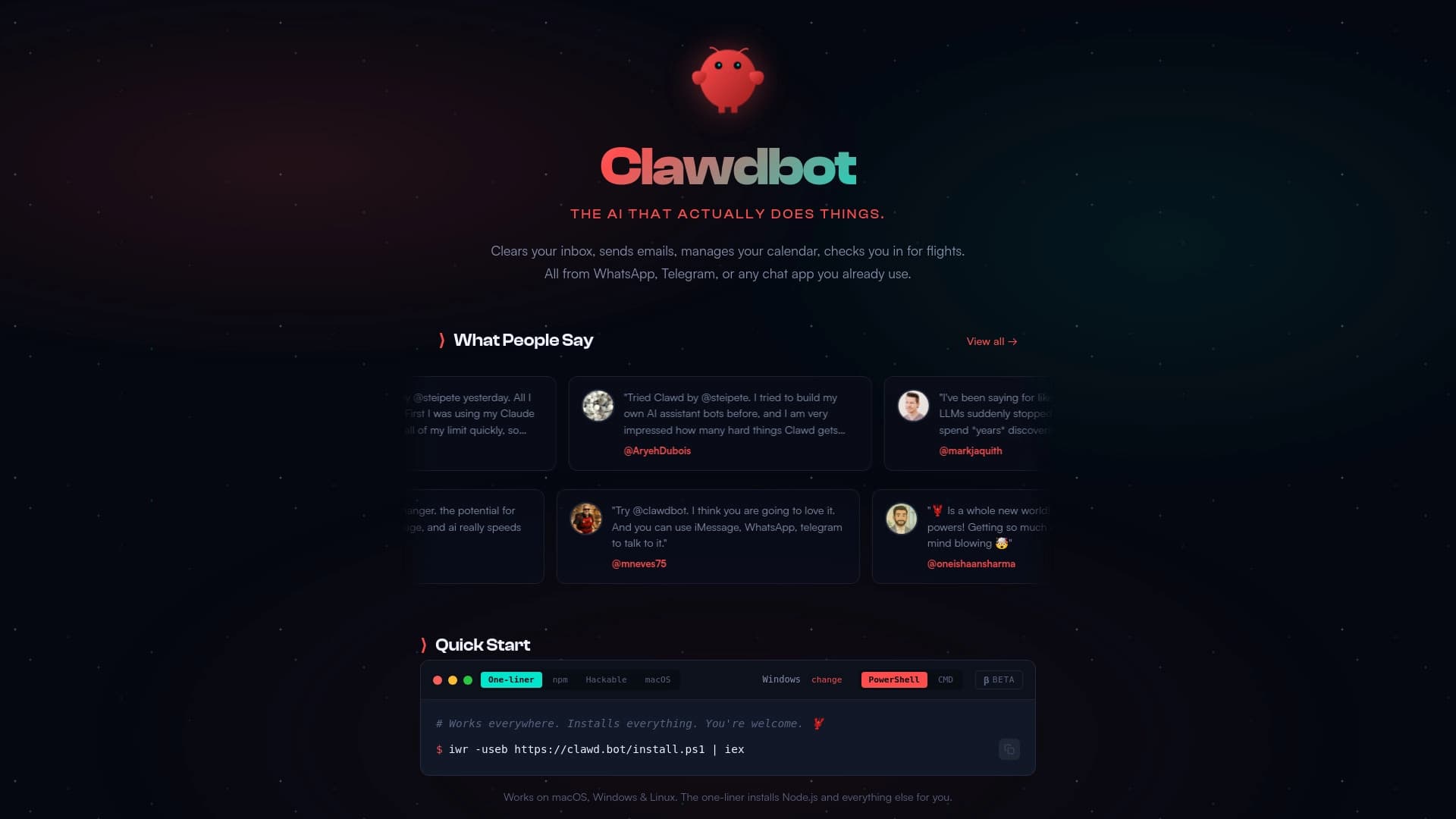
Показательно сравнение с OpenClaw: OpenClaw — это gateway-экосистема для подключения и управления агентной инфраструктурой, а Hermes Agent — персональный агент с памятью, learning loop и самоулучшающимися навыками. Hermes Agent сильнее там, где важен накопленный опыт пользователя, прошлые задачи и повторяемые процессы.
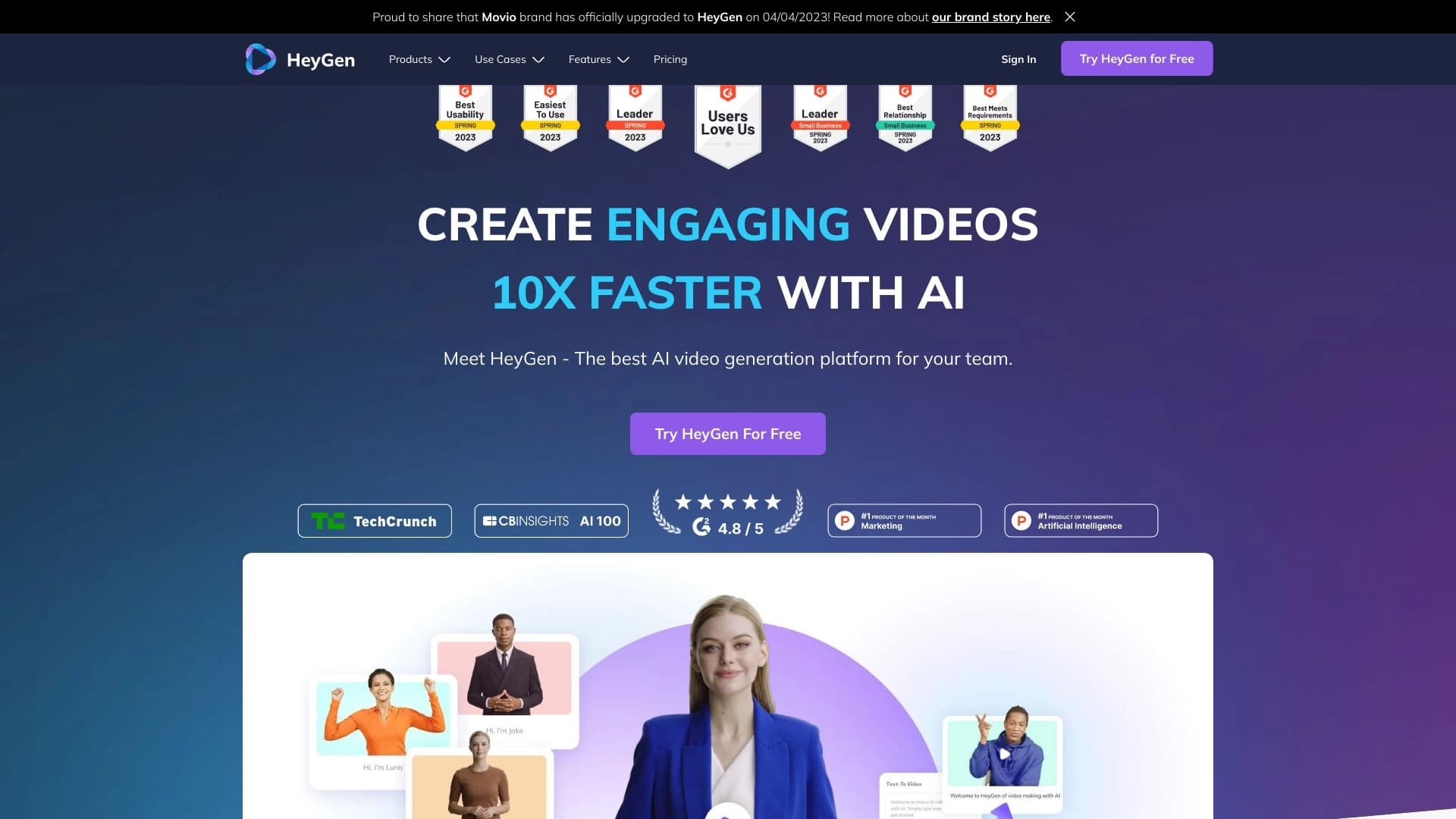
Среди других аналогов — Hedra AI и HeyGen, но они решают иные задачи и не предоставляют такой же степени кастомизации и открытости, как проект Nous Research.
Заключение
Hermes Agent — один из самых любопытных open-source проектов в категории автономных ИИ-агентов. Его выделяет связка из памяти, навыков, серверного запуска и мессенджеров. Главная проверка — стабильность в реальных процессах. Пока это решение для технически подготовленных пользователей, но направление выглядит перспективным: возможность самообучения и накопления опыта открывает путь к по-настоящему персонализированным ассистентам, которые не просто отвечают на вопросы, а становятся частью рабочих процессов.
Тарифы
Часто задаваемые вопросы
Похожие нейросети



Смотрите также

AI-платформа для быстрого скрининга резюме, помогающая рекрутерам отбирать подходящих кандидатов.


BannsAi — сервис с использованием ИИ для быстрого создания рекламных баннеров по текстовому описанию или референсу.


Платформа на основе ИИ для создания и редактирования изображений и видео товаров для продавцов в электронной коммерции.
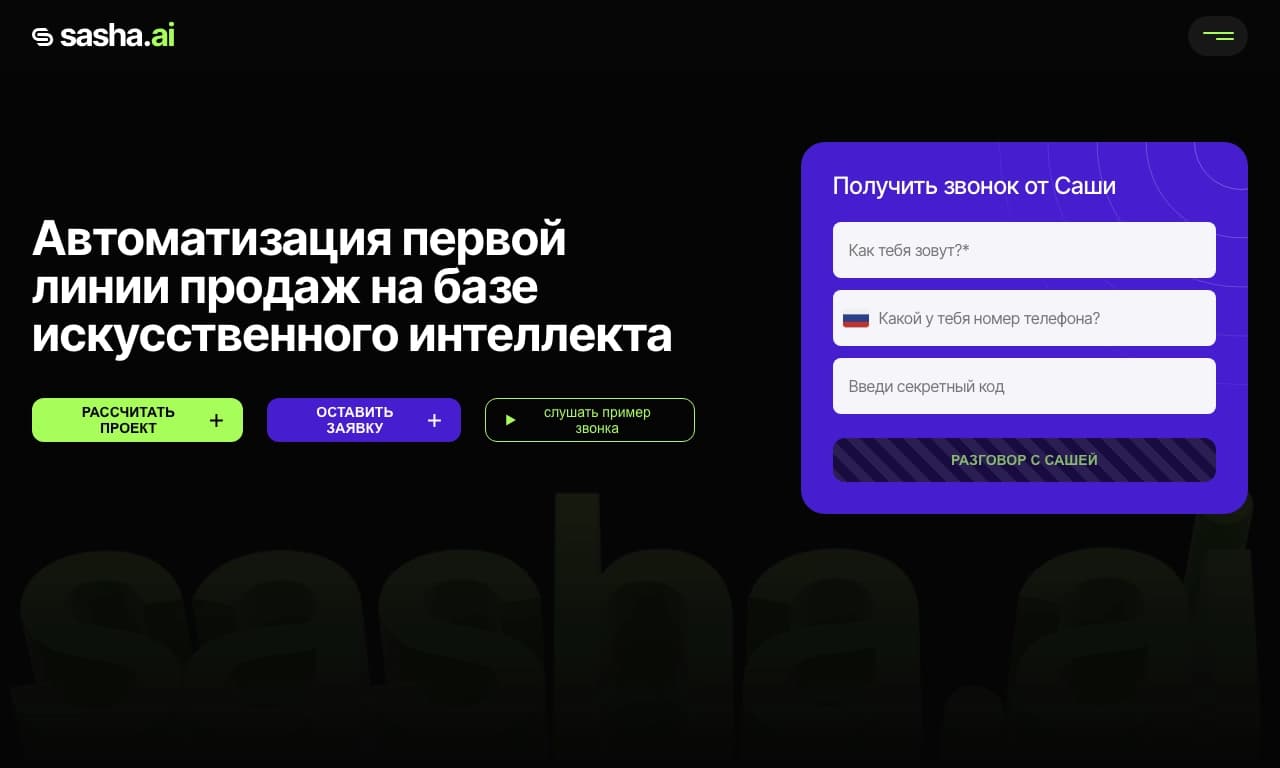
Сервис для автоматизации первого контакта с клиентами в продажах.


AI-ассистент для создания кратких конспектов видео, PDF-документов и веб-страниц.
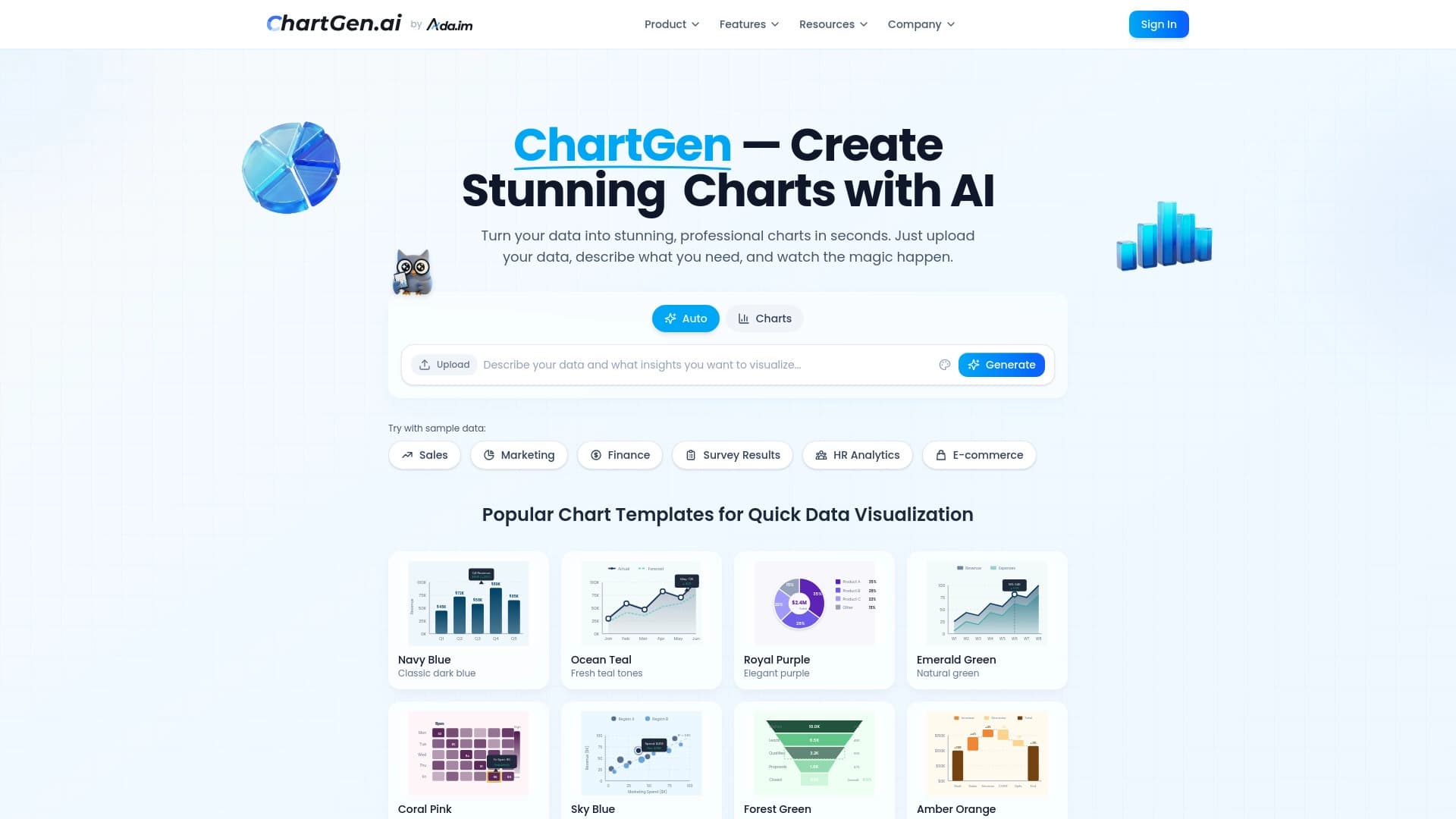

Генератор диаграмм и графиков из загруженных данных по текстовому описанию на естественном языке.

Генерация рекламных UGC-роликов с виртуальными актерами без реальных съемок.


AI-генератор аниме-изображений по текстовому описанию с выбором шаблона.