
Hama
Бесплатный онлайн-инструмент на базе нейросети для удаления лишних объектов с фотографий.
Обзор
Hama
Описание нейросети Hama
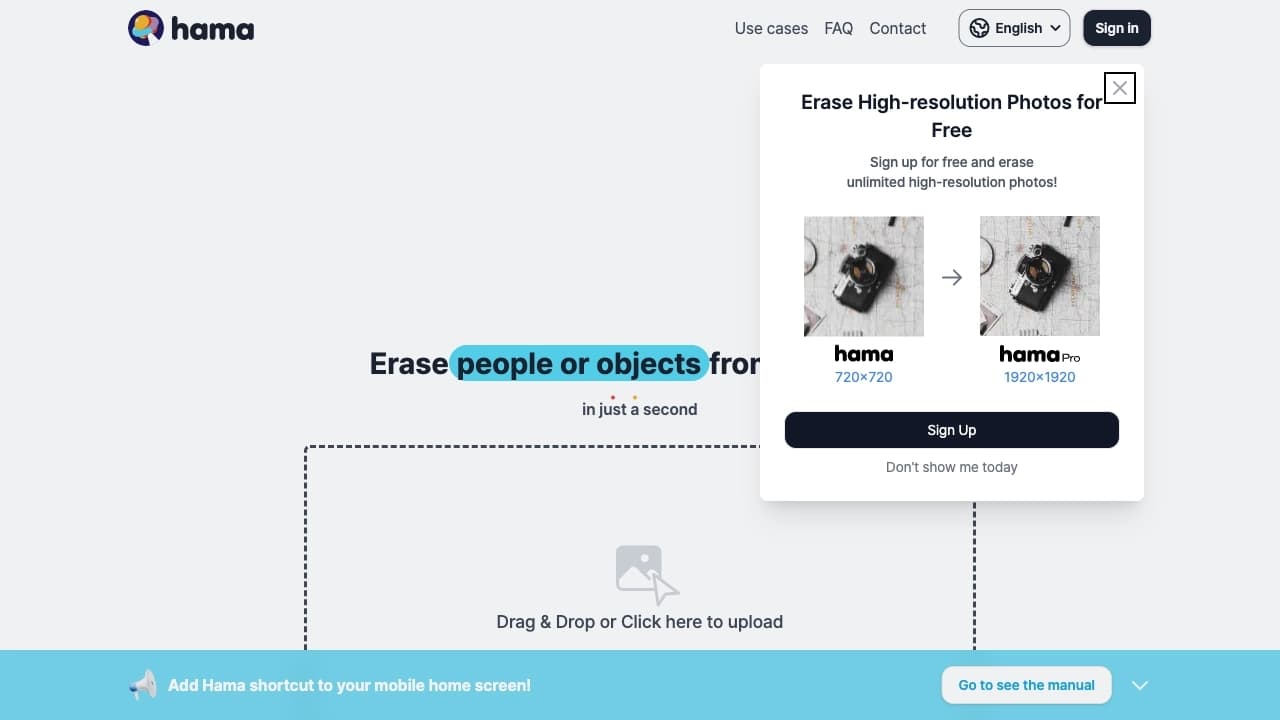
Hama — это бесплатный онлайн-инструмент на основе искусственного интеллекта, предназначенный для удаления лишних объектов с фотографий. Принцип работы сервиса прост: пользователь загружает изображение и выделяет область с нежелательным элементом, после чего нейросеть автоматически восстанавливает освободившееся пространство, анализируя окружающий фон.
При восстановлении фона алгоритм учитывает текстуры, освещение и перспективу изображения, что позволяет добиться естественного результата. Сервис не требует регистрации и специальных навыков работы с графическими редакторами, поддерживает изображения в форматах JPG, PNG и WebP с разрешением до 4К и работает напрямую в браузере. Это делает Hama удобной и быстрой альтернативой сложным профессиональным редакторам для типовых задач очистки фотографий.
Характеристики Hama
| Характеристика | Значение |
|---|---|
| Категория | Редактирование изображений, удаление объектов, улучшение фото |
| Бизнес-модель | Бесплатно (free) |
| Форматы изображений | JPG, PNG, WebP |
| Максимальное разрешение | До 4К |
| Платформа | Веб-приложение (браузер), мобильное приложение, расширение для браузера |
| Регистрация | Не требуется |
| API | Есть |
| Язык интерфейса | Русский |
| Работа из России | Да, без VPN |
| Дата публикации в каталоге | 07-03-2023 |
Для кого подходит нейросеть Hama?
Блогеры и маркетологи
Этим пользователям часто нужно быстро подготовить визуальный контент для социальных сетей, презентаций и публикаций. Hama позволяет убирать лишние детали с фотографий без необходимости изучать сложные профессиональные редакторы, экономя время на типовых задачах.
Фотографы и дизайнеры
Профессионалы используют Hama для быстрой чистки снимков от случайных прохожих, мусора и других нежелательных элементов. Инструмент помогает ускорить рутинные операции и освобождает время для более творческих задач, а сервис доступен в России без VPN.
Обычные пользователи
Инструмент подойдёт всем, кто хочет легко и без специальных навыков удалять ненужные объекты со своих фотографий — будь то для личного архива или публикации в интернете. Простой интерфейс понятен даже новичкам.
Как использовать нейросеть Hama?
Загрузка изображения
Начните с загрузки фотографии — это можно сделать двумя способами: перетащить файл в окно браузера или выбрать его щелчком мыши. Загрузка выполняется прямо в веб-приложении, регистрация не требуется.
Выделение и удаление объекта
Выберите инструмент выделения и закрасьте кистью объект, который нужно убрать с фотографии. Это может быть человек, предмет, текст, логотип или водяной знак. Нейросеть самостоятельно восстановит фон на месте удалённого элемента, учитывая текстуры, освещение и перспективу.
Просмотр и скачивание результата
После обработки вы можете просмотреть результат — как фото выглядит до и после стирания объекта. Если результат вас устраивает, скачайте обработанное изображение в исходном качестве. При необходимости доступна функция отмены действий для повторной попытки.
Основные функции Hama
Удаление объектов с восстановлением фона
Главная функция сервиса — удаление лишних элементов с фотографий с автоматическим восстановлением фона. Алгоритм анализирует окружающую область, чтобы заполнить освободившееся пространство максимально естественно.
Работа с разными типами объектов
Hama справляется с удалением людей, предметов, текста, логотипов и водяных знаков. Это делает инструмент универсальным решением для самых разных задач по очистке изображений.
Интуитивно понятный интерфейс
Сервис предлагает простое выделение с помощью кисти, функцию отмены действий и просмотр результатов после стирания объекта. Такой подход не требует профессиональных навыков и подходит для пользователей любого уровня.
Преимущества Hama
Полная бесплатность
Сервис полностью бесплатный и работает без ограничений по количеству обрабатываемых файлов и их размеру. Пользователям не приходится оплачивать подписки или приобретать отдельные пакеты обработок.
Простота и доступность
Для работы не требуется регистрация, а сам сервис работает прямо в браузере. Интерфейс переведён на русский язык, а доступ из России возможен без VPN. Для обработки не нужно профессиональных навыков.
Качественный результат
Алгоритм восстанавливает фон, учитывая текстуры, освещение и перспективу, и поддерживает разрешение до 4К. На простых фонах качество восстановления особенно высокое, а готовые изображения скачиваются в исходном качестве.
Недостатки Hama
Сложности со сложными текстурами
Основное ограничение сервиса — качество обработки зависит от сложности фона. Со сложными узорами и текстурами Hama справляется хуже, чем с простыми однородными фонами, поэтому в таких случаях результат может требоваться дорабатывать вручную.
Возможные ограничения разрешения
В отдельных отзывах пользователей упоминается, что в бесплатной версии разрешение обработанного результата может быть ограничено 720 пикселями. При этом на официальной странице сервиса заявлено, что обработка ведётся без ограничений по размеру и использованию, поэтому вопрос точных технических ограничений требует уточнения.
Какие задачи решает Hama
Очистка фотографий
Сервис помогает убрать прохожих с пейзажей, удалить провода, мусор и другие случайные элементы, портящие кадр. Это особенно полезно для туристических и уличных снимков, где лишние объекты попадают в кадр практически неизбежно.
Удаление лишних элементов
Hama позволяет стереть логотипы и водяные знаки с изображений, убрать ненужный текст. Это востребовано при подготовке контента для социальных сетей, презентаций и веб-публикаций.
Быстрая подготовка контента
Инструмент подходит для оперативной чистки фотографий перед публикацией в социальных сетях или использованием в презентациях. Благодаря простоте и скорости обработки он экономит время при подготовке визуальных материалов.
Цены Hama
Hama — полностью бесплатный сервис. Пользователям не нужно оплачивать подписку или покупать отдельные пакеты обработок: удаление объектов работает без ограничений по количеству файлов. Стоит учитывать, что в отдельных отзывах упоминается возможное ограничение разрешения бесплатной версии до 720 пикселей, хотя на официальной странице сервиса заявлена работа «бесплатно и без ограничений».
Условия использования Hama
Для работы с сервисом регистрация не требуется — достаточно открыть веб-приложение в браузере и загрузить изображение. Hama работает бесплатно и без ограничений по количеству обрабатываемых изображений, что делает сервис удобным для регулярного использования. Дополнительных условий и требований к пользователям в доступных источниках не указано.
Доступность Hama
Hama доступна как веб-приложение, работающее прямо в браузере, а также имеет мобильное приложение и расширение для браузера. Сервис поддерживает изображения в форматах JPG, PNG и WebP с разрешением до 4К, а его интерфейс переведён на русский язык. Важно отметить, что Hama — российский сервис, который работает из России без VPN, что делает его полностью доступным для отечественных пользователей. У сервиса также есть собственное API для разработчиков.
Чем отличается Hama от аналогов
Hama позиционируется как простая и быстрая альтернатива профессиональным редакторам вроде Photoshop для типовых задач удаления объектов. В отличие от громоздких программ, она работает прямо в браузере, не требует регистрации и полностью бесплатна без ограничений по количеству обработок.
При этом историю сервиса нельзя назвать однозначной: в трёх независимых источниках модель поведения различается. В одних аналогами Hama называют такие сервисы, как Jump Cutter, Kailua Labs, MemeCam и Latent Labs, в других — Genroom, Claid AI, PhotoAiD и RoomGPT, а в третьих — Shotix. Прямых сравнительных данных по качеству работы с этими инструментами в доступных источниках не приводится, поэтому выбор между ними лучше делать на практике, исходя из конкретных задач и качества обработки.
Заключение
Hama — это бесплатный и простой инструмент для удаления лишних объектов с фотографий, который работает прямо в браузере и не требует регистрации или специальных навыков. Благодаря поддержке разрешения до 4К, работе с форматами JPG, PNG и WebP и русскоязычному интерфейсу сервис подходит для быстрого редактирования контента для социальных сетей и веба. Главные ограничения — возможные трудности со сложными текстурами и неоднозначные сведения о разрешении в бесплатной версии. В целом это удобное решение для тех, кто хочет быстро очищать фотографии без изучения сложных профессиональных программ.
Часто задаваемые вопросы



Смотрите также


Генератор персонализированных текстов и дизайнов приглашений на различные события.


Платформа для общения с виртуальными ИИ-персонажами, которых можно создавать и настраивать под себя.


Онлайн-сервис, который распознаёт текст на страницах манги и манхвы, переводит его на разные языки и встраивает обратно в изображение без повреждения оригинального рисунка.


Боковая AI-панель, которая помогает отвечать на вопросы, работать с документами и генерировать изображения.
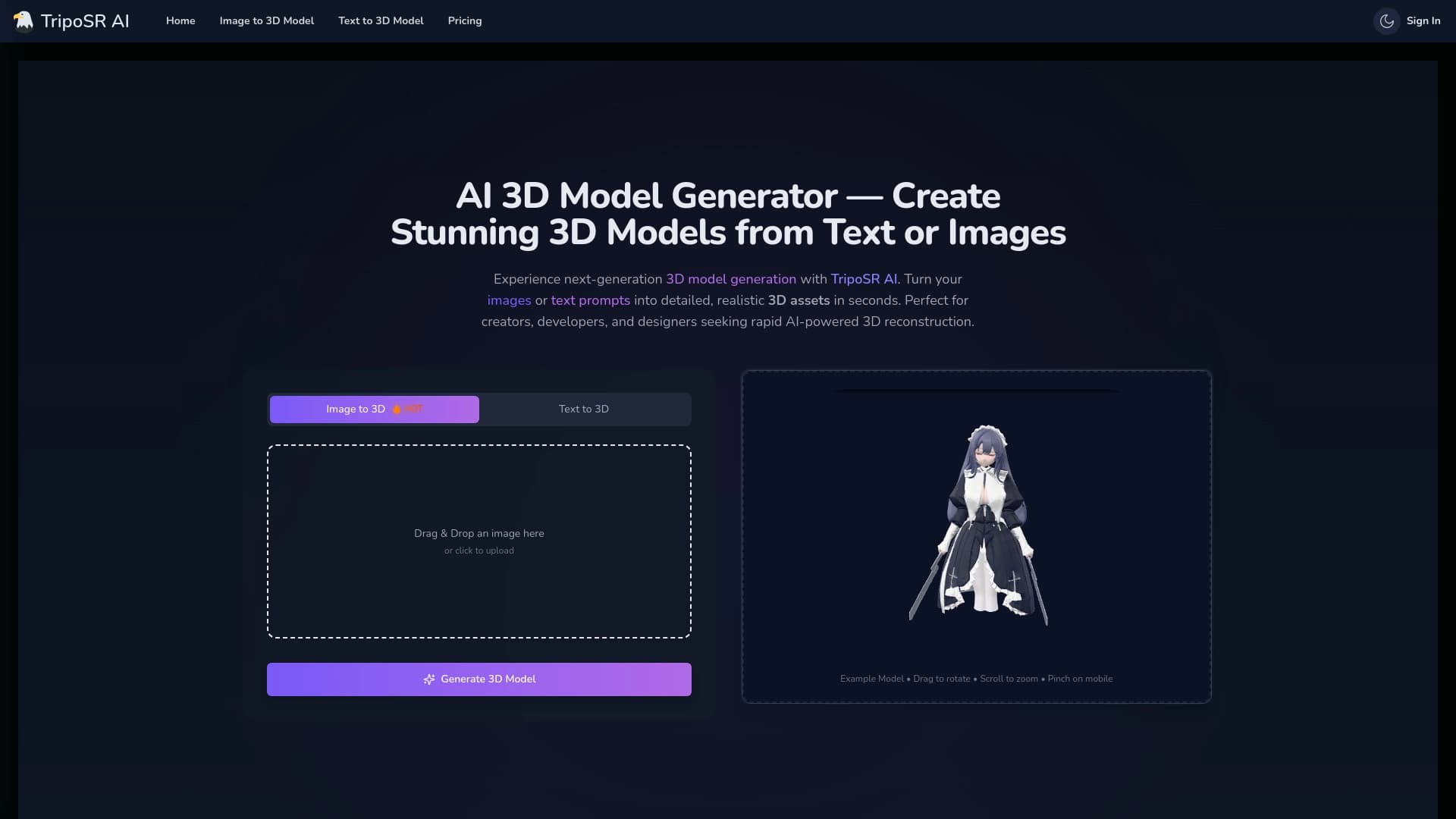

Инструмент с открытым исходным кодом для быстрого преобразования одного изображения в 3D-модель.

Браузерное расширение и веб-сервис с функциями ИИ-ассистента: ответы на запросы, суммаризация видео и документов, перевод текста.

Сообщество для ежедневного открытия и обсуждения новых технологических продуктов.


BannsAi — сервис с использованием ИИ для быстрого создания рекламных баннеров по текстовому описанию или референсу.