

GravityWrite
Service for automatic text generation based on templates and settings.

Ranked in
Overview
GravityWrite is a web service designed to automate the creation of text content. It allows users to generate articles, social media posts, video scripts, emails, and other materials based on templates and user-defined parameters.
Instead of working from a blank page, the service offers a choice of ready-made templates for specific tasks, with options to adjust style, length, and target audience. This makes the tool useful for those who need to quickly produce draft texts without spending time on structuring and phrasing.
Key Idea of the Service
The core concept of GravityWrite is to move routine text-writing processes into an automated plane. The user sets the parameters, and the neural network generates content that can be used as a basis for further refinement or as a finished product.
How It Works
Working with the service revolves around selecting a template and configuring generation parameters. The system takes into account the chosen style, target volume, and the audience for which the material is created. Additionally, there is a built-in section for SEO optimization where keywords can be specified.
GravityWrite Features
| Feature | Value |
|---|---|
| Type | Text content generator |
| Categories | Copywriting, email generation, social media posts |
| Distribution Form | Web service (distribution model not specified) |
| Website | gravitywrite.com |
| Publication Date | August 2, 2025 |
| Language Support | Multiple languages |
| Primary Purpose | Quick creation of articles, emails, scripts, and posts |
Who Is GravityWrite Suitable For?
GravityWrite is aimed at professionals who regularly need to create texts in large volumes or within tight deadlines.
Marketers
For marketers, the service is useful for preparing content plans, creating materials for newsletters, and advertising campaigns. The ability to quickly generate multiple text variants allows for testing different approaches.
Content Managers
Content specialists can use GravityWrite to fill blogs and social networks. Templates and settings help maintain a consistent style across publications.
Sales Teams
The sales department can use the service to create call scripts, commercial proposals, and emails. This speeds up the preparation of materials for client communication.
How to Use GravityWrite?
Working with the service begins with a selection panel where the main parameters of the future text are set.
Step 1: Choose Content Type
On the first launch, the user sees a content type selection panel. Here, you need to specify what exactly needs to be created: an article, a post, an email, or a script.
Step 2: Configure Generation Parameters
After selecting a template, you need to configure the parameters: writing style, text length, and target audience. These parameters influence how the neural network structures the material.
Step 3: SEO Optimization
In a separate section, you can set keywords for SEO optimization. The service will take them into account during generation, which is useful for creating content targeting search queries.
Key Features of GravityWrite
GravityWrite provides a set of tools for generating various types of content and adapting it to specific tasks.
Generation of Texts in Various Formats
The service can create articles, social media posts, video scripts, and emails. The same tool can be used for different communication channels.
Template Library
The service includes a ready-made library of templates for various tasks — from blogs to marketing materials. This simplifies starting generation without complex setup.
Settings and SEO Tools
Users can adjust style, length, and target audience. There is also a separate section for SEO optimization where key phrases can be set. Multi-language support is also available.
Advantages of GravityWrite
The main benefits of using the service include capabilities related to saving resources and time.
Content Creation Speed
GravityWrite allows for quickly producing large volumes of text, which is important for regular content publication.
Saving Time and Budget
Automation reduces the costs of writing drafts and shortens the time needed to prepare materials.
Flexible Settings
The ability to set style, length, and target audience makes the tool adaptable to various tasks.
Disadvantages of GravityWrite
Like any online tool, the service has certain limitations.
Internet Requirements
GravityWrite requires a stable internet connection to function. Without network access, the tool cannot be used.
Limited Creative Control
Generated texts may require refinement, as there may be limitations on creative control from the user's side.
Learning Curve
Mastering all the features and settings will take time, especially in the early stages of using the service.
What Tasks Does GravityWrite Solve?
The service is suitable for solving practical content creation tasks across different areas.
Preparing Email Newsletters
GravityWrite allows for creating email series for marketing campaigns or client communication.
Managing a Corporate Blog
With the tool, you can generate articles that meet SEO requirements, reducing the time needed to prepare publications.
Creating Scripts for Sales Teams
The service helps prepare call scripts by structuring conversations with potential clients.
GravityWrite Pricing
Current information about GravityWrite's pricing policy is not available in accessible sources. The official website may present pricing plans, but specific figures are not provided in the source data.
GravityWrite Terms of Use
Detailed terms of use for the service, including subscription or licensing rules, are not disclosed in the provided sources. The distribution model is listed as unknown, which does not allow for a precise description of access conditions.
GravityWrite Availability
GravityWrite is a web service that runs in a browser and supports multiple languages. A stable internet connection is required for use.
How GravityWrite Differs from Alternatives
GravityWrite's distinction from other text generation tools lies in its focus on a template-based approach and its specialized content categories: emails, social media posts, and scripts.
While some alternatives, such as AIeBookGen or RizzAI, are focused on narrow tasks, GravityWrite offers broader coverage of content types within a single interface. The presence of a dedicated SEO optimization block with key phrase settings can also be an advantage for content teams.
However, unlike more advanced platforms, GravityWrite may have limitations in creative control, requiring manual refinement of texts. Tools like Fundraisly or Ytzolo may be more tailored to specific scenarios, whereas GravityWrite serves as a universal solution for regular generation.
Conclusion
GravityWrite is a practical tool for automating text content creation. It suits marketers, content managers, and sales teams who need to quickly produce articles, emails, posts, and scripts. The service offers flexible settings for style, length, and target audience, as well as built-in SEO optimization features. Thanks to its template library and multi-language support, GravityWrite can become a useful part of the workflow for regular content generation, although users should consider potential limitations on creative control and the need to refine generated texts.
Frequently asked questions
See also


BannsAi is an AI-powered service for quickly creating ad banners based on a text description or reference.
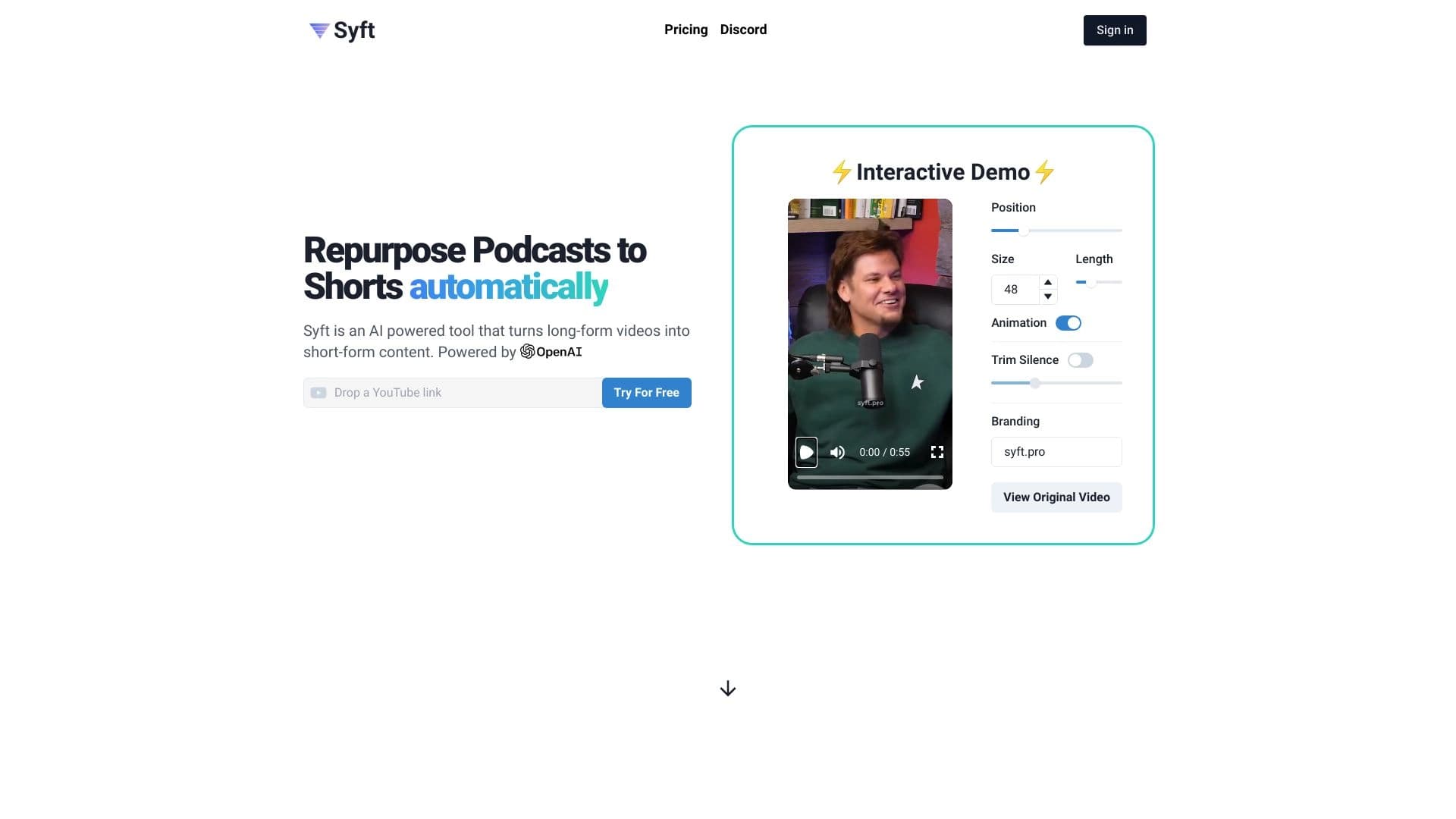
Syft - neural network for creating personal News collections based on user interests.
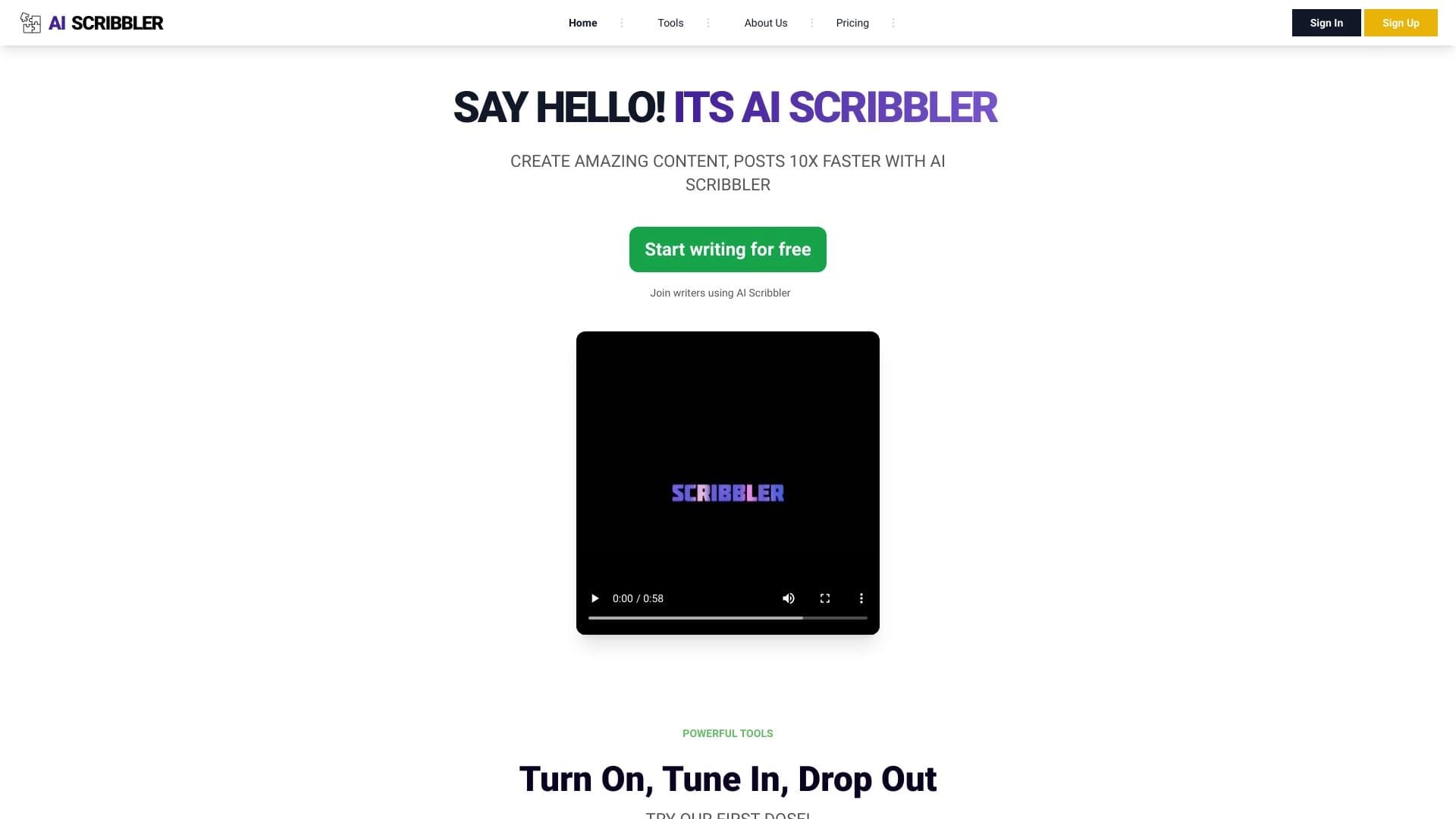

AI-powered online platform for quickly creating text content, including blogs, articles, and social media posts.


AI-powered platform for automatically generating ad banners, texts, and videos optimized for conversion.


Free tool for generating and editing images from text descriptions with simple controls.

Browser extension and web service with AI assistant features: answering queries, summarizing videos and documents, and translating text.


AI platform for fast website creation and small business process management.
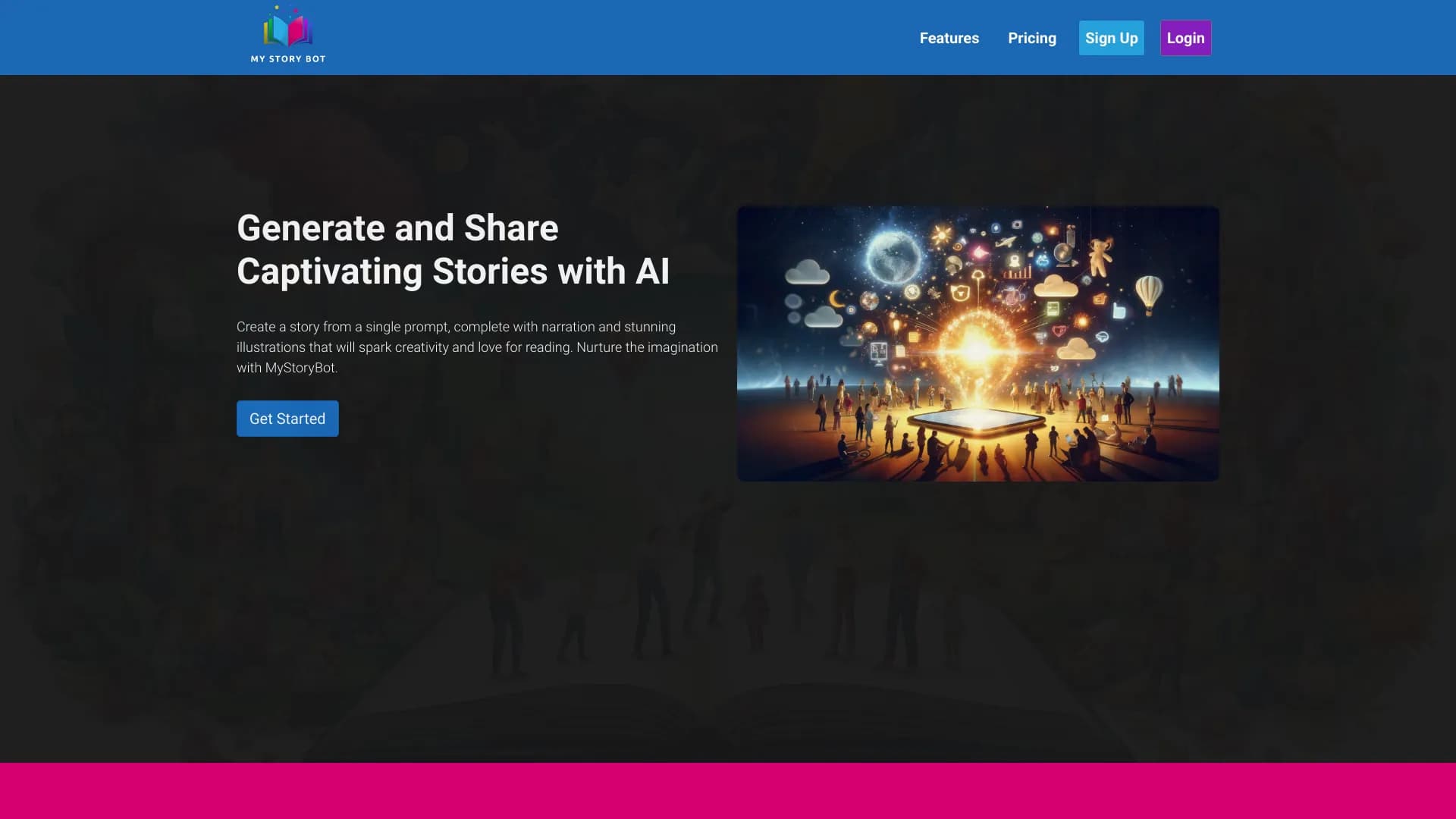
Online service for generating children's books with illustrations using AI.