

GitMind
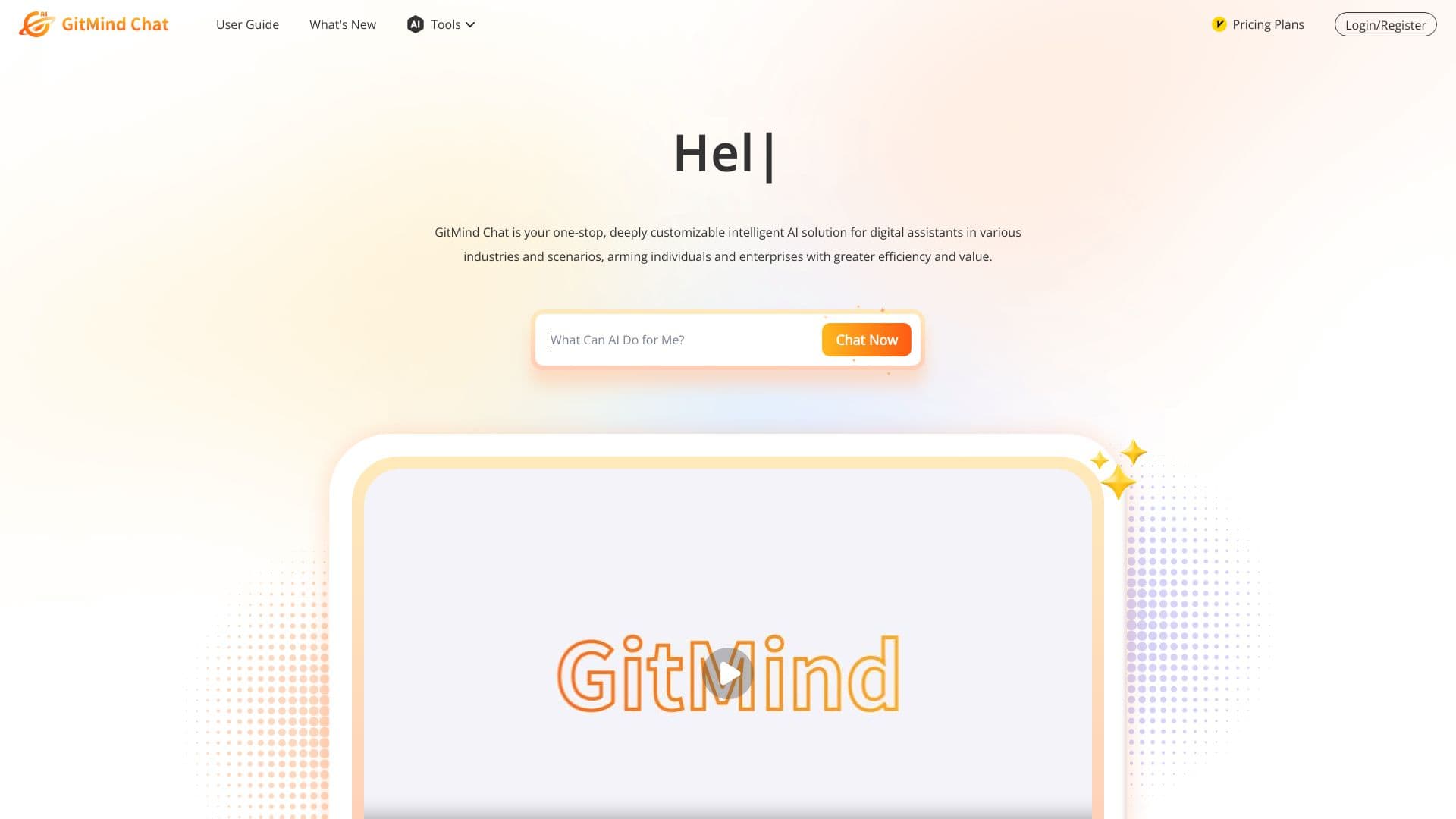
GitMind is an AI-powered platform for creating mind maps and diagrams that transforms various types of content into structured visual schemes.
Ranked in
Overview
GitMind is an information visualization platform that combines classic mind mapping with artificial intelligence capabilities. The service's main goal is to turn complex, voluminous content from various sources into clear, structured diagrams. Instead of manually building connections between concepts, users can upload a document, a video link, or an audio file, and the algorithm will generate a mind map or a brief summary on its own.
The platform can work with various data types: text documents, Excel spreadsheets, YouTube videos, audio recordings, and even images with scanned text (thanks to OCR). At the same time, GitMind doesn't just create diagrams — it allows users to interact with content through a built-in chat, asking questions and receiving analytical answers based on language models. The tool is positioned as a replacement for a suite of several applications, combining mind mapping, business planning, collaboration, and an AI assistant in a single interface.
GitMind is available on all major platforms, including a web version, desktop applications for Windows and macOS, mobile apps, and a Chrome browser extension. This makes the tool a versatile solution for both individual users and teams working in different environments.
GitMind Features
| Feature | Value |
|---|---|
| Tool Type | AI platform for creating mind maps and diagrams |
| Platforms | Web version, Windows, macOS, iOS, Android, Chrome extension |
| Business Model | Freemium |
| Supported Formats | PDF, Excel, YouTube, audio, images (OCR), text documents |
| Language Model Integrations | ChatGPT, Claude, Gemini (including GPT-5, Claude Sonnet 4, Gemini 2.5) |
| Types of Diagrams Created | Mind maps, flowcharts, UML diagrams, ER models, infographics |
| Language Support | 22 languages (according to the source) |
| Service Integrations | Slack, Discord, WhatsApp |
| Collaboration | Yes, in real time |
| Date Added to Catalog | July 11, 2024 |
| Categories | AI Memory Systems, AI Platforms & Frameworks, Business Intelligence, Coding Assistance |
Who Is GitMind For?
Students and Educators
GitMind solves the problem of taking notes on large amounts of information. Students can upload lectures in PDF or audio recordings of classes — the service automatically extracts key points and builds a clear mind map. For educators, the tool is suitable for preparing study materials and diagrams that are easier to perceive visually.
Business Users and Managers
Project managers, analysts, and business teams use the platform to visualize processes, work with reports, and create presentations. The tool helps quickly organize data from Excel spreadsheets and long documents, as well as plan projects using shared team access.
Researchers and Analysts
For professionals working with large volumes of literature, scientific articles, and complex documentation, GitMind acts as a primary information processing tool. Instead of hours of manual analysis, users can upload a file and get a map of connections between key concepts, which speeds up the research process.
Freelancers and Creative Professionals
The tool is suitable for brainstorming, creating creative concepts, and assisting with creative writing. The ability to ask the AI assistant questions and receive structured answers makes the platform useful for generating ideas and subsequently organizing them.
How to Use GitMind
Quick Start via the Web Version
To get started, go to gitmind.com/ai-chat and click the "Try GitMind AI Now" button. The service requires prior registration — you'll need to create an account or log in to an existing one. After authorization, an interface will open where you can configure the AI assistant by choosing its role and parameters, and then start a conversation.
Automatic Map Generation from Content
The most common use case is uploading source material. Users can upload a PDF document, paste a YouTube link, or attach an audio recording of a meeting. The system automatically analyzes the content and creates a mind map or a brief summary. For images with text, an OCR function is available that recognizes characters and turns a photo of notes or a screenshot into a structured diagram.
Working via the Browser Extension
The Chrome extension deserves special attention. It allows you to create diagrams on the go, right while working with web pages, without needing to switch between applications. This is convenient for quickly capturing ideas or structuring information from online sources.
Key GitMind Features
Automatic Mind Map and Summary Creation
One of the platform's key features is converting heterogeneous content (PDF, video, audio, spreadsheets) into visual diagrams. Algorithms extract the main points from the source material and arrange them into a logical structure, saving users significant time.
Interactive AI Dialogue
After uploading content, users can have a dialogue with the system through the built-in chat. You can ask questions about the uploaded material, clarify details, or request explanations of specific sections — language models process the context and provide relevant answers. The tool automatically selects the optimal model (ChatGPT, Claude, or Gemini) depending on the complexity of the request.
Generating Various Types of Diagrams
GitMind allows you to create not only classic mind maps but also flowcharts, UML diagrams, ER models, and infographics. This makes the tool applicable to technical tasks — from database modeling to describing software architecture.
OCR Support and Text Recognition
The built-in optical character recognition function turns images with text into editable diagrams. This is especially useful for students who photograph their notes, or for business users looking to digitize documents.
GitMind Advantages
Time Savings on Structuring
The platform's main advantage is automatic information organization instead of manually building connections. The tool handles long PDF files, podcasts, and large spreadsheets that would be impractical to analyze by hand.
Broad Integration Capabilities and Cross-Platform Support
GitMind works on all major devices — from mobile phones to desktops — and the browser extension allows you to build diagrams on the go. The tool supports multilingual communication in 22 languages and integrates with Slack, Discord, and WhatsApp, enabling real-time collaboration.
Variety of AI Agents and Configuration Flexibility
The platform offers many specialized AI agents for various industries and tasks. Creating your own assistant requires no programming skills. The built-in language model selection system (including GPT-5, Claude Sonnet 4, and Gemini 2.5) optimizes performance for specific types of requests.
Data Security
The service uses HTTPS encryption, ensuring the protection of transmitted data. The manufacturer claims up to 90% improvement in work efficiency, 98% improvement in service quality, 30% cost reduction, and 25% growth in customer satisfaction.
GitMind Disadvantages
Limited Information About the Codebase
The page lacks information about open-source code and a GitHub repository. This could be a significant drawback for developers and open-source enthusiasts who are used to reviewing the code of tools they use in their work.
Unclear Pricing Policy
While the distribution model is stated as freemium, some sources indicate that there is no free plan, and users need to visit the AI chat page themselves to check current prices. There is also no detailed pricing structure, which makes it difficult to estimate costs in advance.
Dependence on Online Services
To obtain up-to-date information from the internet, GitMind uses online plugins. This means the reliability and accuracy of answers to questions about recent data may vary depending on the stability of external services.
Incomplete Information About Availability
No restrictions on regional usage or VPN requirements are specified. There are also no links to individual mobile apps or extension stores — users need to find clients for their platforms on their own.
What Problems Does GitMind Solve?
Brainstorming and Idea Generation
The tool acts as an interactive partner for generating concepts. Thanks to the AI chat, users can have a dialogue with the system, receiving ideas and suggestions, and then immediately visualize them as a mind map.
Interactive Learning and Note-Taking
GitMind transforms lectures, documentation, and webinars into structured notes. The ability to ask questions about uploaded content helps you understand the material more deeply, and OCR allows you to digitize printed texts.
Planning and Project Management
The platform is used for building project plans, Gantt charts, and flowcharts, as well as for team collaboration on tasks. Shared access allows multiple users to edit a diagram simultaneously, speeding up decision-making.
Visualizing Business Processes and Technical Diagrams
For business analysts and technical specialists, GitMind is suitable for process modeling, creating UML diagrams, and ER models. This replaces the use of specialized, often expensive tools within a single platform.
Quickly Extracting Key Points from Large Data
The system automatically highlights key points from long texts, audio, and video, reducing processing time. Researchers can handle large volumes of literature without needing to read every document in full.
GitMind Pricing
GitMind operates on a freemium model; however, data on specific pricing plans is not disclosed in available sources. One catalog description states that the AI chat has no free plan, while a credit card is not required for the trial period. For current pricing information, users should contact the service directly on the main page — prices there are published in a format dependent on current conditions. Users need to monitor offers on their own, as a detailed breakdown of pricing plans is not published in reviews.
GitMind Terms of Use
Registration is mandatory to use the platform: users need to create an account on the website using an email address or through third-party authorization services. Creating an account provides access to the AI chat features and visualization tools. According to publicly available sources, there is no free perpetual plan — after exhausting the trial period or free usage limits, users must switch to a paid subscription. Details of the license agreement and commercial use rules are not disclosed in the review, so it is recommended to review the official documentation on the developer's website before getting started.
GitMind Availability
GitMind is available on all key platforms: a web version, desktop applications for Windows and macOS, mobile apps for Android and iOS, and as a Chrome browser extension. This cross-platform support ensures access to the tools from any device — from a personal computer to a smartphone.
Information about regional restrictions is absent from the sources — it is not specified whether access is blocked in certain countries or whether a VPN is required to use the service. The service supports 22 languages, making it accessible to an international audience. A stable internet connection may be required for full functionality, especially for features related to cloud data processing.
How GitMind Differs from Alternatives
GitMind stands out from classic mind mapping tools such as Lucidchart, MindMeister, XMind, Coggle, and Miro through its use of language models for automatic content analysis. While competitors require users to build the structure themselves by dragging and dropping elements, GitMind automatically generates a map from uploaded material. This fundamentally changes the workflow: instead of manual structuring, you only need to upload content and adjust the results.
The second significant difference is support for non-standard formats, including video, audio, and images. The ability to extract data from YouTube or podcasts is not available in all competitors. GitMind also features a built-in system for selecting the optimal language model (ChatGPT, Claude, Gemini) depending on the task, and integrates with messengers (Slack, Discord, WhatsApp), which justifies the tool's positioning as a replacement for several applications.
Conclusion
GitMind is a multifunctional tool with an unconventional approach to diagram creation: it automates the structuring process and allows working with heterogeneous content — from PDF to video and audio. It will be useful for students for quick note-taking, managers for planning, researchers, and anyone who frequently deals with large volumes of information. However, the lack of a transparent pricing policy, limited information about the free tier, and technical details of the platform may complicate the choice. Before getting started, it's worth checking current pricing and functionality directly on the project's website.
Frequently asked questions
See also


Personal AI assistant for everyday tasks, self-development, and emotional support.

AI travel planner that creates personalized itineraries and helps you choose flights, accommodation, and activities in a chat.

Platform for organizing live chat and communicating with website visitors, offering a free chat widget for customer support.

Platform for automated geospatial analysis of satellite imagery and geographic data.

AI-powered platform with agents for automating workflows and boosting productivity.

A tool for automated SEO content creation with keyword research and long-form text generation.
AI-powered service that simplifies technical documents of cryptocurrency projects for a broad audience.

remio is a personal AI assistant which automatically collects and organizes digital information of the user.