
Gencraft
Веб-сервис для генерации изображений по текстовым запросам и преобразования фото и видео в художественные арты.

Обзор
Gencraft
Описание нейросети Gencraft
Что такое Gencraft
Gencraft — это веб-сервис на основе искусственного интеллекта, предназначенный для создания изображений по текстовым описаниям. Платформа даёт возможность превращать обычные фотографии и видео в необычные художественные произведения с динамическими эффектами. Сервис ориентирован на творческих пользователей, которые хотят создавать уникальный визуальный контент без установки дополнительного программного обеспечения.
Ключевая идея сервиса
Главная ценность Gencraft — в простоте доступа к генеративному искусству. Пользователю достаточно сформулировать текстовый запрос, выбрать подходящий стиль и настроить параметры генерации, чтобы получить оригинальное изображение или его вариацию. Встроенный редактор позволяет дорабатывать готовый результат прямо в интерфейсе, не переключаясь на сторонние приложения.
Характеристики Gencraft
| Характеристика | Значение |
|---|---|
| Тип | Нейросеть, генерация и редактирование AI-изображений |
| Категории | Генерация изображений, Иллюстрации и арт, Фотореалистичные изображения, Видео, Универсальные |
| Платформы | Web |
| Веб-сайт | gencraft.com |
| Модель распространения | Freemium |
| Доступ из России | Доступен только с помощью VPN |
| Оценка редакции | 8.5 из 10 |
| Рейтинг пользователей | 4.7 (звёзд) |
| Необходимость установки ПО | Не требуется |
Для кого подходит нейросеть Gencraft?
Художники и иллюстраторы
Gencraft будет полезен в первую очередь художникам и иллюстраторам. Сервис помогает генерировать идеи, создавать цифровые арты и экспериментировать с художественными стилями, не ограничивая себя рамками традиционных инструментов.
Дизайнеры и специалисты по визуальному контенту
Инструмент подходит дизайнерам и всем, кто профессионально работает с визуальным контентом. Возможность быстрого создания изображений по текстовому описанию, а также превращение фото и видео в художественные работы делают сервис удобным для подготовки материалов, требующих нестандартного подхода.
Новички и творческие пользователи
Благодаря простому интерфейсу Gencraft доступен и новичкам, которые только знакомятся с генеративным искусством. Для работы не требуется установка дополнительного ПО или специальных технических навыков — достаточно веб-браузера и текстового запроса.
Как использовать нейросеть Gencraft?
Шаг 1. Формулировка запроса
Пользователь вводит текстовое описание того изображения, которое хочет получить. Чем точнее и подробнее сформулирован запрос, тем ближе результат будет к ожидаемому.
Шаг 2. Выбор стиля и настройка параметров
После ввода запроса нужно выбрать художественный стиль и при необходимости настроить параметры генерации. Сервис поддерживает создание изображений в разных художественных направлениях, что позволяет адаптировать результат под конкретную задачу.
Шаг 3. Генерация и доработка
Система создаёт изображение на основе введённых данных. Готовый результат можно доработать во встроенном редакторе, а также получить вариации исходного изображения. Подготовленные файлы экспортируются в различных форматах.
Основные функции Gencraft
Генерация изображений по тексту
Сервис создаёт изображения, фотографии и их вариации на основе текстового описания. Пользователь может задать не только содержание, но и стиль будущей картинки.
Преобразование фото и видео
Gencraft умеет превращать обычные фотографии и видеозаписи в художественные произведения. Динамические эффекты позволяют улучшать визуальный контент и придавать ему необычный вид.
Редактирование и вариации
Встроенный редактор даёт возможность дорабатывать готовый результат. Сервис также поддерживает создание вариаций изображений и их редактирование прямо в интерфейсе, без переключения на сторонние программы.
Экспорт в разных форматах
Готовые изображения можно экспортировать в разных форматах. Для работы не требуется установка дополнительного программного обеспечения — весь функционал доступен через веб-интерфейс.
Преимущества Gencraft
Простота использования
Интерфейс сервиса интуитивно понятен и подходит как новичкам, так и опытным пользователям. Для начала работы достаточно сформулировать запрос и выбрать стиль, не разбираясь в сложных настройках.
Отсутствие необходимости в установке ПО
Сервис работает полностью через веб-браузер. Пользователю не нужно скачивать и устанавливать программы, что экономит время и упрощает доступ к инструменту с любого устройства.
Вариативность и редактирование
Gencraft поддерживает создание вариаций и редактирование изображений прямо в сервисе. Это позволяет быстро подбирать подходящий вариант без обращения к внешним редакторам.
Недостатки Gencraft
Ограниченная интеграция
Интеграция сервиса с другими программами и платформами ограничена. Пользователям, которым требуется тесная связь с другими инструментами, возможно, придётся искать дополнительные способы передачи данных.
Время на освоение функций
Хотя интерфейс прост в использовании, освоение всех возможностей сервиса может занять время. Некоторые функции и настройки требуют практики, чтобы использовать их в полной мере.
Какие задачи решает Gencraft
Создание изображений и цифрового искусства
Инструмент предназначен для создания цифрового искусства с помощью искусственного интеллекта. Он позволяет генерировать изображения и фотографии по текстовому описанию, а также создавать арт в выбранном стиле.
Работа с видео
Помимо изображений, Gencraft поддерживает работу с видеоматериалами. Сервис может преобразовывать видео в художественные произведения, добавляя динамические эффекты.
Редактирование и доработка изображений
Встроенные возможности редактирования позволяют изменять и дорабатывать уже созданные изображения. Это делает сервис универсальным инструментом как для создания, так и для доведения контента до финального вида.
Цены Gencraft
Точные тарифы и стоимость подписок не были указаны в доступных источниках. Известно, что сервис распространяется по модели freemium, что подразумевает наличие бесплатного базового доступа с оплатой расширенных возможностей. Детальную информацию о ценах рекомендуется уточнять на официальном сайте сервиса.
Условия использования Gencraft
Сервис предоставляет доступ через веб-интерфейс и работает в рамках модели freemium. Инструмент ориентирован на художников, дизайнеров и всех, кто работает с визуальным контентом. Подробные пользовательские соглашения и правила обработки данных следует изучать на официальном сайте gencraft.com, так как конкретные условия в исходных данных не раскрываются.
Доступность Gencraft
Платформы
Gencraft доступен только через веб-интерфейс. Сервис не требует установки дополнительного программного обеспечения — для работы достаточно браузера и подключения к интернету.
Доступ из России
Пользователям из России сервис доступен только с использованием VPN. Без обхода ограничений открыть и использовать Gencraft с территории страны не получится.
Чем отличается Gencraft от аналогов
Сочетание функций
Gencraft выделяется тем, что совмещает в одном сервисе несколько направлений: генерацию изображений по тексту, преобразование фото и видео в художественные работы, а также редактирование результатов. Такое сочетание делает инструмент универсальным для различных творческих задач.
Доступность входного порога
Благодаря простому интерфейсу и отсутствию необходимости устанавливать программное обеспечение, Gencraft подходит новичкам. При этом функциональные возможности позволяют использовать его и опытным специалистам, работающим с визуальным контентом.
Сравнение с другими сервисами
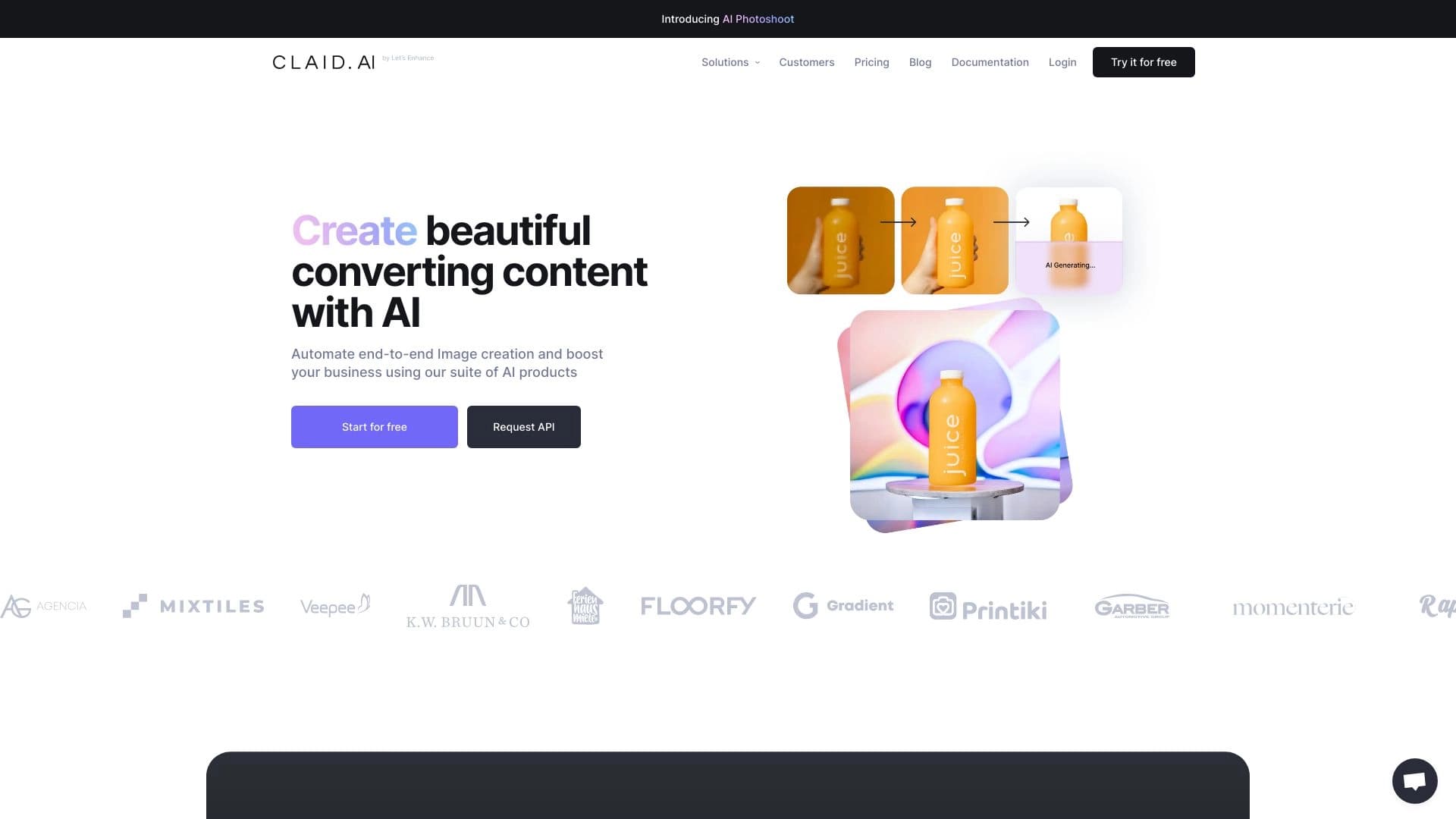
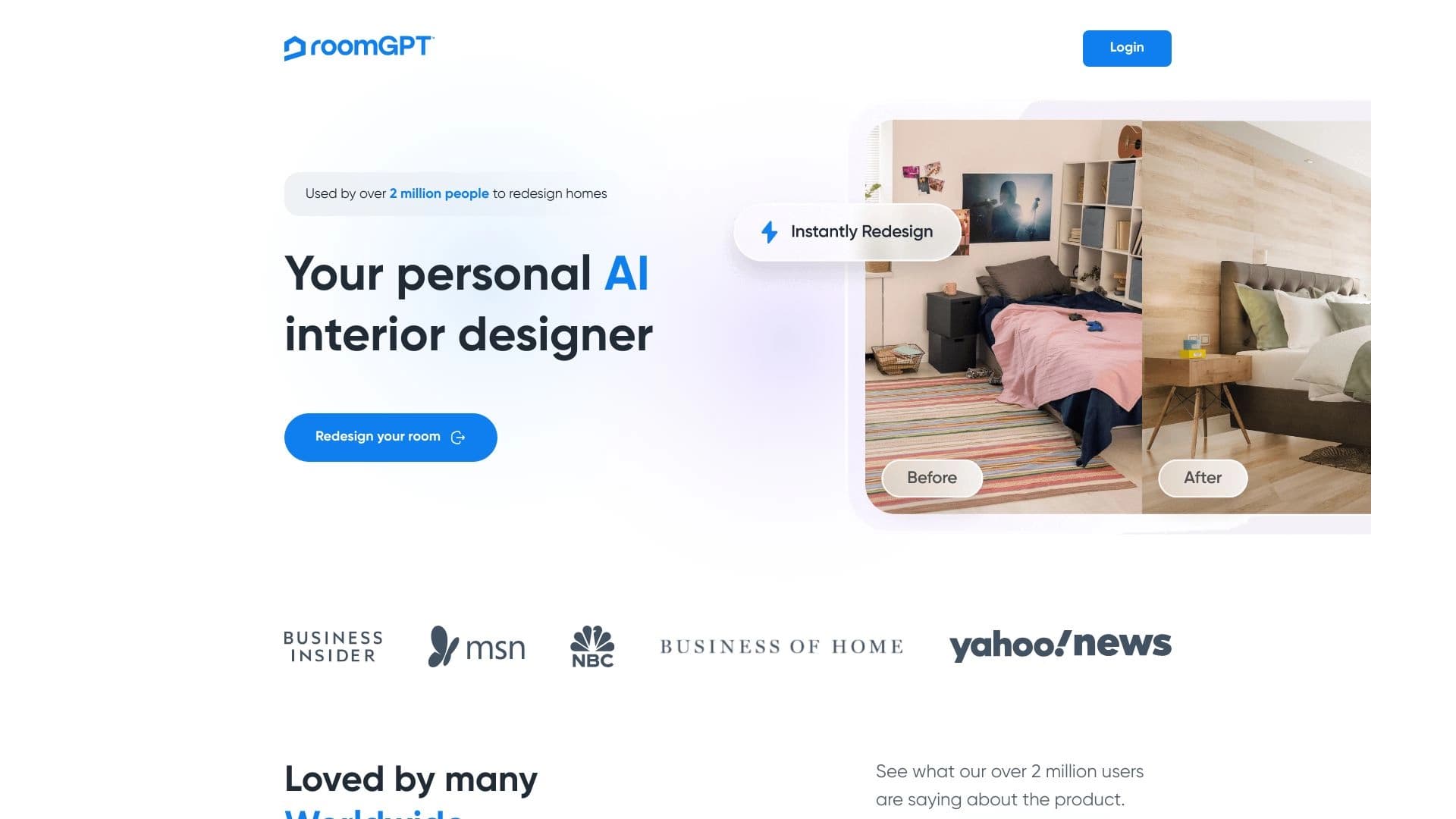
К схожим инструментам относятся Genroom, Claid AI, PhotoAiD, RoomGPT, Shotix, New Profile Pic, Nero AI Image Upscaler, Magicly, НейроХудожник и Magic Art Bot, а также Kolors by Kuaishou, Pixlio AI, Erasio, AI Image Prompts, Nano Banana AI и Plexigen AI. Конкретные отличия Gencraft от каждого из аналогов в имеющихся данных подробно не раскрываются.
Заключение
Gencraft — это веб-сервис для генерации изображений по текстовым описаниям, а также для преобразования фотографий и видео в художественные произведения. Инструмент предлагает выбор стилей, настройку параметров генерации и встроенный редактор для доработки результатов. Сервис подходит художникам, дизайнерам и всем, кто создаёт визуальный контент, работает по модели freemium и доступен из России только с использованием VPN.
Часто задаваемые вопросы


Смотрите также


Платформа для общения с виртуальными ИИ-персонажами с генерацией изображений в процессе диалога.


AI-сервис для автоматического подбора музыки под настроение видео, изображений или текста с легальными лицензиями.


Averi — платформа для маркетинга, которая объединяет планирование кампаний, создание контента и аналитику в одном интерфейсе.


Aimi — это сервис, который автоматически создает музыку и озвучку для видео, анализируя видеоряд.

Сервис для автоматической генерации улучшенных фотографий для профилей на сайтах знакомств.

AllChat — это универсальная платформа, объединяющая несколько популярных языковых моделей в одном интерфейсе для общения, генерации изображений, анализа файлов и выполнения кода.

Набор мультимедийных AI-инструментов для редактирования и улучшения фото, видео и PDF-документов.

Генерация рекламных UGC-роликов с виртуальными актерами без реальных съемок.