

Gemma 3
A family of open multimodal language models from Google DeepMind, available in different sizes.
Ranked in
Overview
Gemma 3
Gemma 3 Overview
Gemma 3 is a family of open multimodal language models developed by Google DeepMind based on Gemini 2.0 technologies. The neural network is available in four variants with different parameter counts — from 1B to 27B — making it possible to choose the right version for specific tasks and available computing resources.
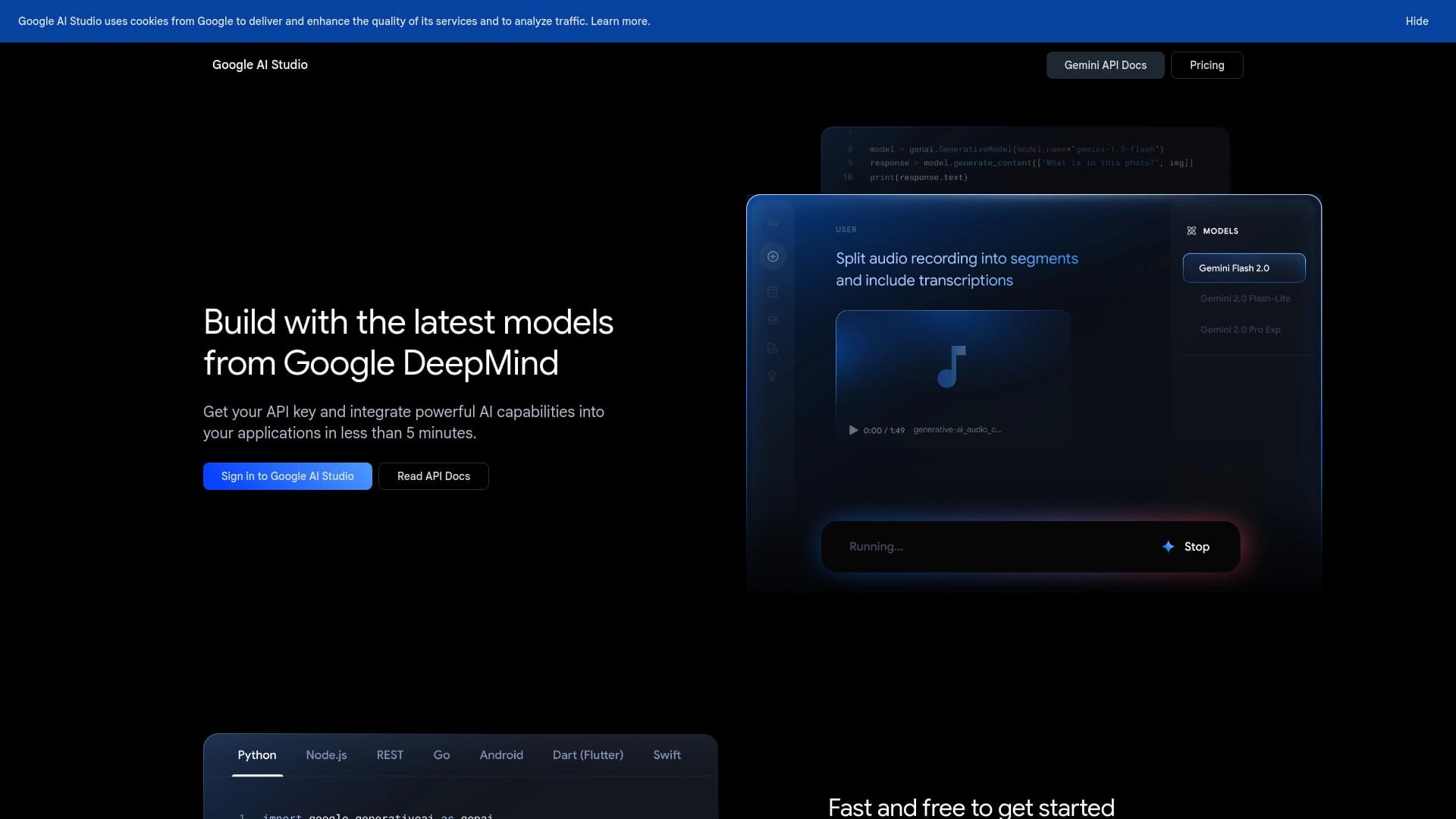
The model works with text, images, and short videos, supports 140 languages and a context window of up to 128K tokens. Gemma 3 can generate code, perform mathematical calculations, and solve logical reasoning tasks. The tool is distributed for free — it can be used through the Google AI Studio web interface or downloaded for local deployment from Hugging Face, Ollama, and Kaggle.
Gemma 3 Characteristics
| Characteristic | Value |
|---|---|
| Developer | Google DeepMind |
| Type | Open AI model (family) |
| Base technologies | Based on Gemini 2.0 technologies |
| Format | Chatbot |
| Parameter variants | 1B, 4B, 12B, 27B |
| Interface languages | Primarily English, but understands requests in 140 languages, including Russian |
| Russian language support | Yes (understands requests) |
| Context window | 128K tokens |
| Free plan available | Yes |
Who is Gemma 3 suitable for?
Developers
Gemma 3 is aimed at programmers and engineers who need an open model to integrate into their own projects. Thanks to local deployment and code generation support, the model is suitable for building AI assistants, automating script writing, and solving development tasks.
Researchers and AI enthusiasts
The open source code and availability on Hugging Face, Ollama, and Kaggle make Gemma 3 a handy tool for experiments, studying how language models work, and conducting your own research. The ability to run on a single GPU or TPU lowers the barrier to entry.
Multimedia specialists
The model supports image and short video analysis, which can be useful for content managers, analysts, and anyone working with visual data. Support for 140 languages broadens the potential audience.
How to use Gemma 3?
Via the Google AI Studio web interface
The easiest way to get started is to open the Google AI Studio website, sign in with a Google account, choose the appropriate model variant (1B–27B), adjust the settings, and enter your prompt. The result is generated in real time. This method requires no installation and is available for free.
Local deployment
For more flexible use, the model can be downloaded from Hugging Face, Ollama, or Kaggle. Local deployment suits developers who need full autonomy, control over data, and the ability to fine-tune the model for specific tasks.
Key features of Gemma 3
Text generation and language support
The model can generate coherent text in 140 languages, including Russian. This makes it useful for writing articles, answering questions, creating documentation, and other text-based tasks.
Multimodal analysis
Gemma 3 works not only with text but also with images and short videos. It can analyze visual content, extract information from it, and use that information to generate answers.
Programming and math
The neural network supports code generation in various programming languages, performs mathematical computations, and solves tasks that require logical reasoning. The function-calling feature helps handle complex compound tasks.
Advantages of Gemma 3
- Open source — the model is available for download, study, and modification.
- Based on Gemini 2.0 technologies — uses advancements from one of the leading AI systems.
- Broad language support — understands requests in 140 languages, including Russian.
- Runs on a single GPU or TPU — no expensive cluster hardware required.
- Multimodality — supports text, images, and short videos.
- Large context window — 128K tokens allows processing lengthy documents and conversations.
- Free access — the model can be used for free both via the web interface and locally.
- Integration with Hugging Face, Ollama, and Kaggle — simplifies deployment and experimentation.
Disadvantages of Gemma 3
Despite supporting 140 languages, the model works primarily in English, which can affect the quality of responses in other languages. In addition, the web version via Google AI Studio may be subject to regional availability.
What tasks can Gemma 3 handle
- Writing texts in different languages.
- Analyzing images and short videos.
- Generating program code.
- Mathematical computations and logical reasoning.
- Solving complex tasks using function calling.
Gemma 3 Pricing
Gemma 3 is completely free. There are no paid plans or limits on the number of requests when using the web interface or running the model locally.
Gemma 3 Terms of Use
To use the Google AI Studio web interface, you need to sign in with a Google account. When running locally from Hugging Face, Ollama, or Kaggle, the model is distributed under the terms of Google's open license.
Gemma 3 Availability
The model is available through the Google AI Studio web interface and as downloadable files on Hugging Face, Ollama, and Kaggle. The web version works primarily in English but understands requests in 140 languages. It may be subject to regional availability. The local version has no such restrictions.
How Gemma 3 differs from alternatives
The key difference between Gemma 3 and alternatives is its high performance at a relatively small size. For example, Gemma 3 27B demonstrates results comparable to larger models such as Llama-405B while running on a single GPU. This makes it an efficient choice for those who need a powerful model without expensive hardware. It also stands out with support for 140 languages and multimodality, which are not always available in models of a similar class.
Conclusion
Gemma 3 from Google DeepMind is an open family of multimodal language models that combines performance, accessibility, and a wide range of features. Variants from 1B to 27B parameters allow choosing a solution for different tasks and resources, while support for 140 languages, a context window of up to 128K tokens, and work with text, images, and video make the model a versatile tool. Free distribution and the ability to run locally via Hugging Face, Ollama, and Kaggle further extend its applicability for developers, researchers, and anyone interested in modern AI technologies.
Frequently asked questions
See also

AI keyboard for Apple devices that speeds up typing with corrections, translation, and response generation.

AllChat is a universal platform that combines several popular language models in a single interface for communication, image generation, file analysis, and code execution.


Chrome extension that helps manage tabs, history, and bookmarks with an AI assistant.

AI agent for automating customer communications and support.


AI platform for fast website creation and small business process management.

AI assistant for business that helps manage tasks and automate routine through dialogue.


Desktop AI assistant for macOS, Windows, and Linux that launches via hotkey above all windows and combines multiple language models in one interface.


AI agent for assisting with programming and optimizing the development workflow.