
Fy! Studio
Облачная платформа для генерации изображений с помощью ИИ, не требующая навыков работы с графическими редакторами.
Обзор
Fy! Studio
Описание нейросети Fy! Studio
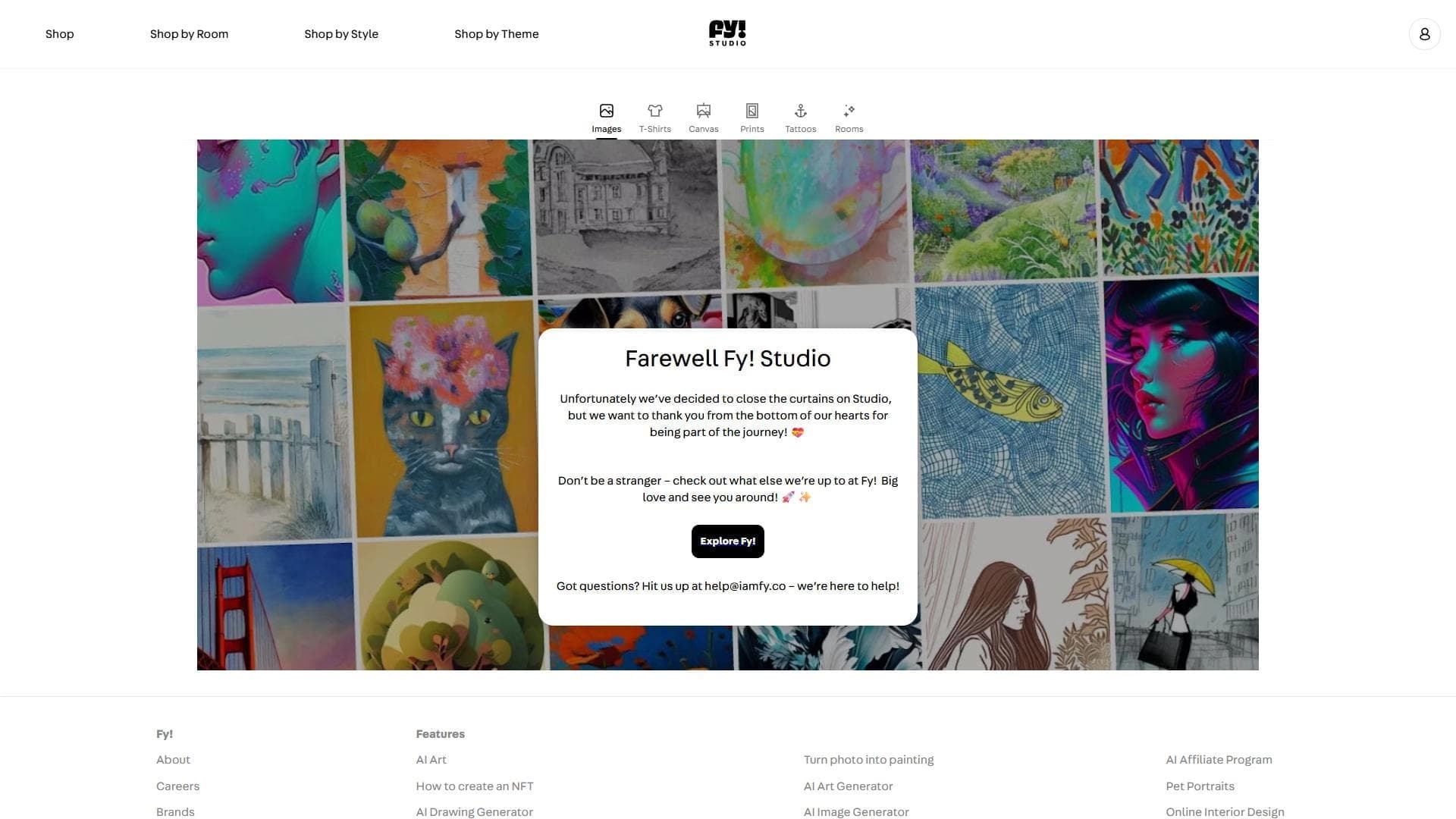
Fy! Studio — это облачная платформа для генерации изображений с помощью искусственного интеллекта, рассчитанная на пользователей без технических знаний и навыков работы с графическими редакторами.
Инструмент позволяет создавать визуальный контент несколькими способами: использовать готовые шаблоны из библиотеки, загружать собственные изображения для обработки или генерировать картинки с нуля. Особенность сервиса в том, что процессом можно управлять через визуальный интерфейс, не прибегая к написанию текстовых промптов.
В редакторе доступна настройка цветовых палитр, текстур и стилей, а готовый результат можно адаптировать под конкретные форматы — например, для социальных сетей или баннеров. Платформа ориентирована на маркетологов, дизайнеров и владельцев малого бизнеса, которым нужны быстрые визуальные решения.
Характеристики Fy! Studio
| Характеристика | Значение |
|---|---|
| Тип | Облачная платформа для генерации изображений с использованием ИИ / Генератор изображений |
| Категории | Генерация изображений, Генерация дизайна, Рекламные креативы, Посты для соцсетей, Помощник дизайнера |
| Бизнес-модель | Бесплатно |
| Веб-сайт | www.iamfy.co |
| Дата публикации | 26 июля 2025 |
| Способ управления | Визуальный интерфейс, без обязательного написания промптов |
| Расширенные параметры | Цвет, текстура, степень абстракции, соотношение сторон |
Для кого подходит нейросеть Fy! Studio?
Любители искусства без подготовки
Платформа задумана так, чтобы получить красивую картинку мог человек без художественного образования. Тем, кто давно хотел попробовать что-то создать, но не знал, с чего начать, Fy! Studio даёт простую точку входа — без разбора сложного софта и механики промптов.
Дизайнеры
Для дизайнеров сервис служит источником быстрых визуальных заготовок под проекты. Можно быстро получить рабочий материал, а затем доработать его в профессиональных инструментах.
Маркетологи и владельцы малого бизнеса
Маркетологам, художникам и владельцам малого бизнеса платформа помогает создавать визуальный контент без навыков работы в графических редакторах и без привлечения внешних подрядчиков.
Как использовать нейросеть Fy! Studio?
Выбор режима работы
Сначала необходимо зарегистрироваться на платформе. После этого пользователь выбирает режим генерации: можно взять стиль или заготовку из библиотеки, загрузить собственное изображение для обработки либо начать работу с нуля.
Формирование запроса
Пользователь вводит текстовое описание желаемого изображения. В отличие от многих других ИИ-сервисов, здесь не требуется знать тонкости промпт-инжиниринга — достаточно сформулировать запрос понятными словами.
Настройка и итерации
Платформа обрабатывает исходный материал через ИИ-модель и предлагает варианты результата. Дальше можно подстраивать палитру, менять интенсивность эффектов и добавлять элементы. Процесс итеративный: правки видны сразу, поэтому легко доводить картинку до нужного вида, пробуя несколько попыток.
Основные функции Fy! Studio
Готовые материалы и обработка своих изображений
Библиотека готовых ИИ-работ позволяет быстро использовать готовые решения. Кроме того, пользователь может загрузить собственные изображения и обработать их с помощью искусственного интеллекта.
Настройка визуальных параметров
В редакторе доступно редактирование цветовых палитр, текстур и стилей, а также персонализация с добавлением деталей. Расширенные параметры включают цвет, текстуру, степень абстракции и соотношение сторон.
Обучающие материалы и экспорт
Платформа предлагает пошаговые обучающие материалы для освоения как базовых, так и продвинутых функций. Готовый результат можно просто экспортировать в нужном формате.
Преимущества Fy! Studio
Простота и визуальное управление
Главное достоинство сервиса — скорость и доступность. Не нужно знать Midjourney, Stable Diffusion или разбираться в промпт-инжиниринге: всё управление происходит визуально, что делает инструмент лёгким в освоении.
Широкие возможности и скорость
Платформа обеспечивает широкий диапазон кастомизации и высокую скорость генерации. При этом результат можно адаптировать под конкретные форматы, например, для постов в соцсетях или рекламных баннеров.
Доступность для неспециалистов
Для большинства бытовых и рабочих сценариев библиотеки готовых работ, загрузки своих изображений и визуального редактора достаточно — не привлекая аутсорс и долгие согласования, можно получить качественный результат.
Недостатки Fy! Studio
Ограниченный контроль результата
Если нужен очень специфический результат с точным контролем каждого элемента, профессиональные инструменты дадут больше свободы. Платформа берёт простотой, а не глубиной настроек.
Необходимость нескольких попыток
Для достижения идеального результата может потребоваться несколько итераций. Новичкам нужно время, чтобы полностью освоить все функции.
Ограничения для профессионалов
Создание изображений высокого качества требует значительных вычислительных ресурсов. Кроме того, профессионалам может не хватать интеграции с внешними рабочими процессами.
Какие задачи решает Fy! Studio
Основная задача платформы — быстро получить качественный ИИ-арт без технических знаний. Она подходит для создания креативов для социальных сетей, визуалов для рекламных кампаний и генерации персонализированных визуальных материалов.
Отдельно стоит выделить задачу создания серии изображений в едином визуальном стиле для бренда — её можно решать без аутсорса и длительных согласований с подрядчиками, поддерживая узнаваемый стиль внутри команды.
Цены Fy! Studio
Модель распространения и платные тарифы подробно не раскрыты, однако по доступным данным бизнес-модель платформы отмечена как бесплатная. Точный перечень функций, доступных без оплаты, и возможные ограничения в исходных данных не указаны.
Условия использования Fy! Studio
Для начала работы требуется регистрация на платформе. После создания аккаунта доступны пошаговые обучающие материалы, помогающие освоить базовые и продвинутые функции сервиса. Иные детали — такие как возрастные ограничения, политика использования сгенерированного контента или коммерческие условия — в исходных данных не упоминаются.
Доступность Fy! Studio
Платформа работает как облачный сервис и доступна через веб-браузер, что не требует установки дополнительного программного обеспечения. Информация о необходимости VPN, региональных ограничениях или доступных языках интерфейса в исходных данных не указана.
Чем отличается Fy! Studio от аналогов
Ключевое отличие Fy! Studio от многих других генераторов изображений — подход к управлению процессом. В большинстве аналогов, таких как Midjourney или Stable Diffusion, пользователю приходится разбираться в промптах и текстовых командах. Fy! Studio делает акцент на визуальном интерфейсе, позволяя настраивать палитры, текстуры и стили без написания сложных запросов.
При этом платформа сознательно уступает профессиональным инструментам в глубине настроек: она ориентирована на скорость и простоту, а не на максимальный контроль каждого элемента. По сути, сервис закрывает нишу быстрых и понятных решений для неспециалистов — маркетологов, дизайнеров и владельцев небольшого бизнеса, которым результат нужен здесь и сейчас.
Заключение
Fy! Studio — это облачная платформа для генерации изображений с помощью ИИ, которая делает визуальное творчество доступным людям без технических знаний. Библиотека готовых работ, загрузка собственных изображений и визуальный редактор с настройками цвета, текстур и стилей закрывают большинство бытовых и рабочих сценариев. Главные сильные стороны сервиса — простота освоения, широкие возможности кастомизации и высокая скорость работы, однако для идеального результата может понадобиться несколько попыток, а профессионалам может не хватать глубины настроек и интеграций с внешними инструментами. Для маркетологов, дизайнеров и владельцев малого бизнеса это удобное решение, чтобы быстро получать готовый визуальный контент без привлечения подрядчиков и долгих согласований.
Часто задаваемые вопросы


Смотрите также


Онлайн-инструмент для создания дипфейков и редактирования изображений с помощью ИИ.

Сервис для создания персонализированных аватаров и фотосессий с помощью ИИ на основе загруженных селфи.


AI-помощник для быстрого создания и редактирования текстов в различных форматах.


Сервис для быстрой генерации электронных книг по заданной теме.


Сервис для виртуальной примерки одежды с помощью ИИ.


ИИ-ассистент для создания текстового контента, изображений и работы с голосом, ориентированный на русскоязычных пользователей.


Открытая платформа для генерации изображений и другого визуального контента по текстовым описаниям с помощью ИИ.


Бесплатный веб-инструмент от Google, который с помощью машинного обучения превращает грубые наброски в аккуратные иконки и иллюстрации.