
FixMeBot
AI assistant for fixing errors, paraphrasing, translating, and improving texts in more than 90 languages.
Overview
FixMeBot
Description of the FixMeBot neural network
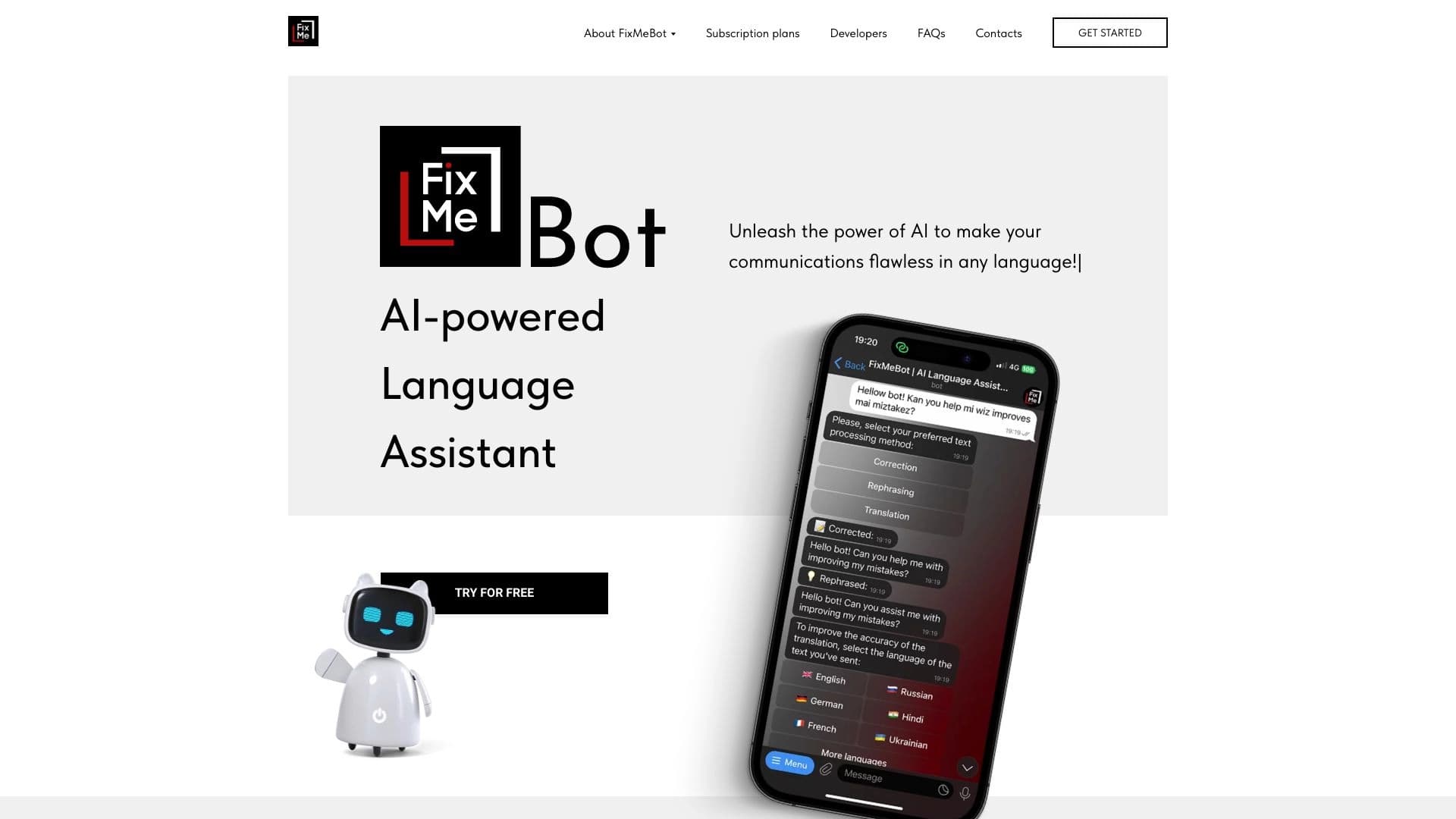
FixMeBot is an AI writing assistant that helps fix errors, paraphrase, translate, and improve written text. The service automatically finds grammatical, spelling, and punctuation inaccuracies, and lets you adapt text to the needed format: shorten or expand it, create summaries, and choose an appropriate tone.
The neural network works with more than 90 languages, making it a versatile tool for personal and professional communication. FixMeBot is available in several formats—as a browser extension, a Telegram bot, and a web version that is under development. Voice input is also supported, allowing you to turn speech into text.
FixMeBot features
| Characteristic | Value |
|---|---|
| Type | AI writing assistant, AI-based language helper |
| Categories | Grammar checking, paraphrasing, text improvement, translation, AI Telegram bots |
| Supported text languages | More than 90 languages (for translation — more than 90, for correction — more than 50) |
| Platforms | Browser extension, Telegram chatbot, web version (in development) |
| Business model | Freemium |
| Free plan | Yes (5,000 trial characters, access to all features) |
| Rating | 4.6 / 5 |
| Editorial rating | 8.1 out of 10 |
Who is FixMeBot suitable for?
Students and learners
FixMeBot helps students check written work, remove errors, and improve writing style. The service suits academic writing and preparing texts for submission, reducing time spent on proofreading.
Content creators and marketers
For those who work with social media texts and publications, FixMeBot is useful for selecting hashtags, creating summaries, and adding emojis. Automatic correction helps prepare material for publication faster.
Foreign language specialists and business communication
The service is useful for those who correspond or write texts in a non-native language, translate content, and want to improve the quality of business communication. Support for many languages makes FixMeBot convenient for work emails and communicating with partners.
How to use FixMeBot?
Access formats
FixMeBot is available in several formats: as a browser extension that works directly in the app where you write, and as a Telegram chatbot. The web version of the service is under development. Components for voice input are also available.
Steps for working with text
To use the service, just enter or paste text, choose the needed function—error correction, paraphrasing, or translation—and wait for the AI's suggestions. The service will show edit options that you can apply, then save or export the finished result.
Working in an application
Thanks to the browser extension, corrections and improvements happen right where you usually write, without needing to switch between windows.
Key features of FixMeBot
Text checking and correction
FixMeBot finds and corrects grammatical, spelling, and punctuation errors. This feature enables automatic text correction and makes writing more error-free.
Paraphrasing and adaptation
The neural network can paraphrase sentences while preserving meaning, and adapt text length to the needed format—shortening or expanding it. You can also create summaries and add explanations.
Translation and additional features
The service supports text translation into other languages, voice-to-text conversion (voice input), and selecting emojis and hashtags for social media posts. The automatic replies feature helps speed up correspondence.
FixMeBot advantages
Text quality and time savings
Corrections happen instantly, allowing you to write without errors and faster. The service improves communication quality by making texts more professional, readable, and understandable.
Multilingualism and versatility
Support for more than 90 languages makes FixMeBot convenient for working with foreign texts, translation, and correspondence with speakers of other languages. The neural network works as a personal AI assistant that provides instant answers.
Convenient usage formats
The service is available as a browser extension and a Telegram chatbot, allowing you to use it in your familiar environment. The personal assistant feature with instant answers simplifies everyday work with texts.
FixMeBot drawbacks
FixMeBot is not open-source software, which limits options for those who prefer open-source solutions. The web version of the service has been announced but is not yet fully launched. Also, no direct links to apps in Google Play and App Store were found, and availability may vary by region. In addition, each individual feature may have its own subscription plans.
What tasks does FixMeBot solve?
Checking and editing
FixMeBot is used to correct errors in text—grammatical, spelling, and punctuation. The service suits checking text for errors in academic writing, professional emails, and publications.
Improving and adapting content
The neural network helps improve text style and expressiveness, paraphrase, shorten, or expand it. You can create summaries and select emojis and hashtags for social media posts.
Translation and transcription
The service handles text translation and transcription—converting voice to text. This is useful when working with foreign languages, business correspondence, and preparing content for creative and marketing purposes.
FixMeBot pricing
FixMeBot operates on a freemium model. The free plan includes 5,000 trial characters and access to all service features, with no credit card required.
Paid plans start at $4.99 per month (Basic), then $9.99 per month (Standard), $19.99 per month (Premium), and $29.99 per month (Pro). With an annual subscription, two months are free. Note that some features may have separate subscription plans.
FixMeBot terms of use
The free plan is available without a credit card and includes 5,000 trial characters with access to all service capabilities. Paid plans require subscription payment. The web version of the service has not been launched yet, so all features are available through the browser extension and Telegram chatbot.
FixMeBot availability
FixMeBot is available as a browser extension and a Telegram chatbot, as well as through a web interface that is under development. The service supports working with texts in more than 90 languages. It should be noted that availability may vary by region, and no direct links to mobile apps in Google Play and App Store have been found yet.
How FixMeBot differs from alternatives
Versatility of formats and features
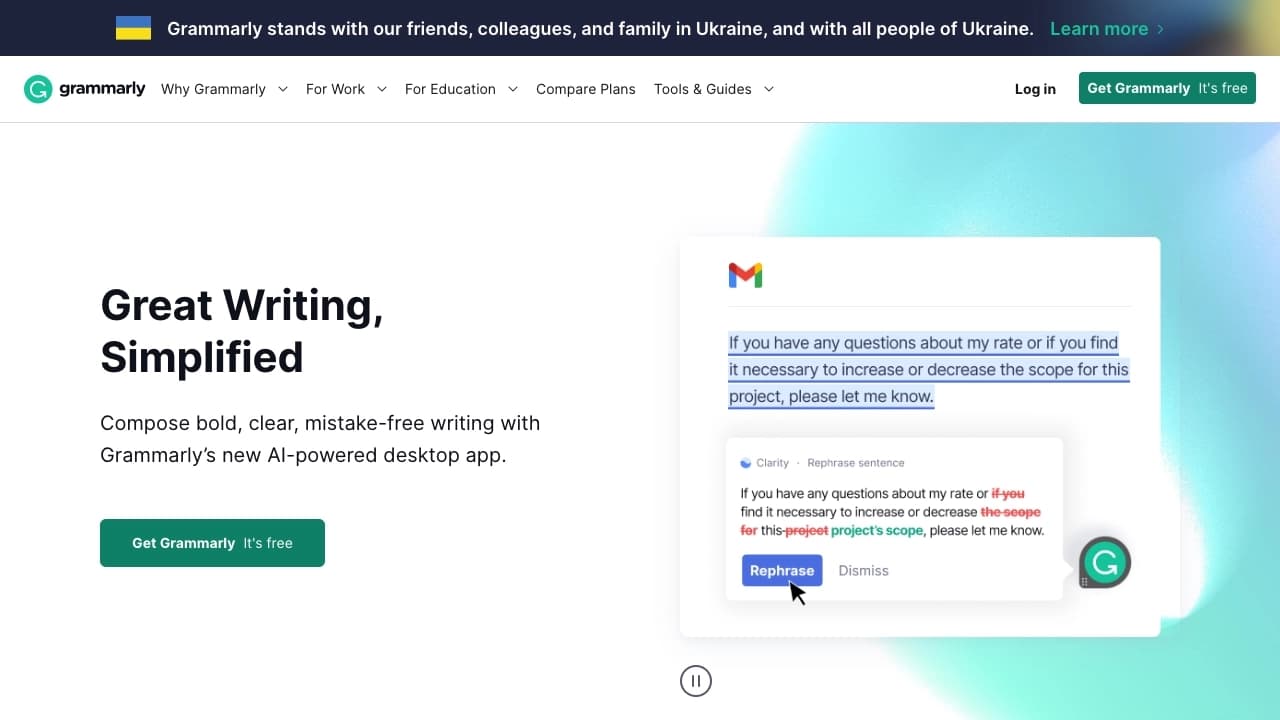
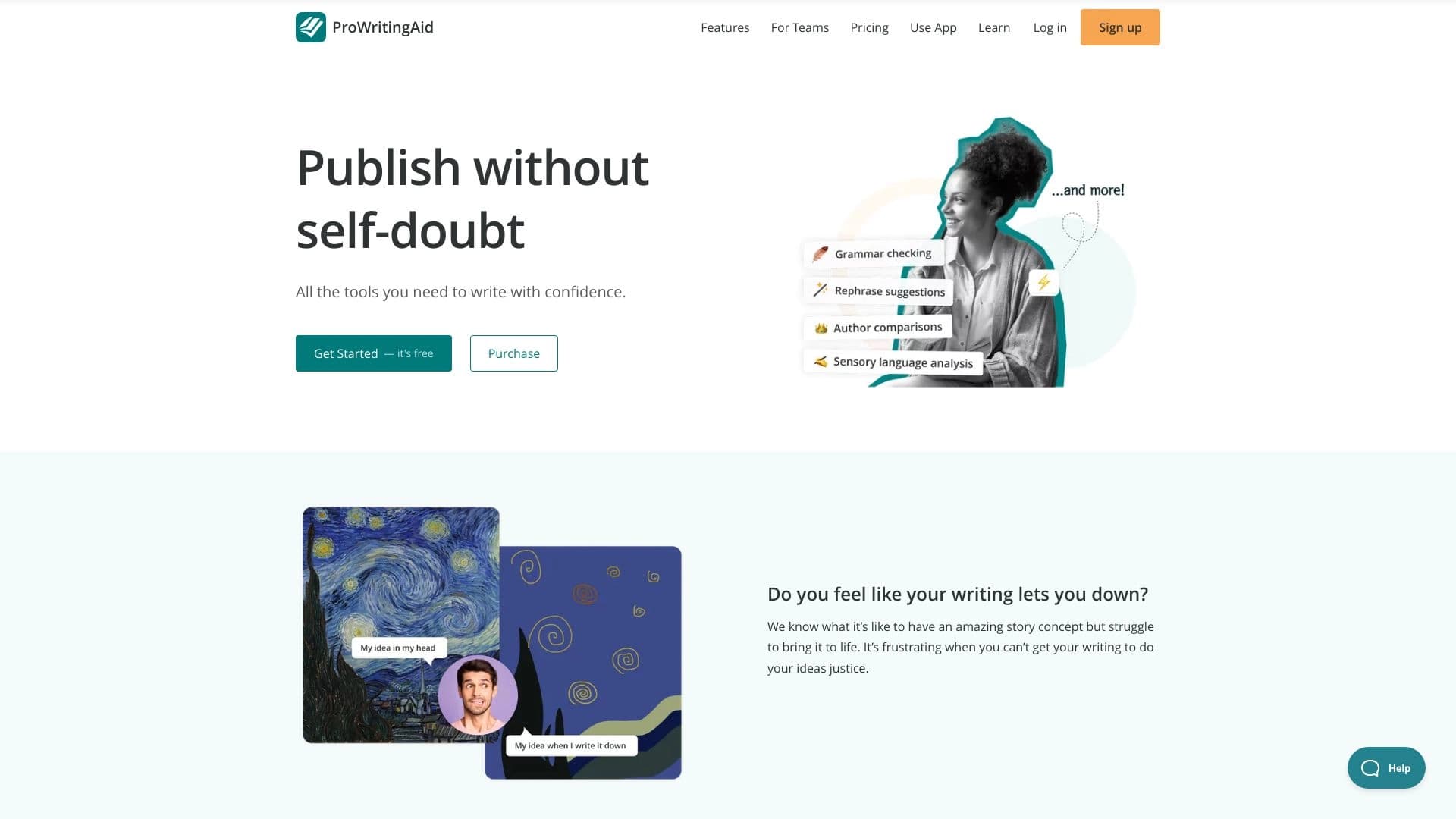
Unlike narrowly focused solutions, FixMeBot combines several functions at once: error correction, paraphrasing, translation, shortening and expanding text, selecting emojis and hashtags, and voice input. This combination in a single service is not found in all alternatives—for example, Grammarly and ProWritingAid focus primarily on grammar checking, while DeepL Translator focuses on translation.
Access to a large number of languages
Support for more than 90 languages for translation and more than 50 for correction sets FixMeBot apart from services that work with a limited set of languages. The browser extension and Telegram bot also make it convenient for everyday correspondence, while some competitors are available mainly as a web app.
Features and limitations
FixMeBot differs from alternatives such as ChatGPT, Charla, and Bukvitsa in its focus on specific text tasks, including transcription and length adaptation. At the same time, the service is not an open-source project, and its web version is still in development, which currently sets it apart from fully launched platforms like Zoho Writer or ONLYOFFICE AI.
Conclusion
FixMeBot is a universal AI writing assistant that corrects grammatical, spelling, and punctuation errors, paraphrases, translates, shortens, or expands text in more than 90 languages. The service is available as a browser extension, a Telegram bot, and a web version that is still under development, supports voice input, and operates on a freemium model. FixMeBot suits students, content creators, marketers, and anyone who wants to write faster and without errors, though the full launch of the web version is not yet complete.
Pricing
Frequently asked questions
Similar AI tools



See also


Side AI panel that helps answer questions, work with documents, and generate images.

Online service for creating and customizing birthday invitations and congratulations using artificial intelligence.

Multifunctional AI platform for content creation, combining speech synthesis, text generation, avatar creation, and video editing.

AI platform for creating text and visual content, oriented toward marketing tasks.


ComicLLM is an AI tool for creating comics from text descriptions or ready-made templates.

Platform for generating videos, images, and digital avatars using AI.


AI-powered platform for automated video clip creation, editing, and translation.


A multifunctional platform for creating and editing media content using artificial intelligence.