

Filmora
Cross-platform video editor with a set of AI tools for automating editing and enhancing videos.
Overview
Filmora AI Video Editor Description
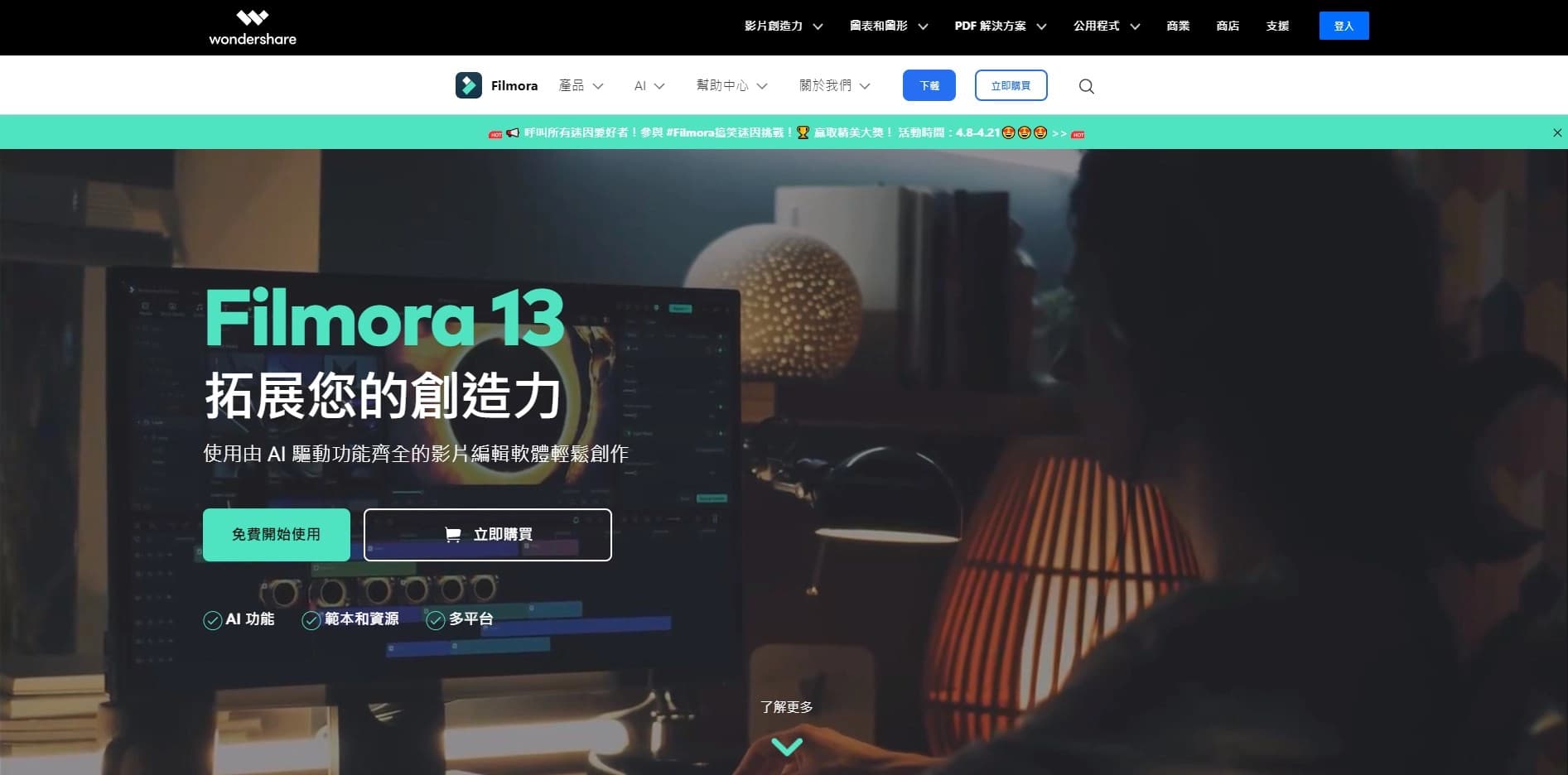
Filmora is a cross-platform video editor developed by Wondershare. Unlike classic editing programs, Filmora includes a set of 20 built-in AI tools that automate a significant portion of routine work. It is not a standalone neural network, but rather an integration of artificial intelligence into the familiar interface of a video editor.
The product's main feature is the ability to automate up to 70% of editing processes. The program is available on all major platforms: Windows, macOS, iOS, and Android, allowing users to switch between devices without losing their project. Filmora is positioned as a solution for those who want to speed up content creation without sacrificing image quality — export is supported up to 4K resolution.
Filmora's Key Idea
The developers' main goal is to make professional editing accessible to everyone. The interface is built on the drag-and-drop principle, and the AI assistant Copilot handles routine tasks: subtitle placement, audio track cleanup, and removal of unwanted objects. At the same time, the user retains full control over keyframes, chroma key, and color correction via LUT profiles. Thus, the editor meets the needs of both beginners and experienced video editors.
Filmora Specifications
| Specification | Value |
|---|---|
| Type | AI tool integrated into a video editor |
| Category | Editing and post-production, subtitles, video translation |
| Platforms | Windows, macOS, iOS, Android, iPad |
| Interface languages | 12 languages |
| Free tier availability | Yes, with watermark |
| Paid version price | Annual subscription |
| Number of AI tools | 20 |
| 4K support | Yes |
| Effects integration | 1000+ effects and templates |
| Update frequency | Every 3 months |
| Maximum export resolution | 4K |
| Supported formats | MP4, MOV, AVI |
Who is Filmora for?
Video Editors and Content Creators
The primary audience is video editors and content creators who want to automate routine video editing tasks. Thanks to AI tools such as automatic subtitles and video shortening for social media, a single editor can process a significantly larger volume of material in the same amount of time. The program is suitable for daily work with YouTube videos, short vertical videos, and educational materials.
Beginners
Filmora is aimed at beginners thanks to its intuitive interface and built-in learning materials. Most features can be configured in 2-3 clicks, and video tutorials help users quickly master basic operations. Minimal system requirements allow the editor to run even on mid-range computers, which is especially important for school students, university students, and bloggers just starting out.
Advanced Users
For experienced editors, the program provides precise control over video and audio parameters: keyframe control, object motion tracking, chroma key work, and integration with Boris FX to expand the visual effects library. Batch text editing in long videos and professional color correction via LUT profiles make the tool in demand in commercial environments.
How to Use Filmora?
Installation and First Launch
To get started, download the program from the official website and install it. The installation process takes about 5 minutes. After launching, create a new project and import video files in MP4, MOV, or AVI formats. The interface is fully translated, simplifying the first user experience.
Working with AI Tools
After importing materials, open the AI tools panel. Select the desired function — for example, automatic subtitle creation, music generation, or object removal from a frame. Configure the parameters for your specific task and apply the changes. Most operations are performed automatically: for instance, generating an image from a text description takes about 10 seconds. The final step is exporting the finished video in the desired resolution (up to 4K) or publishing directly to YouTube, Vimeo, and other platforms.
Key Filmora Features
AI Tools for Video Editing
- Automatic subtitles — speech recognition and text overlay on video without manual markup.
- Object removal from frame — allows removing unwanted elements from the background.
- Object masking — a tool for hiding or highlighting specific areas of an image.
- Video shortening for social media — automatic creation of short vertical versions for TikTok, Reels, and Shorts.
Audio Tools
- Music generation — creating background tracks to match the mood and duration of a video.
- Noise reduction — cleaning the audio track from extraneous noise.
- Voice cloning — speech synthesis that imitates the user's voice.
- Video translation into 40 languages — includes dubbing the track into the selected language.
Classic Editing Features
- AI assistant Copilot — automation of routine editing tasks.
- Keyframe control — precise animation and object movement settings.
- Motion tracking — attaching elements to moving objects in the frame.
- Chroma key — background replacement without additional plugins.
- Built-in screen recorder — creating gameplay content and tutorial videos.
- Audio editor — silence detection and automatic sound synchronization.
- Text editor — titles, subtitles, and animated text.
- Resource library — a collection of effects, templates, and LUT profiles (over 1000 options).
- Boris FX integration — advanced professional-level visual effects.
Filmora Advantages
Automation and Speed
The key advantage is a large set of AI features (20 tools) that speed up editing by 5 times. The program automates up to 70% of processes, allowing users to focus on the creative aspect rather than repetitive actions. Image generation from a text description takes just 10 seconds, and adding subtitles happens in one click.
Accessibility and Cross-Platform Support
Filmora works on Windows, macOS, iOS, and Android, and supports popular formats like MP4, MOV, and AVI. The intuitive drag-and-drop interface can be learned in 2-3 clicks, and minimal system requirements allow the program to run on most modern computers. Built-in learning materials help beginner users quickly understand the functionality.
Quality and Flexibility
4K export support and Boris FX integration ensure professional quality of the final video. Direct publishing to video platforms (YouTube, Vimeo) speeds up the workflow, and the ability to switch between devices makes the program convenient for editing anywhere. Updates are released every 3 months, adding new features and improving existing ones.
Filmora Disadvantages
Watermark in the Free Version
The main and most noticeable drawback is the presence of a watermark on the output video when using the free tier. For commercial publication or client work, this can be critical, as the logo can only be removed after purchasing a paid subscription. An alternative is screen recording without export, which creates additional inconveniences in workflows.
What Tasks Does Filmora Solve?
Automation of Routine Processes
- Automation of routine video editing tasks.
- Adding subtitles to videos.
- Creating short versions of videos for social networks.
- Masking objects in a frame.
Image and Audio Processing
- Removing unwanted objects from a frame.
- Generating background music.
- Noise reduction in the audio track.
- Creating images from a text description.
Localization and Content Synthesis
- Translating and dubbing videos into other languages (up to 40 languages).
- Voice cloning for dubbing.
- Creating tutorial videos and gameplay content using screen recording.
- Batch text editing in long videos.
Filmora Pricing
Filmora operates on a freemium model. The free version is available without time limits but adds a watermark to exported videos. The paid subscription removes this limitation and unlocks the full set of AI tools. For professional users working on commercial projects, the subscription becomes economically justified, as the cost of a single client video usually significantly exceeds the annual license price.
Filmora Terms of Use
The Wondershare Filmora application must be installed on a computer (Windows, macOS) or mobile device (iOS, Android) to work. The interface is fully translated and supports 12 languages in total. The program has no regional restrictions and does not require a VPN. There is no online editor — all operations are performed locally on the user's device, ensuring project privacy and the ability to work without a constant internet connection.
Filmora Availability
Filmora is available on Windows, macOS, iOS, Android, and iPad platforms. The website is available globally, where you can download the installation file for your operating system. The interface is fully translated. There are no mentions of regional restrictions or the need to use a VPN in official sources. The program supports popular video formats (MP4, MOV, AVI) and provides export in resolutions up to 4K.
How Filmora Differs from Alternatives
Combination of Classic Editor and AI
Filmora's main difference from specialized AI services (for example, standalone video generators or detectors) is that it is a full-fledged video editor with AI tools built in from the start. The user doesn't need to combine multiple programs: subtitles, object removal, music generation, and voice cloning are all available in one window. Unlike solutions such as Virality Predictor or NeatScribe, which solve one specific task, Filmora covers the entire video production cycle.
AI Assistant Copilot
The built-in AI assistant Copilot sets Filmora apart from classic video editors. The assistant doesn't just give tips; it automates routine editing operations: sound synchronization, text placement, and timing reduction. This is a significant advantage over similar products that require manual configuration of each element. For users of different skill levels, the program offers free learning materials — from basic lessons to masterclasses on working with chroma key and LUT profiles.
Cross-Platform Support and Price
Compared to competitors, Filmora stands out favorably in terms of price: the annual subscription is affordable, whereas many professional editors are sold on a monthly subscription basis or require a one-time purchase for a significantly larger amount. The ability to start with a free version makes the entry barrier practically zero.
Conclusion
Filmora is a cross-platform AI video editor from Wondershare that combines classic editing tools with 20 built-in artificial intelligence features. The program automates up to 70% of routine tasks: creating subtitles, removing objects, generating music, noise reduction, translating videos into 40 languages, and voice cloning. Thanks to 4K export support, Boris FX integration, and the AI assistant Copilot, the tool is suitable for both beginner bloggers and professional video editors. A free version with a watermark and a paid subscription are available. The program works on Windows, macOS, iOS, and Android, supports multiple interface languages, and updates every 3 months.
Frequently asked questions
See also


AI-powered platform for generating legal documents, contract analysis, and obtaining legal information.

AI assistant for business that helps manage tasks and automate routine through dialogue.


Aimi is a service that automatically creates music and voiceovers for videos by analyzing the video footage.
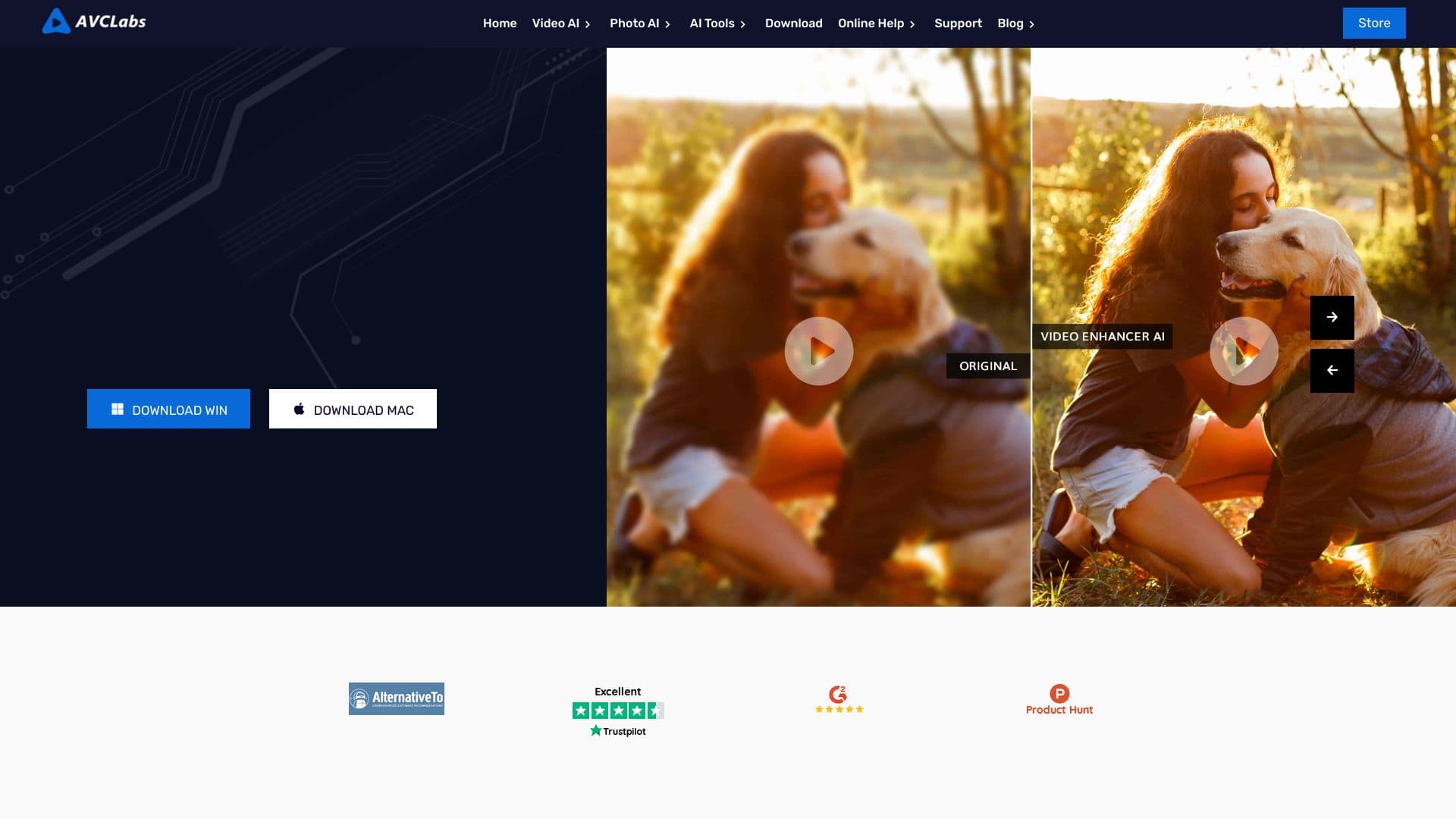

Desktop application for Windows that upscales video resolution to 4K/8K and enhances the quality of old recordings using AI.

Catalog of neural networks and online tools for generating images, animations, and videos.


Platform for creating anime art, comics, and videos with AI.
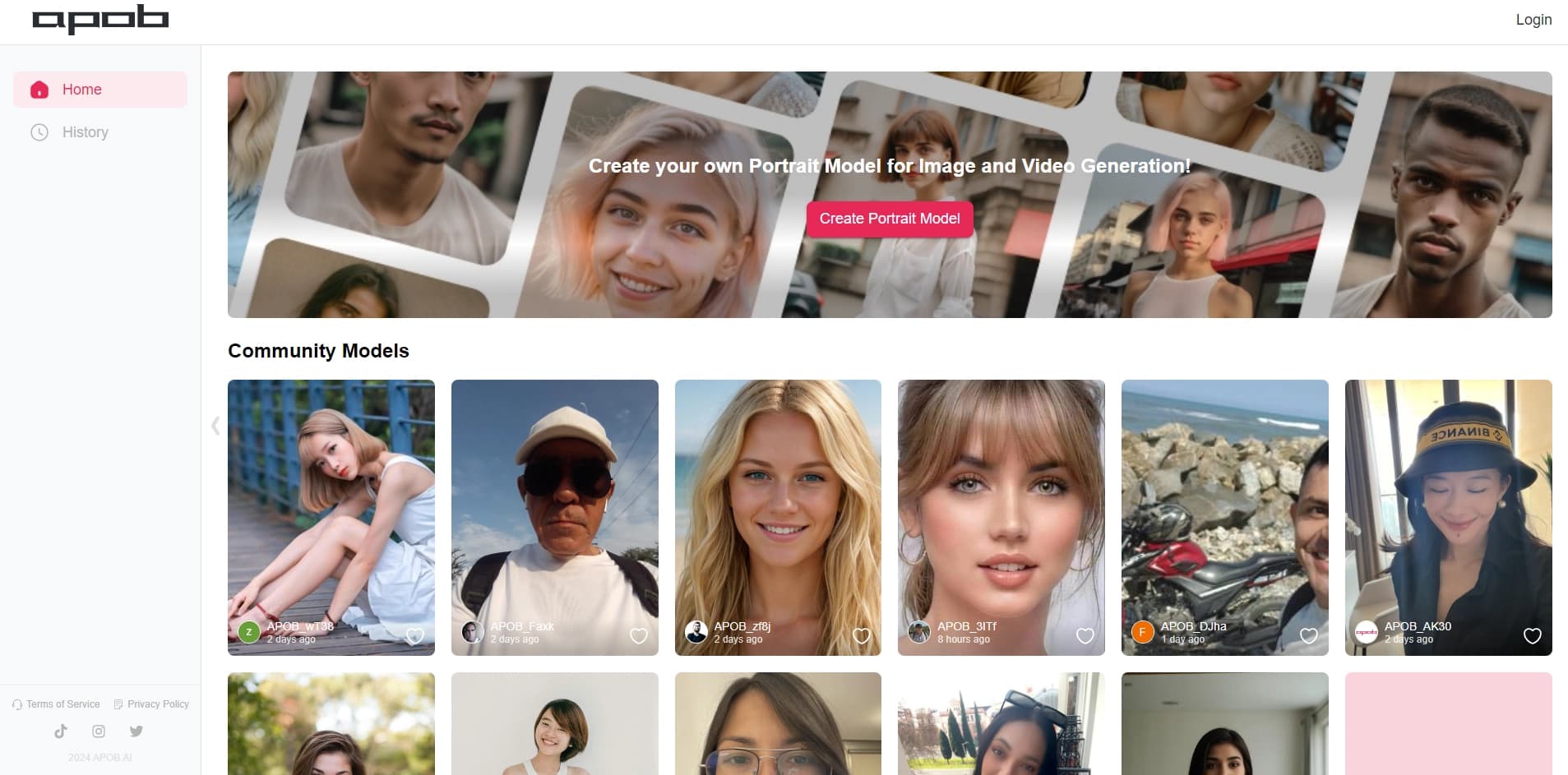

Platform for creating digital avatars and virtual influencers using AI.


A tool for automated SEO content creation with keyword research and long-form text generation.