
Face Swap AI Photo Reface
iOS mobile app that replaces the face in a photo with a pre-selected image.
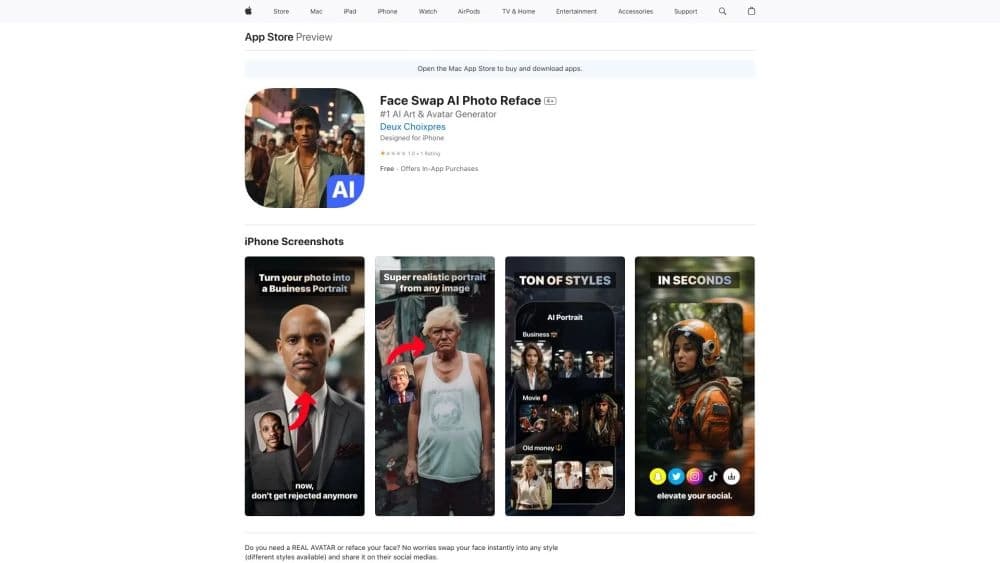
Overview
Face Swap AI Photo Reface
Face Swap AI Photo Reface Overview
Face Swap AI Photo Reface is an iOS mobile app designed to swap faces in photos. The user uploads one selfie, picks a style from a curated set, and the neural network automatically generates a finished portrait or avatar with the face replaced. The app is aimed at quickly creating images for social media and requires no graphic editor skills. It is developed by Face Swap AI Photo Reface Studios.
Face Swap AI Photo Reface Specifications
| Specification | Value |
|---|---|
| Type | Mobile app |
| Categories | Selfie and portrait generators, profile photo generators, face swap generators, digital art generators, AI avatar generators |
| Developer | Face Swap AI Photo Reface Studios |
| Monthly visits | 2.9M |
| Free plan availability | Yes (free for exploring the service and basic features) |
| Pricing (Standard) | Standard plan |
| Pricing (Premium) | Premium plan |
| Distribution model | Paid |
Who is Face Swap AI Photo Reface for?
Social media users
The app is ideal for anyone who wants a stylish profile photo, avatar, or meme quickly, without graphic editor skills. The face swap process takes just a few seconds and requires no special preparation.
Beginners with AI tools
Face Swap AI Photo Reface is aimed at a broad audience — from people trying neural networks for the first time to those who regularly create content for social media. No complex settings or training are required.
How to use Face Swap AI Photo Reface?
Upload a selfie
To get started, just upload a single selfie. The app doesn’t require multiple shots or photos from different angles — one good-quality facial image is enough to generate results.
Choose a style and generate
After uploading a selfie, you pick a style from the app’s catalog. Within a few seconds, the neural network produces finished images with your face swapped into the chosen look. The result can be saved or shared to social media right away.
Key features of Face Swap AI Photo Reface
Instant face swap in photos
The app’s main feature is fast, realistic face swapping. The neural network automatically detects the face in the source photo and replaces it with the chosen look while preserving natural proportions and features.
Face transfer into various styles
A wide range of styles is available — from business portraits to fantasy avatars, retro looks, and meme variations. You can experiment with appearance, styles, and hairstyles without restrictions.
Trying other faces on your own photos
The app lets you not only “try on” ready-made styles, but also transfer other faces onto your own photos to create unusual and fun images.
Face Swap AI Photo Reface advantages
Speed and simplicity
Face swapping takes just a few seconds. No graphic design skills are required — the entire process is automated.
Wide style selection and realism
The style catalog includes many options for different purposes: from formal business portraits to creative and fantasy looks. The resulting portraits look natural and realistic.
Face Swap AI Photo Reface drawbacks
Limited service flexibility
The service sometimes produces similar results across different styles and doesn’t always allow unusual or highly specific ideas. The AI’s creativity is limited by its built-in templates.
Photo quality requirements and privacy
The app may fail to detect faces correctly in low-quality photos or difficult angles. Also, uploading personal photos to a server carries certain privacy risks that should be considered before use.
What tasks does Face Swap AI Photo Reface solve?
Creating a realistic avatar
The app lets you quickly get a high-quality avatar for social media, messengers, or professional profiles without hiring a designer or learning Photoshop.
Quick face swap in any style
This tool solves the task of quickly changing a face in a photo: whether it’s a meme, a business portrait, or a fantasy look, it takes just a few taps on the screen.
Face Swap AI Photo Reface pricing
The app offers three levels of access. The free plan lets you explore the service and use basic features without registration. The standard subscription provides an expanded set of styles and capabilities. The premium plan gives unlimited access to all features and priority support.
Face Swap AI Photo Reface terms of use
The app requires uploading a selfie to the server. Basic features are available for free without registration. Access to advanced features requires a paid subscription. No special regional restrictions or VPN requirements are specified in the terms.
Face Swap AI Photo Reface availability
The app is available for download on the App Store as a mobile app for iOS. No information is provided about availability on other platforms or a web version. No region restrictions are mentioned.
How Face Swap AI Photo Reface differs from alternatives
Unlike general-purpose image generators such as Midjourney, Leonardo.ai, or DALL·E, Face Swap AI Photo Reface is a specialized mobile app focused solely on face swapping. It doesn’t require text prompts or complex settings: just one selfie and a style choice. Similar tools also include Flux.1, Adobe Firefly, and Nano Banana, but Face Swap AI Photo Reface stands out for its ease of use and its exclusive focus on iOS mobile devices.
Conclusion
Face Swap AI Photo Reface is a simple, convenient mobile app for quickly swapping faces in photos without editing skills. It’s suitable for creating stylish avatars and portraits for social media, though it has limitations regarding source photo quality and the number of available styles. When choosing a tool, it’s worth considering privacy concerns around uploading personal photos to a server and comparing features with available alternatives.
Frequently asked questions


See also

AI-based platform for generating music and songs from a text description.


A multifunctional platform for creating and editing media content using artificial intelligence.
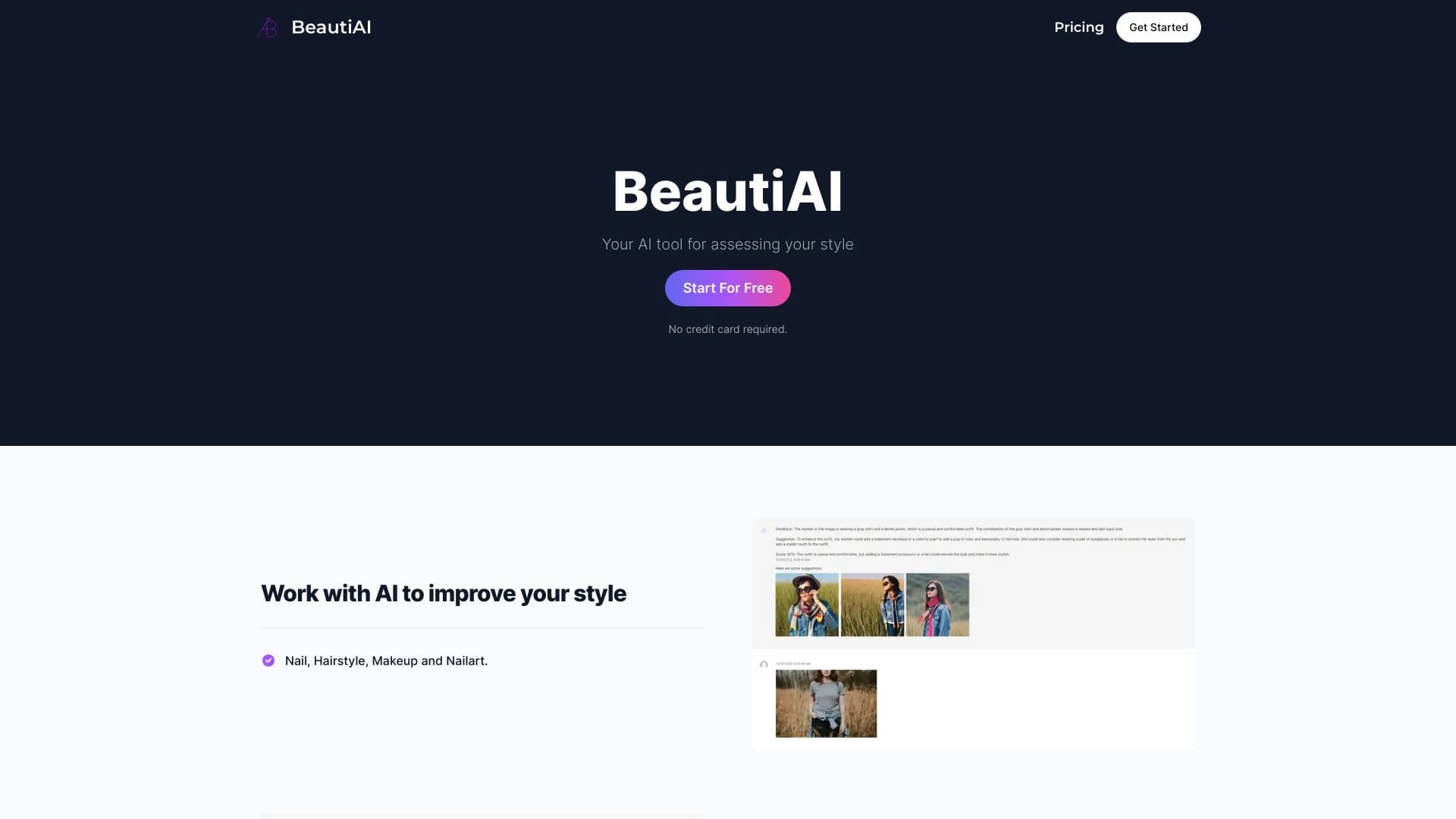
Service analyzes photos of your appearance and clothing, providing personalized style advice.

AI platform for voice synthesis and cloning that converts text into realistic speech.


Google's neural network for generating and editing images from text descriptions, based on Gemini models.
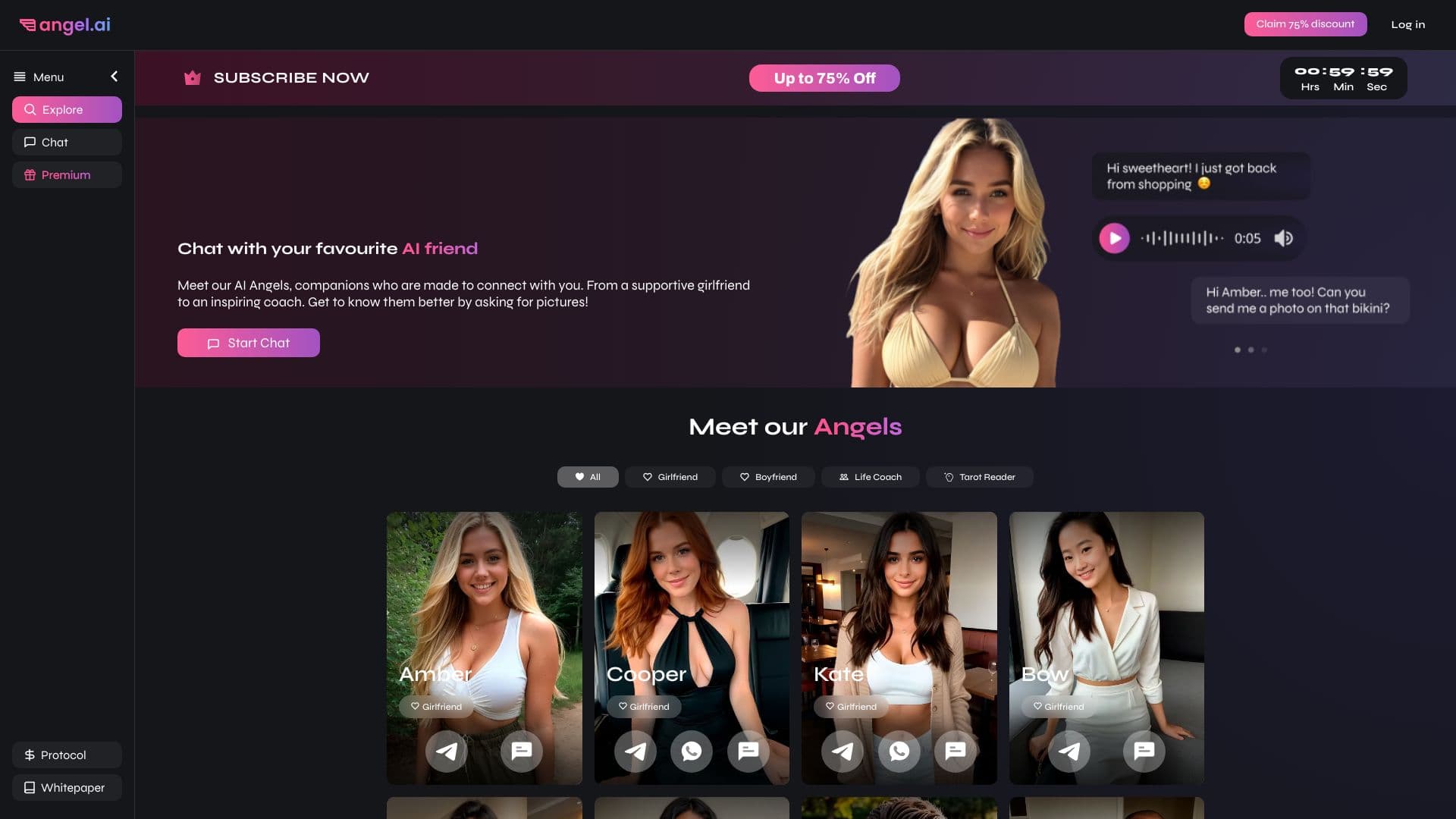
App for creating and customizing virtual AI companions with different personalities and communication styles.


Web service for generating anime images from text prompts using AI.


Aggregator platform that brings together various AI tools and language models with pay-as-you-go pricing.