
DreamCreator AI
Turns text, images, and audio into videos and digital avatars.
Overview
DreamCreator AI is a generative tool that allows you to create videos and digital avatars using text, images, and audio files as source data. The main goal of the service is to remove technical barriers between an idea and a finished video, so that users don't have to manually edit frames, sync audio, or work with animation.
The Essence of the Technology
The system takes one or more types of media data as input and automatically combines them into a cohesive video product. For example, a text description of a script can be turned into a video sequence with a voiceover, while an uploaded image can become a talking avatar. The user acts as the director, while the neural network handles the routine operations of generating and assembling content.
Intended Purpose
DreamCreator AI is positioned as a solution for the rapid production of personalized videos. This means it can be used to create videos tailored to a specific audience or even an individual viewer, without needing to launch a full video editor each time. The tool is built for speed, making it suitable for scenarios where getting a result in minutes matters more than spending hours on it.
DreamCreator AI Characteristics
| Characteristic | Value |
|---|---|
| Tool Type | Video and digital avatar generator |
| Input Data | Text, images, audio |
| Output Format | Videos, animated avatars |
| Distribution Model | Not specified (no information on access method or licensing is available) |
| Primary Use Case | Fast creation of personalized videos without complex editing |
| Learning Curve | Low (based on the description, it requires minimal editing skills) |
| Media File Requirements | Ability to combine different data types (text + audio, image + text, etc.) |
Who Is DreamCreator AI For?
Content Creators and Bloggers
For video content creators who need to regularly publish videos on social media, DreamCreator AI can replace part of the routine editing work. Instead of manually assembling clips, you can describe an idea in text or upload a photo, and the neural network will turn it into a video sequence with a host avatar.
Marketers and Small Businesses
For the fast production of advertising or presentation videos that need to be made in a short time frame, this tool looks like a ready-made solution. It allows you to generate videos with a personal address to the client without hiring a designer or videographer for each case.
Educational Projects
Teachers and online course creators can use the tool to convert text lectures into video format with a lecturer avatar. This is especially relevant for mass courses where scale matters more than individual video editing for each lesson.
How to Use DreamCreator AI?
Preparing Source Data
The first step is to determine what you want to get as output. This could be an avatar speaking text or a video sequence assembled from uploaded images. Then you need to gather the input materials: write a script, select images, or record an audio track.
Configuring Generation
After uploading media files to the system, you need to specify how they should interact. For example, what text the avatar will voice, which images will appear in the video and in what order. All communication with the system is done by describing the desired result.
Exporting the Result
Once generation is complete, the system outputs a finished video that can be downloaded or used directly. Since the editing is done by the neural network, users don't need to open additional programs for post-processing.
Key Features of DreamCreator AI
Text-to-Video Generation
The system can translate text scripts into a visual video sequence. This can be a sequence of images with overlaid text or an animated scene with a narrator.
Digital Avatar Creation
From an uploaded image or description, the neural network creates an avatar that can voice texts, act as a host, or comment on content.
Combining Media Types
A key feature of DreamCreator AI is the ability to feed data in different formats simultaneously. Users can upload an image, add an audio file, and attach a text description, and the neural network will merge everything into a single video product.
Advantages of DreamCreator AI
Simplified Workflow. The main benefit of the tool is that there's no need to learn professional video editors. The technical work of stitching, syncing, and animation is done automatically.
Speed of Creation. Generating a video takes significantly less time than manually assembling a project. This is critical for tasks where a quick response to audience demand is important.
Content Personalization. The ability to combine different data types allows for creating unique videos for specific tasks without re-engaging a creative team.
Disadvantages of DreamCreator AI
Limited Control Over Details. Since the neural network handles the editing, users cannot manually adjust every frame or change individual animation elements—anything unsatisfactory must be re-described for the generator.
Unknown Distribution Model. There is no public information about how the service is available—whether as a web app, desktop program, or mobile application—or about purchasing or subscription options.
What Problems Does DreamCreator AI Solve?
Video Production Automation. The tool addresses the need for mass video creation, where each video doesn't have to be unique but must be adapted to different tasks.
Lowering the Entry Barrier. People without video editing or animation skills can create quality video content by describing their ideas in words or uploading references.
Rapid Video Prototyping. Tasks like "make a video for a landing page in half an hour" can be solved without bringing in outside specialists.
DreamCreator AI Pricing
No official data on subscription costs, generation packages, or the availability of a free tier could be found. Pricing information is absent from available sources. It is recommended to visit the project's official website to check current rates and available payment plans.
DreamCreator AI Terms of Use
Detailed terms of service are not disclosed in the sources. It is unknown what rights to generated content transfer to the user, whether commercial use of created videos is permitted, and how uploaded materials are processed. Before starting to work with the tool, it is recommended to review the user agreement and privacy policy.
DreamCreator AI Availability
Information about the tool's availability is limited. At present, it needs to be verified whether the service is available in your region or operates globally. Hardware requirements and connection stability are also not established—based on the description, it appears to be a web tool, but exact specifications are not provided in the sources.
How DreamCreator AI Differs from Alternatives
The main differences between this tool and classic video editors and related neural networks stem from its approach to working with media.
Multimodal Input Support. Unlike most AI generators that are narrowly focused on one data type (text-to-video or image-to-avatar), DreamCreator AI allows combining all three formats in a single request. This removes limitations on use cases.
Focus on the Final Product. Many alternatives output a set of intermediate materials that require further processing. DreamCreator AI, based on its description, aims to return a finished video ready for publication.
Minimized User Involvement. While competitors often offer extensive settings panels and fine-tuning parameters, the focus here is on simplicity and speed, making the tool more accessible to the mass user.
Conclusion
DreamCreator AI is a convenient way to quickly create videos and digital avatars based on text, images, and audio. Its core value lies in its ability to automatically assemble different types of media into a single, finished video product without requiring deep technical knowledge. It's a tool for those who value speed and simplicity. However, due to the lack of public information about pricing, access terms, and rights to created content, additional research into the service's capabilities is recommended before actual use.
Frequently asked questions
See also


Aimi is a service that automatically creates music and voiceovers for videos by analyzing the video footage.
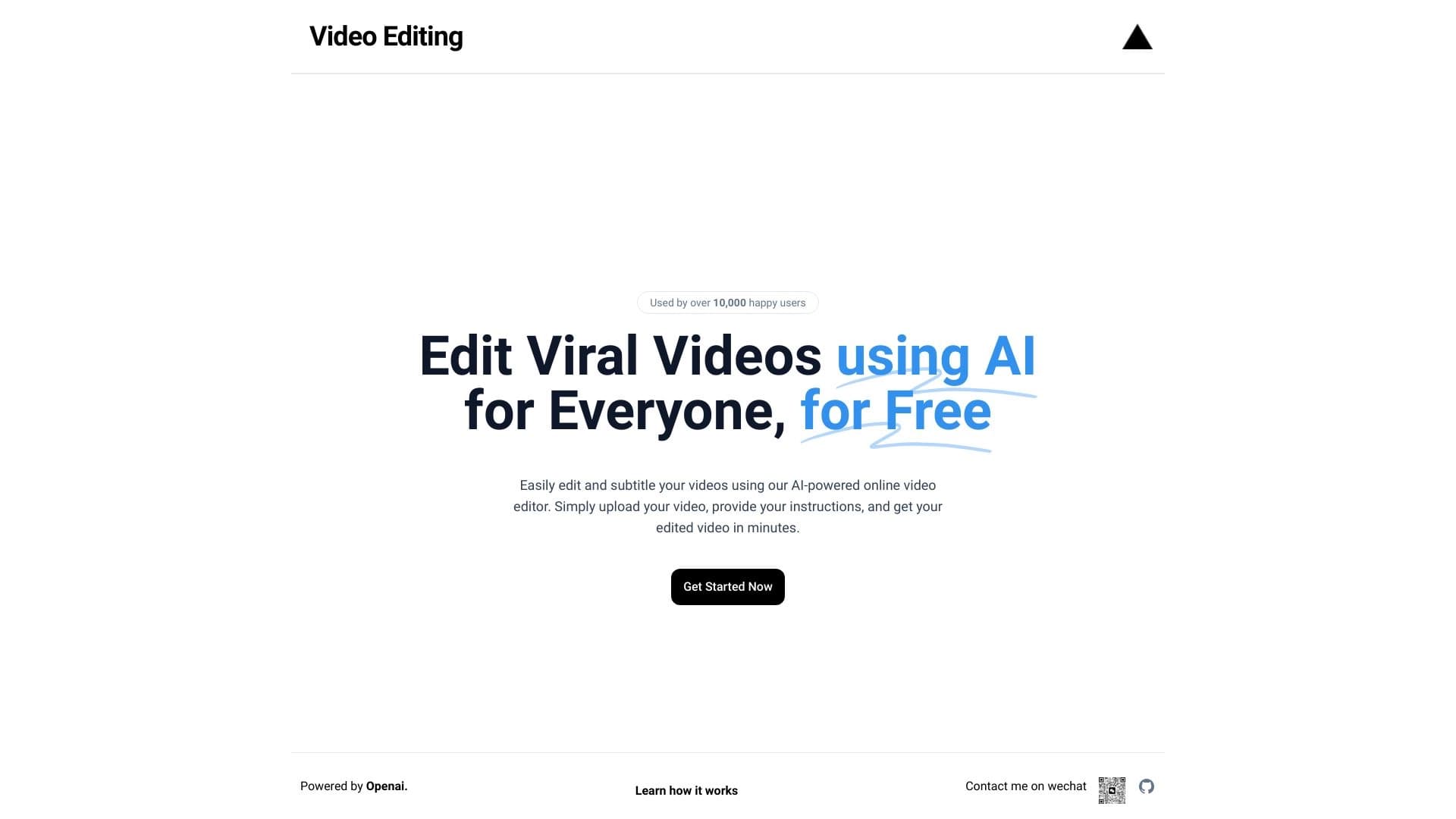
Browser-based video editor with automatic subtitles in 50+ languages and content translation.


Service for quickly generating e-books on a given topic.


AI-powered virtual clothing try-on service.


Free web tool from Google that uses machine learning to turn rough sketches into neat icons and illustrations.


Service for automatic transcription of audio and video into text with support for over 100 languages.

Service for creating personalized avatars and photo shoots using AI based on uploaded selfies.

Web platform for AI-powered image and cinematic video generation, featuring studio-grade editing tools.