

Document CoPilot
AI assistant for Google Docs that suggests edits and text improvements in the form of comments.

Overview
Description of the neural network Document CoPilot
Document CoPilot is a specialized AI assistant designed Working within the Google Docs ecosystem . Its main task is to help users improve the quality of the text. no distraction the usual workflow. Instead of requiring extensions or switching On another application, this tool is integrated. Google Docs interface at the comment level.
The principle of the assistant is based on collaboration The user provides access to the document Then the neural network analyzes the content and leaves detailed comments with suggestions for improvement. . This approach mimics the work of a living editor or colleague. which Read the text carefully and share comment . It's important to what service is not required create copies of documents or transfer files to third parties – just add a special listing participants.
Key. The main feature of Document CoPilot is accent privacy . Developers say what document non-logged persistence server-side what Makes the service attractive to work with sensitive . The user retains full control over the process and can revoke the access of the assistant at any time.
Features of Document CoPilot
| Characterization | Meaning |
|---|---|
| Type | AI assistant for editing in Google Docs |
| Categories | PDF and documents, Correction and editing |
| Website | baygross.github.io |
| Integration | Google Docs. via email access) |
| The need installation | Not required extensions |
| Access method | Providing access to the account document document.copilot@gmail.com |
| Privacy | Content is not saved server-side |
| Access management | Withdrawal of access by removal from participant |
For whom is the Document CoPilot neural network suitable?
The authors of long complex texture
Document CoPilot will be useful to you. Those who work regularly bulky demanding attentive proofreading . It can be articles for blogs and Substack, reviews books analysis . The assistant helps to identify weaknesses in the structure , proposes reformulations and draws attention to Stylistic flaws.
Professionals documentation-related
The tool is well suited for product refinement specification investment memorandums and other businessman papers. Such document The clarity of wording and logic of presentation is important - it is these aspects that the AI assistant puts at the forefront of the discussion. , suggesting changes in The kind of comments.
Students and researchers
For students cooking coursework and diploma papers, Document CoPilot can act as a personal reviewer . Assistant helps to improve the style of academic text It makes it more coherent and convincing. without requiring installation software.
How to use the Document CoPilot neural network?
Step 1. Provision of access
To get started It is necessary to open the necessary Google Docs and go to Google Docs access settings . In the invitation field Add an address. document.copilot@gmail.com and provide him with the role of participant (editor or editor) commentator ). It's the only action. required for activation assistant.
Step 2. Waiting for comment
After access has been granted , assistant connects. To the stream of comments of the document and begins to analyze the text . The user does not need to send files or copy content to third-party services - everything happens in the user. background. During There will be some time in the document. Comments with suggestions for improvement.
Step 3. Working with proposals
User review abandoned assistant decides which ones to take eh reject . Since all amendments are proposed In the Google Docs comment format, they are easy to track. generalist . If necessary, access to the assistant can be withdrawn at any time. By removing it from the list of participants.
Basic Functions of Document CoPilot
Proposal of amendments through comments
Mainstream Assistant function – generation comment specific proposals for the correction of the text . Instead of silently telling Document CoPilot leaves detailed explanations and replacement options what Helps the author understand Why a change is recommended.
Work without installing extensions
The difference between Document CoPilot and many other AI tools is what for use No need to install browser extensions Plugins or individual applications . The whole process is being built. on standard Google Docs features that It greatly simplifies the start of work.
Formation of ideas for improving the structure
The assistant is not limited grammar only styled . It also analyzes the overall structure of the document and can suggest ideas for reorganization. content improvement logic of presentation and reinforcement argumentation . This makes it useful for working on complex multi-page materials.
Benefits of Document CoPilot
Seamless integration workflow
Document CoPilot works directly inside Google Docs through the comment engine. The user does not need to switch between different windows and services. . The instrument fits harmoniously c the existing editing process making it more effective without supplementary effort.
High level of confidentiality
Developers emphasize what servers do not log the contents of documents . It means what text which the user is working on no persistence It's not used to teach models. This approach is especially important for working with confidentiality. commercially information.
Control of access
The user fully controls the participation of the assistant in the work. Access can be provided in one click and just as quickly withdraw. by removing the account from the list participant . This gives you flexibility and confidence. That AI works only then. when It's necessary.
Disadvantages of Document CoPilot
Despite the thoughtful concept The Document CoPilot has limited scope . The service is exclusively linked to Google Docs. Therefore, users of other textual editorial The packages will not be able to use it. functional. Besides, The lack of public information about distribution patterns and prices may raise questions among potential users. user . Also worth mentioning. what The quality of work of the assistant depends on the complexity of the text, and for highly specialized or technical The materials of the proposal may require significant handmade.
What is the problem with Document CoPilot?
Editing and reformulation of the text
The main task of the assistant is to help into editing . He makes mistakes. offers more successful formulations and eliminates stylistic roughness . This is especially useful in preparing texts. which will be published Or go to business partners.
Improving the structure and style of long texture
For volumetric material such how analysis Reports or book chapters, Document CoPilot helps clean up the mess : proposes to divide the text into logical blocks, improve transitions between sections and make the overall structure more understandable to the reader.
Finalization specialized document
The tool is focused on working with wide range of business and academic material . In their quantity specification student job investment memorandums Substack articles and book reviews. In all these In some cases, the assistant into role of the attentive reviewer which notice what The author might have missed it.
Document CoPilot Prices
At the moment, there is no public information about the pricing policy of Document CoPilot . The distribution model of the service is also not disclosed. Potential users are recommended apply toward official website baygross.github.io or contact Developers directly to receive topical record cost and conditions use.
Terms of Use of Document CoPilot
Document CoPilot does not require registration of individual accounting records or installation of additional software . Conditions of use grounded standard Rules for granting access to Google Docs . Users must have an active Google account and document which may be invited assistant . Since the service does not store the contents of documents on its server confidentiality of data secured instrument-level . Exact conditions including possible limitations by volume text or number of requests in the open springs They're not published.
Availability of Document CoPilot
Document CoPilot is available to all Google Docs users regardless of their type accounting records (personal or work) ). For use have access to the Internet and the ability to invite participants into document. The service does not require the installation of extensions and works anywhere device Where Google Docs is available – from desktop computer devices via the web version . Information on support for others language In addition to English, available springs unrevealed but guess what Quality of work depends on language model used Assistant.
What distinguishes Document CoPilot from analogues
The main difference between Document CoPilot and many Similar AI editors are interactively on user . Instead of a separate interface or toolbar The assistant uses native Google Docs comment mechanism . This creates the effect of working with a live editor and does not require adaptation to the new interface.
Unlike those service Like Kimi Work. Turbo AI or Pelajarin AI which It can offer more functionality, Document CoPilot is focused on textual proofreading. He's not. tries replace office package ( Unlike Zoho Writer or ONLYOFFICE AI. performs a highly specialized task - helps to improve the text in a familiar instrument.
Another important difference is the approach to privacy. Lack of content logging highlights Document CoPilot among those tools which use the contents of documents to train models or store processing history . This makes the service more attractive to work with sensitive data.
Conclusion
Document CoPilot is a niche AI tool which fits in The Google Docs ecosystem . Its main advantages are ease of use. High level of privacy and seamless integration habitually workflow. No need to install extensions and the ability to quickly revoke access make the service convenient for one-time regular editing . Despite Limited availability of information on prices and conditions spread The very concept of the instrument deserves the attention of those who's looking for safety A way to improve the quality of your writing without switching to other platforms.
Frequently asked questions
See also


AI-powered platform for generating legal documents, contract analysis, and obtaining legal information.
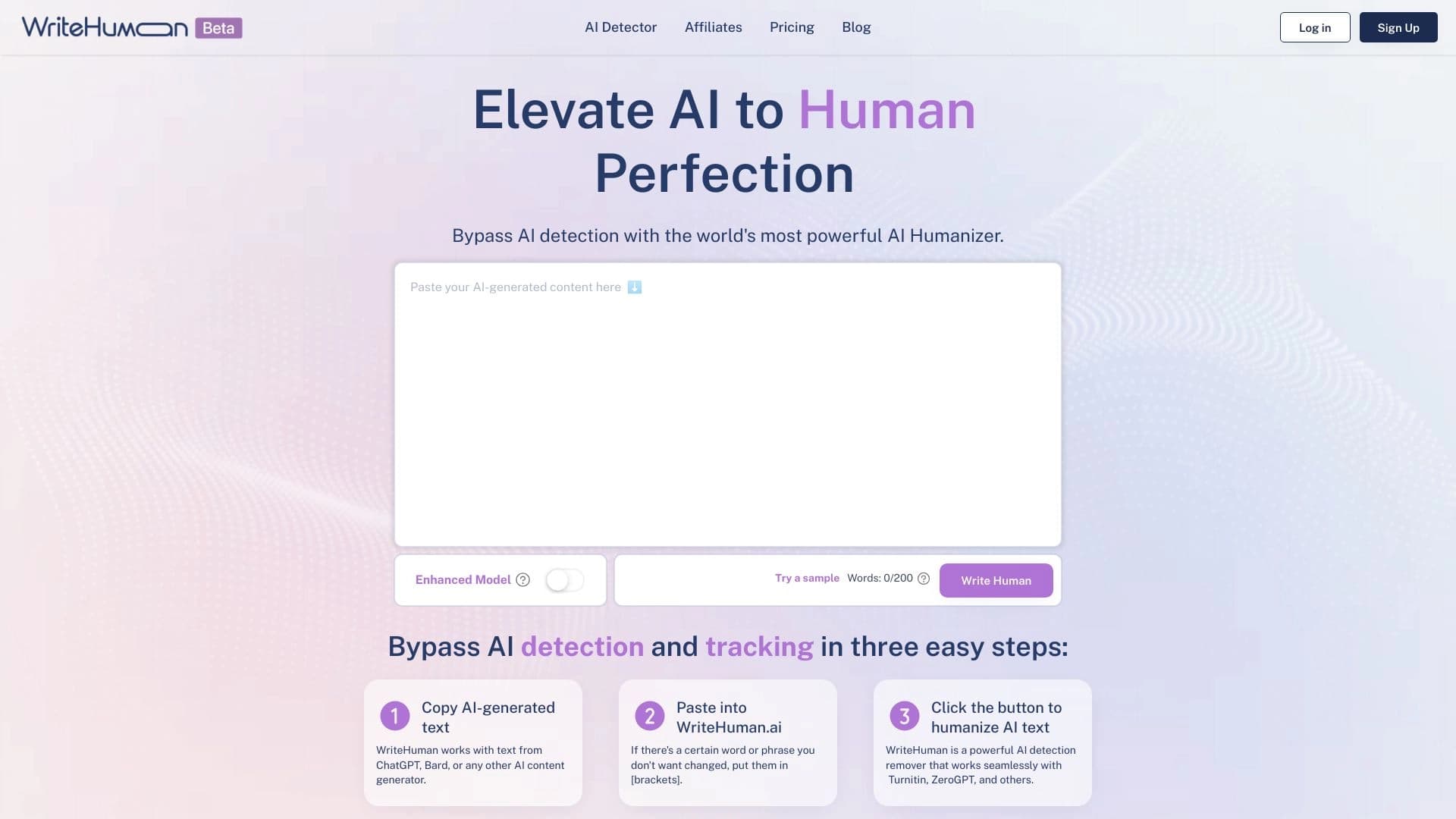

Service for transforming AI-generated text into a more natural-looking form that is harder for artificial intelligence detectors to recognize.

Platform for generating videos, images, and digital avatars using AI.


Web service for generating images from text descriptions and communicating with virtual characters.


AI platform for user support in applications, including a chatbot and ticketing system.


AI chatbot for automating customer communication and lead qualification.

Cabina AI is a unified platform for working with various generative neural networks, enabling you to create texts, images, and videos.


Platform for organizing live chat and communicating with website visitors, offering a free chat widget for customer support.