

DiffusionBee
A free macOS desktop app that generates and edits images using AI, fully on-device.
Overview
DiffusionBee
Description of the DiffusionBee neural network
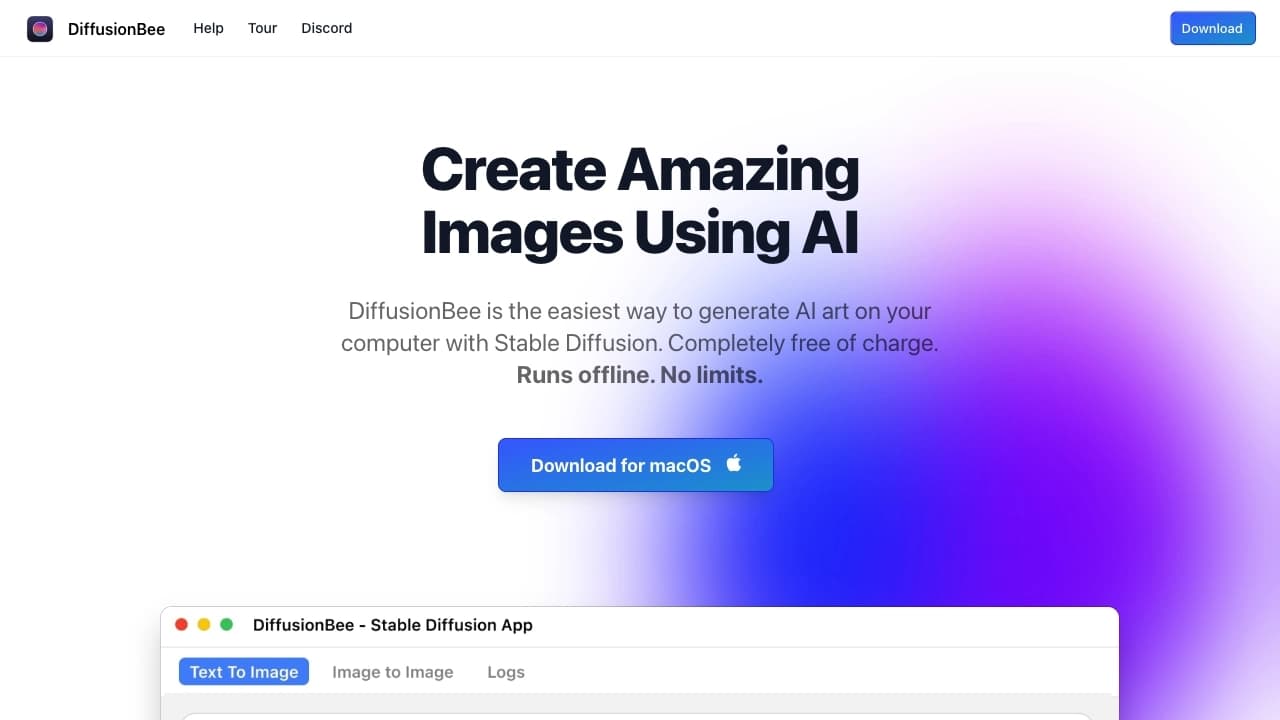
DiffusionBee is a free desktop application for the macOS operating system designed for generating and editing images using artificial intelligence. The main feature of the tool is fully local operation: all computations are performed on the user's device, and data is not transmitted to external servers. The application is based on the Stable Diffusion model and provides capabilities for creating images from text descriptions, inpainting and outpainting, resolution enhancement, as well as creating video and animation. DiffusionBee also supports training custom models on personal datasets, which expands the possibilities for personalizing generation.
DiffusionBee characteristics
| Characteristic | Value |
|---|---|
| Type | Desktop application |
| Categories | Art, Image generator, Free, Open source |
| Platforms | macOS |
| Free tier | Yes |
| Business model | Free |
| Availability | Offline (works locally, without internet) |
| Base models | Stable Diffusion |
| Optimization | Apple Silicon (M1, M2) |
| Third-party model support | Yes (import of custom models) |
Who is the DiffusionBee neural network suitable for?
AI artists and content creators
The application is suitable for artists working with artificial intelligence and for creators of commercial projects who need image generation without having to connect to cloud services.
Privacy-conscious users
DiffusionBee is aimed at those for whom data confidentiality is important: prompts, models, and generated images never leave the device.
Designers and educators
The tool is useful for designers for rapid prototyping of ideas, as well as for educators for creating learning materials. No special training is required — the application interface is simple and intuitive.
How to use the DiffusionBee neural network?
Image generation process
To create an image, simply enter a text prompt in the appropriate field. After processing the request, the neural network generates an image based on the description. The process is fully automated and requires no special skills.
Editing and refinement
The user can upload an existing image and apply AI editing functions to it: smart filling of areas, creating variations, transformation through new prompts. All operations are performed locally.
Importing third-party models
The application allows loading and using third-party models, which expands the range of available styles and generation capabilities.
Main features of DiffusionBee
Image generation and editing
The application supports creating images from text descriptions, as well as editing parts of an image (inpainting) and adding fragments outside the original frame (outpainting). Image transformation through prompts and creation of variations are available.
Image quality enhancement
The built-in upscaler allows increasing resolution and improving image quality. This feature is useful when working with low-resolution images or when preparing materials for printing.
Video and animation creation
DiffusionBee includes experimental features for creating video and animations, as well as an illusion generator and tools for controlling image structure.
Training custom models
The application makes it possible to train your own custom models on your data in a few clicks. This allows generating images in a unique style without sending data outside.
AI canvas
The AI canvas feature allows you to draw together with the neural network, where the AI complements and refines the image the user is creating.
Advantages of DiffusionBee
Fully offline operation
All generation and editing processes are performed on the local device. The application does not require an internet connection and does not depend on cloud servers.
Data privacy
Prompts, used models, and generated images never leave the user's device. This is especially important when working with confidential or commercial projects.
Free of charge
DiffusionBee is completely free — it requires no purchase, subscription, or registration. The user gets access to all basic features without restrictions.
Ability to train custom models
Training custom models is performed locally, without transferring data to the developer's servers, which provides an additional level of privacy.
Disadvantages of DiffusionBee
Platform limitation
The application works only on the macOS operating system. Windows and Linux users cannot use this tool.
Performance dependence on the processor
DiffusionBee is optimized for Apple Silicon chips (M1, M2). On devices with Intel processors, the speed is noticeably lower.
Limited animation functionality
According to some sources, the application is primarily focused on working with static images — support for animations and videos may be limited.
What tasks does DiffusionBee solve?
Generating images from text descriptions
The main task of the application is creating illustrations, art, and other visual materials based on text prompts.
Editing and refining images
Using inpainting and outpainting functions, the user can edit existing images: remove or add objects, expand the frame, create variations.
Improving image quality
The upscaler allows increasing image resolution, which is useful for preparing materials for printing or publication.
Creating video content and animations
The application offers experimental functions for creating animations and videos, although their capabilities may be limited.
Training personal models
The user can train a model on their own images for subsequent generation of content in a unique style.
DiffusionBee pricing
DiffusionBee is a completely free application. It has no paid plans, subscriptions, or hidden fees. All features are available without restrictions after installation.
DiffusionBee terms of use
The application does not require registration or account creation. All computation processes are performed locally on the user's device. No internet connection is required to work. There are no restrictions on the number of generated images or available features.
DiffusionBee availability
The application is available exclusively for the macOS operating system. Optimal performance is achieved on devices with Apple Silicon chips (M1, M2 and newer). On computers with Intel processors, the speed may be lower. The application works fully in offline mode.
How does DiffusionBee differ from alternatives?
Unlike alternatives such as Stable Diffusion WebUI, Midjourney, and DALL-E, DiffusionBee works fully locally and does not require connection to cloud servers. The application is completely free — unlike Midjourney and DALL-E, which have paid plans. The main limitation is availability only for macOS users, while alternatives support a larger number of platforms.
Conclusion
DiffusionBee is a free local application for macOS that combines image generation and editing, video creation, and training of custom models, with an emphasis on privacy and offline operation. The tool is suitable for users who value data confidentiality and work offline, but its use is limited to the Apple ecosystem.
Frequently asked questions


See also


A browser with built-in AI tools for chatting with neural networks, generating texts and images, translating and summarizing pages.

Service for creating personalized avatars and photo shoots using AI based on uploaded selfies.


AI-powered virtual clothing try-on service.


Online AI tool for creating deepfakes and editing images.


Chrome extension that helps manage tabs, history, and bookmarks with an AI assistant.


Web service for generating anime images from text prompts using AI.


AI assistant for quickly creating and editing texts in various formats.


AI-powered platform for generating and editing images and videos.