

Decktopus
AI-powered web service for automatically generating presentations from a text description of a topic.
Overview
Decktopus
Decktopus AI Description
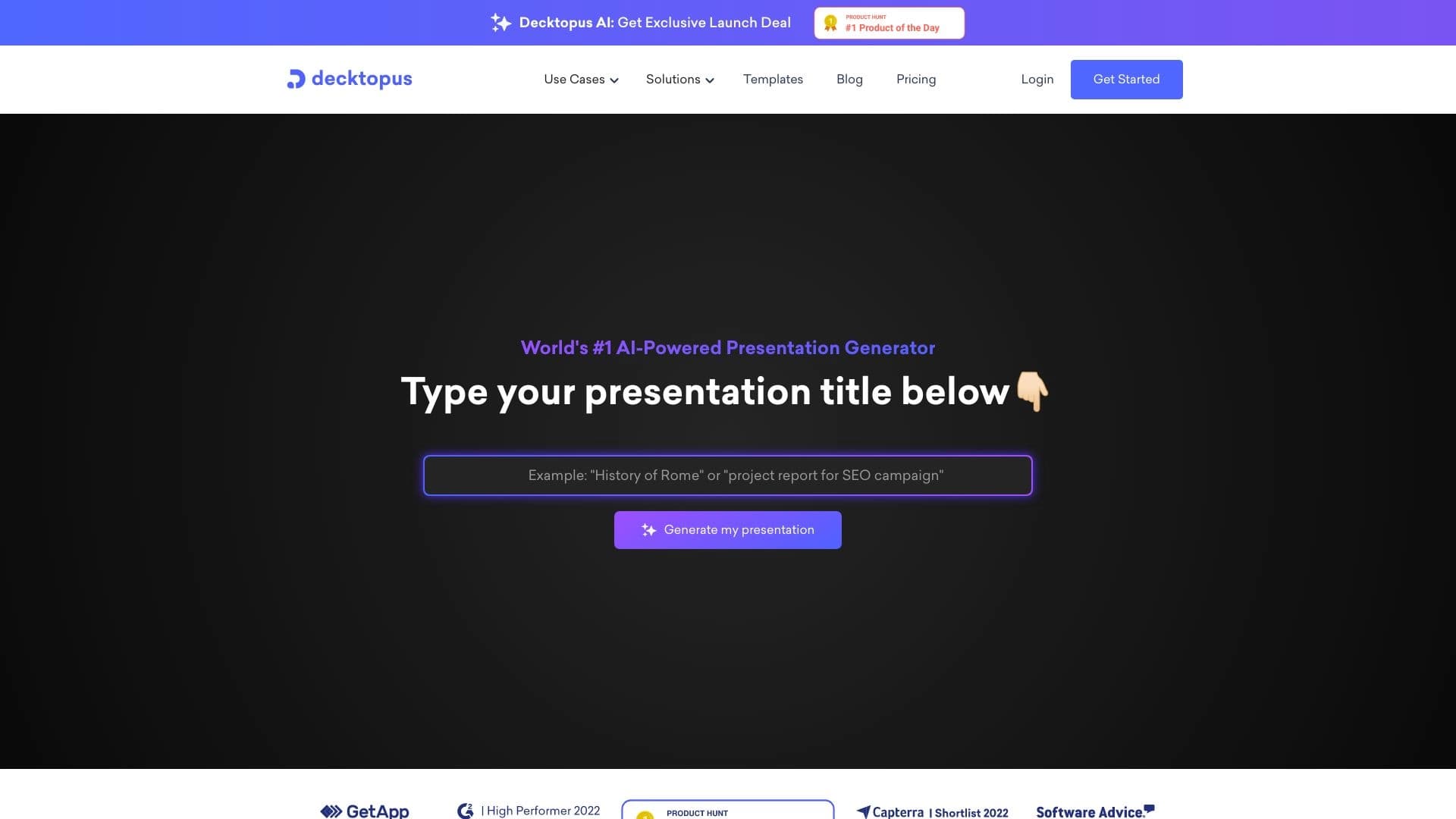
Decktopus is an AI-powered web service designed for quickly creating presentations. The way it works is simple: the user enters a text description of the topic, and the AI automatically selects the structure and design of the future presentation. In a short amount of time, the service can generate up to 15 slides, saving the user from having to manually adjust the layout.
In addition to basic generation, Decktopus can work with external sources: it supports importing media from Google Drive and YouTube, as well as converting PDF documents into slides. The service can also create questions for the audience, which is useful when preparing for presentations and interactive sessions. The tool is aimed at those who need to quickly get a quality presentation without deep manual customization.
Decktopus is distributed under a freemium model: the service has a free version, and advanced features become available with paid plans.
Decktopus characteristics
| Characteristic | Value |
|---|---|
| Type | AI for creating presentations |
| Category | Presentations and reports |
| Launch year | 2020 |
| Interface languages | English |
| Free plan | Yes (web application) |
| Platforms | Browser-based web application, available on desktop and mobile devices |
| Integrations | Google Drive, Dropbox, YouTube, Vimeo, Icons8 |
| Export | PPT, PDF |
Who is Decktopus AI suitable for?
Professionals who need speed
Decktopus is suitable for anyone who needs to prepare a presentation quickly. Reports, study materials, and business presentations are created in minutes: you simply describe the topic in text, and the AI takes care of choosing the structure and design. This is convenient for those who regularly work with large amounts of material and do not want to spend time on design.
Users without design experience
The service is useful for those who do not have designer skills but need neat and modern slides. Automatic visual style selection makes it possible to get presentations that look professional without manual setup or specialized knowledge.
Teams and speakers working with an audience
Thanks to built-in engagement tools (audience questions, forms, view analytics), Decktopus is suitable for teachers, speakers, and managers who need not only to show slides but also to interact with the audience and track reactions to the material.
How to use Decktopus AI?
Registration and template selection
To get started, you need to register on the service website. After creating an account, the user selects a suitable template from the available collection and then specifies the topic of the future presentation.
Topic description and generation
The next step is to enter a title and describe the essence of the project in text. Based on this description, the AI automatically forms the structure and generates slides. At this stage, the user can influence the content by refining the wording.
Customization and adding media
After generation, the slides and design can be edited: you can adjust the styling and add media from supported sources. The final version can be easily saved in PPT or PDF format for further use and presentation.
Key features of Decktopus
Auto-generation and recommendations
- Automatically creates up to 15 slides in about 30 seconds from a text prompt.
- Recommendations for presenters that help them better prepare for a presentation.
- Generation of audience questions to gather feedback.
Working with content and media
- Converts PDFs into interactive slides.
- Creates unique visuals for design.
- Integration with Vimeo and Icons8 for adding media and icons.
- Voice notes — the ability to attach audio to slides.
- More than 100 ready-made templates, including brand templates to support corporate identity.
Audience engagement and collaboration
- Track views and viewer engagement.
- Interactive forms for collecting viewer data.
- Collaborative editing of presentations with other users.
Advantages of Decktopus
Speed and convenience
The main advantage of the service is its high speed: up to 15 slides are generated in about 30 seconds from a simple text prompt. The free version works right in the browser, with no need to download or install additional software.
Rich functionality
Decktopus includes a wide range of features: view analytics, interactive forms, voice notes, and other tools for working with audiences. Integrations with popular services — Google Drive, Dropbox, YouTube, and Vimeo — make it easier to work with the user's existing materials.
User support
The service has a fast support team: the average response time is about one minute. A 50% discount for students is also available, making the tool more accessible to learners.
Disadvantages of Decktopus
Language and technical limitations
The service works fully in English only; there is no Russian interface. It also requires a stable internet connection, and there is no API for developers to integrate with their own projects.
Slide count limits
The free version has a generation limit of no more than 30 slides per day. For users who need to create a large number of presentations, this limitation can be significant.
What tasks does Decktopus solve?
Creating and automating presentations
The main task of the service is to create presentations from a text description. The AI automates two areas at once: slide design and content, allowing you to get a finished result without manual work. Additionally, Decktopus can convert PDF documents into interactive slides.
Audience interaction and analytics
The tool solves tasks related to viewer engagement: collecting data through built-in forms and tracking engagement and views. This helps presenters better understand how the audience reacts to the presentation and refine their materials.
Decktopus pricing
Decktopus has a free version available to every user. To unlock advanced features, paid subscriptions are offered: the Pro AI plan costs $7.99 per month, and the Business AI subscription costs $29.99 per month per user. Students receive a 50% discount, and corporate clients can get brand customization within 48 hours.
Decktopus terms of use
Using the service requires registration — you need to create an account on the website. The free version has a generation limit of 30 slides per day. The service works only in English, and user data is stored in encrypted databases.
Decktopus availability
Decktopus is available as a web application through a browser, and it can be used on both desktop and mobile devices. The interface is entirely in English. A stable internet connection is required; however, a VPN is not needed because the site is publicly accessible.
How Decktopus differs from alternatives
The main difference of Decktopus is the combination of generation speed and a rich set of audience engagement tools. Many presentation tools focus only on design and structure, while Decktopus additionally offers built-in view analytics, interactive forms for collecting data, and voice notes on slides. It also stands out for its support for importing media from popular services (Google Drive, YouTube, Vimeo) and converting PDFs into interactive slides.
At the same time, compared with a number of competitors, Decktopus has its limitations: an English-only interface, no API for developers, and a daily limit on the number of generated slides.
Conclusion
Decktopus is a practical AI-powered web service that lets you quickly create presentations from a text description of a topic, generating up to 15 slides in about 30 seconds. The tool is suitable for users who value automation of design and content, as well as those who need built-in audience engagement tools — forms, analytics, and voice notes. The main limitations of the service are English-only support, a daily slide limit, and the lack of an API; however, for quickly preparing quality presentations, Decktopus offers a convenient and functional solution.
Pricing
Frequently asked questions

See also


Neural network for fast video generation and editing from text descriptions, images, and references.


AI email assistant that integrates with Gmail and Outlook.


Video editor with neural network support for video editing on Windows and Mac.


AI tool for creating presentations, documents, and web pages from a text description.


AI marketing assistant that helps create promotion strategies and optimize advertising campaigns.


Platform for automating client acquisition and personalized email campaigns with data enrichment from over 150 sources.


Neural network that generates images and illustrations based on a text description.

Cloud platform for creating videos using AI avatars, synthesized speech, and automatic translation of clips into dozens of languages.