
DeckBird.ai
Service for turning presentations into voiced interactive materials similar to webinars.
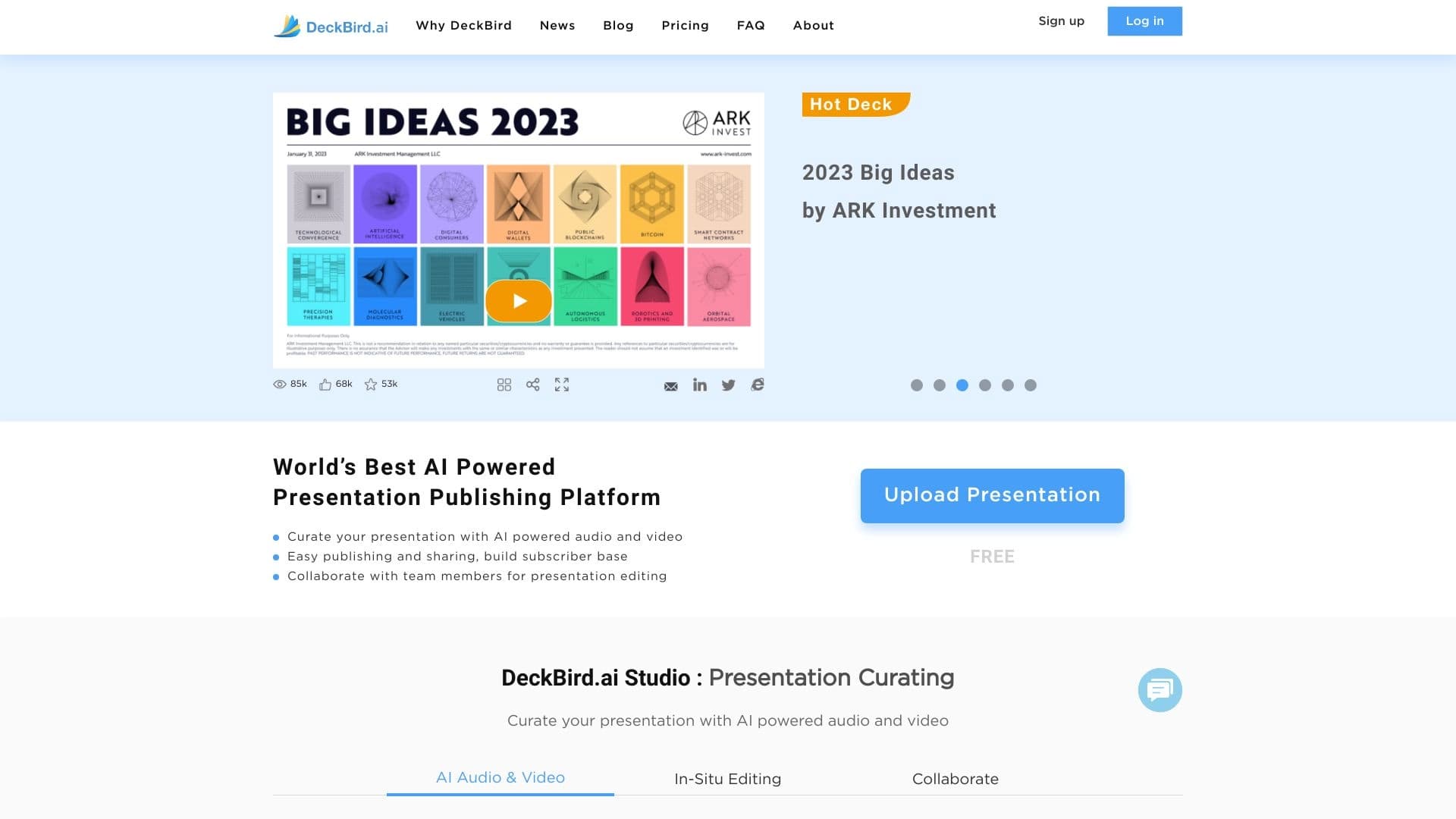
Overview
DeckBird.ai is an AI service that turns static presentations into interactive, self-running materials with voice narration. Essentially, it's a tool for creating "auto-webinars": you upload ready-made slides, add voiceover, and the neural network helps you assemble it all into a single video that viewers can watch at their convenience. This format is called a self-running presentation: it doesn't require the author's participation and starts automatically.
The core idea of the service
DeckBird.ai's main goal is to eliminate the need for live meetings and demos. Instead of coordinating schedules, booking a conference room, and spending an hour on a call, you send the recipient a link to an interactive piece of content. This is especially relevant for sales, training, and marketing communications, where speed and audience reach are crucial.
How it works
The process looks like this: you upload presentation slides, add voice narration (either recording your own or using speech synthesis), and the service then assembles a finished piece of content with auto-playback. The resulting "webinar" can be embedded in an email, placed on a website, or on a landing page. The viewer doesn't just look at slides; they get a full narrated story that plays like a video.
DeckBird.ai Characteristics
| Characteristic | Value |
|---|---|
| Type | AI studio for presentations |
| Category | Pitch decks and presentations, API and integrations |
| Primary purpose | Creating narrated, self-running presentations |
| Supported integrations | Gmail extension, Outlook add-in, Mailchimp integration |
| Content import | Export from Canva, upload of ready-made slides |
| Platforms | Web service, WordPress plugin |
| Result distribution | Embedding in emails, on websites, sharing via link |
| Website | www.deckbird.ai |
Who is DeckBird.ai suitable for?
The service is aimed at those who regularly share presentations with others and want to save time on live demos. The tool is useful in several scenarios.
For sales and marketing teams
Teams that send out proposals, product presentations, or pitch decks to investors get a tool for creating compelling materials. A narrated presentation looks more professional than a simple PDF file and conveys the essence of the offer without a manager's involvement.
For training and onboarding
HR specialists and corporate trainers can turn training slides into interactive lessons. Employees go through the material at their own pace, review difficult parts, and trainers don't have to repeat themselves across multiple live calls.
For content creators and bloggers
Authors who run blogs or create info products get the ability to convert existing presentations into a new content format. A narrated webinar can be made publicly available, embedded in articles, or used as a free lead magnet.
How to use DeckBird.ai?
The process of working with the service is intuitive and requires no technical skills. Let's look at the main steps for creating an auto-webinar.
Step 1: Preparing the presentation
You'll need ready-made slides. You can prepare them in Canva and export them directly to DeckBird.ai, or upload an existing presentation. At this stage, it's important to think through the structure of the material, as the voiceover will run in sync with slide changes.
Step 2: Adding voice narration
You add an audio track to each slide. This can be a recorded voice or one generated by AI. After syncing the audio and visuals, the service assembles them into a single narrated piece of content that plays automatically for the viewer.
Step 3: Distributing the finished material
The resulting "webinar" can be sent via email services. The Gmail extension and Outlook add-in allow you to embed the presentation directly into the body of an email. There's also a Mailchimp integration for email campaigns and a WordPress plugin if you want to host the material on your website.
Key features of DeckBird.ai
DeckBird.ai's functionality is focused on creating and distributing narrated presentations. Here are the service's key capabilities.
Turning slides into auto-webinars
The service turns static slides into dynamic content that plays automatically. The viewer doesn't need to flip through pages manually — they simply start the presentation and listen to the narrator's voice.
Support for external integrations
DeckBird.ai integrates with popular services for content distribution. These include: a Gmail extension, an Outlook add-in, integration with the Mailchimp email marketing platform, and project import from Canva. A dedicated plugin is available for WordPress users.
Embedding presentations
Finished materials can be embedded across various platforms: emails, website pages, and blogs. This enables fast content distribution without the need to send heavy files or require downloads.
DeckBird.ai advantages
Using DeckBird.ai offers several tangible benefits for business and education.
- Scaling without live meetings. You can show the same material to an unlimited number of people without spending time on repeated calls. Product demos, training courses, or marketing messages reach the audience automatically.
- Saving time on communication. You don't need to worry about syncing calendars. The recipient reviews the material whenever it's convenient for them, which speeds up the sales or training cycle.
- A single point of entry. Upload a presentation once, and you get a finished interactive product that can be used across multiple channels, from email campaigns to WordPress sites.
DeckBird.ai disadvantages
Based on the available data, no obvious disadvantages of the service were identified. It's worth keeping in mind that effectiveness will depend on the quality of the original presentation and voice recording. Also, since the distribution model information is listed as unknown, you may want to clarify the pricing terms and available features on the official website before starting.
What tasks does DeckBird.ai solve?
The service's main goal is to simplify the publication and distribution of presentations. It solves two key user problems.
Quickly creating auto-webinars
Instead of organizing complex live streams and real-time webinars, you get recorded material. This lets you prepare content once and then use it repeatedly, including for different audiences.
Simplifying publication and distribution
Thanks to integrations with Gmail, Outlook, Mailchimp, and WordPress plugins, the process of distributing presentations becomes simple and fast. You don't need to explain to the recipient how to open a file — just embed the presentation in an app they're already familiar with.
DeckBird.ai pricing
Information about DeckBird.ai's pricing is not disclosed in available sources. Current rates are likely presented on the service's website or during registration. We recommend visiting the official website www.deckbird.ai for accurate information about prices, available plans, and free trial options.
DeckBird.ai terms of use
Detailed terms of service have not been published in the source data. Key points to clarify before getting started include: whether account registration is required, acceptable file upload limits, the privacy policy regarding uploaded presentations and voice recordings, and the terms for using generated materials. All this information should be available in the service's official documentation.
DeckBird.ai availability
The service is available via the website www.deckbird.ai. It offers several entry points for users depending on their preferences for working with email and content:
- Email client integrations: a Gmail extension and Outlook add-in are available, making it possible to use the service directly within the interface of popular email programs.
- Design tool integrations: export from Canva is supported, which is convenient for designers working in this graphic editor.
- Website integrations: a WordPress plugin allows you to embed finished presentations on sites running on this CMS.
How DeckBird.ai differs from alternatives
The main difference between DeckBird.ai and standard presentation viewing tools is their "self-running" nature. It's a full auto-webinar format with synchronized voice narration. Let's look at the service's positioning features.
Focus on distribution, not slide creation
Unlike presentation builders, DeckBird.ai is not a tool for creating slides from scratch. It takes ready-made presentations (e.g., from Canva) and focuses on voicing them and packaging them into interactive materials. This speeds up the workflow at the distribution stage.
Automating audience engagement
Instead of presenting live, you hand the "host" role over to automatic playback. The recipient interacts with the material one-on-one, which is convenient when dealing with a large number of contacts and the impossibility of giving a live presentation to everyone.
Broad integration capabilities
Having plugins and extensions for key products (Gmail, Outlook, Mailchimp, WordPress, Canva) allows you to embed presentations where users are already accustomed to working with information. This ensures smooth, fast access to content without switching between tabs.
Conclusion
DeckBird.ai is a specialized service for turning standard presentations into interactive, narrated materials. It solves an important problem for business and education: eliminating the need for live meetings to present content. The ability to embed in email clients and on websites makes the tool convenient for regular mailings and publications. The tool will be especially useful for sales teams, marketing, and anyone who regularly works with presentation materials and wants to streamline their distribution.
Frequently asked questions
See also
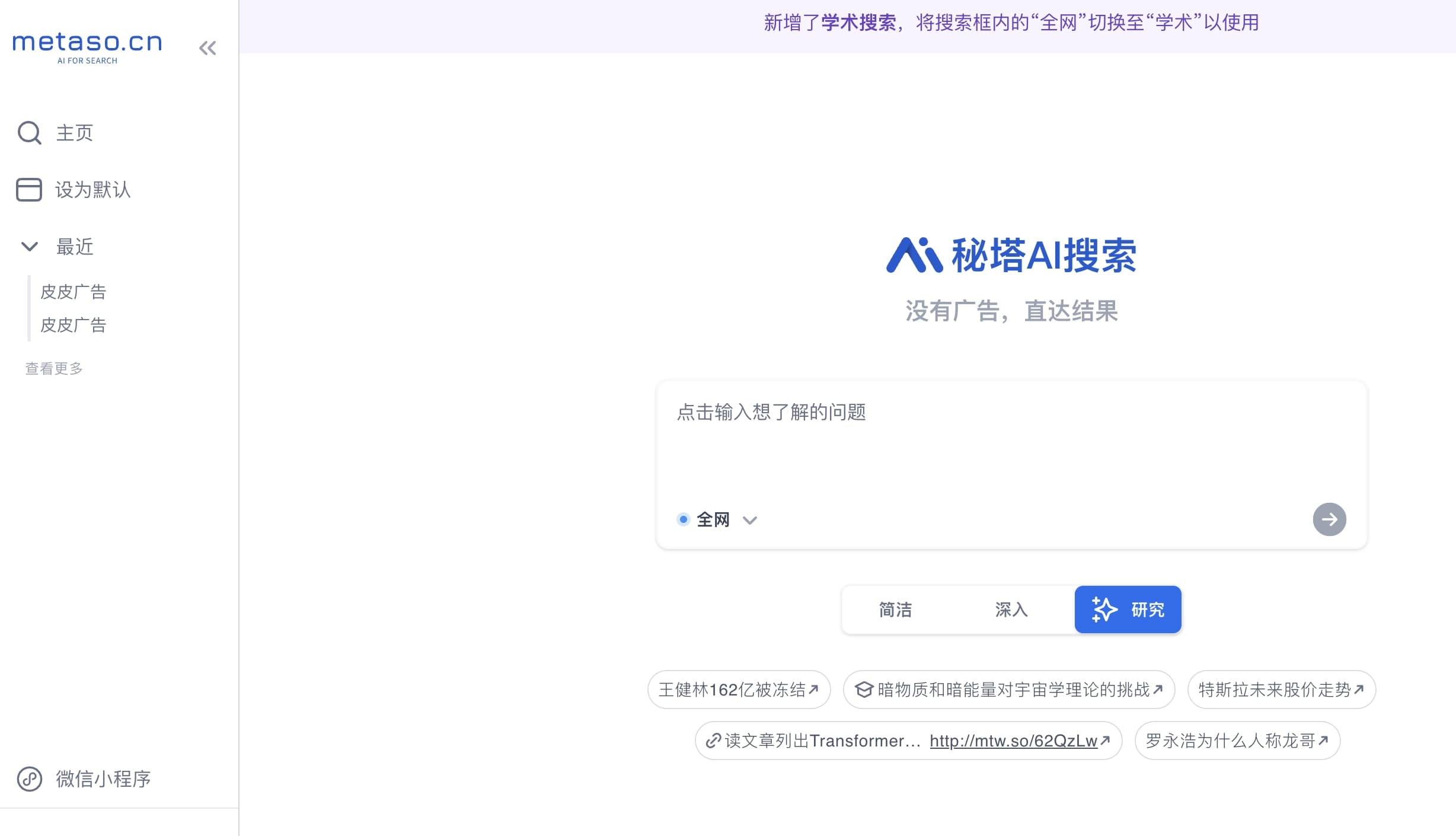
Yandex's multimodal voice assistant powered by the YandexGPT neural network that answers questions, generates texts and images, analyzes files, and controls the smart home.


Universal AI assistant that analyzes videos and web pages, answers questions, and creates summaries.


Chrome extension that helps manage tabs, history, and bookmarks with an AI assistant.


Trending video, post, and ad creative generator based on ideas, images, and text prompts.


AI tool for creating SEO-optimized multilingual content.
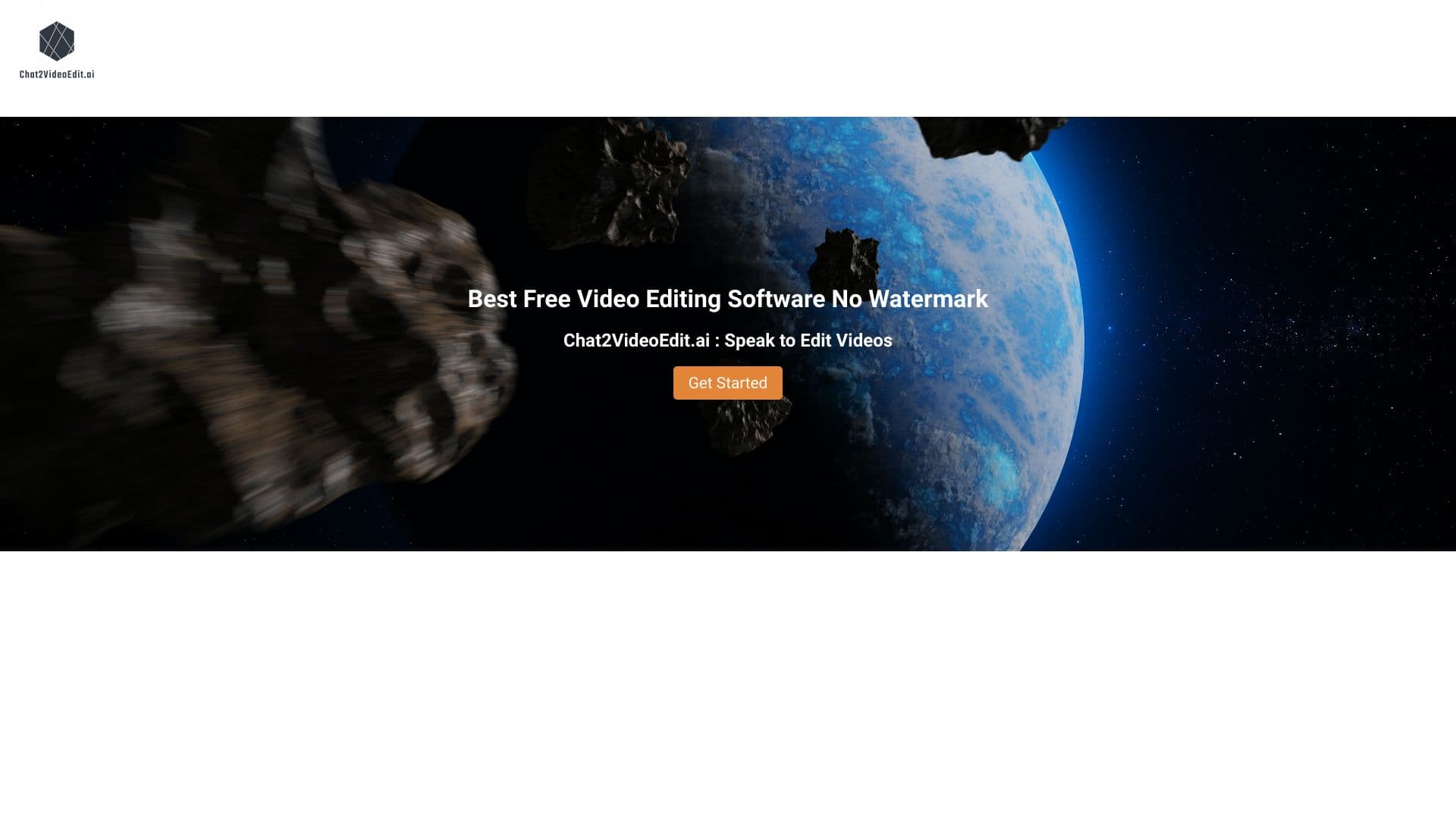
Catalog of free video editors without watermarks for creating and editing videos.

Service for animating photos and creating videos with digital avatars using artificial intelligence.
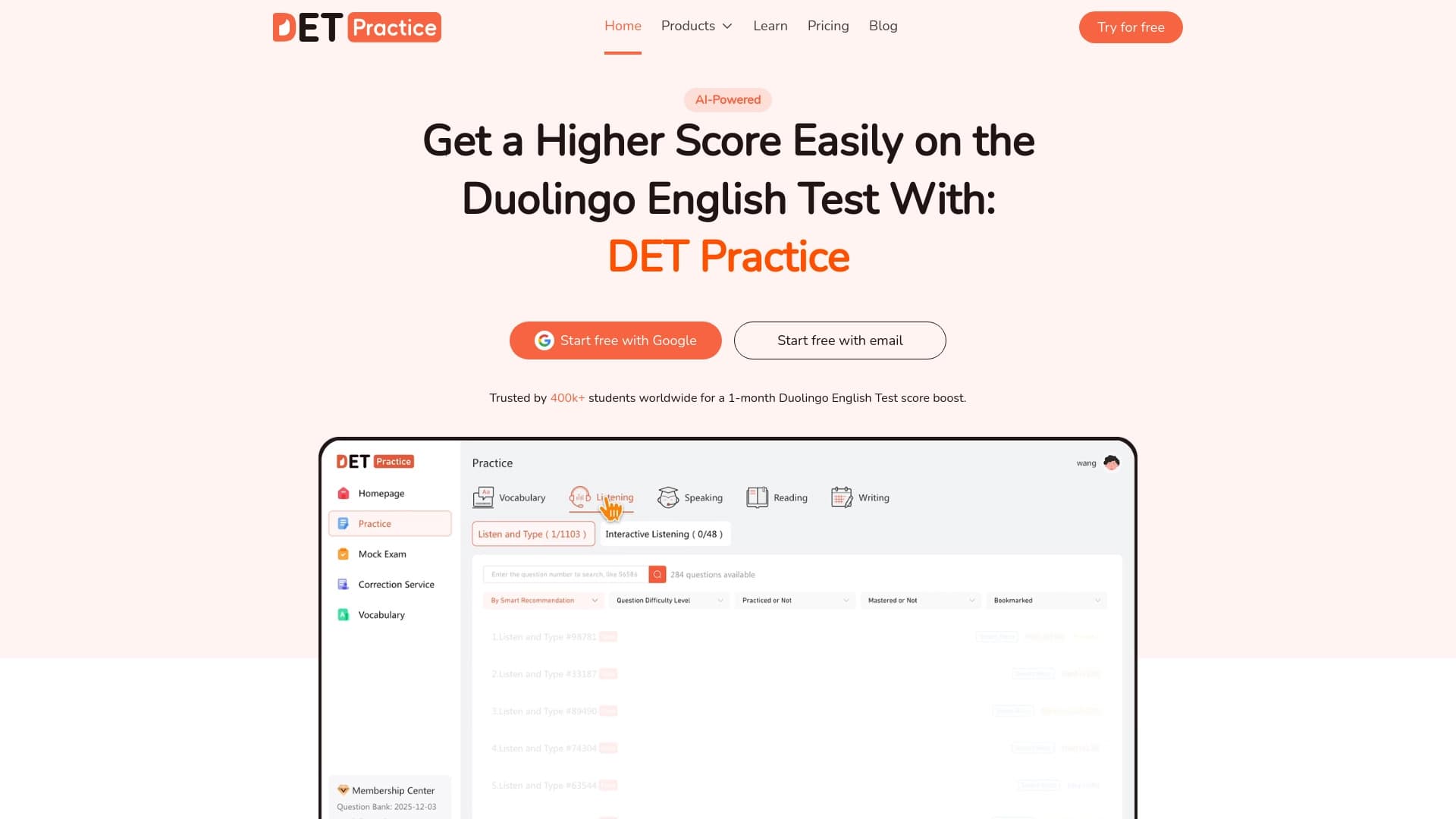
Online platform for preparing for the Duolingo English Test with an extensive question bank and AI-powered answer scoring.