

Curiosity
Desktop AI application for searching and working with information across all your data.
Overview
Curiosity AI Description
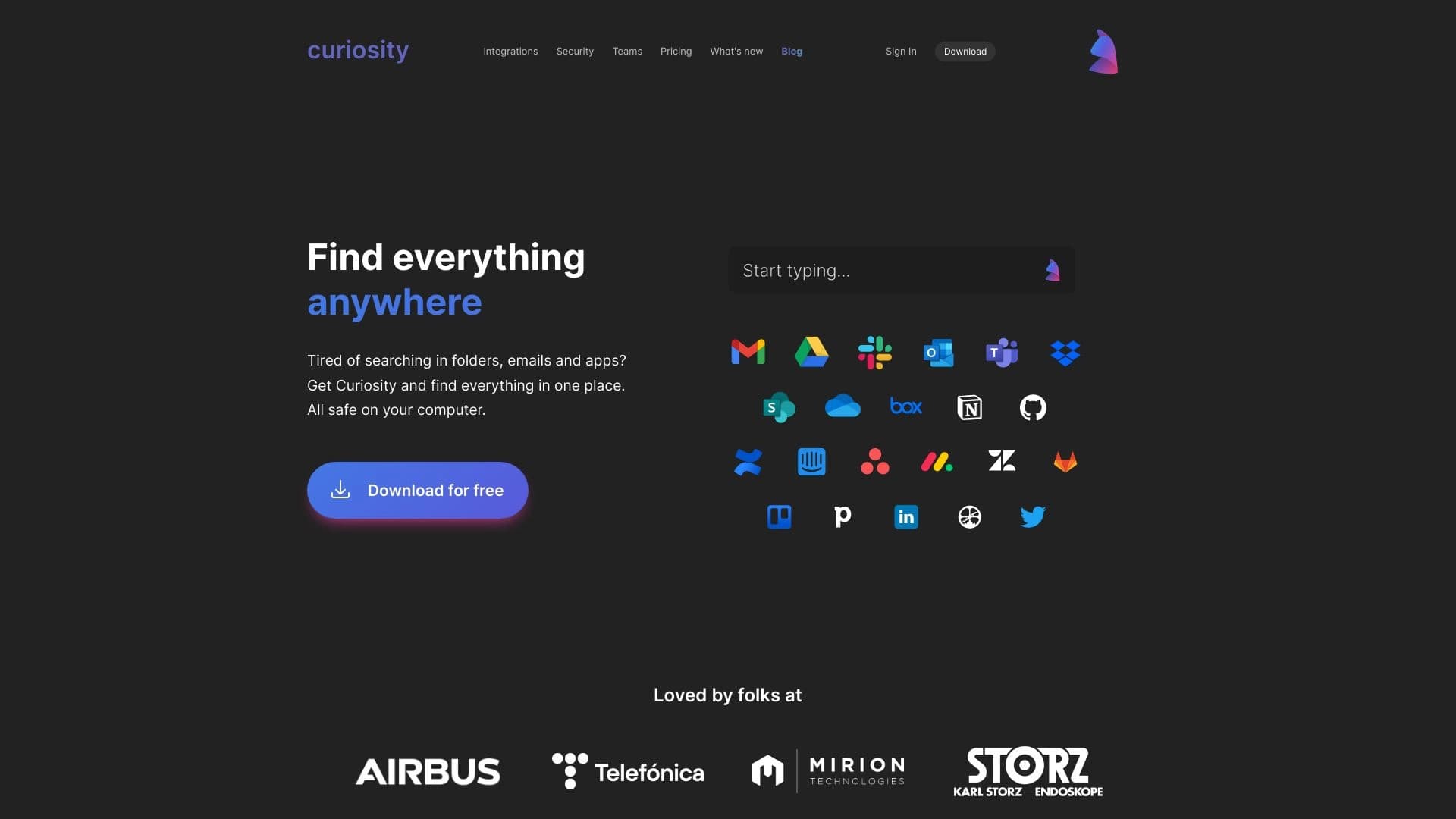
Curiosity is a desktop AI application that solves the problem of fragmented data. Instead of switching between a dozen apps and tabs, you get a single entry point for searching across all your information resources: local files, cloud documents, emails, and messages in messengers.
The tool's key feature is its built-in artificial intelligence, which doesn't just find files by keywords but also lets you interact with document content in natural language. You can ask a question about a specific file, request a brief summary of a long report, or extract key facts from a client conversation.
Privacy Philosophy
Unlike many cloud-based AI services, Curiosity emphasizes privacy and user control over their data. This matters for those who work with confidential information and aren't willing to hand it over to third-party services for processing. The app aims to turn your passive data storage into an active assistant that helps you understand and use the information you've accumulated.
Curiosity Characteristics
| Characteristic | Value |
|---|---|
| Type | Desktop AI productivity application |
| Category | Search and analysis, Knowledge management |
| Core function | Smart search and AI assistant across all data |
| Integrations | Computer folders, cloud services, email, messengers, other tools |
| Privacy | Strong focus on privacy |
| Target users | Individual users and teams |
| Website | curiosity.ai |
| Publication date on site | December 31, 2025 |
Who Is Curiosity AI For?
Individual Users
Curiosity suits people who store large amounts of information in different places: work documents on their computer, personal notes in the cloud, important emails, discussions in messengers. For such users, the app becomes a single search bar that eliminates the need to remember exactly where the needed information is stored. Instead of opening each service one by one, you can ask Curiosity a question and get an answer with a link to the source.
Teams and Workgroups
For teams, Curiosity is interesting as a knowledge centralization tool. Instead of searching for information across shared chats, corporate email, and scattered files, employees can work with a unified space where all data is concentrated. This reduces time spent on routine searches and allows new employees to get up to speed on project context faster. It also enables organizing workspaces with cross-access to information while maintaining control over confidential data.
How to Use Curiosity AI?
Getting Started and Connecting Sources
The first step is installing the desktop app and connecting data sources. You can specify folders on your computer, grant access to cloud services, your email inbox, and messengers. After connecting, the app indexes the data and creates a unified search base.
Search and AI Interaction
The main use case is a unified search bar. You can type queries as usual and get relevant results from all connected sources. But the more interesting capability is asking questions about document content. For example, you can ask "What was the company's revenue in the third quarter?" and get an answer based on data from connected reports, emails, or presentations. You can also request a summary of a long document or ask to highlight key facts from a conversation.
Curiosity Core Features
Unified Search Across All Sources
The main feature is combined search across files, documents, messages, email, clouds, and messengers in a single search bar. You no longer need to switch between apps to find the information you need. Results are shown from all connected sources at once, saving time and effort.
AI Chat with Documents
The built-in AI lets you have a dialogue with your documents. You can ask questions about content, get brief summaries, extract key facts, and request additional context. This turns simple keyword search into full-fledged natural language information analysis.
Connecting Folders and Clouds
The app supports connecting to local folders on your computer and cloud services, covering all the main data storage locations. This creates a unified space for searching and working with information regardless of where it physically resides.
Team Workspaces
For collaborative work, workspaces and integrations are provided that let teams centrally store and search shared knowledge. This reduces time spent on routine tasks and improves information sharing within the group.
Curiosity Advantages
Single access point to all data. Curiosity brings all your data and apps together in one place, eliminating the need to switch between a dozen tabs and applications. This is the main advantage, saving time and reducing cognitive load.
Turning data into an active assistant. The tool doesn't just store information — it helps you understand it. Thanks to the AI chat, passive data storage becomes an active assistant that can answer questions, summarize documents, and highlight the essentials.
Privacy and data control. Special attention is paid to privacy and data control. This is critical for users who work with confidential information and value the security of their data.
Versatility of use. The tool suits both personal use and team collaboration, making it a flexible solution for different scenarios: from managing personal notes to organizing a corporate knowledge base.
Curiosity Drawbacks
Limited platform information. Currently, Curiosity is known to be a desktop application, but specific platforms (Windows, macOS, Linux) haven't been specified. This could be a hurdle for users working on different operating systems.
Lack of public product data. At present, little information is available about implementation details, technical requirements, and distribution model. This may raise questions for potential users about the tool's capabilities and limitations.
Uncertainty about the distribution model. Information about the distribution model (free, paid, freemium) is missing, making it difficult to assess the product's accessibility for different user categories.
What Problems Does Curiosity Solve?
Faster information search. The main goal is speeding up information search across all sources without switching between apps. This solves the "where did I save this?" problem and lets you find the data you need in seconds, not minutes.
Document analysis and summarization. Thanks to the AI chat, Curiosity lets you analyze and summarize document content, answer questions about it, get summaries, and extract key facts. This saves time on reading long files and helps you get to the point faster.
Centralizing corporate knowledge. The tool solves the problem of centralizing company knowledge, reducing time spent on routine operations and improving access to shared information. This is especially relevant for teams where information is scattered across different channels and tools.
Curiosity Pricing
Currently, no public pricing information for Curiosity is available. The project's website doesn't list rates, subscription costs, or licensing models. Potential users are advised to follow official announcements on curiosity.ai or contact project support for up-to-date pricing information.
Curiosity Terms of Use
Detailed terms of use for Curiosity haven't been disclosed in available sources. There's no information about the license agreement, data processing policy, or confidentiality terms. Given the product's strong emphasis on privacy, one might assume the terms of use will align with the stated data protection principles, but exact information needs to be confirmed on the official website.
Curiosity Availability
Curiosity is available as a desktop application. However, official sources currently don't specify which operating systems — Windows, macOS, Linux — the tool supports. This lack of information may be due to the product's early stage or anticipation of an official release. It's recommended to follow updates on the official website for information about supported platforms.
How Curiosity Differs from Alternatives
Integration of all data types. Unlike many competitors that focus on individual data types (e.g., only email or documents), Curiosity combines search across all data types: files, clouds, email, messengers. This creates a truly unified workspace.
Focus on privacy. Curiosity places special emphasis on privacy and user control over data. This sets it apart from many cloud-based AI services that process data on their own servers. For users who value confidentiality, this becomes a key advantage.
AI interaction with content. The ability not just to find files but also to ask questions about their content, get summaries, and extract facts is what sets Curiosity apart from simple search tools. This approach turns it from a search engine into a full-fledged analytical assistant.
Flexibility for personal and team use. The tool targets both individual users and teams, making it a universal solution that can scale from a personal assistant to a corporate knowledge management tool. Mem can be considered a close analog, but Curiosity stands out with broader data source coverage.
Conclusion
Curiosity is a desktop AI application that solves the pressing problem of data fragmentation. It unifies search across all sources — local files, cloud services, email, and messengers — and complements it with an AI chat for document analysis. The tool emphasizes privacy and data control, making it attractive for both individual users and teams. Despite the lack of public information about pricing, platforms, and terms of use, Curiosity's concept looks promising: it turns passive data storage into an active assistant and eliminates the routine of searching across multiple applications.
Frequently asked questions
See also


Platform for increasing organic traffic and creating content with the help of AI and expert participation.


AI platform for automatic workday planning, task management, and prioritization.
AIJOURNEY is a catalog and search platform for discovering AI tools, updated daily.

A platform for content creators that combines link management, email marketing, an online store, and analytics in a single visual editor without coding.


Online AI-powered service for quickly creating presentations based on a given topic or an uploaded document.


A multifunctional AI assistant for generating texts, images, and audio.


Service for live AI conversations, including text generation, voice, and speech recognition.

Catalog of AI tools with educational materials and guides for selecting neural networks.