

Creator tools
A platform for automating video translation into multiple languages and promoting content on YouTube.
Overview
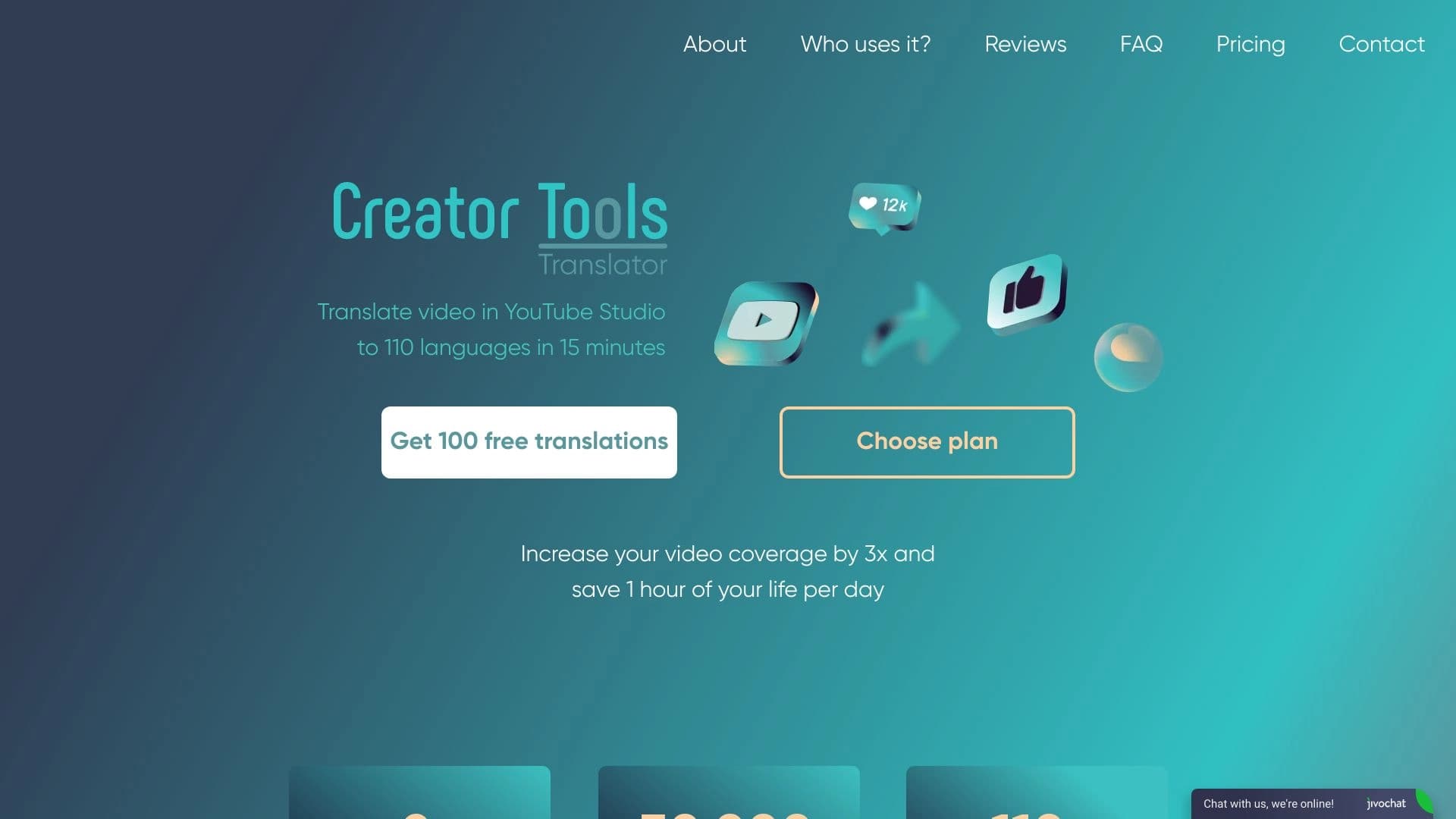
Creator tools is a web platform designed to automate processes related to running a YouTube channel. The service's main highlight is automatic video translation into 140 languages worldwide. Instead of manually creating subtitles and translating titles and descriptions for each region, users delegate this task to algorithms.
Beyond translation, the platform includes a set of auxiliary tools: a comment management module, a stream scheduler, and an analytics block. Essentially, it's an all-in-one tool for bloggers who want to scale their content to a global audience without hiring a team of translators and moderators. The service targets those who view YouTube not just as a hobby but as a source of income requiring systematic promotion.
Core idea of the service
The developers shifted the focus from a simple "translator" to a full-fledged growth tool. The logic is simple: if a video is translated into dozens of languages, it gets recommended to viewers from different countries, increasing views and, consequently, revenue. All actions (upload, translation, publishing) are performed in just a few clicks.
Intended purpose
The product addresses the need for content localization. It's not just machine translation of text but adaptation of the entire video package: title, description, subtitles. This approach allows a channel to organically integrate into search results across different countries, which is especially important for highly competitive niches. The platform also handles routine audience interaction, saving the channel owner time.
Creator tools features
| Feature | Value |
|---|---|
| Type | AI tool for content creators |
| Categories | AI Developer Tools, AI Caption Generator, AI Content Generator, Script To Video AI Generator |
| Platform | Web (browser-based) |
| Pricing model | Free / Paid (subscription) |
| Date added to catalog | May 31, 2024 |
Who is Creator tools suitable for?
The service is designed as a professional tool, but thanks to its simple interface, it's also suitable for beginners. The audience can be roughly divided into several groups.
YouTube creators and bloggers
For authors who want to go beyond their language segment. Instead of spending weeks translating old content, they can quickly adapt their video archive for new markets. This is especially relevant for niches where international audiences are willing to pay or respond well to content.
Video marketers and agencies
For professionals managing other people's channels, the platform allows scaling their efforts. Agencies can manage multiple projects, automatically translate client videos, and provide performance reports through built-in analytics. This removes the pain of working with international orders.
Influencers and SMM specialists
For those who run social media activities and use YouTube as their primary platform. The promotion tools included in the service help grow an audience through legitimate methods, without the risk of bans for artificial inflation.
How to use Creator tools?
The workflow is built on the "upload and forget" principle. All routine tasks are automated, allowing users to focus on the creative part.
Step-by-step workflow
- Registration: You need to create an account on the official Creator Tools website. No credit card is required to access the free trial period.
- File upload: The user uploads a ready video file to their personal dashboard. The system accepts files in standard formats used by videographers.
- Language selection: Target languages for translation are selected from the list (or all 140 at once).
- Automatic processing: The neural network translates the title, description, and generates subtitles. The user only needs to review the result and make corrections if necessary.
- Promotion and analytics: After publishing the video, the user can use promotion tools and track view dynamics through built-in analytics.
Tips for effective use
To get maximum results, it's worth translating content into languages of regions where your niche is most in demand. You don't have to target all 140 languages if your target audience is in 10 countries. Periodically check the analytics section to understand which translations bring real traffic and which can be disabled to optimize costs (if you're on a plan with limits).
Key features of Creator tools
The service's functionality goes far beyond a simple translator. It's a comprehensive solution for channel management.
- Automatic translation into 140 languages: The key feature that processes not only the video track (subtitles) but also the video's text metadata.
- Legitimate promotion tools: A set of methods for attracting traffic that doesn't violate YouTube's rules. This allows growth without blocks or penalties.
- AI comment management: The system helps moderate discussions, answer basic viewer questions, and boost engagement, removing routine work from the author.
- Stream scheduling: The built-in scheduler simplifies organizing live broadcasts, allowing you to prepare schedules and announcements in advance.
- Performance analytics: A dashboard with data on views, subscriber dynamics, and translation effectiveness, allowing you to assess the tool's return on investment.
Advantages of Creator tools
The service attracts users with its combination of automation and convenience. Let's highlight the key pros noted in reviews.
Speed and simplicity
Translating titles, descriptions, and subtitles takes "2 clicks," as the developers claim. The entire process is fast, without waiting in queues or complex settings. Users don't need to understand APIs or technical details.
Financial stability
The company's pricing policy hasn't changed for 2 years. This is an important factor for agencies and freelancers who plan budgets long-term and don't want to face sudden price increases.
Increased revenue
By reaching a global audience, view counts increase, which directly impacts monetization revenue. AI support tools help retain viewers on the channel, improving retention metrics.
Quality support
If translation inaccuracies occur, users note that errors are quickly fixed by the support team. For services of this type, this is a critical factor.
Disadvantages of Creator tools
Despite the impressive list of features, the service has limitations that are important to consider when choosing.
Technical limitations
There are no mobile apps or browser extensions. All functionality is only available through the web interface, which may be inconvenient for those used to managing channels from a smartphone. There's also no information about open source code (GitHub), which may concern technically savvy users.
Translation quality
Machine translation isn't always perfect. Idioms, slang, or specific terms may be translated literally. However, as practice shows, errors are fixed by support fairly quickly, and the basic quality level allows viewers to understand the essence of the video.
Information opacity
There's little public information about "advanced" AI features and integration capabilities with third-party services. This makes it difficult to assess the system's scope before purchasing.
What tasks does Creator tools solve?
The platform covers the full cycle of tasks related to growing an international channel.
- Expanding reach: The main goal is to get videos to the top in different countries, attracting new audiences and increasing view counts.
- Translation automation: Replacing manual work on creating subtitles and localizing content with an automatic algorithm.
- Legitimate promotion: Getting traffic without using "gray" schemes that could lead to channel blocking.
- Performance monitoring: Providing the channel owner with a clear picture of which videos work best and in which markets, through the analytics system.
Creator tools pricing
The service operates on a Freemium model with time-limited free access.
Free plan
New users get a 3-day trial period. An important condition — it includes access to all functionality without restrictions, and no credit card is required to activate it. This time is enough to test the translation and evaluate the speed of work.
Paid plans
Paid subscription starts from 2.69 USD per month. Depending on the chosen package, the price may include:
- A certain number of videos for translation;
- Packages with AI recommendations and AI tips;
- Machine voiceover services;
- AI responses to comments;
- Streaming features.
The exact cost depends on the volume of operations needed and is selected individually based on user requirements.
Terms of use for Creator tools
Simple registration on the website is required to get started.
- Registration: An account must be created. Without registration, access to the tools is impossible.
- Trial period: No bank card is required to activate the free 3 days.
- Payment: Subscription payment is made on a monthly basis. Users can disable auto-renewal at any time.
Creator tools availability
The service is available exclusively through a web browser on personal computers. The developers haven't released official mobile apps for iOS or Android, nor extensions for Chrome or other browsers.
Interface languages are not officially specified, but the service's focus on a global audience implies multilingual support (content translation itself is done into 140 languages). According to traffic analytics, the largest number of users is in Russia, Ukraine, the USA, India, and Germany, which indirectly confirms the service's demand in these regions.
How Creator tools differs from alternatives
There are many YouTube promotion tools on the market, such as TubeBuddy, VidIQ, Hootsuite, or SocialBee. Creator tools stands out due to its unique combination of features.
Deep localization instead of hashtags
Unlike TubeBuddy and VidIQ, which focus on SEO optimization, keyword research, and competitor analytics within a single language, Creator tools bets on multilingualism. Instead of fighting for top positions in English-language search results, the service offers to occupy niches in 140 countries at once, where competition may be lower.
Legitimate promotion and automation
While Hootsuite and SocialBee are universal posting schedulers for all social networks, Creator tools is more narrowly focused on YouTube specifics. Its built-in promotion mechanisms are aimed at "white-hat" growth methods, and AI comment moderation is a feature absent from the standard functionality of universal aggregators.
Essentially, Creator tools fills the "translation + growth" niche, while competitors offer either analytics and SEO (TubeBuddy, VidIQ) or scheduling and engagement (Hootsuite, SocialBee).
Conclusion
Creator Tools is a specialized web service for YouTube creators and marketers aiming at global expansion. The platform's main advantage is automatic content translation into 140 languages, which solves the problem of channel scaling without hiring a team of translators. The service includes legitimate promotion methods, AI comment moderation, and analytics, making it a comprehensive solution for professional channel management. The low entry barrier (free trial without a card) and affordable price (from 2.69 USD per month) make it recommendable for both beginner bloggers and large agencies. The service isn't without drawbacks (no mobile version, machine translation requires review), but for its key task — expanding audience reach — it offers an effective and fast tool.
Pricing
Frequently asked questions
See also


Bleepify automatically detects and bleeps out profanity in video and audio.


AI-powered online platform for quickly creating text content, including blogs, articles, and social media posts.

Multifunctional AI platform for content creation, combining speech synthesis, text generation, avatar creation, and video editing.


AI marketing assistant that helps create promotion strategies and optimize advertising campaigns.


Video editor with neural network support for video editing on Windows and Mac.


Neural network that generates images and illustrations based on a text description.

Cloud platform for creating videos using AI avatars, synthesized speech, and automatic translation of clips into dozens of languages.


A platform for automating software development using a visual builder for AI agents.