
Core Beta
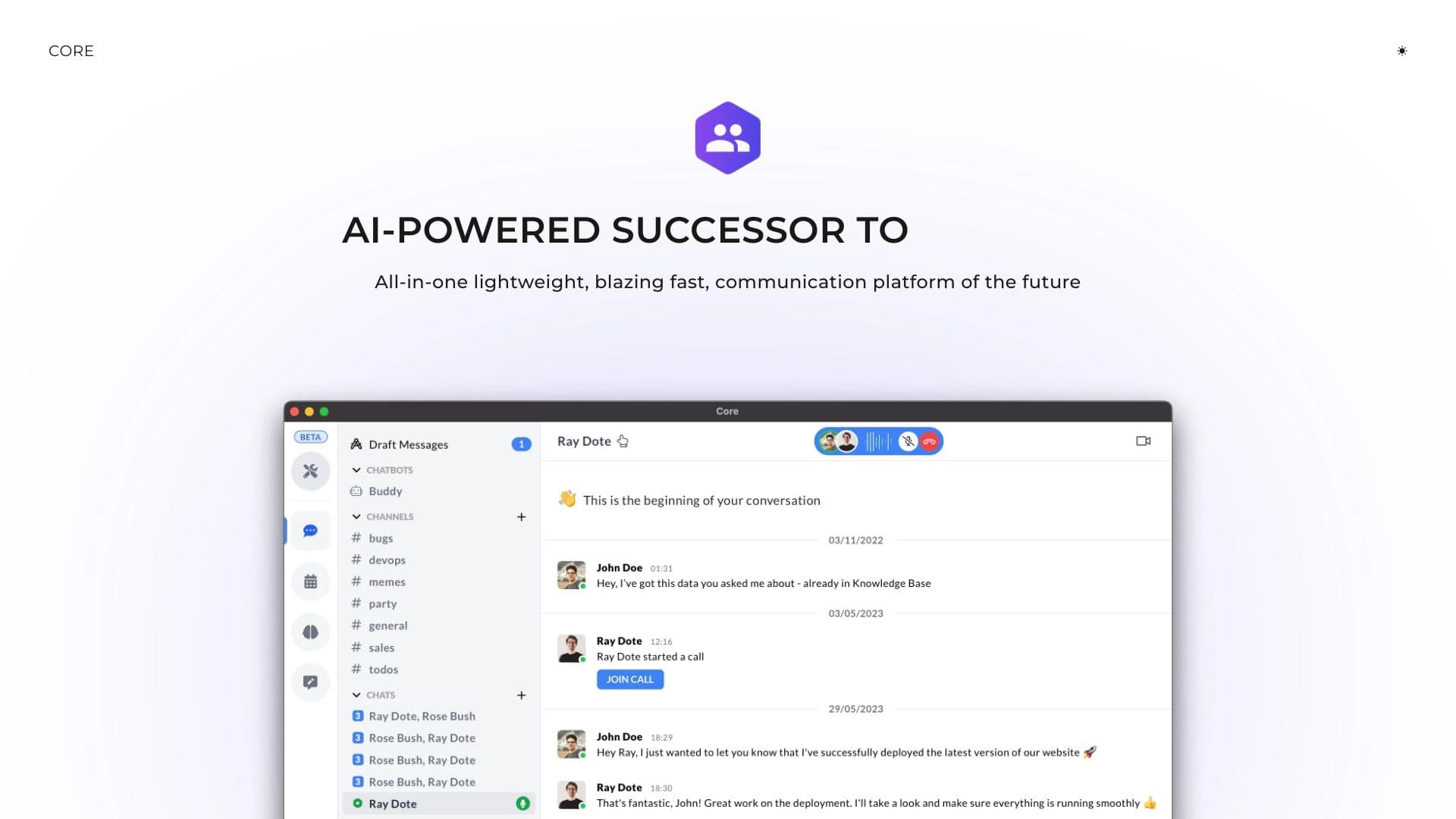
A unified collaboration platform combining chats, calendar, video calls, and a knowledge base.
Overview
Core Beta Neural Network Description
Core Beta is a unified digital platform that brings core work communications into a single space. Instead of switching between multiple services for messaging, meeting scheduling, and document storage, a team gets one interface with built-in chats, a calendar, video conferencing, and a knowledge base.
The Essence of the Platform
Core Beta's primary goal is to eliminate the chaos of scattered tools and consolidate key workflows. The platform is designed to simplify coordination within a team and reduce time lost searching for information across different applications. Instead of multiple subscriptions and browser tabs, you get one customizable and secure work hub.
Approach to Teamwork
The tool focuses on centralizing communications. All discussions, scheduled events, and shared documents are stored in a common environment, which facilitates decision-making and improves overall workflow efficiency. The platform is accessible via a web interface and is positioned as a secure environment for conducting business.
Core Beta Characteristics
| Characteristic | Value |
|---|---|
| Type | Centralized communication platform for teamwork |
| Categories | Productivity, Chatbots and assistants, Team collaboration, Universal |
| Platforms | Web |
| Rating | 4.4 out of 5 (users), 8.2 out of 10 (NeuroFolder) |
Who is Core Beta suitable for?
Small and Medium-Sized Teams
Core Beta is suitable for workgroups tired of using multiple unrelated services. If employees spend time switching between a messenger, a meeting scheduler, and cloud storage, a unified platform can help bring order to communications.
Security-Conscious Organizations
Since the tool provides a customizable and secure environment, it may appeal to companies where controlling work data and keeping discussions private is important. The included knowledge base makes the platform convenient for teams that maintain internal documentation.
How to Use Core Beta?
Getting Started on the Web Platform
Using Core Beta requires a web browser — no dedicated desktop application is needed. To get started, a team simply needs to register on the system and begin setting up their workspace.
Customizing for Team Needs
After logging in, users can adapt the interface to their preferences. The platform allows organizing the workspace so employees can quickly access relevant chats, schedule meetings in the built-in calendar, and use the knowledge base to store shared documents.
Core Beta Key Features
Chats and Messaging
The built-in messenger serves as the primary channel for real-time employee communication. Chats allow discussing work matters without using third-party applications.
Calendar and Video Conferencing
The platform includes a meeting scheduler that helps allocate time and synchronize participants' schedules. Video calling functionality is available for real-time discussions.
Knowledge Base
Core Beta includes a repository for corporate documents and information. The knowledge base allows gathering regulations, instructions, and other important materials in one place, simplifying data retrieval.
Core Beta Advantages
Interface Customization
The platform's flexibility allows adapting the work environment to a specific team's processes. The ability for individual customization sets Core Beta apart from more rigid corporate solutions.
Increased Efficiency
Centralizing tools positively impacts productivity: employees no longer need to spend time switching between tabs and services. All data and discussions are concentrated in one window, speeding up decision-making.
Secure Environment
The platform offers a protected space for communications, which is especially important when handling sensitive company data.
Core Beta Disadvantages
Potential Access Limitations
Based on the description, the main potential drawback may be related to service accessibility in certain regions, which could require additional tools for stable access to the interface and potentially create inconveniences.
What Problems Does Core Beta Solve?
Centralizing Team Communication
The tool addresses the issue of fragmented services by combining them into a single platform. This simplifies control over information flows and makes the workflow more transparent.
Boosting Productivity and Teamwork
By eliminating the need for multiple third-party applications, Core Beta helps teams coordinate actions faster and focus on completing assigned tasks.
Core Beta Pricing
Currently, the provided data lacks information about the platform's cost. There are no details on free tiers, paid subscription pricing, or any rates shown on the registration screen. For current pricing information, potential users should refer to the product's official website.
Core Beta Terms of Use
Detailed terms of use, including privacy policies and user agreement rules, are not disclosed in the original sources. It is known that the service provides a customizable and secure environment, suggesting a serious approach to data protection. However, legal details and technical requirements (other than using a web browser) remain unknown.
Core Beta Availability
Core Beta operates as a web platform — meaning users only need any modern browser and a stable internet connection. No additional software installation or a powerful computer is required.
How Core Beta Differs from Alternatives
The main difference between Core Beta and competing solutions (such as ChatGPT, ClickUp Brain, Victor AI, Command AI, and Miro) lies in its attempt to combine multiple key office functions within a single ecosystem. Competitors typically specialize in one area: Miro is known as a visual collaboration tool, while ChatGPT is primarily a text-based AI assistant.
Core Beta aims to be an all-in-one solution for business communication, combining messaging, planning, video calls, and documentation. This holistic approach sets the platform apart from products focused on narrow specialization. This comprehensive combination of tools is the key differentiator for Core Beta.
Conclusion
Core Beta is a thoughtful attempt to create a unified environment for managing all team affairs. By combining chats, a calendar, video conferencing, and a knowledge base, the platform seeks to reduce the number of services used and simplify coordination. Thanks to its customizability and flexibility, it suits teams looking to centralize their workflows. Overall, it is a functional tool that could serve as a convenient alternative to a scattered set of applications for companies ready to transition to a unified platform.
Frequently asked questions
See also

AI-powered service for automatically creating presentations in PowerPoint and Google Slides formats.


Automates content creation for product cards in online stores and marketplaces.

AI-powered platform for analyzing video data and automating its processing.

Service for remote job search, selecting vacancies using artificial intelligence.

A life logging tool that allows you to record, track and analyze everyday activities and habits.
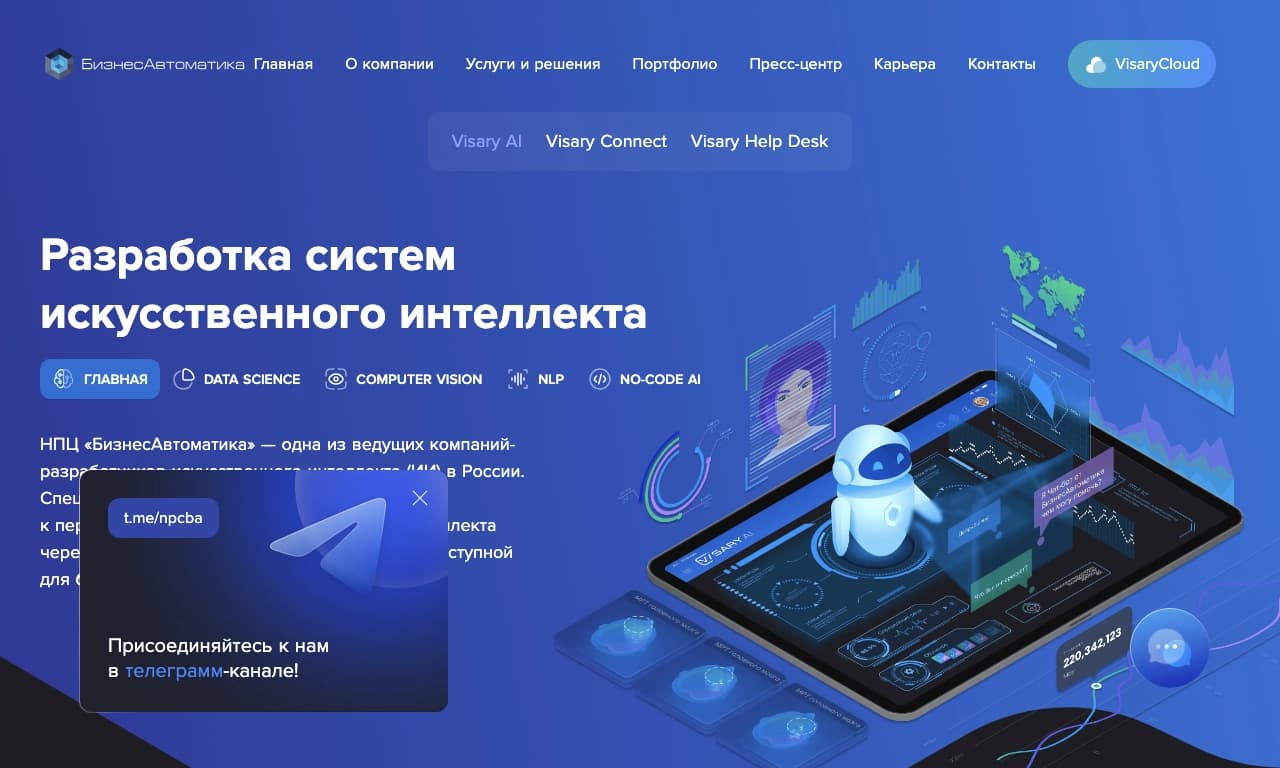

No-code platform for creating and configuring neural networks without writing code.
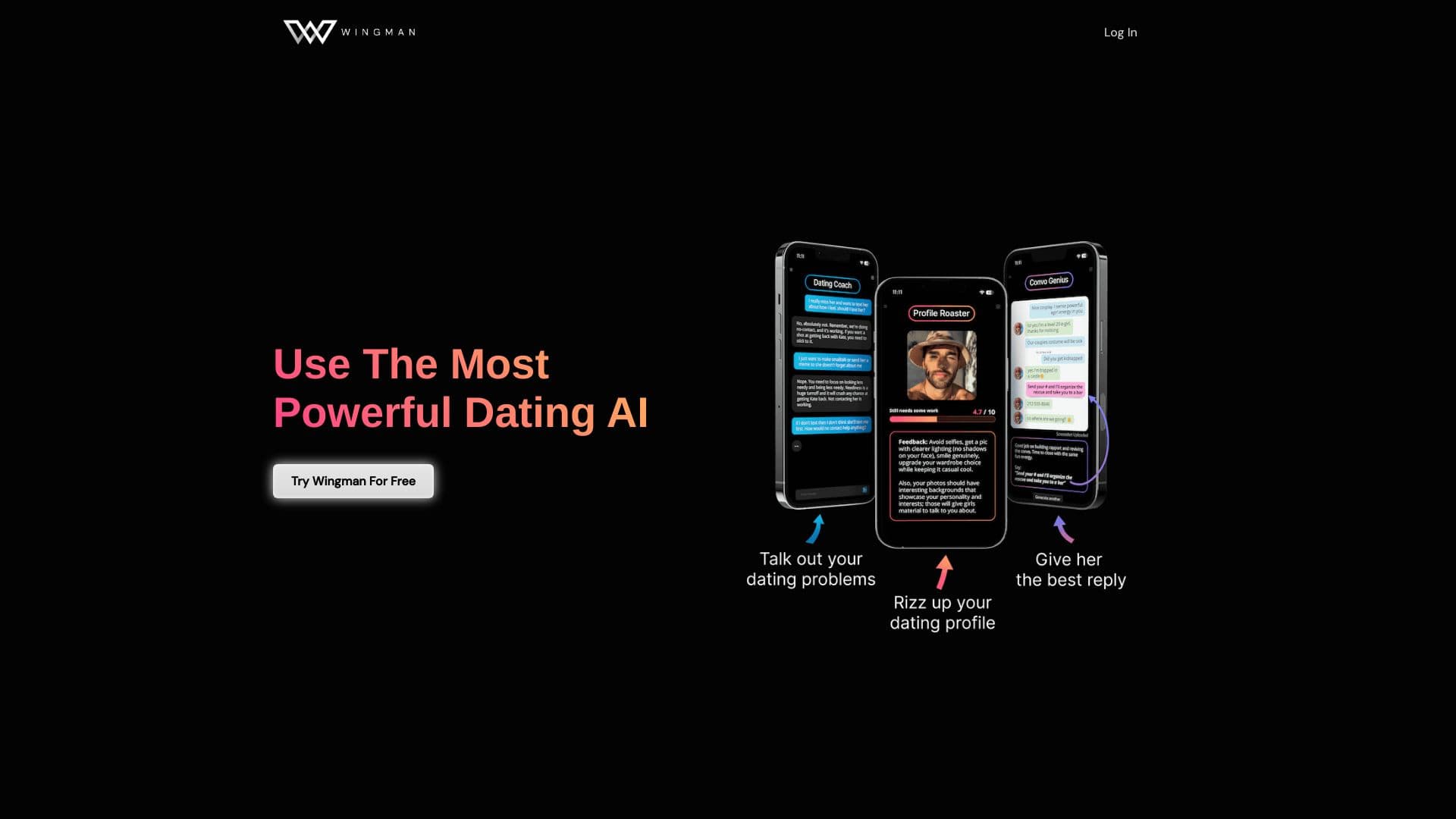
AI dating assistant that helps improve profiles and conversations in dating apps.


AI-based platform for creating and editing product images and videos for e-commerce sellers.