
Copilot for Microsoft 365
AI assistant integrated into Microsoft 365 apps to automate work with documents, email, and presentations.
Overview
Copilot for Microsoft 365
Description of the Copilot for Microsoft 365 neural network
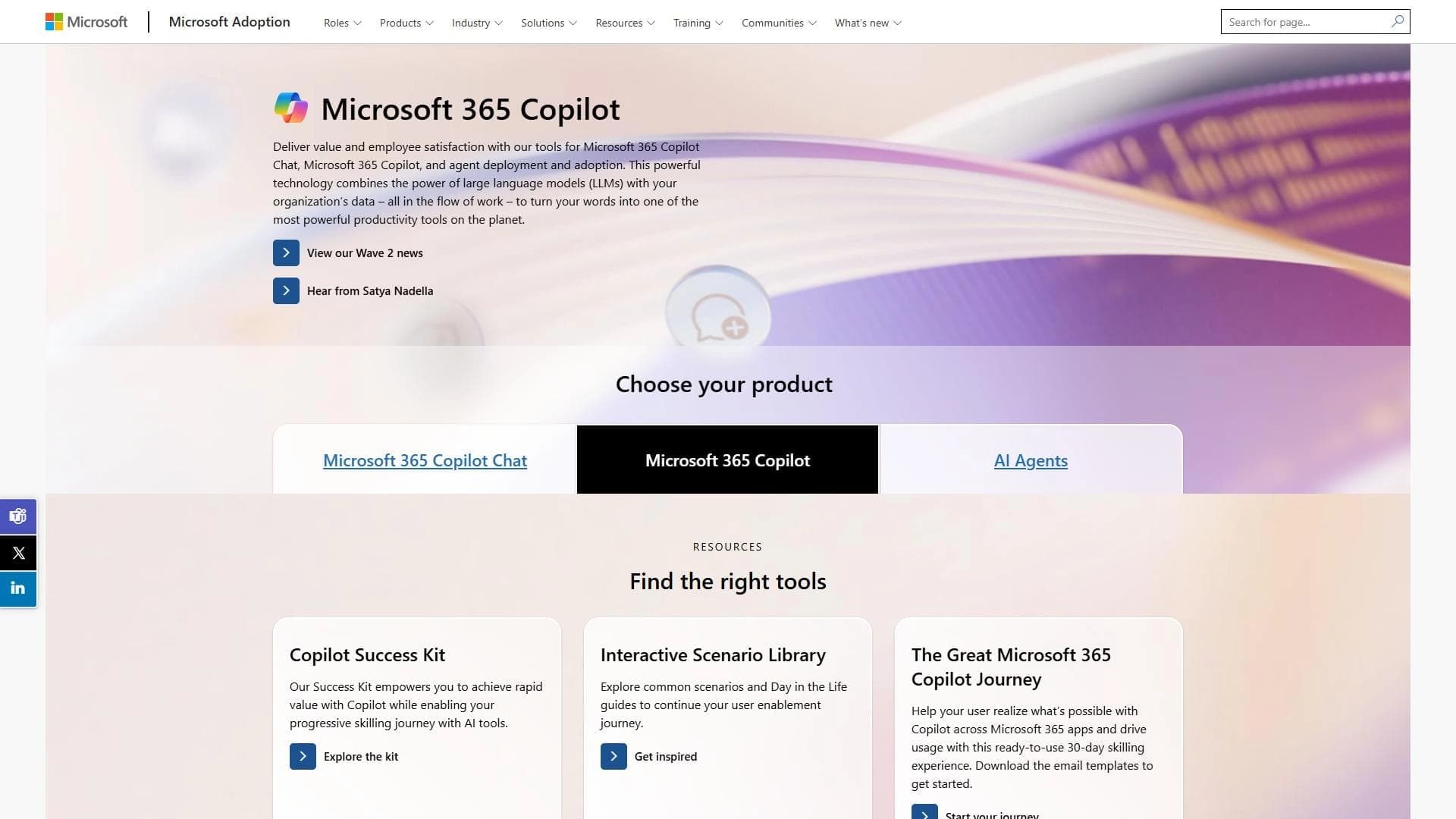
Copilot for Microsoft 365 is an AI assistant built directly into Microsoft 365 applications such as Word, Excel, PowerPoint, Outlook, and Teams. The tool is powered by large language models (LLMs) that analyze data and perform tasks based on commands given in natural language. Users can ask the assistant to create a document, prepare a report, or generate a presentation without leaving the familiar office application interface.
All data processing takes place in Microsoft's cloud infrastructure, which helps maintain corporate security standards and provides access to the tool anywhere with an internet connection. The solution is aimed primarily at organizations that already have an active Microsoft 365 subscription and does not require installing additional software.
Copilot for Microsoft 365 characteristics
| Characteristic | Value |
|---|---|
| Type | AI assistant |
| Category | Email and communications, Formulas and Excel, Presentations and reports |
| Integration | Word, Excel, PowerPoint, Outlook, Teams (Microsoft 365 ecosystem) |
| Base technology | Large language models (LLM) |
| Distribution model | Paid |
Who is the Copilot for Microsoft 365 neural network suitable for?
Companies with a Microsoft 365 subscription
Copilot for Microsoft 365 is designed for organizations that already use a corporate Microsoft 365 subscription. The tool is tightly integrated into the Microsoft ecosystem and is not intended to work outside it. Therefore, it is a logical choice for companies whose daily work revolves around the suite's applications.
Employees who work with documents, spreadsheets, and email
The AI assistant will be most useful for employees whose work involves large volumes of text documents, spreadsheets, and email correspondence. Analysts, managers, secretaries, report developers, and anyone who spends significant time on routine operations in Word, Excel, and Outlook will be able to speed up these tasks.
How to use the Copilot for Microsoft 365 neural network?
Interaction through a familiar interface
Using Copilot does not require learning a separate platform or interface. The assistant is built directly into Microsoft 365 applications. The user gives a command in natural language — for example, "write a cover letter for this document" or "summarize the quarter based on the spreadsheet data" — and the neural network executes the request.
Access from the main applications
Copilot is available in Word, Excel, PowerPoint, Outlook, and Teams. In each application, its functionality is adapted to the specifics of the program: in Word — working with text, in Excel — data analysis and formulas, in PowerPoint — creating slides, in Outlook — managing email and calendar, in Teams — communications and summarizing discussions.
Key features of Copilot for Microsoft 365
Document creation
The assistant can generate a document draft in Word based on a brief description or a set of key points. The user sets the topic and structure, and the AI produces coherent text that can then be edited.
Report generation
In Excel, Copilot can analyze data, create summaries, generate reports based on spreadsheets, and automatically produce formulas. This eliminates the need to manually process large amounts of numerical information.
Presentation preparation
In PowerPoint, the neural network helps create presentations from a text description: it builds the slide structure, selects layouts, and fills them with content. This significantly reduces the time spent preparing talks and reports.
Email management
In Outlook, Copilot automates email work: it can write a reply to a message, summarize a long thread, prioritize emails, and help schedule meetings in the calendar.
Advantages of Copilot for Microsoft 365
Automation of routine tasks
The main strength of the tool is its ability to take over repetitive operations for processing texts, data, and email. This allows employees to focus on more complex and creative tasks, increasing overall productivity.
Deep integration with Microsoft products
Copilot is not a standalone service — it works inside the same applications employees use every day. This eliminates the need to switch between tools or learn a new interface.
Support for corporate security standards
All data is processed within Microsoft's cloud infrastructure, which meets many organizations' requirements for information security and confidentiality. Companies can use the AI assistant without fearing data leaks outside their corporate environment.
Disadvantages of Copilot for Microsoft 365
Requires a Microsoft 365 subscription
Using Copilot requires an active paid Microsoft 365 subscription. This makes the tool unavailable to users who are not part of the Microsoft corporate ecosystem or who use free versions of office applications.
Not suitable for other ecosystems
The tool is tied to Microsoft products and does not work with alternative office suites (Google Workspace, LibreOffice, etc.). Organizations using mixed software will not be able to fully adopt Copilot.
Possible data security concerns
Despite data being processed within Microsoft's infrastructure, the use of cloud LLMs may raise concerns for companies with particularly strict confidentiality requirements. Sending document and email content to external servers for analysis is not always acceptable for organizations in regulated industries.
What tasks does Copilot for Microsoft 365 solve?
Automation of work tasks
The assistant handles typical operations: writing emails, formatting documents, processing spreadsheets, and sorting incoming correspondence.
Document creation and processing
Copilot makes it possible to quickly create drafts, edit existing texts, check style and formatting, and convert data from one format to another.
Report and presentation generation
Based on raw data from spreadsheets or a brief description, the neural network can prepare a structured report or a set of presentation slides, speeding up the preparation of materials for management and clients.
Email management
The tool helps cope with large volumes of email: it summarizes conversations, suggests reply options, reminds about unread messages, and helps plan time in the calendar.
Copilot for Microsoft 365 pricing
The exact subscription price for Copilot for Microsoft 365 is not specified in the source data. The tool is distributed under a paid model and requires an active Microsoft 365 subscription. For up-to-date pricing and available plans, it is recommended to contact Microsoft's official website or your license provider.
Terms of use for Copilot for Microsoft 365
An active Microsoft 365 subscription is required to start using Copilot. New users may need time to learn the functionality, since interacting with the AI assistant through text commands differs from the familiar way of controlling office applications through menus and buttons. It is important to understand that the correctness of task completion depends on the quality of the request wording.
Availability of Copilot for Microsoft 365
Copilot is integrated into Microsoft 365 cloud services. All data is processed within Microsoft's corporate infrastructure, ensuring its safety and compliance with the organization's security policies. The tool is available on any device from which the user can sign in to Microsoft 365 applications, provided there is a stable internet connection.
How Copilot for Microsoft 365 differs from alternatives
Deep integration into the ecosystem
The main difference between Copilot for Microsoft 365 and alternatives such as Beautiful.ai, NextDocs, or Oria is that it is not a standalone service but an embedded component of Microsoft applications. Users do not need to upload documents to third-party platforms — they work in the familiar Word or Excel.
Focus on the enterprise segment
Unlike tools such as Siri AI, which target individual users, Copilot for Microsoft 365 is designed for organizations. It takes corporate security requirements into account, supports teamwork through Teams, and integrates with corporate email.
Specialization in office tasks
Services such as Deliverables AI or VC Boom also automate work with documents and presentations, but Copilot for Microsoft 365 wins through full compatibility with all Microsoft 365 applications — from spreadsheets to communications — without requiring data export and import between different systems.
Conclusion
Copilot for Microsoft 365 is an integrated AI assistant for Microsoft 365 users that automates the creation of documents, reports, presentations, and email management. The tool is powered by large language models, is integrated into Word, Excel, PowerPoint, Outlook, and Teams, and all data is processed in Microsoft's cloud infrastructure. The main limitations are the tie to the Microsoft ecosystem and the need for a paid subscription. The solution is suitable for companies that want to speed up routine office tasks and already use Microsoft products at the corporate level.
Frequently asked questions




See also


AI-powered platform for generating, editing images, and creating advertising creatives.


Free web tool from Google that uses machine learning to turn rough sketches into neat icons and illustrations.


Web service for generating images from text descriptions and communicating with virtual characters.

A tool for creating diagrams and mind maps from text descriptions in natural language.

AI platform for voice synthesis and cloning that converts text into realistic speech.

AI travel planner that creates personalized itineraries and helps you choose flights, accommodation, and activities in a chat.

AI business name generator with domain availability checking.


Service for live AI conversations, including text generation, voice, and speech recognition.