

Continue
Open AI platform for automating routine developer tasks, featuring background agents and customizable workflows.
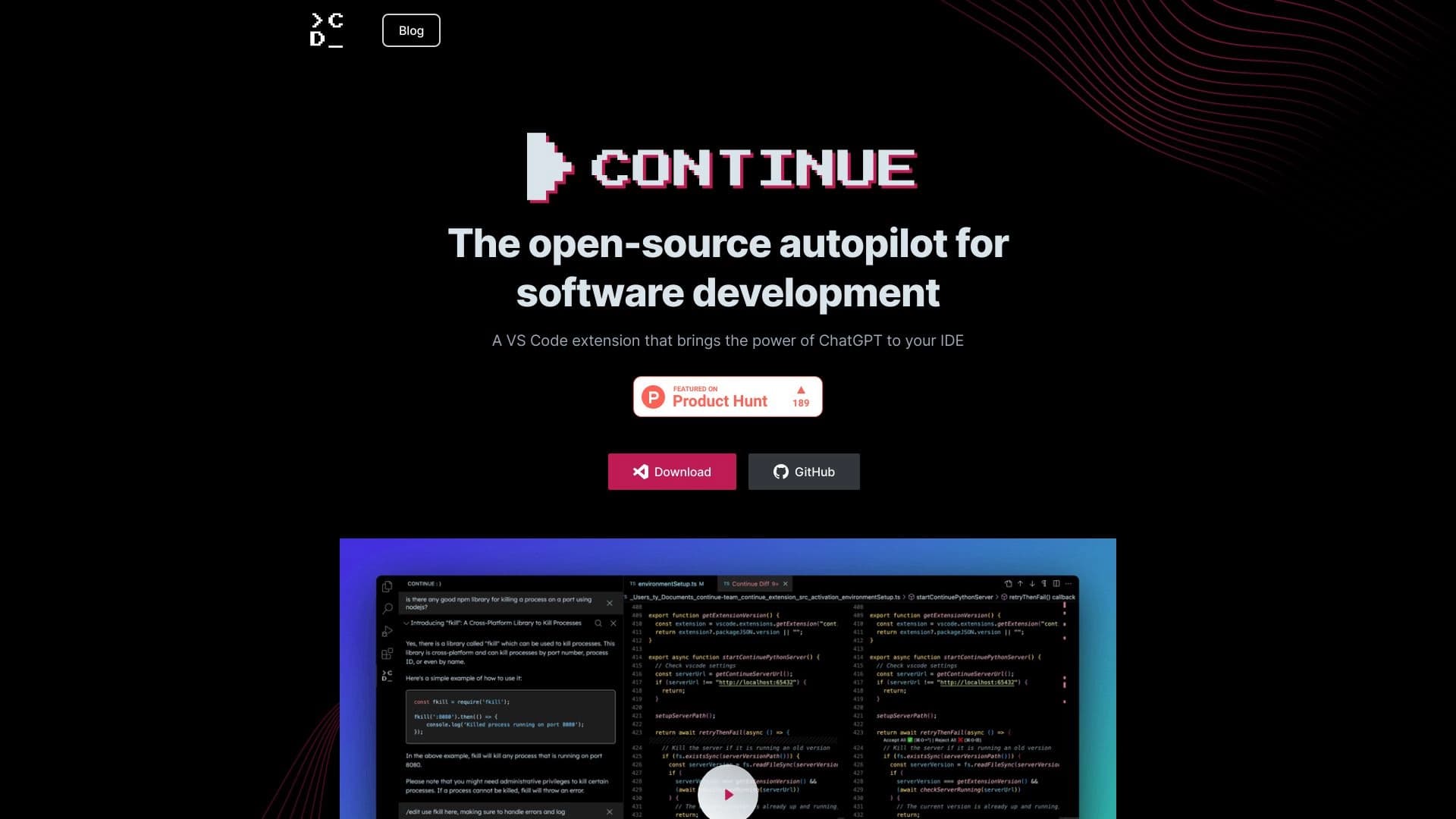
Overview
Continue AI Description
Continue is an open platform in the Continuous AI category, designed to automate routine tasks for developers and teams. The project is developed as an open-source solution, allowing specialists to study the code themselves, modify it to suit their needs, and contribute to the platform's development. The core idea behind Continue is to free developers from repetitive operations, enabling them to focus on more complex and creative tasks — architecture, design, and optimization.
Unlike simple chatbots or code autocompletion tools, Continue operates in an asynchronous mode. The platform runs AI agents in the background that independently execute chains of actions: code analysis, creating requests, notifications, and other operations. The user doesn't block their workflow but periodically checks results through a dedicated interface. The system is built on transparency principles: every agent action is visible and controllable, which is especially important for teams where automation should not replace human decisions.
Continue Characteristics
| Characteristic | Value |
|---|---|
| Type | Continuous AI platform for automating developer tasks |
| Category | Code assistants, APIs, and integrations |
| Distribution model | Freemium |
| License | Open source |
| Website | continue.dev |
| Data publication date | December 30, 2025 |
Who is Continue AI suitable for?
Individual Developers
Continue will be useful for programmers working on multiple projects simultaneously or spending significant time maintaining repositories, handling tasks, and interacting with external services. Background agents take over routine work — such as checking task statuses or generating reports — freeing the developer to focus on writing code and refactoring.
Technical Teams and DevOps Engineers
For teams using GitHub, Sentry, Snyk, Linear, and similar tools, Continue offers ready-made automation scenarios. The platform integrates into existing CI/CD processes, making it suitable for teams where continuous integration and feature delivery are important. Teams can configure agents to run based on events (e.g., when a pull request is opened) or on a schedule.
Technical Leads and Team Leads
For development managers, Continue provides a transparent view of what's happening. Through Mission Control, they can see which tasks are automated, at what stage workflows are, and where human intervention was required. This helps with workload planning and making management decisions based on actual data.
How to use Continue AI?
Connecting to Tools
The first step is integrating the platform with the services already used in your work. Continue supports popular tools like GitHub, Sentry, Snyk, and Linear. Ready-made workflows are available for each service, so setup comes down to selecting the desired templates and specifying authorization parameters.
Configuring Scenarios
The platform allows you to configure prompts, models, and MCP tools for your specific technology stack. This means developers can adapt agent behavior: give them specific instructions, limit their scope, or set a run schedule. Scenarios can be tied to events — for example, when an issue is created or a build fails.
Managing via Mission Control
Mission Control is a graphical interface for monitoring AI agents. It displays agent performance, workflow statuses, and points where the system required human input. Through this interface, you can manually intervene in execution, stop or reconfigure an agent, and view the history of automated actions.
Key Features of Continue
Background AI Agents
The platform's main feature is the ability to run AI agents in the background. They work in parallel with the developer's main activity, completing in seconds tasks that would take a human minutes or even hours. Agents independently access connected tools and return results to the shared interface.
Ready-Made Integrations
The platform includes a set of ready-made workflows for popular services: GitHub, Sentry, Snyk, Linear, and others. Developers don't need to write integration code from scratch — just choose the right template and adapt it to their needs. This lowers the entry barrier and speeds up automation adoption.
Customizable Workflows
Configuration flexibility is one of Continue's strengths. Users can define their own prompts, connect various AI models to tasks, and configure MCP tools. This allows building automation tailored to a specific team's unique processes rather than a generic template.
Mission Control
The Mission Control interface serves as a single entry point for managing agents. It provides information about what agents are doing, when human intervention is needed, and how efficient processes are overall. This ensures control and transparency at every step of automation.
Continue Advantages
Freeing Up Developer Time
Automating repetitive operations allows engineers to focus on truly important tasks — architecture design, solving complex technical problems, and developing new features. The system handles work that doesn't require creativity and takes up a significant portion of the workday.
Configuration Flexibility
The platform doesn't lock users into rigid scenarios. Since the source code is open and configuration mechanisms include prompts, models, and MCP tools, Continue adapts to a specific technology stack and team processes. This makes the platform suitable for both small startups and large organizations with established procedures.
Transparency and Control
Unlike many AI "black boxes," Continue provides detailed information about agent actions. Users can see every step, intervene in the process, and trace how the system made decisions. This is critical for teams that need to audit automated systems.
Continue Disadvantages
The available open sources reviewed for this overview don't provide enough information about the platform's drawbacks. Obviously, open source requires technical literacy and careful configuration from the user, and deep customization takes time. However, no precise data on performance, model limitations, or freemium plan specifics was provided in the source materials. Potential users should review the documentation themselves and test the platform under their own conditions.
What Problems Does Continue Solve?
The platform's primary purpose is automating developers' routine work. This includes monitoring external services, syncing data between tools, generating standard responses, handling events from GitHub or Sentry, and other typical operations. By running scenarios on events or schedules, you can establish regular processes without human involvement.
The second important aspect is accelerating feature delivery. Since some tasks are performed automatically in the background, the overall development cycle shortens. Developers spend less time on mechanical operations and move faster to tasks related to product creation. Together, this allows teams to increase release speed without losing quality control.
Continue Pricing
Exact pricing for Continue plans is not disclosed in the source data. The platform is known to operate on a freemium model, implying a free basic tier with limited functionality and paid plans with expanded capabilities. For current subscription pricing and plan details, we recommend visiting the official website continue.dev or referring to the project documentation.
Continue Terms of Use
The platform is distributed as open source, meaning the source code is available for study and modification. This imposes certain obligations on users: the project license must be respected — for open-source solutions, this typically requires attribution and distributing derivative versions under the same terms if the license mandates it. No information about restrictions on commercial use, automation volume, or agent count was provided in the source materials. Current terms should be confirmed on the project's official resources.
Continue Availability
Continue is available via the website continue.dev. Since the platform is open source, it can be deployed on your own infrastructure or used as a cloud version depending on the chosen plan. The open distribution model means access requires simply creating an account and, if needed, configuring integrations with the services you use. No geographic availability restrictions for the platform were mentioned in the source data.
How Continue Differs from Alternatives
The key difference between Continue and most AI assistants for developers is its focus on background automation rather than conversational interaction. Many tools operate in a question-and-answer mode or offer code autocompletion, while Continue bets on autonomous agents that complete tasks without constant human involvement. This is a fundamentally different approach to using AI in development.
Another significant difference is the emphasis on transparency. Mission Control provides a detailed overview of all automated processes with control and intervention capabilities. Many similar solutions work as "black boxes," not showing intermediate steps. Open source completes the picture: users can not only configure agent behavior but also study the platform's code to fully understand how it works. Ready-made integrations with popular tools and the freemium model make Continue accessible to teams of various sizes and maturity levels.
Conclusion
Continue is a practical platform for automating routine development tasks, built on the principles of open code, transparency, and flexible configuration. It suits both individual specialists and mature teams looking to speed up feature delivery and reduce the burden on engineers. With background agents, ready-made integrations with popular services, and the convenient Mission Control interface, the platform provides control and visibility over automation. Open source and the freemium model make it attractive to a wide range of users, though the exact value-for-money ratio of paid plans should be checked on the official website.
Frequently asked questions
See also

A customer support automation platform that analyzes inquiries and helps operators respond faster.


AI chatbot for automating customer communication and lead qualification.


AI platform for automating video editing, including face replacement, video translation, and avatar creation.


Platform for organizing live chat and communicating with website visitors, offering a free chat widget for customer support.


AI-powered platform for generating legal documents, contract analysis, and obtaining legal information.
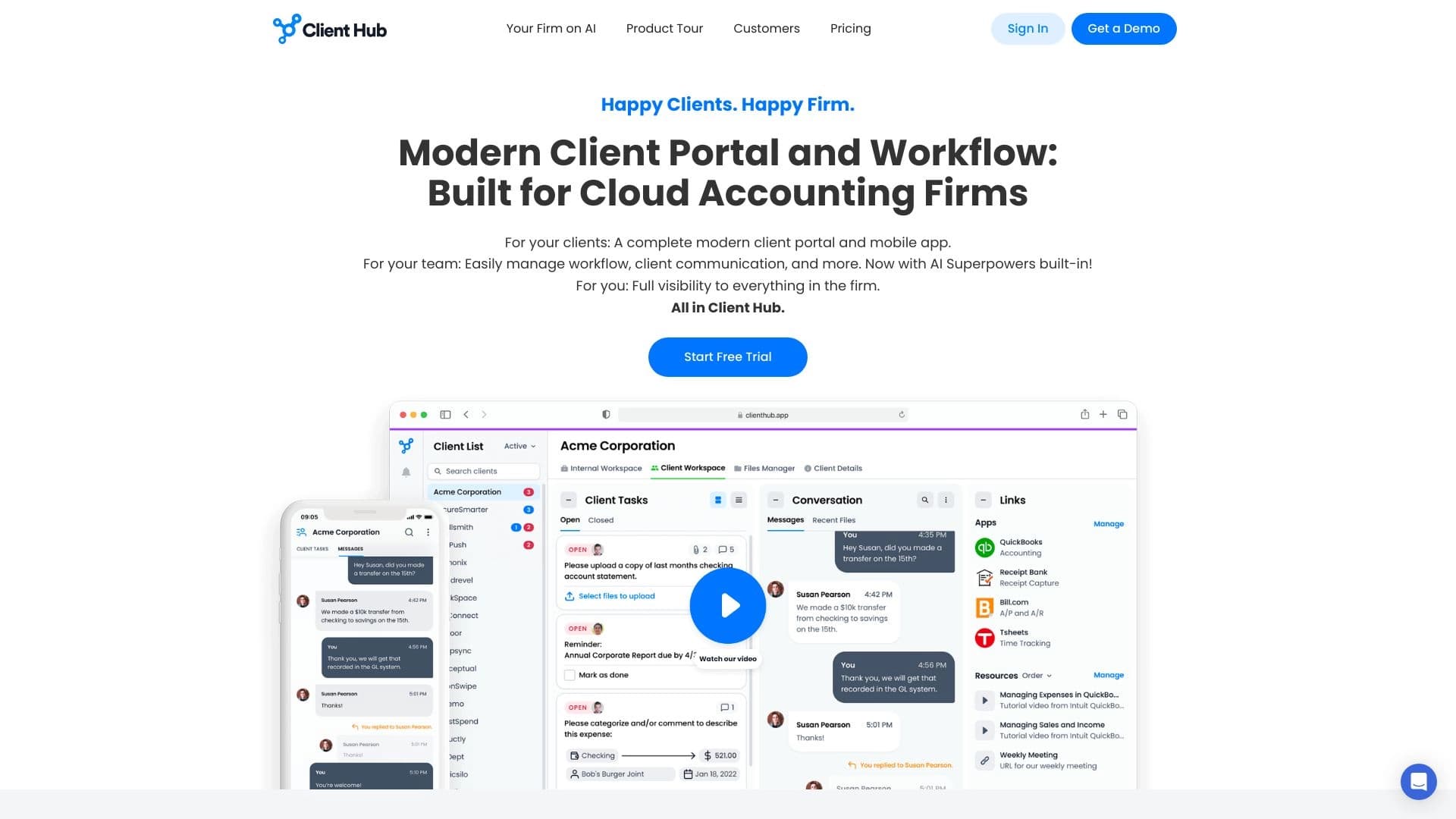
A platform for accountants that combines task management, file sharing, and client communication in a single interface.


An add-in for Microsoft Word that uses neural networks to automate the creation, editing, and analysis of legal contracts.
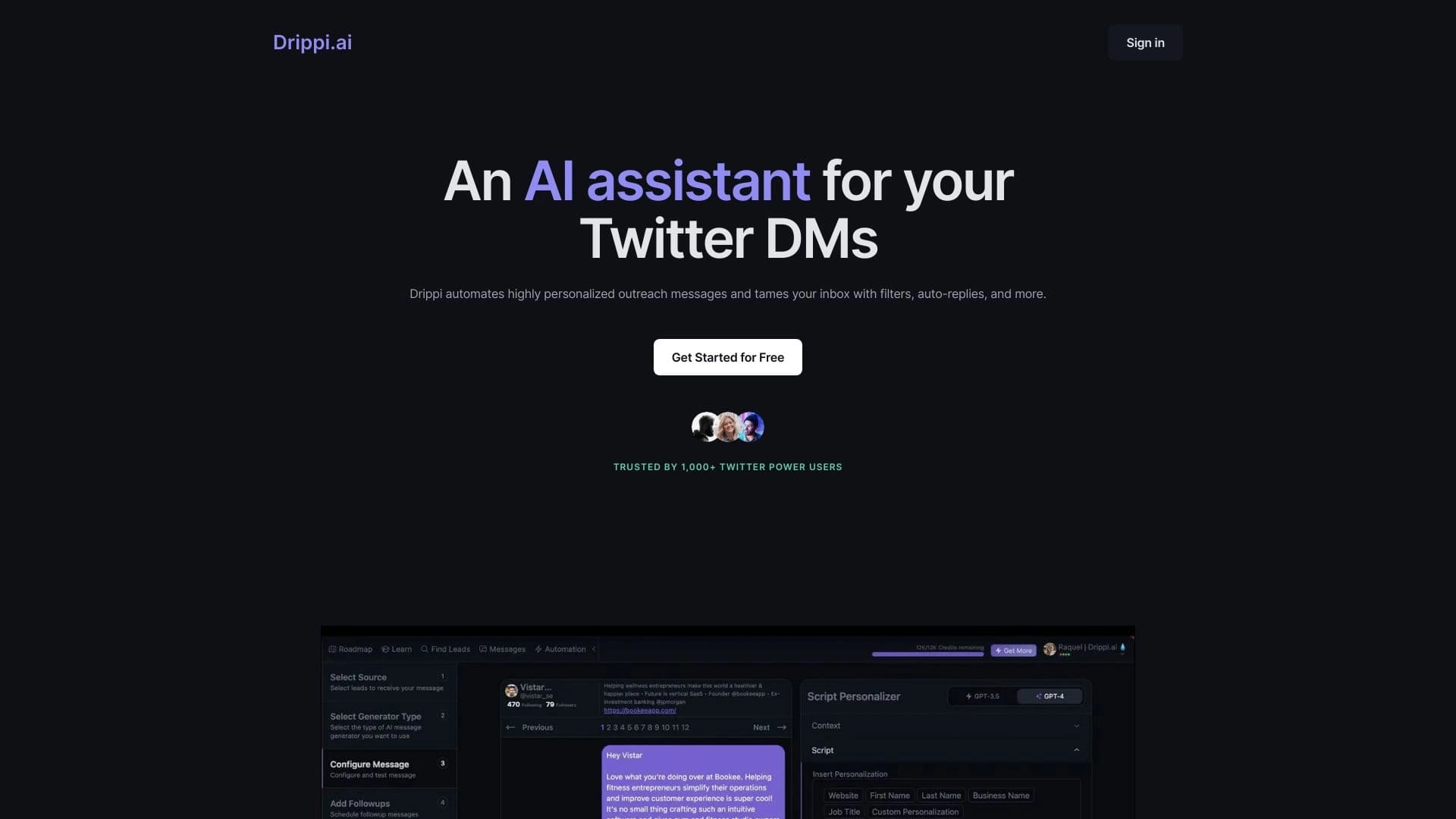

Automates sending personalized direct messages on X (Twitter) for cold outreach.