

College Tools
AI assistant for completing assignments and passing tests, integrating with popular educational platforms.
Overview
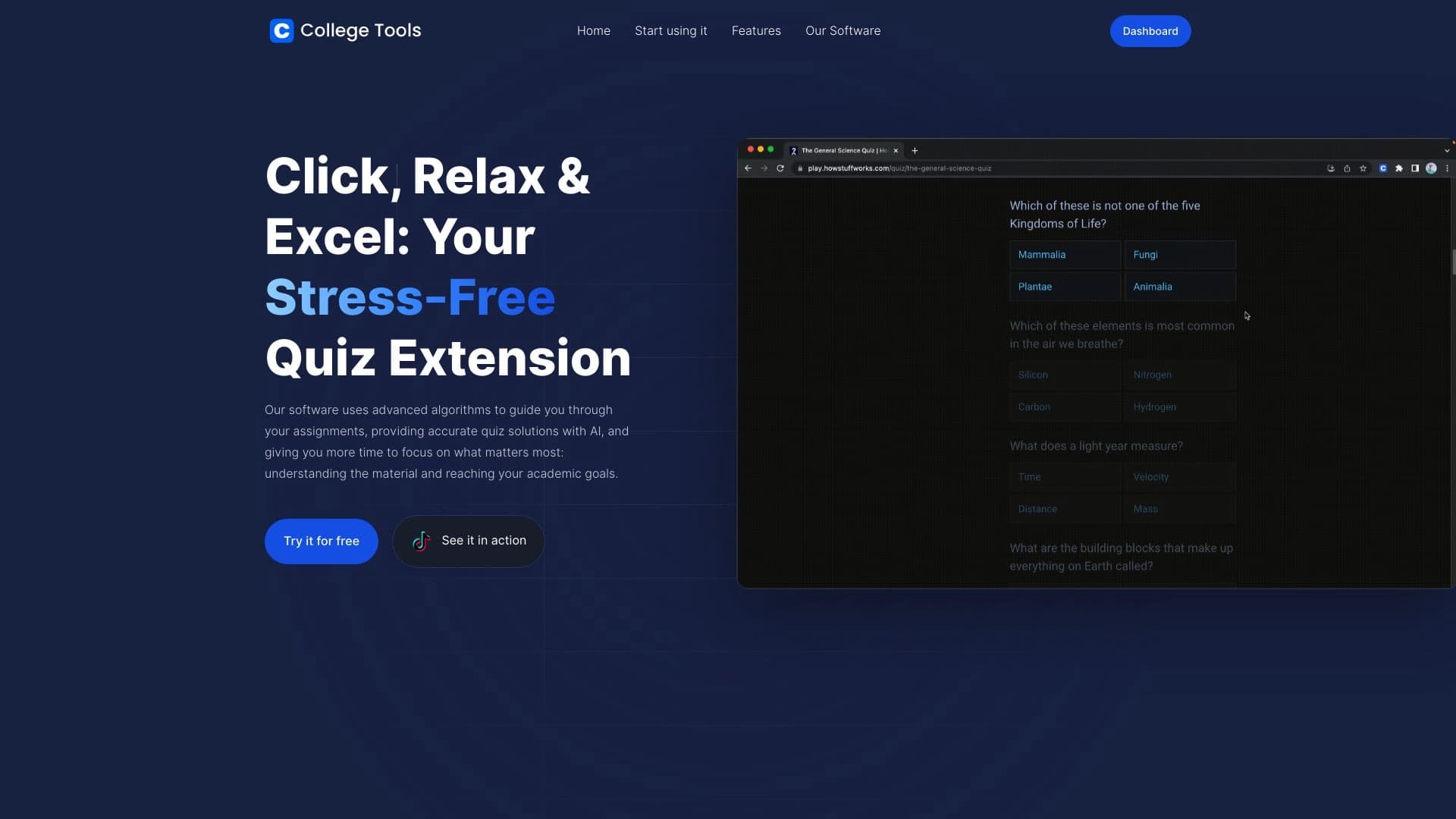
College Tools is an AI assistant for students that works as a browser extension and helps complete assignments and pass tests directly on educational platforms. The tool is designed for integration with popular learning management systems (LMS) such as Blackboard, Canvas, and Moodle. When a student opens a page with a quiz or homework assignment, College Tools analyzes the content and offers answer options in real time.
How It Works
The extension embeds itself into the platform's interface and recognizes questions on the page. Based on content analysis, the neural network selects the most appropriate answers and displays them to the user. This reduces time spent on mechanical task completion and allows students to focus on understanding the material. College Tools does not replace learning but speeds up routine operations related to information retrieval.
College Tools Features
| Feature | Value |
|---|---|
| Tool type | AI assistant for education |
| Delivery format | Browser extension |
| Supported platforms | Blackboard, Canvas, Moodle |
| Primary purpose | Assistance with assignments and tests |
| Distribution model | Freemium (free + paid plans) |
Who Is College Tools Suitable For?
University and College Students
College Tools is aimed at learners who regularly encounter online tests and homework assignments on LMS platforms. The tool is useful for those who want to speed up the process of completing repetitive tasks and get additional verification of their answers.
Distance Learning Students
For those studying remotely and working with large volumes of test materials, the extension helps simplify navigation through assignments. This is especially relevant when preparing for exams, where speed and accuracy matter.
How to Use College Tools
To get started with College Tools, you need to install the extension in your browser and grant it access to educational platforms. After that, the tool automatically activates when you open pages with tests or homework assignments.
Step-by-Step Process
- Install the College Tools extension from the official browser catalog.
- Log in to your account on a supported LMS platform (Blackboard, Canvas, Moodle).
- Open a page with a quiz or assignment — the extension will automatically detect the questions.
- Follow the assistant's prompts and review the suggested solutions.
- Adjust your answers as needed, relying on your own knowledge.
Key Features of College Tools
Automatic Question Analysis
The extension reads the text of questions and answer options, processes them using algorithms, and outputs the probability of the correct option. This works on the fly, without the need to switch to other tabs.
Support for Popular LMS Platforms
The tool is compatible with three major learning management systems — Blackboard, Canvas, and Moodle. This covers most educational institutions that use digital learning environments.
Homework Solution Search
College Tools is not limited to tests — it also helps find answers to homework questions grouped on course pages.
Advantages of College Tools
Time Savings
The tool handles the mechanical part of the work: searching for information, comparing options, and testing hypotheses. Students spend less time on routine tasks and can devote more attention to complex topics.
Ease of Integration
The extension requires no complex setup and works directly in the browser. It automatically connects to supported platforms, making usage intuitive.
Versatility
Support for multiple LMS platforms makes College Tools useful for students who study at different institutions or switch between systems.
Disadvantages of College Tools
The main drawback of College Tools is related to its distribution model limitations. The free version has functional restrictions, and full access to features requires a paid subscription. Additionally, the tool does not work with all educational platforms — only with the three specified LMS systems. Finally, it is important to remember that automatic hints do not replace understanding of the subject, and excessive reliance on the assistant may reduce the quality of learning.
What Problems Does College Tools Solve
Speeding Up Test Completion
The tool's primary task is to reduce the time needed to complete quizzes and assessments. Instead of spending a long time searching for answers in textbooks or online, students receive ready-made solutions within seconds.
Homework Assistance
College Tools analyzes homework questions, suggests options, and checks the logic of answers. This allows students to complete assignments faster while staying within the curriculum.
Improving Learning Efficiency
By removing part of the routine, the tool allows students to focus on studying complex topics and preparing for exams. Students can use the freed-up time for deeper study of the material.
College Tools Pricing
College Tools operates on a freemium model, meaning there is a free tier with basic features and paid versions with expanded capabilities. Detailed information about the number of available requests in the free version, subscription cost, and the composition of paid plans is not disclosed in the source data. It is recommended to check current pricing on the product's official website.
Terms of Use for College Tools
To use College Tools, you need to install the extension in your browser and grant it access to educational platforms. The tool is intended for personal use by students and does not require creating a special account in most cases. However, you should consider your educational institution's rules: some universities may prohibit the use of automated assistants during tests. Responsibility for complying with academic norms lies with the user.
College Tools Availability
College Tools is available as a browser extension, making it convenient for use on computers. Since the tool works with web interfaces, it does not require installing additional software on your device. The availability of the extension in browser stores and regional restrictions are not specified in the source data, but as a rule, such tools are distributed through official extension catalogs.
How College Tools Differs from Alternatives
The main difference of College Tools is its specialized integration with specific LMS platforms: Blackboard, Canvas, and Moodle. While many other AI assistants work with any web pages, College Tools is tailored to educational environments. This allows the tool to more accurately recognize question structures, assignment types, and interact with the platform interface without glitches. Another distinguishing feature is its narrow focus on the learning process, whereas universal neural networks solve a broader range of tasks.
Conclusion
College Tools is a practical extension for students studying on Blackboard, Canvas, or Moodle platforms. The tool automatically analyzes test and homework questions, offering ready-made answers in real time. The main advantages are time savings, ease of use, and seamless integration with popular LMS systems. However, it is important to consider the limitations of the free tier and possible academic requirements of your institution. College Tools is suitable for those who want to speed up routine task completion while maintaining an understanding of the material being studied.
Frequently asked questions
See also
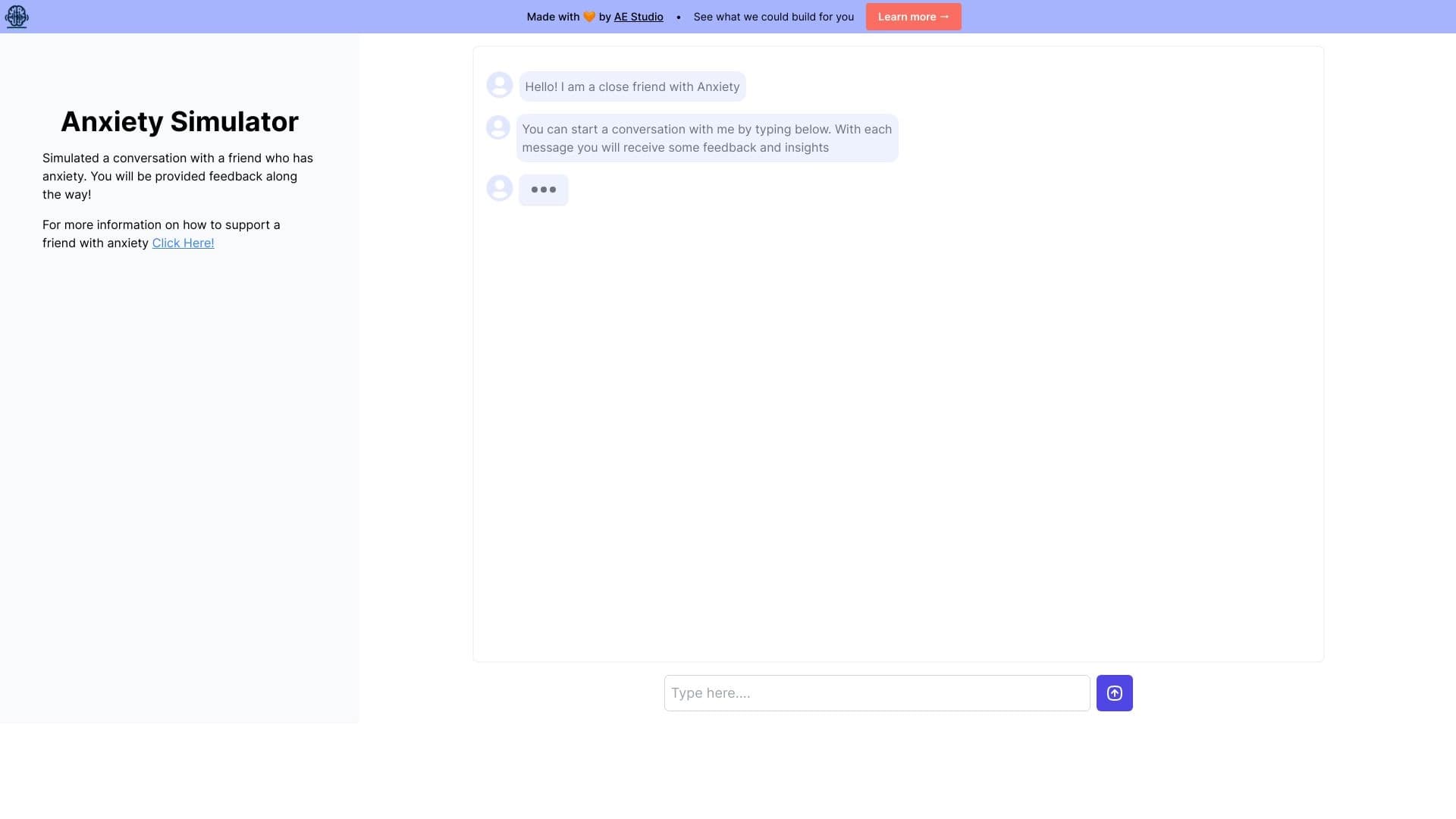
Web simulator for practicing supportive communication with a person experiencing anxiety.


Web service for generating images from text descriptions and communicating with virtual characters.

AI business name generator with domain availability checking.


Russian-language GPT-based AI chatbot for information retrieval and text generation.


AI tool for creating presentations, documents, and web pages from a text description.


AI-powered platform for automatically generating ad banners, texts, and videos optimized for conversion.

AI-powered online photo editor for creating, editing, and enhancing images directly in your browser.


Side AI panel that helps answer questions, work with documents, and generate images.