

Clipwing
Service for automatically cutting long videos into short vertical clips with subtitles.
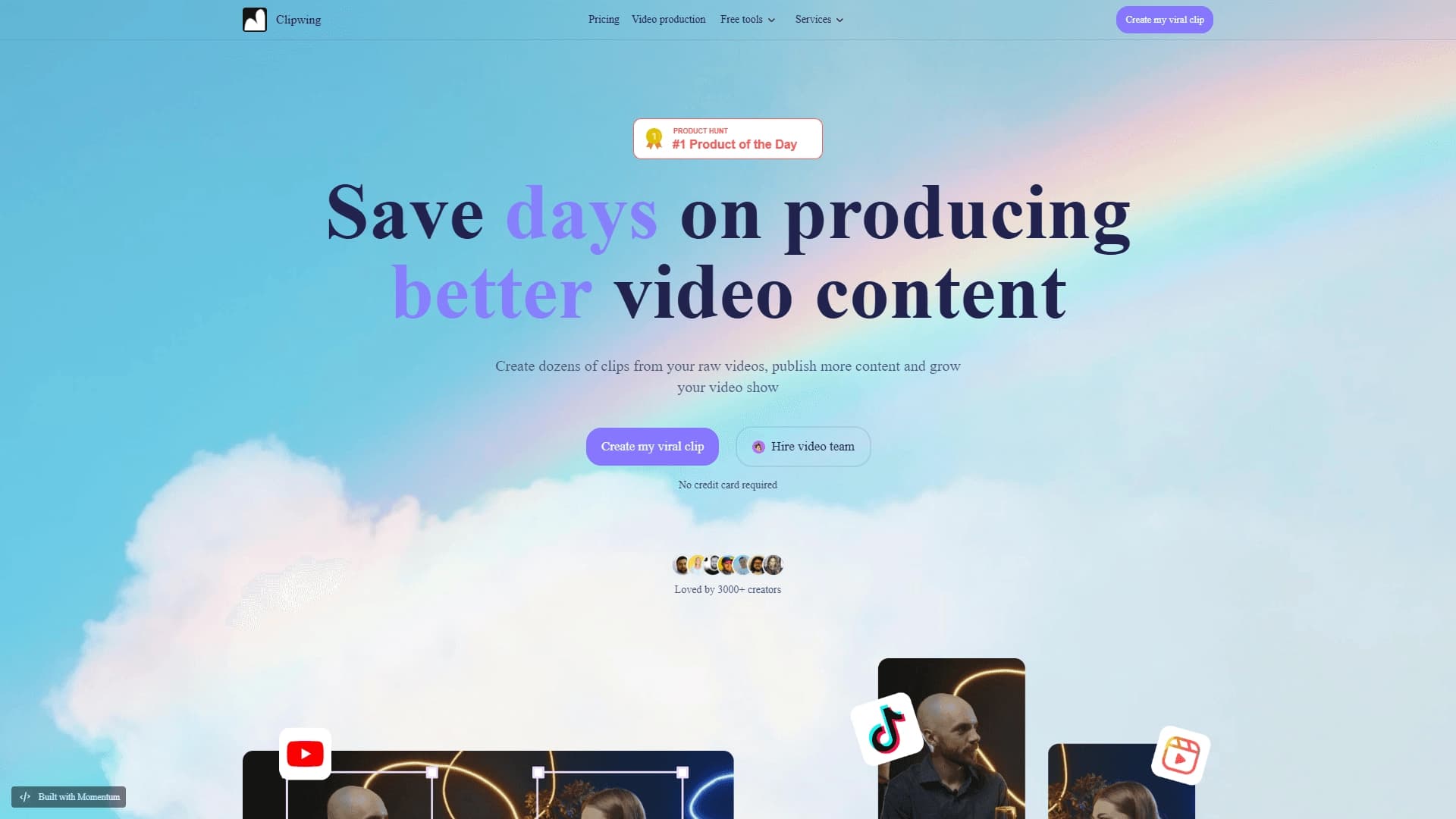
Overview
Clipwing is a web service for automatically creating short vertical videos. The tool solves the main challenge for modern creators: turning long-form content (YouTube videos, podcasts, webinars) into dozens of short clips without manual editing.
The service works with text transcripts of videos. The user uploads a file or link, the system recognizes speech, and then offers the ability to select the desired fragments directly from the text. After confirmation, Clipwing automatically generates a finished vertical clip with subtitles.
The developers paid special attention to subtitle adaptation. The tool knows the safe zones of TikTok, Instagram Reels, and YouTube Shorts — the areas of the screen that are not covered by platform interfaces. Thanks to this, the text always remains readable, even when the viewer likes the video or opens comments.
Clipwing Features
| Feature | Value |
|---|---|
| Type | Service for creating short videos |
| Categories | Short videos and clips, YouTube and blogging |
| Website | clipwing.pro |
| Publication author | Admin |
| Publication date | December 31, 2025 |
| Platforms | Web service |
| Distribution model | Not specified |
| Registration | Not specified, quick start without a credit card |
| Interface languages | Not specified |
| Regions | Not specified |
| VPN | Not mentioned |
Who is Clipwing suitable for?
Content creators and solo creators
The tool is primarily aimed at individual authors who run YouTube channels, podcasts, or blogs. If you already have long videos but don't have time to manually edit vertical videos from them every day, Clipwing can help automate this process. Instead of several hours of manual work, you get finished clips in just a few minutes.
Producers and video teams
The service is also suitable for small studios and teams that produce content on a regular basis. When you need to publish many vertical videos every day, automatic cutting and subtitle placement can significantly speed up the production cycle and free up time for other tasks.
How to use Clipwing?
Uploading and selecting a fragment
Working with Clipwing starts with uploading the source material. You can add a YouTube video via link or upload a raw file directly from your device. After processing, the system will show a text transcript that makes it easy to find the right moment — for example, the most compelling point or an interesting story.
Automatic clip creation
Once a fragment is selected, Clipwing automatically assembles a short vertical clip: it crops the image, adds subtitles, and formats the video for TikTok, Reels, or Shorts. All you have to do is download the finished result and publish it.
Key Clipwing Features
- Automatic cutting of long videos into short clips for Reels, Shorts, and TikTok.
- Subtitles with safe zone awareness — text is not covered by platform interface elements.
- Working with text transcripts — selecting the right moments by text rather than scrubbing the timeline.
- Quick start without a credit card — you can start using the service without signing up for a subscription.
Clipwing Advantages
Time savings on editing
The main advantage of the service is speed. Instead of manually cutting videos, hunting for good moments, and adding subtitles by hand, you delegate this routine to automation. All that's left for the user is to select fragments by text.
Subtitle optimization for platforms
Clipwing takes into account the interface specifics of each platform. Subtitles are placed in the safe zone and are not covered by like buttons, comments, or search bars. This is especially important for platforms with cluttered interfaces.
Trusted by thousands of creators
The service is already used by a large number of content creators, which speaks to its reliability and practical value in real-world workflows.
Clipwing Drawbacks
The provided data does not specify the service's limitations or drawbacks. There is no information about limits on uploaded video duration, the number of free clips, or possible watermarks on the free plan. Requirements for source material quality and speech recognition accuracy for proper subtitle operation are also not described.
What Problems Does Clipwing Solve?
Converting long-form content into short clips
The service is designed to turn podcasts, interviews, webinars, and educational videos into dozens of short vertical videos in minutes. Instead of one half-hour episode, you get a pool of short videos that can be published on a regular basis.
Adapting content to vertical formats
The second key task is reformatting horizontal footage into vertical with subtitles. This is necessary so that the same content can be published across different platforms without creating a separate edit for each one.
Clipwing Pricing
The source data does not include information about the cost of using Clipwing. The distribution model is also not specified. It is only known that the service is available for a quick start without a credit card, but exact pricing, the availability of a free plan, and the cost of paid subscriptions are not disclosed.
Clipwing Terms of Use
No specific restrictions are stated in the provided data. It is noted that registration was not described, and a quick start is possible without entering banking details. There are no documented restrictions on upload volumes, the number of clips created, or project storage periods.
Clipwing Availability
Clipwing operates as a web service, meaning it can be used through a browser on any device. There is no information about supported interface languages, available regions, or the need to use a VPN.
How Clipwing Differs from Alternatives
The key difference between Clipwing and similar services is its focus on text transcripts. Instead of manually searching for good moments on the timeline, you read the text and mark the places you need. This significantly speeds up work for those who know their material well.
The second important difference is the well-thought-out adaptation of subtitles to specific platforms. Not all alternatives account for interface safe zones, which leads to text being covered by platform elements. Clipwing, on the other hand, automatically positions subtitles in areas of the screen where interface buttons won't cover them.
Conclusion
Clipwing is a web service for automatically cutting long videos into short vertical clips for Reels, Shorts, and TikTok. The main value of the tool is time savings: the author uploads the source, selects the desired fragments from the text transcript, and the system itself creates finished videos with subtitles adapted to the safe zones of each platform. The service is suitable for both individual creators and small teams that want to speed up the release of vertical content and increase the number of publications without spending extra time on manual editing.
Frequently asked questions
See also
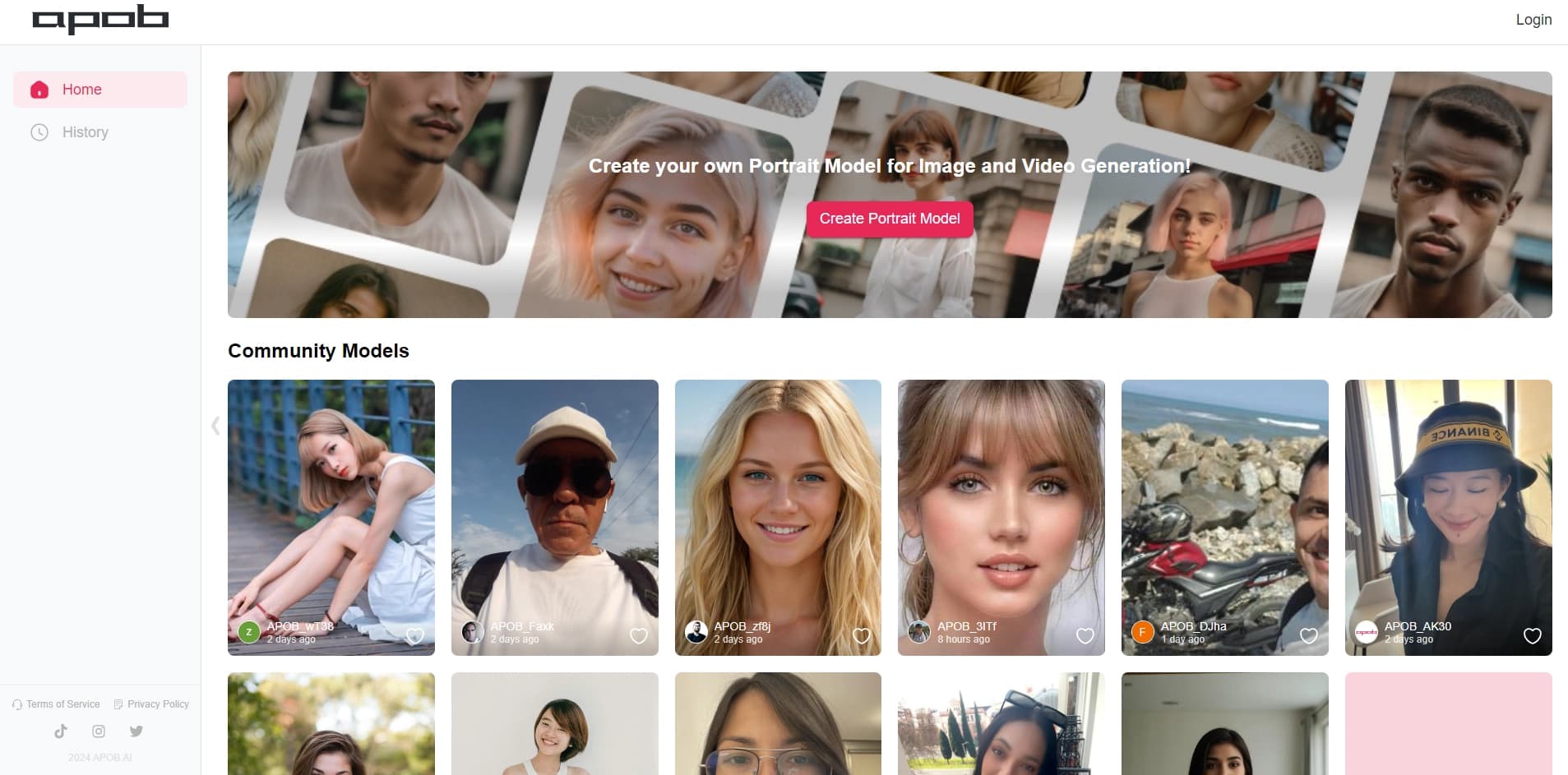

Platform for creating digital avatars and virtual influencers using AI.

Catalog of neural networks and online tools for generating images, animations, and videos.
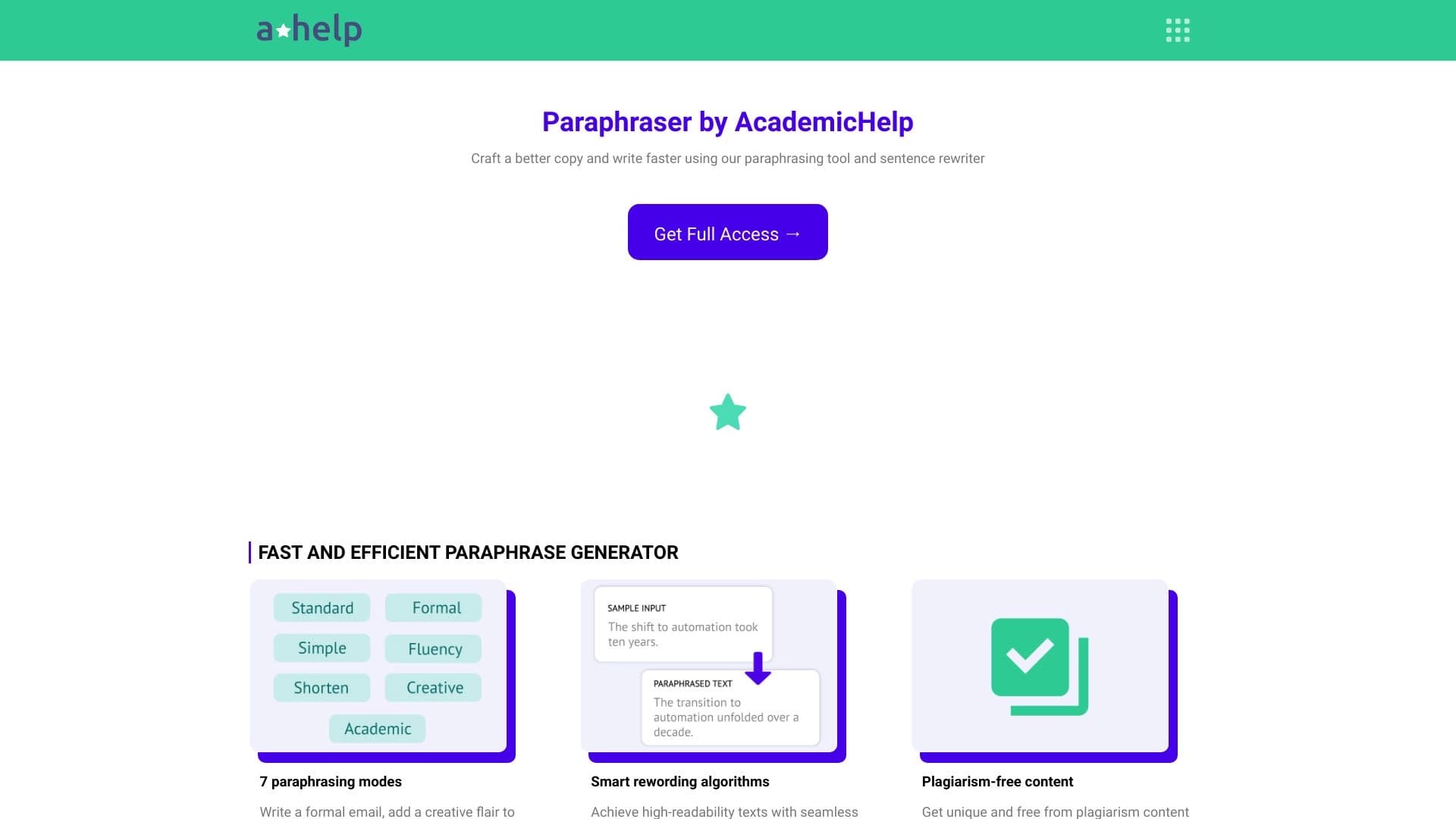

Online service for text paraphrasing with seven modes, helping you create unique content.
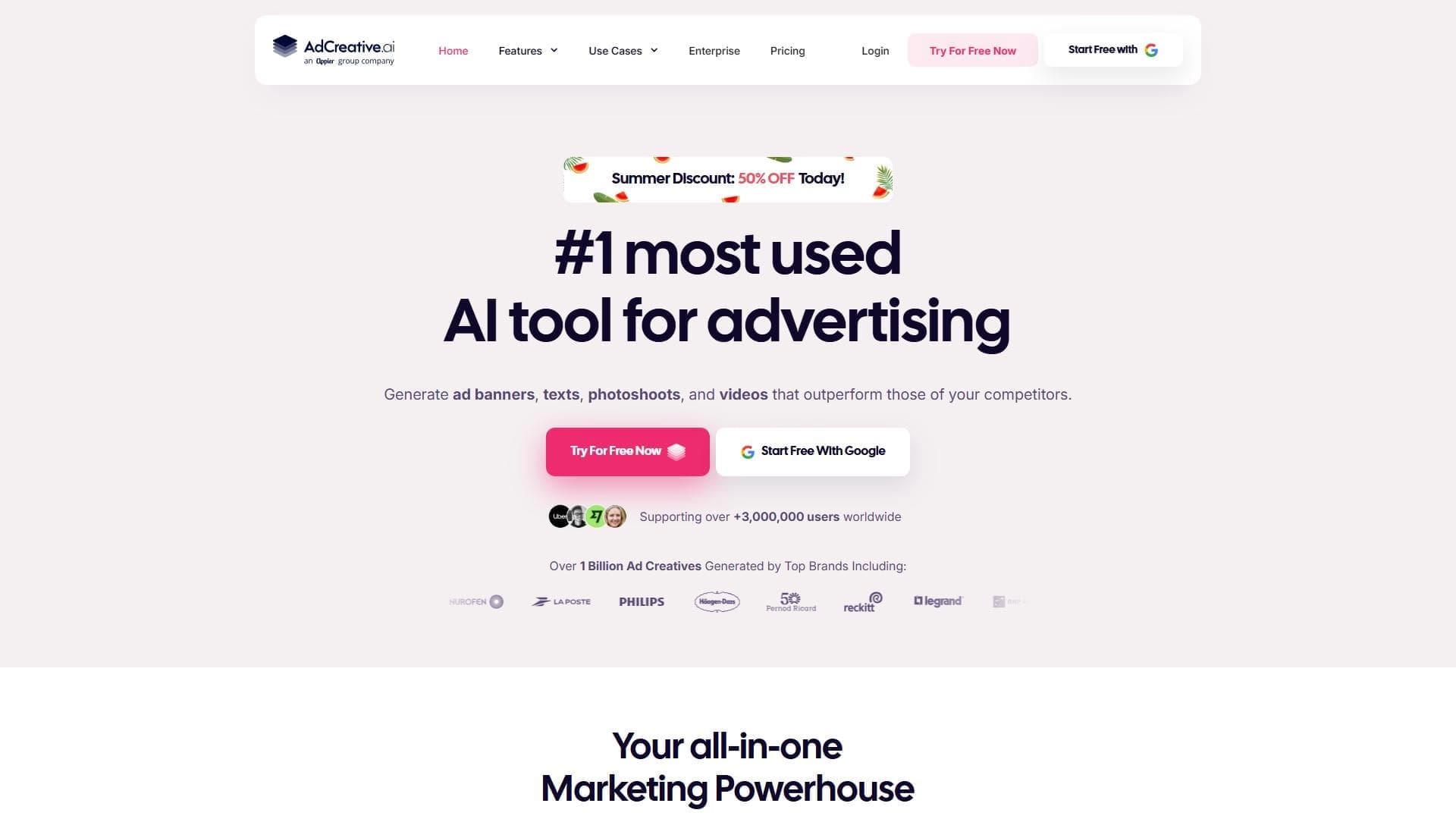

AI-powered platform for automatically generating ad banners, texts, and videos optimized for conversion.


AI tool for creating presentations, documents, and web pages from a text description.


AI tool for automating social media marketing, including content generation, post scheduling, and analytics.


Neural network for generating images and short videos from text descriptions.

AI-powered online ASMR video generator that creates relaxing clips from a text description.