

Clipstudio
Professional digital painting, illustration, comics, and animation app.
Overview
Clip Studio Paint (often simply called Clipstudio) is a professional application created specifically for digital artists. Rather than being a universal text-to-image generator, this tool is a full-fledged drawing environment that helps create illustrations, comics, and animation from scratch.
The program is positioned as a powerful "digital easel" that combines a vast library of tools with modern technology. Here, artists can work on everything from simple sketches to complex multi-layered projects, using over 120,000 customizable brushes and patterns. With 3D model support, users can use virtual figures as references, significantly simplifying the process of drawing complex poses and angles.
What makes Clipstudio unique?
Unlike many other programs, Clipstudio focuses not on automatic generation but on manual control. It's the choice for those who want full control over every pen stroke while still having access to advanced digital technology to speed up routine processes.
Ecosystem and community
The app doesn't exist in a vacuum: it has a built-in community. Artists can share their work, exchange experience, download materials, and learn right inside the application, creating a closed ecosystem for professional growth.
Clipstudio Features
Below are the main technical and user-facing characteristics of the tool, based on catalog data.
| Characteristic | Value |
|---|---|
| Rating | 4.4 ★★★★★ |
| Editorial score | 8.8 out of 10 |
| Type | Application for artists |
| Platforms | Web |
| Categories | Art, Design, Universal |
| Who it's for | Artists, animators |
| Regional availability | May be subject to regional restrictions |
Who is Clipstudio for?
The tool is aimed at users whose work is related to visual creativity. It covers the needs of both beginners taking their first steps and professionals working on commercial projects.
Artists and illustrators
This is the core audience. Artists get a complete set of tools for creating digital artwork of any complexity level: from sketches to detailed pieces with multiple layers and effects.
Animators
The program provides specialized features for frame-by-frame animation. Animators don't need to switch between different programs: they can create storyboards, animate characters, and edit timings in a single window.
Designers
Although it's not a classic graphic editor, designers often use Clipstudio to create concept art, textures, and refine visual details that require a "hands-on" approach.
How to use Clipstudio?
Getting started with the tool is fairly simple, especially since it's a web application that doesn't require powerful local hardware.
Step 1: Accessing the platform
Since Clipstudio is available on the Web platform, you need to visit the service's official website to get started. Note that users in some regions may need to use a VPN service to bypass regional restrictions.
Step 2: Choosing tools
Once you're in the interface, a canvas and tool palette open up. The main workflow revolves around selecting brushes from the extensive library (over 120,000 options) and adjusting their parameters for the specific task.
Step 3: Working with 3D and the community
To speed up your workflow, you can import 3D models to use as a base for your drawing. It's also worth exploring the community tab, where you can find tutorials or download additional materials created by other artists.
Key features of Clipstudio
The app's functionality can be divided into several key blocks, each solving specific tasks for artists.
Extensive brush library
Having over 120,000 brushes and patterns isn't just a marketing gimmick. It's the ability to imitate watercolor, oil, markers, or create unique textures. Each brush can be customized by changing its shape, pressure, and density.
3D graphics tools
Clipstudio has built-in support for customizable 3D models. An artist can load a ready-made model of a person or object, adjust its pose and angle, and then use the resulting image as an underlay for drawing. This is critical for maintaining proper anatomy and perspective.
Built-in community
The app features a community where users share their work and materials. It's not just a gallery but a learning platform: you can see how others achieve certain effects and download their brush settings for your own use.
Advantages of Clipstudio
Based on the description and characteristics, several strong points of this application stand out.
Scale of tools
The huge variety of brushes and materials virtually removes limitations on drawing style. Users don't need to look for third-party plugins — most of the necessary tools are already built into the base version.
Deep customization
The program allows you to customize not only brushes but also 3D models, giving artists freedom of action. This encourages experimentation and helps develop an individual style.
Corporate capabilities
Corporate licensing options are available for studios and teams. This makes Clipstudio a legally attractive choice for animation studios and design agencies that need tools for collaborative work.
Disadvantages of Clipstudio
Despite its powerful functionality, the tool has limitations worth considering when making a choice.
Connection requirements
Since it's a web platform, work requires a stable internet connection. Although the functionality is extensive, full offline autonomy isn't available, which can be critical when working on the go.
Regional availability
One significant drawback for users in certain regions is the lack of direct access. The need to use a VPN creates additional difficulties with connection speed and requires knowledge of ways to bypass restrictions.
What tasks does Clipstudio solve?
Clipstudio is used for two main types of tasks: creating art and creating design.
Creating digital art
This is the key task. Artists use the program to paint pictures from scratch, develop characters, and create complex illustrations with deep detail.
Design and visualization
The application is used for design tasks that require "hands-on" refinement. This can include creating environment concepts, character design for games, or working out interface elements where a sketch-based approach is needed.
Clipstudio Pricing
Clipstudio is distributed on a freemium model. This means there's a free version with limited functionality that lets you get familiar with the interface and basic capabilities of the tool.
However, access to all features, including the full brush set, 3D functionality, and advanced animation capabilities, requires a paid subscription or license purchase. Exact price figures aren't specified in public data, so they need to be checked on the service's official website before payment.
Terms of use for Clipstudio
The terms of use stem from the freemium distribution model. The developers provide the option to use a free tier, but for commercial use or access to the full range of professional tools, purchasing a license is recommended.
Corporate licensing is also an important aspect. For organizations using the tool in team workflows, special terms and options for officially purchasing multiple licenses are available. This ensures legal safety when using the software in studios. The free version is most often suitable for introductory and educational purposes.
Availability of Clipstudio
Availability data is critical for potential users in certain regions.
Platform
The product is available only as a web platform. This ensures cross-platform compatibility (works from any device with a browser) but limits offline work capabilities.
Geographic restrictions
According to catalog data, Clipstudio may be subject to regional restrictions in some countries, and access may require a VPN connection. Without tools to bypass restrictions, the service may be unavailable or its operation may be unstable. Using a VPN may also cause slowdowns in speed and loading of material libraries.
How Clipstudio differs from alternatives
The main difference between Clipstudio and most so-called AI generators (such as AI Hentai Generator, Fusion Brain, and ArtGeneration.me) lies in the approach to creativity. Competitors typically create images automatically from a text description (prompt).
While the mentioned alternatives focus on automatic image generation on demand, Clipstudio offers users tools for drawing themselves. It's not an idea generator "out of thin air" but a professional environment for realizing the artist's own ideas. If alternatives are good for quickly getting a visualization from text, Clipstudio is for deep, hands-on refinement of details where control over every stroke matters.
Conclusion
Clipstudio is a professional tool for those who work professionally in drawing, comics, or animation. It stands out in the market thanks to its massive brush library (over 120,000), built-in 3D model support, and a thriving community. This application suits artists and animators who aren't looking for easy paths of automatic generation but want a powerful tool for full control over the creative process. Despite potential regional access restrictions, its functional capabilities and corporate licensing make it one of the leading contenders for the title of a digital artist's primary work tool.
Frequently asked questions
See also
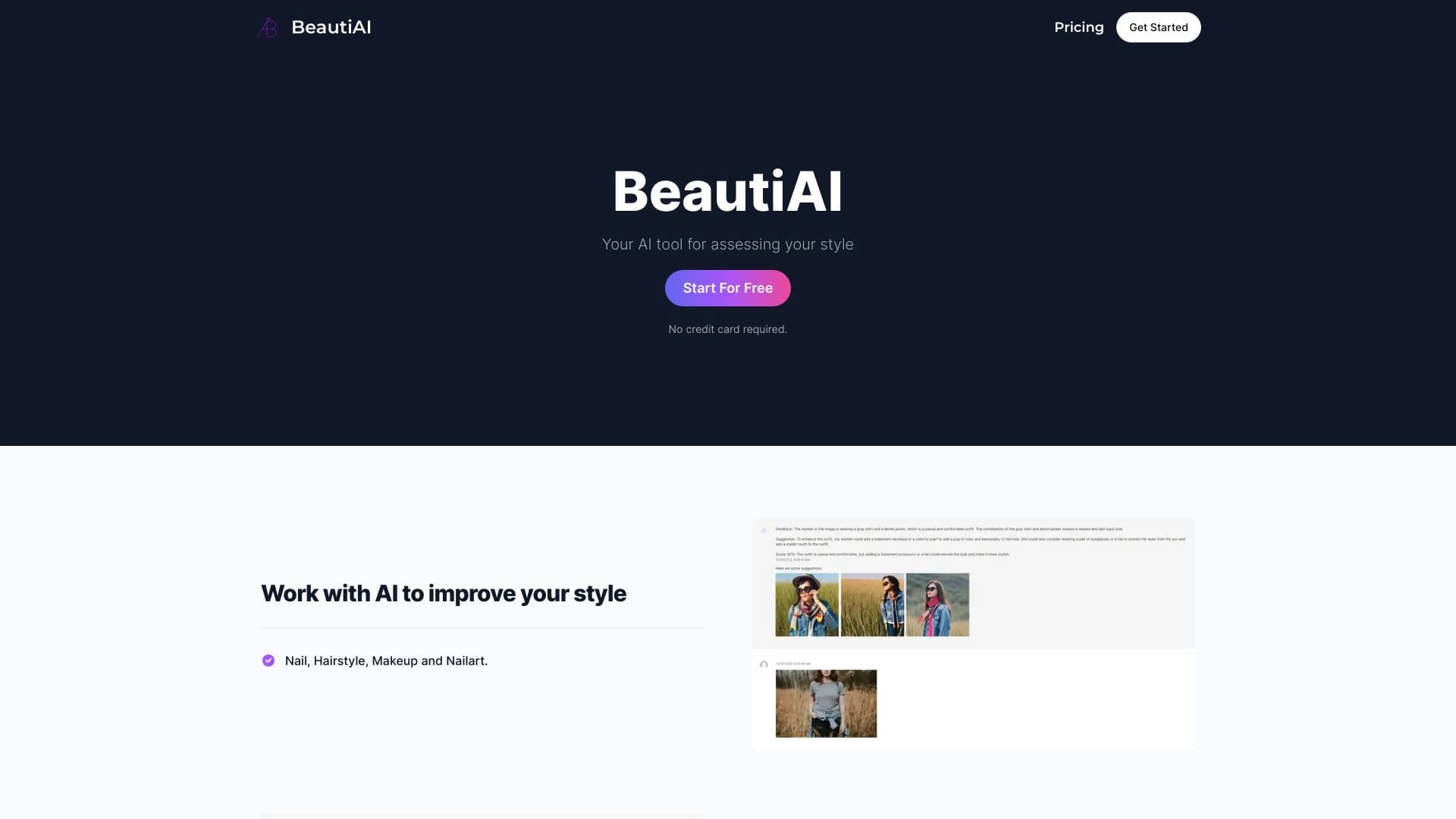
Service analyzes photos of your appearance and clothing, providing personalized style advice.
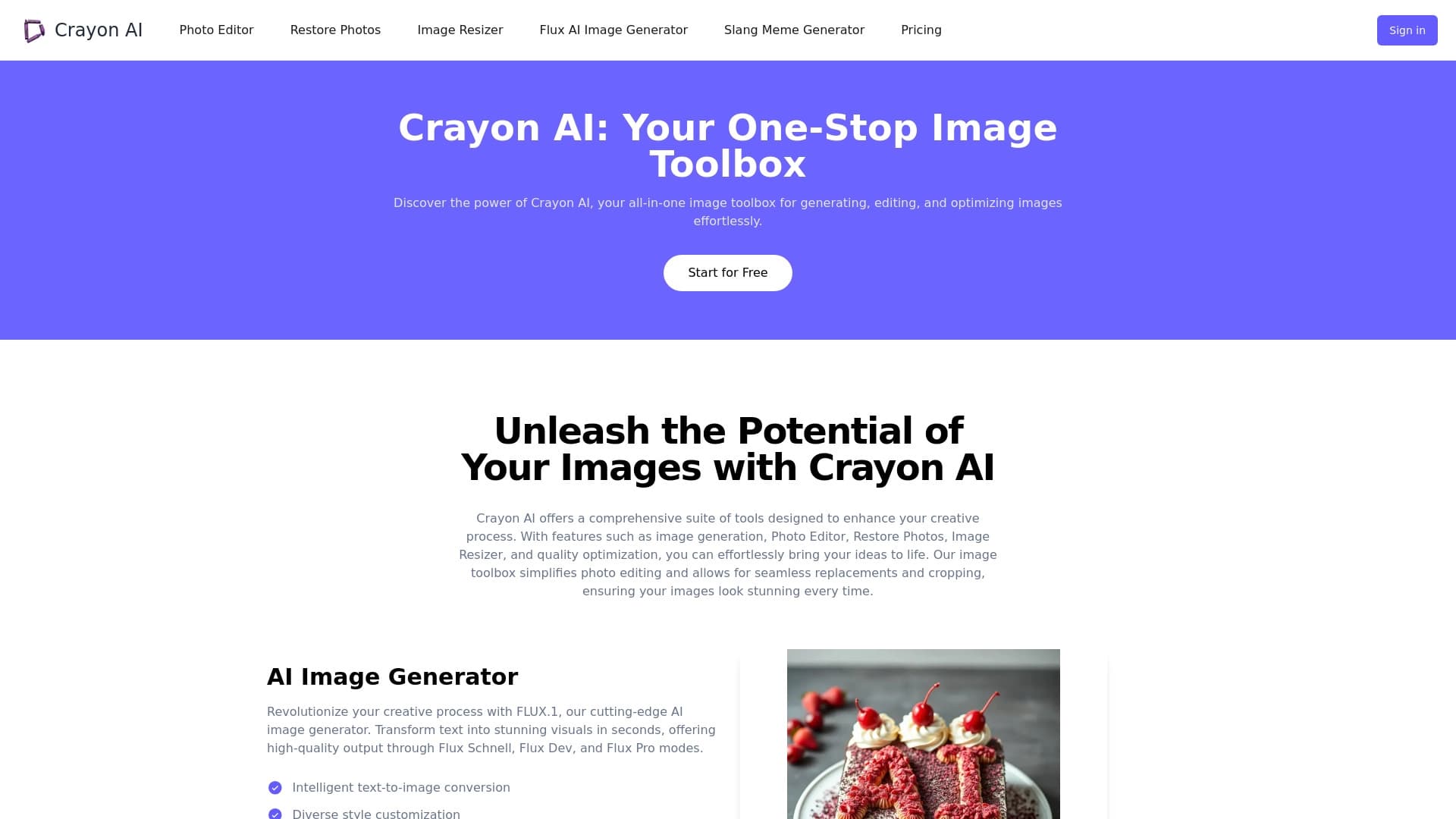
AI-powered online photo editor for creating, editing, and enhancing images directly in your browser.


Web service for generating anime images from text prompts using AI.


Neural network that generates images and illustrations based on a text description.


Neural network for generating images and short videos from text descriptions.

Cabina AI is a unified platform for working with various generative neural networks, enabling you to create texts, images, and videos.


Online image editor with AI-powered features for photo processing, design, and content generation.


A platform for chatting with virtual AI characters with image generation during the conversation.