
ClipDrop
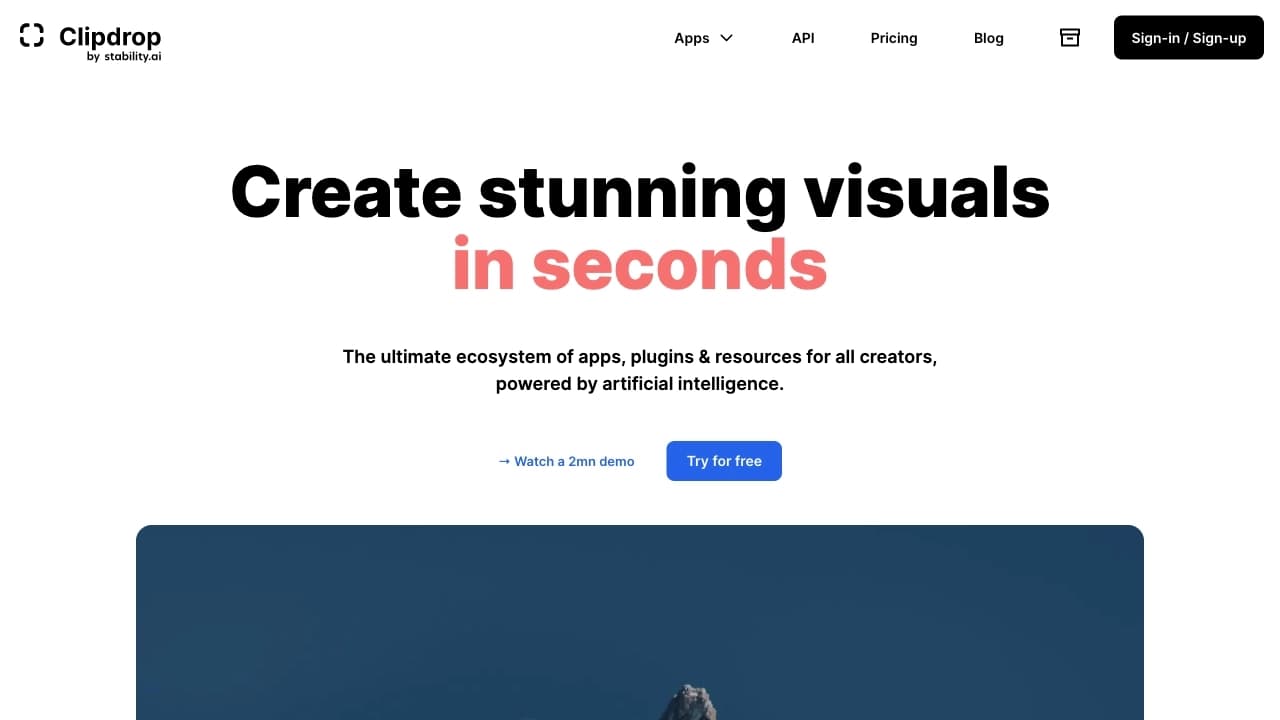
A set of AI tools for image editing: background removal, object removal, quality enhancement, and variation generation.
Ranked in
Overview
ClipDrop
Description of the ClipDrop Neural Network
ClipDrop is a set of AI-based tools that combines several image processing functions in one place. The service lets you remove and replace backgrounds, erase unwanted objects, upscale photo resolution, extend missing parts of the frame, and automatically adjust lighting.
The platform can also create multiple variations from a single image, turn a text description into a picture, and transform sketches into full-fledged images. One version of the service (Reimagine) is based on the Stability Stable unCLIP model, available on GitHub. ClipDrop is accessible through a web interface, mobile apps, and an API, making it suitable for both beginners and professionals in image processing.
The core idea of the service is to spare users the complex masks, layers, and manual manipulations required in classic editors and replace them with simple automated actions.
ClipDrop Features
| Characteristic | Value |
|---|---|
| Type | Neural network for image processing / image generator |
| Categories | Image editing, background removal, image generation, photo enhancement, object removal |
| Business model | Freemium |
| Free plan available | Yes (basic functionality) |
| Paid subscription | Yes |
| Platforms | Web, mobile app, API |
| Editorial rating | 8.5 out of 10 and 8.4 out of 10 (in different sources) |
| User rating | 4.8 out of 5 |
| Base model | Stability Stable unCLIP (open source on GitHub) |
| First published | 20-05-2024 |
| Regional availability | May be subject to restrictions |
Who Is ClipDrop For?
Creative professionals and designers
ClipDrop is designed for designers and creative professionals who regularly process images and want to create professional visuals without a studio. Its wide range of functions makes the service useful for everyday work with graphics and visual content.
Marketers
The service suits marketers who want to improve their visual content — quickly preparing images for posts, ads, and social media without deep graphic editor skills.
Photo editing enthusiasts
The platform is also aimed at regular users who want to quickly remove a background, erase an unwanted object, or enhance a photo without learning complex tools. The simple process of “upload — click — get the result” makes the service accessible to beginners.
How to Use ClipDrop?
Step-by-step process
To get started, you need to create a free account on the clipdrop.co platform. After registering, you upload an image, choose the function you need, adjust the settings if necessary, and click the processing button. On average, editing takes one to two minutes.
Working with variations
To create variations, you upload an image to the platform; the AI then encodes the source file, adds noise, and generates new versions while preserving the overall look of the original but changing details and composition.
Using Uncrop
The separate Uncrop function works differently: you set the desired frame, and the neural network draws several image variants beyond the original canvas.
Key Features of ClipDrop
Image editing
The service includes generative fill, which lets you replace, remove, and fix image elements, as well as swap — a function for replacing people in photos. With object manipulation, you can cut elements out of a scene and add new ones. Color changes are also available.
Background work
ClipDrop supports background replacement and removal with high-precision object recognition, including complex cases such as furry animals and hair. Automatic lighting adjustment (Relight) and photo retouching are also possible.
Enhancement and scaling
The platform can upscale images by 2x or 4x without quality loss, removing noise and restoring details. The Cleanup function automatically removes unwanted objects, people, text, and defects while filling in the background, while Uncrop extends the image beyond the original frame.
Image generation
The service supports instant text-to-image conversion, turning sketches into realistic pictures, as well as generating textures, objects, and filling in missing details.
Advantages of ClipDrop
Ease of use
The main advantage is convenience: you simply upload an image, press a button, and get the result. Processing takes one to two minutes and requires no experience with complex editors.
High background accuracy
Background removal is highly accurate even on complex subjects such as animals and hair. The technology is based on the Stability Stable unCLIP model, which is open source on GitHub.
High-quality results
Upscaling fills in missing details during enlargement, while Cleanup removes objects so naturally that traces of their presence are almost invisible. When creating variations, the service generates unique versions rather than simple copies of the original.
Wide range of functions and accessibility
The service combines a broad set of tools for editing and creating images, and the basic functionality is free. Users rate the platform highly (4.8 out of 5), and the service supports common popular file formats and is available through a mobile app and API.
Disadvantages of ClipDrop
Free version limitations
The free version has a daily operation limit of roughly 20–50 per day, which may not be enough for intensive work.
Paid subscription
Serious work and expanded capabilities require the paid Pro plan. Advanced features are available only by subscription, and the exact terms depend on the chosen plan.
Availability restrictions
The service may be subject to regional restrictions. Also, different sources note discrepancies in the listed platforms: some mention only the web version, while others also mention a mobile app and API.
What Problems Does ClipDrop Solve?
Editing and enhancing photos
The service helps remove backgrounds from photos, replace them, erase unwanted objects (wires, passersby, text), cut objects out of a scene, and change colors. Automatic cleanup of defects and unwanted elements is also available.
Improving image quality
The platform lets you upscale small images by 2x or 4x without quality loss, adjust lighting in photos, and extend the image beyond the frame (expanding the canvas).
Creating visual content
ClipDrop handles tasks such as generating images from text descriptions, turning sketches into realistic pictures, creating multiple variations from a single image, and generating textures and objects for design projects.
ClipDrop Pricing
ClipDrop operates on a Freemium model: the basic functionality is free but limited. The free version has a limit of roughly 20–50 operations per day.
The paid Pro plan expands the service’s capabilities. According to one source, the Pro subscription costs about $9 per month and provides 1,000 operations every 24 hours, as well as high-resolution processing. Other sources do not disclose specific subscription prices, which likely depend on the set of features and services.
Terms of Use for ClipDrop
To use the service, you need to register and create a free account on the platform. After that, you upload an image and choose the function you want to apply. The free version has daily operation limits, while expanded functionality requires a paid subscription. The service is available through a web interface and, according to some sources, through a mobile app and API. Specific language and regional restrictions are not specified in the source data.
ClipDrop Availability
The ClipDrop platform is available through a web browser at clipdrop.co. Some sources also confirm availability through a mobile app and API. The service may be subject to regional restrictions. Information about supported languages and regions is not available in the source data.
How ClipDrop Differs from Alternatives
The main difference of ClipDrop is its radically simplified approach to image processing: no masks, layers, or complex manipulations. You simply upload an image, choose a function, and get the result. This workflow is designed for quickly solving tasks even without graphic editor skills.
The Uncrop function, which extends the image beyond the original frame, works similarly to Adobe Photoshop’s generative fill but in a simpler and more accessible form. Other alternatives mentioned in various sources include Lumi, 3DAiLY, Namelix, Pixlio AI, AI Image Combiner, Magic Eraser, Everypixel, Colorize, and other tools.
Conclusion
ClipDrop is a versatile set of AI tools for working with images, combining background removal and replacement, unwanted object removal, resolution upscaling, extending missing parts, and image generation. Thanks to its simple interface and Freemium model, the service suits both beginners and professional designers and marketers. The platform’s main advantage is the ability to quickly handle a wide range of image processing tasks without complex manual operations; however, intensive work requires a paid subscription, and the service may be subject to regional restrictions.
Pricing
Frequently asked questions


See also


AI platform for creating text and visual content, oriented toward marketing tasks.

AI tool for product image processing and generating professional photos with virtual models.


Averi is a marketing platform that brings campaign planning, content creation, and analytics together in a single interface.
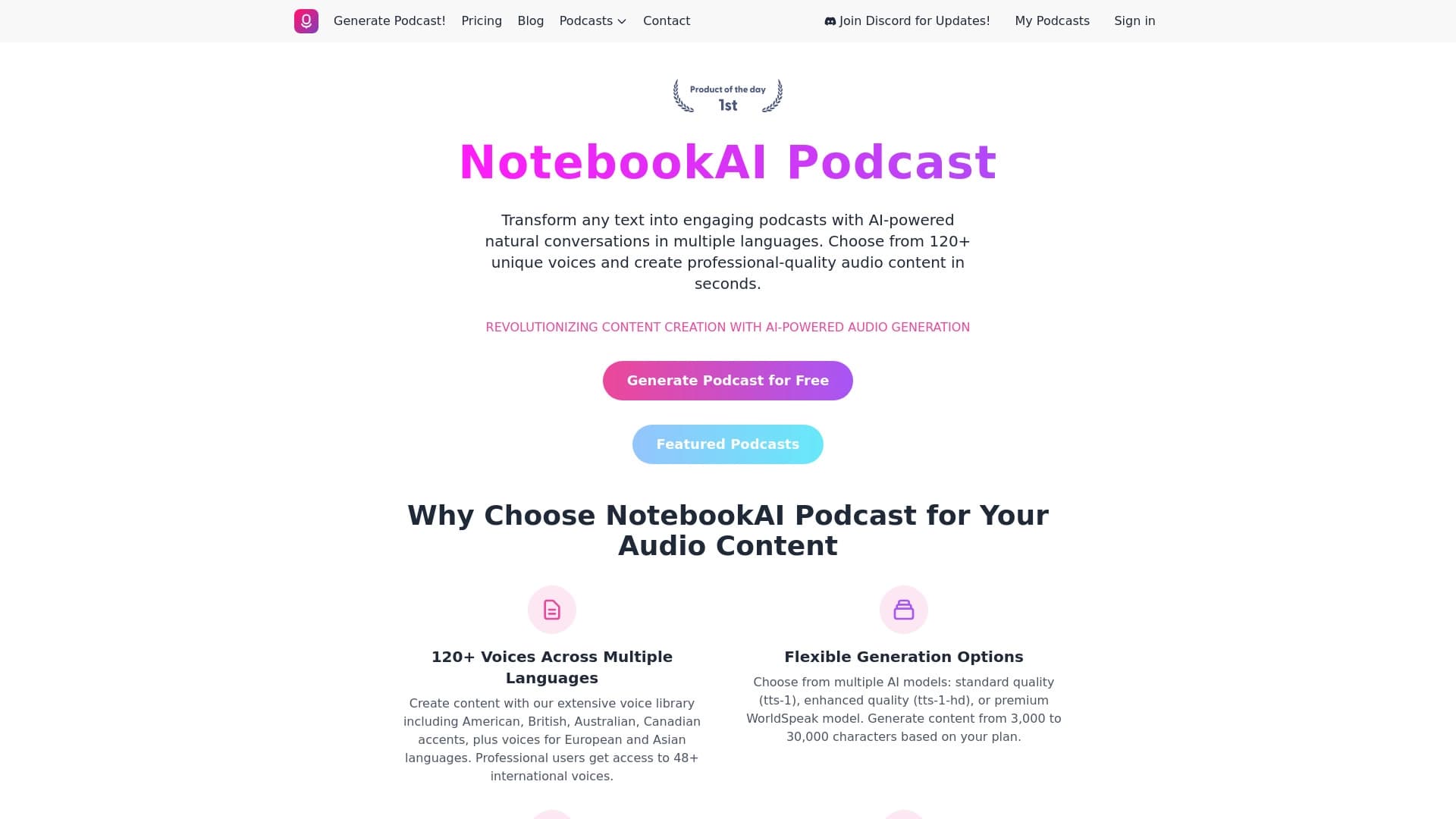

A service for turning text into podcasts with naturally sounding voices in different languages.
A catalog that organizes AI tools and services by category for quick search.

A platform for conversations with AI characters, including pre-made and user-created ones.


AI-powered online service for automatically creating presentations from text, PDF, audio, video, or URL links.

AI platform for voice synthesis and cloning that converts text into realistic speech.