

Chatty Butler
Набор специализированных AI-ассистентов для устройств Apple, каждый из которых настроен на решение конкретных задач.
Обзор
Описание нейросети Chatty Butler
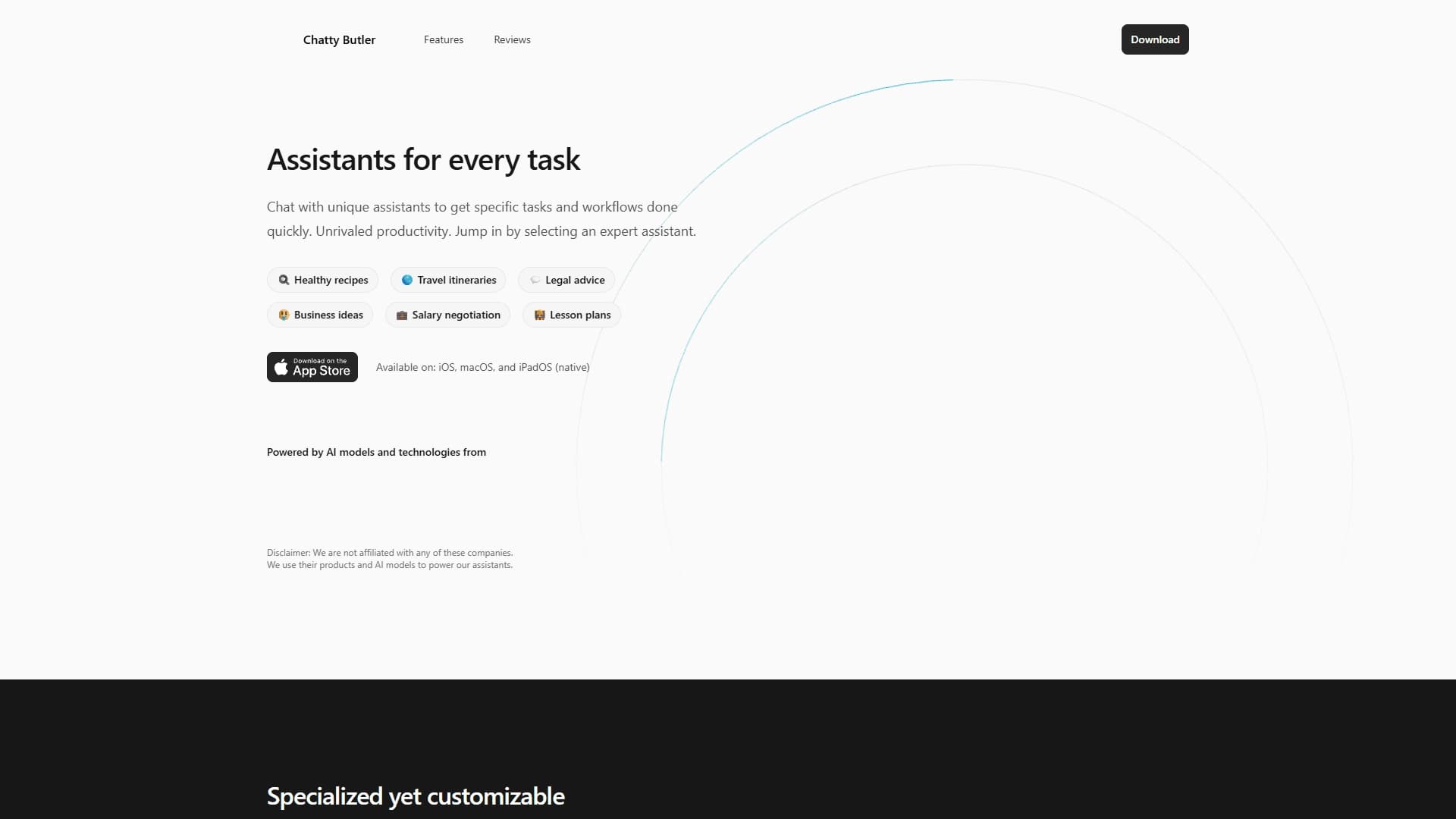
Chatty Butler — это коллекция специализированных AI-ассистентов, созданных для экосистемы Apple. Вместо того чтобы предлагать одного универсального бота, сервис предоставляет набор заранее настроенных «экспертов», каждый из которых заточен под решение конкретного класса задач. Пользователь получает доступ к целому арсеналу помощников, охватывающих бытовые, профессиональные и образовательные сценарии.
Такой подход позволяет отказаться от длительных диалогов с нейросетью для уточнения контекста: нужный специалист уже знает, как решать вашу задачу, и сразу приступает к работе. При этом все ассистенты доступны в едином интерфейсе нативных приложений для iPhone, iPad и Mac, что обеспечивает привычный пользовательский опыт Apple и высокую производительность.
Характеристики Chatty Butler
| Характеристика | Значение |
|---|---|
| Тип | Набор специализированных AI-ассистентов |
| Платформы | iOS, iPadOS, macOS (нативные приложения) |
| Категории | Продуктовые ассистенты, AI-браузеры |
| Модель распространения | Не указана |
| Базовая технология | Современные AI-модели сторонних компаний |
| Интерфейс | Единый интерфейс нативных приложений Apple |
| Официальный сайт | www.chattybutler.ai |
Для кого подходит нейросеть Chatty Butler?
Сервис ориентирован на владельцев устройств Apple, которые предпочитают работать с технологиями в привычной среде iOS, iPadOS или macOS. Отсутствие необходимости в сложной настройке делает его привлекательным для широкой аудитории — от студентов до профессионалов.
Пользователи, ценящие скорость
Поскольку ассистенты предварительно настроены на конкретные сценарии, не нужно тратить время на написание подробных промптов каждый раз. Это подходит тем, кто хочет получить результат быстро, без лишних телодвижений.
Владельцы нескольких устройств Apple
Благодаря нативной реализации и единому интерфейсу, пользователи iPhone, iPad и Mac могут рассчитывать на одинаковый уровень качества и синхронизацию рабочих процессов между устройствами.
Как использовать нейросеть Chatty Butler?
Принцип работы сервиса максимально прост и не требует специальных навыков.
Выбор готового ассистента
Из коллекции нужно выбрать подходящего помощника, который соответствует вашей текущей задаче — будь то приготовление ужина, планирование отпуска или подготовка к собеседованию.
Мгновенный старт без настройки
Не нужно создавать сложные цепочки команд или настраивать параметры модели. Ассистент уже готов к работе и начнёт выполнять функцию сразу после выбора.
Адаптация под свои запросы
При необходимости ответы можно уточнять, добавляя контекст или задавая желаемый формат. Это позволяет гибко настраивать поведение ассистента без глубоких технических знаний.
Основные функции Chatty Butler
Каждый предустановленный ассистент оптимизирован под конкретный рабочий процесс. Вместо одного «универсала» пользователь получает несколько узкоспециализированных инструментов.
Коллекция готовых специалистов
Сервис включает помощников, охватывающих разные сферы: от генерации здоровых рецептов до юридических консультаций, планирования путешествий, подготовки к переговорам о зарплате, генерации бизнес-идей и создания учебных планов. Каждый такой ассистент создан для решения одной конкретной категории задач.
Скорость и точность за счёт специализации
Благодаря тому, что ассистент заранее «знает» свою область, он выдаёт ответы быстрее и точнее, чем универсальная модель, которой каждый раз приходится объяснять контекст с нуля.
Гибкость в рамках своей специализации
Пользователь может влиять на результат, уточняя детали и формат ответа. Это сохраняет контроль над процессом, не снижая скорости работы.
Преимущества Chatty Butler
Сервис предлагает несколько заметных плюсов для своей целевой аудитории.
- Скорость и точность — специализация ассистентов повышает релевантность ответов и сокращает время на их получение.
- Простота начала работы — для использования не требуется сложных настроек или изучения инструкций.
- Естественная интеграция с Apple — нативные приложения для iPhone, iPad и Mac обеспечивают плавную работу и хорошую производительность на всех устройствах.
Недостатки Chatty Butler
Основной ограничивающий фактор сервиса — его жёсткая привязка к экосистеме Apple. Пользователи Android, Windows или других платформ не смогут воспользоваться инструментом в полной мере.
Кроме того, отсутствует официальная информация о модели распространения и ценах, что может вызвать вопросы у потенциальных пользователей. Также остаётся неясным, насколько широко сервис охватывает все возможные сценарии использования — набор специализаций может покрывать только часть реальных потребностей аудитории.
Какие задачи решает Chatty Butler
Сервис закрывает целый спектр повседневных и профессиональных сценариев, предоставляя готовых помощников для разных ситуаций.
- Генерация здоровых рецептов — быстрый подбор блюд с учётом ваших предпочтений.
- Планирование путешествий — маршруты, выбор направлений, составление планов поездок.
- Юридическая консультация — базовые разъяснения по правовым вопросам без глубокого погружения в детали.
- Генерация бизнес-идей — помощь в поиске новых концепций для предпринимательской деятельности.
- Подготовка к переговорам о зарплате — выстраивание аргументации и плана разговора.
- Создание учебных планов — структуризация образовательного процесса под цели пользователя.
Цены Chatty Butler
На основе доступных данных определить стоимость сервиса не представляется возможным. Информация о ценах, подписках или разовых покупках отсутствует в открытых источниках. Для получения актуальных сведений рекомендуется посетить официальный сайт проекта.
Условия использования Chatty Butler
Сервис работает на базе нативных приложений для устройств Apple и использует современные AI-модели сторонних разработчиков, объединённые в едином интерфейсе. Это подразумевает, что для полноценного использования необходимо наличие совместимого устройства и подключение к интернету. Прозрачные условия лицензирования и правила обработки данных на данный момент публично не раскрыты.
Доступность Chatty Butler
Инструмент доступен в виде нативных приложений на iPhone, iPad и Mac — это позволяет пользователям Apple получить к нему доступ напрямую через App Store. Дополнительно функционирует официальный сайт www.chattybutler.ai, где можно получить информацию о продукте. Распространение сервиса ограничено платформами Apple, что делает его недоступным для владельцев других операционных систем.
Чем отличается Chatty Butler от аналогов
Ключевое отличие сервиса заключается в его архитектуре: вместо одной универсальной модели пользователь получает целый набор заранее настроенных специалистов. Это кардинально меняет сценарий взаимодействия с AI.
Принцип «специалист вместо универсала»
Если большинство AI-инструментов предлагают общего помощника, который пытается решать все задачи, то Chatty Butler разбивает функциональность на отдельные модули. Каждый модуль «знает» свою предметную область и сразу выдаёт релевантный результат, экономя время пользователя.
Экосистемная интеграция
Сервис изначально проектировался под устройства Apple, что даёт ему преимущество в глазах этой аудитории. Нативные приложения работают быстрее веб-версий и обеспечивают лучшую интеграцию с системными функциями iPhone, iPad и Mac.
Баланс между готовностью и гибкостью
При предустановленных настройках ассистенты остаются настраиваемыми: пользователь может менять контекст и формат ответов. Это сочетание предсказуемости и адаптивности выделяет Chatty Butler на фоне как полностью автоматизированных, так и полностью открытых AI-платформ.
Заключение
Chatty Butler — это продуманное решение для владельцев устройств Apple, которые хотят получать быстрые и точные ответы, не тратя время на долгие диалоги с нейросетью. Набор специализированных ассистентов, закрывающих бытовые, образовательные и профессиональные сценарии, в сочетании с нативной интеграцией в iOS, iPadOS и macOS делает сервис привлекательным вариантом в своей нише. Открытым остаётся вопрос ценообразования и полноты покрытия всех возможных задач, однако сама концепция «экспертов вместо универсала» выглядит уверенным шагом в сторону более эффективного использования искусственного интеллекта в повседневной жизни.
Часто задаваемые вопросы
Смотрите также


ИИ-платформа для быстрого создания сайтов и управления процессами малого бизнеса.


Настольный AI-ассистент для macOS, Windows и Linux, который запускается по хоткею поверх всех окон и объединяет несколько языковых моделей в одном интерфейсе.

AI-агент для интеграции данных из разных источников и управления знаниями в организациях.
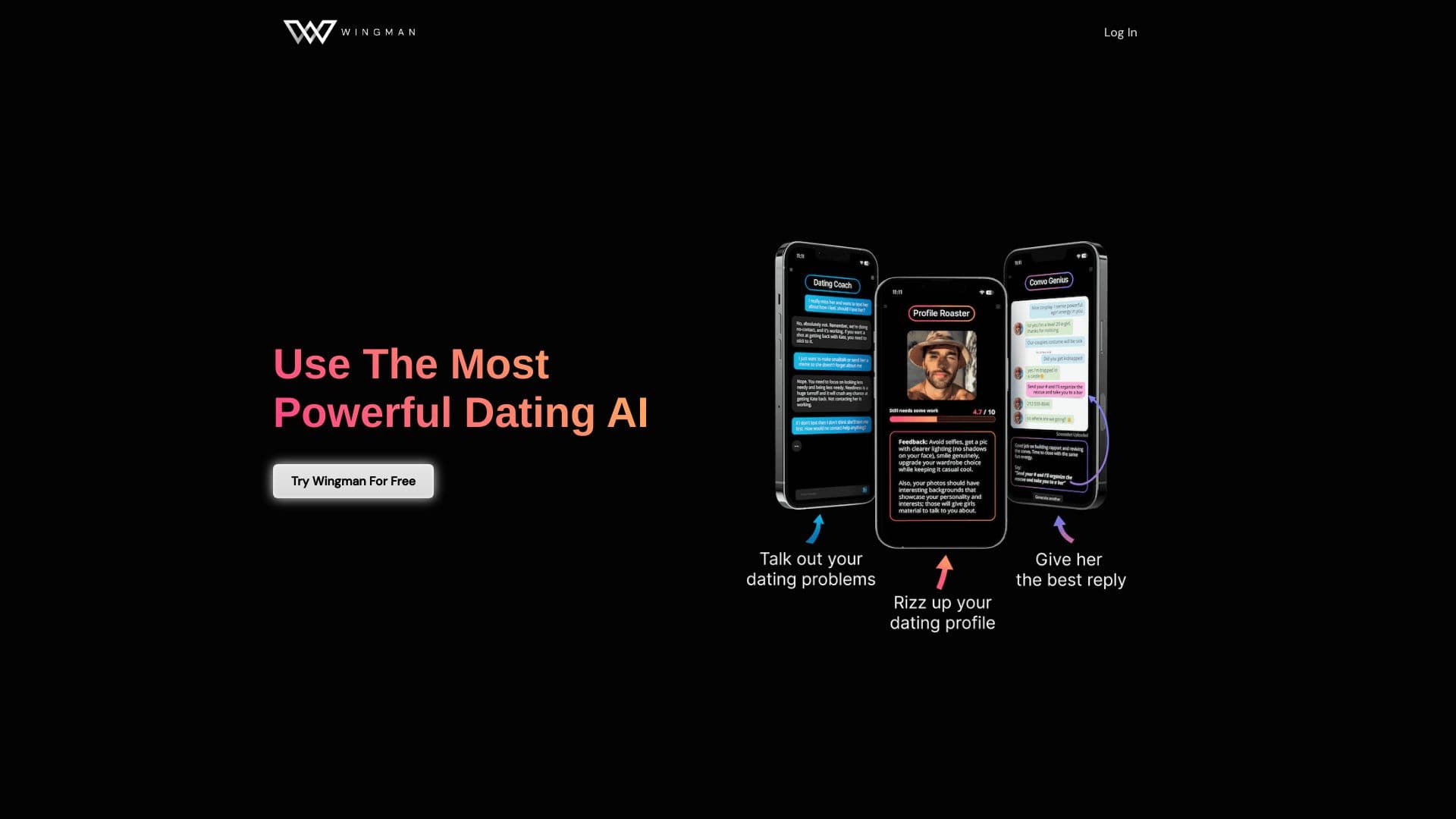
AI-ассистент для знакомств, который помогает улучшать профили и переписки в дейтинг-приложениях.

AI-ассистент для бизнеса, который помогает управлять задачами и автоматизировать рутину через диалог.

ИИ-агент для автоматизации клиентских коммуникаций и поддержки.
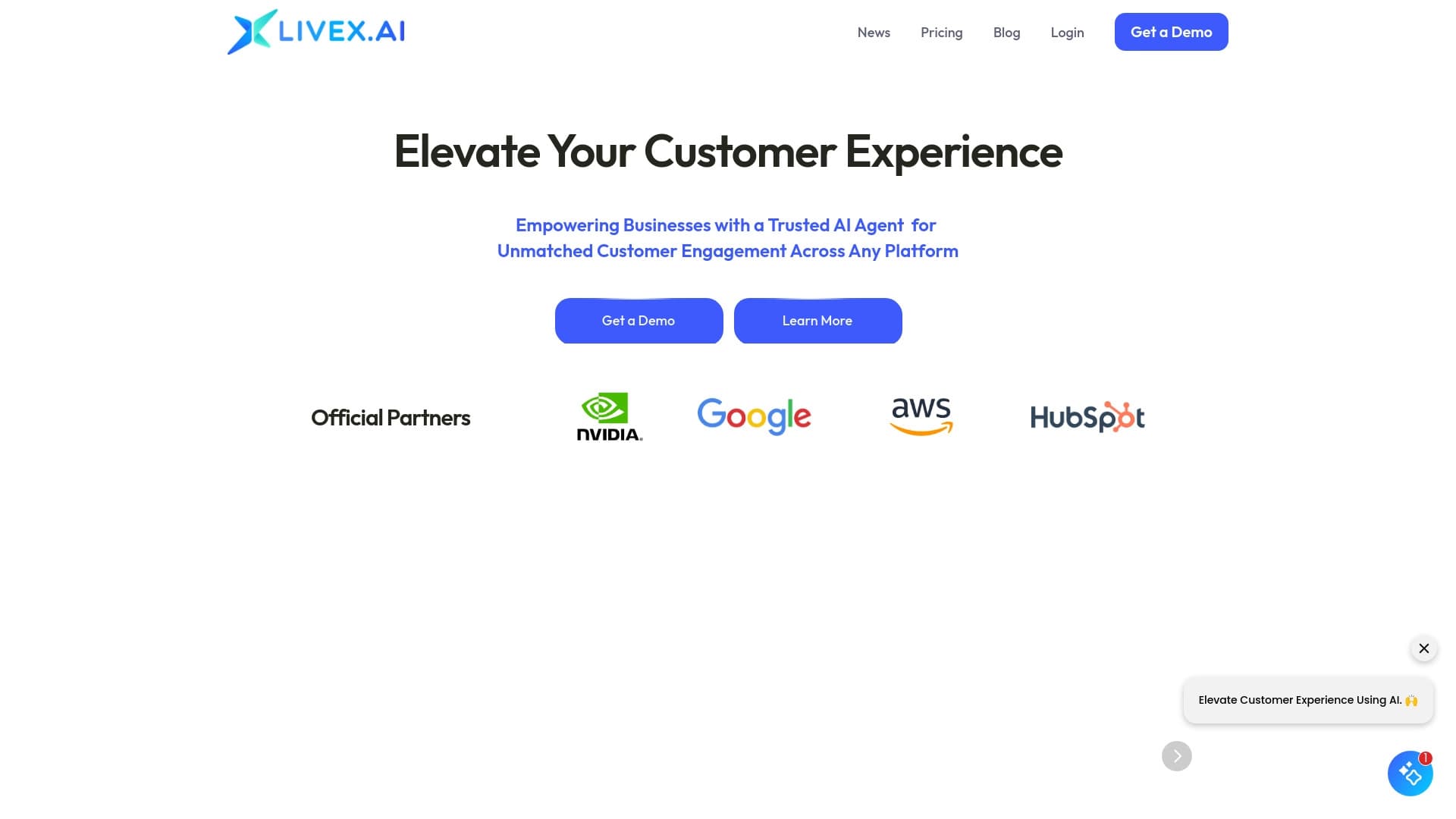

Мультимодальные AI-агенты для автоматизации клиентского сервиса и продаж через чат, голос и видео.


Расширение для Chrome, которое помогает управлять вкладками, историей и закладками с помощью ИИ-ассистента.