
Chattie
Service for adding a trainable ChatGPT-based chatbot to your website without coding.
Overview
Chattie is a service that allows you to integrate a trainable chatbot powered by ChatGPT into your website. The main feature of the tool is that no programming skills are required to launch it: the bot learns from your website's content or uploaded documents and can be configured for business tasks. The solution is aimed at website owners, marketers, and managers who want to provide visitors with a smart assistant without complex integrations. It is built on the ChatGPT model, which ensures understanding of multiple languages and meaningful responses.
Chattie Features
| Feature | Value |
|---|---|
| Type | No-code chatbot powered by ChatGPT |
| Category | API and integrations, No-code and Low-code platforms |
| Website | usechattie.com |
| Purpose | Chatbot for websites |
| Model language | ChatGPT (multi-language support via GPT) |
Who is Chattie suitable for?
Website and online store owners
Chattie is suitable for those who manage a website and want to automate responses to user questions. No technical specialist on staff is required — the bot is configured through an intuitive interface.
Marketers and product managers
For professionals responsible for user experience and conversion, the service is useful as an analytics tool. Built-in dashboards help understand what questions customers ask and adjust content or product logic accordingly.
Support teams
If a company receives many similar inquiries, Chattie helps partially offload operators — the bot handles initial contact and answers frequently asked questions.
How to use Chattie?
Quick start
The service is designed to add a chatbot to your website "in seconds." After registration, the system generates starter prompts and ready-made code snippets that you only need to insert into the page. No complex integrations or server configuration required.
Training on data
To ensure the bot answers user questions as accurately as possible, it needs to be trained on your own data. Chattie allows uploading files in PDF, DOCX, EPUB, CSV, MD formats, or pasting text directly. An alternative option is to give the bot access to your website's content so it can study the pages on its own.
Appearance customization
The widget's appearance can be changed using the built-in theme editor. CSS is supported, so you can adjust colors, fonts, and element placement to make the bot blend seamlessly into your website's design. A preview is available.
Key Features of Chattie
- No-code integration — add a chatbot to your website without programming.
- Training on your own data — support for files (PDF, DOCX, EPUB, CSV, MD) and text, as well as the ability to train on website content.
- Theme editor — customize the widget via CSS with preview.
- Prompt and snippet generation — automatic preparation of starter examples for quick onboarding.
- Dialog analytics — statistics, charts, and dashboards for studying user questions.
- Automatic topic detection — the system groups inquiries by topic on its own, simplifying analysis.
Chattie Advantages
Ease of implementation
One of the main advantages is the lack of need to write code. This saves time and development costs, especially when the budget is limited.
Training flexibility
The bot does not work with general model data — it trains on your information. This improves answer accuracy and makes the assistant "familiar" with your product.
Transparent analytics
Even with minimal setup, you get clear reports on what visitors are asking about. This serves as a foundation for improving your website and content.
Chattie Disadvantages
Available sources do not describe any significant disadvantages of the service. Potential limitations include dependence on the quality and completeness of uploaded data — the less information provided for training, the less accurate the bot's answers will be. The service also fully relies on the external ChatGPT model, which means a stable connection to the API is required.
What tasks does Chattie solve?
Customer support
The chatbot on your website handles initial inquiries, answers common questions, and reduces the load on the support team.
FAQ organization
A knowledge base can be turned into an interactive FAQ where users get answers immediately rather than searching through a long list of questions.
Internal portals and training
Chattie can be used to create internal knowledge bases or training portals — employees or customers can quickly find the information they need.
Query analysis
Based on dialog analytics, you can identify content gaps or frequent user issues and refine your website.
Chattie Pricing
Pricing information is not available in public sources. For up-to-date information on plans and the set of available features, please refer to the official website usechattie.com.
Chattie Terms of Use
Detailed terms of use, including data processing policies, user agreements, and usage restrictions, should be available on the service's website. Based on its functionality, the service is provided as a web application with bot training on uploaded data, which implies data transfer for processing.
Chattie Availability
Chattie is available as a service that can be added to any website. The platform supports training on files in PDF, DOCX, EPUB, CSV, and MD formats, as well as text insertion. Thanks to ChatGPT, multi-language support is ensured.
How Chattie differs from alternatives
The main difference is a balanced combination of "light" implementation and advanced capabilities. Many no-code chatbots offer only basic scenarios, while Chattie provides deep design customization through CSS and training on files. Additionally, built-in analytics with automatic topic detection is an uncommon feature for simple bot builders. This makes the service closer to professional platforms while remaining accessible to users without a technical background.
Conclusion
Chattie is a no-code service that lets you quickly add a ChatGPT-powered chatbot to your website, trained on the owner's data. The tool is suitable for automating support, creating FAQs, and collecting analytics. The lack of programming requirements, flexible appearance customization, and built-in dashboards make it a great option for businesses that want to launch a smart assistant with minimal effort.
Frequently asked questions
See also
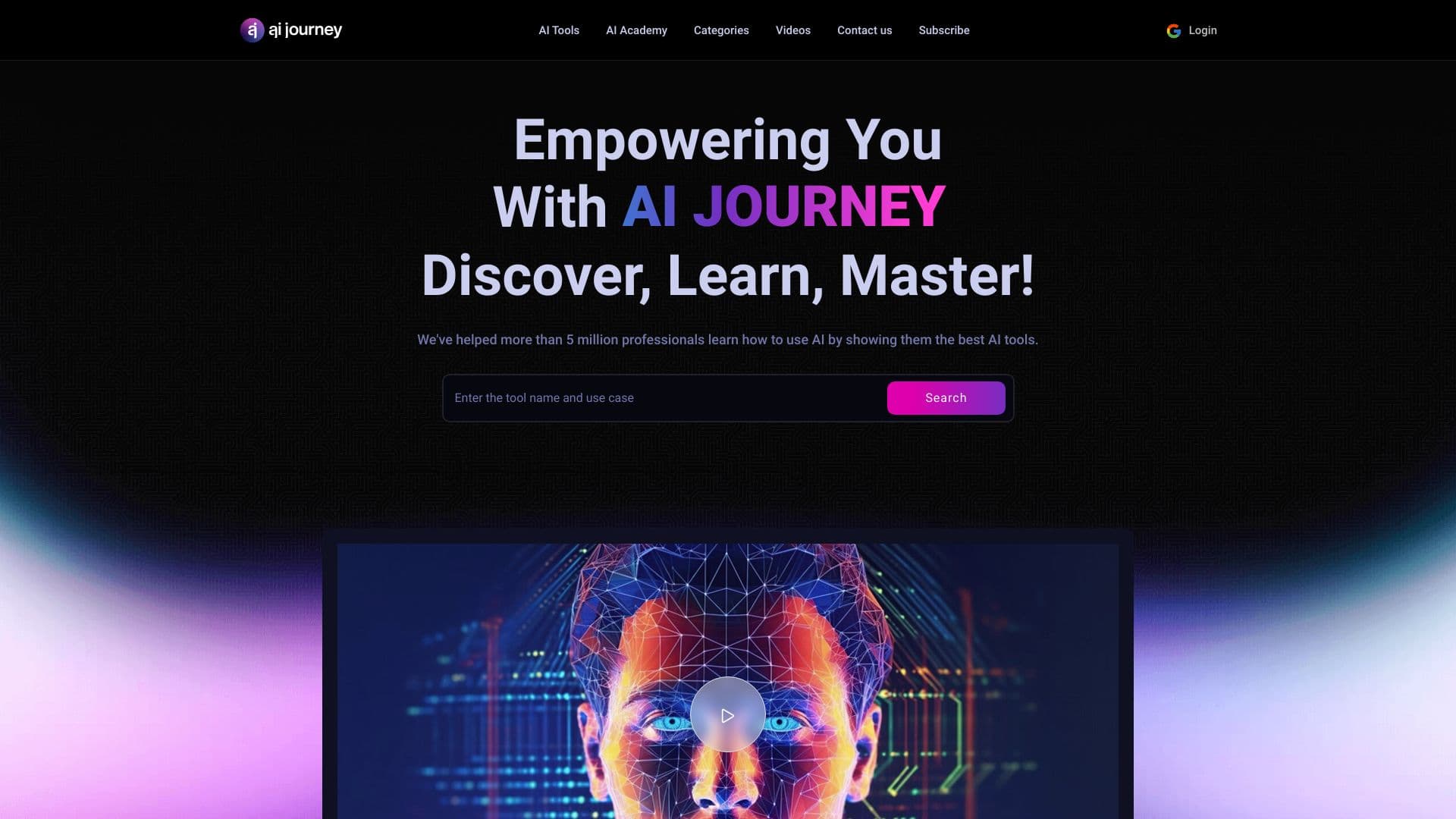
AIJOURNEY is a catalog and search platform for discovering AI tools, updated daily.

A platform for content creators that combines link management, email marketing, an online store, and analytics in a single visual editor without coding.


Service for live AI conversations, including text generation, voice, and speech recognition.


Online AI-powered service for quickly creating presentations based on a given topic or an uploaded document.


Neural network for generating SEO-optimized articles and automating blog management.


AI platform for user support in applications, including a chatbot and ticketing system.

AI assistant for automating retail tasks and optimizing call center operations.


AI-powered service for automatically creating “faceless” short videos for TikTok, YouTube Shorts, and other platforms.