
ChatGPT Writer
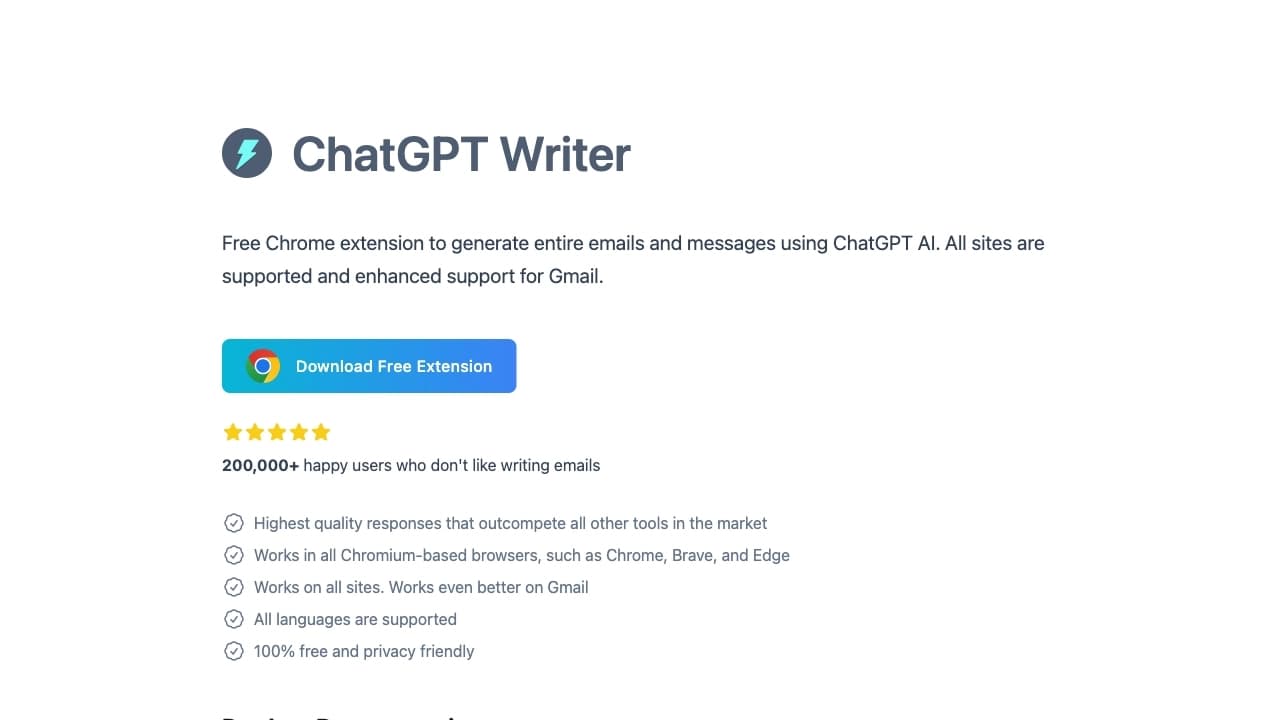
Расширение для браузера, которое встраивает AI-ассистента прямо в интерфейсы Gmail, LinkedIn и других сайтов для быстрого написания и редактирования писем и сообщений.
Обзор
ChatGPT Writer
Описание нейросети ChatGPT Writer
ChatGPT Writer — это браузерное расширение, которое встраивает возможности языковых моделей непосредственно в интерфейсы почтовых сервисов, соцсетей и других веб-сайтов. Вместо того чтобы переключаться на отдельную вкладку с чат-ботом, пользователь получает AI-ассистента прямо там, где он пишет текст: в Gmail, LinkedIn, Freshdesk и на сотнях других сайтов.
Инструмент работает на базе популярных языковых моделей (GPT-4.1, Claude, Gemini, DeepSeek и других) и позволяет писать, редактировать, переводить и улучшать письма и сообщения без отрыва от рабочего процесса. Каталог AI-инструментов относит его сразу к нескольким категориям: расширения для браузера, генерация писем, генерация текста, перевод и улучшение текста.
Особенность инструмента — поддержка создания личного профиля, который сохраняет стиль письма пользователя, а также система готовых шаблонов для часто повторяющихся задач. Расширение распространяется по модели free и требует установки в браузер.
Характеристики ChatGPT Writer
| Характеристика | Значение |
|---|---|
| Тип | Браузерное расширение |
| Категория | Продуктивность, генераторы писем |
| Бизнес-модель | Freemium (бесплатный тариф с возможностью платной подписки) |
| Используемые модели | GPT-4.1, Claude Sonnet, Gemini Pro, DeepSeek, GPT-4.1 mini, Gemini Flash |
| Способ запуска | Иконка расширения, горячие клавиши Ctrl+Shift+K, выделение текста с зажатой клавишей Ctrl |
| Доступность | Браузер на базе Chromium, работает на сотнях сайтов (включая Gmail, LinkedIn, Freshdesk) |
Для кого подходит нейросеть ChatGPT Writer?
Профессионалы, активно работающие с почтой
Инструмент прежде всего ориентирован на людей, которые много пишут писем в Gmail и других почтовых сервисах. Специалистам, ежедневно составляющим деловую корреспонденцию, расширение помогает быстрее формулировать мысли и оформлять сообщения в нужном стиле.
Пользователи веб-сервисов и соцсетей
Инструмент полезен тем, кто регулярно работает в веб-сервисах — LinkedIn, Freshdesk и аналогичных платформах. Расширение встраивается прямо в эти интерфейсы, позволяя отвечать на сообщения и вести переписку без отвлечения на сторонние вкладки.
Те, кто устал переключаться между вкладками
ChatGPT Writer создан для людей, которые хотят избавиться от постоянного переключения между рабочим сайтом и чат-ботом. Вместо копирования текста в отдельное окно и обратно, пользователь получает ассистента прямо в месте написания текста.
Как использовать нейросеть ChatGPT Writer?
Установка расширения
Для начала работы необходимо установить расширение в браузер на базе Chromium. После установки ассистент становится доступен на поддерживаемых сайтах без дополнительных сложных настроек.
Способы запуска
Расширение запускается тремя основными способами: через иконку расширения в панели браузера, с помощью горячих клавиш Ctrl+Shift+K, а также выделением текста с зажатой клавишей Ctrl. Выбор способа зависит от ситуации и личных предпочтений пользователя.
Работа на сайтах
После запуска ассистент действует непосредственно на той странице, где находится пользователь — в Gmail, LinkedIn, Freshdesk и на сотнях других сайтов. Это позволяет писать, редактировать и улучшать тексты без переключения на отдельную вкладку с чат-ботом.
Основные функции ChatGPT Writer
Написание и редактирование текста
Расширение умеет создавать целые письма и сообщения с нуля, а также редактировать уже написанный текст. Функция полезна как для быстрого составления деловой корреспонденции, так и для доведения существующих черновиков до нужного вида.
Перевод, грамматика и улучшение стиля
Инструмент поддерживает перевод текста на различные языки, исправление грамматических ошибок, улучшение стиля и суммаризацию содержания. Эти возможности покрывают основные задачи по доработке текстов в одном интерфейсе.
Персонализация и выбор моделей
ChatGPT Writer позволяет создать личный профиль для сохранения стиля письма, а также переключаться между разными языковыми моделями (GPT-4.1, Claude, Gemini, DeepSeek и другими). Для повторяющихся задач доступна система шаблонов сохранённых промптов, а длина ответов настраивается под конкретные потребности.
Дополнительные возможности
В арсенале инструмента — режим чата с ИИ в боковой панели браузера, анализ контекста входящего письма с предложением релевантных вариантов ответа, а также генерация идей и контента прямо на рабочем сайте.
Преимущества ChatGPT Writer
Работа без переключения вкладок
Главное преимущество инструмента — отсутствие необходимости переключаться между вкладками. ИИ действует прямо на сайте, где пользователь работает с текстом, что заметно ускоряет процесс.
Доступ к нескольким топовым моделям
В одном интерфейсе доступны сразу несколько популярных моделей — GPT-4.1, Claude, Gemini и DeepSeek. Пользователь может выбирать подходящую модель под задачу, а для экономии использовать более дешёвые варианты.
Анализ контекста и персонализация
Расширение анализирует контекст входящего письма и предлагает релевантные варианты ответов. Возможность настройки профиля позволяет персонализировать стиль письма под разные ситуации и сохранять индивидуальную манеру общения.
Недостатки ChatGPT Writer
Инструмент имеет ряд ограничений, о которых стоит знать заранее. Прежде всего, для работы требуется установка браузерного расширения, а значит, оно доступно только в браузерах на базе Chromium — пользователи других браузеров не смогут им воспользоваться.
Расширение работает только в веб-интерфейсах поддерживаемых сайтов, поэтому для работы с текстом вне браузера его возможности ограничены. Кроме того, хотя существует бесплатный тариф, часть функциональности может быть доступна только в рамках платной подписки. Подробные детали о конкретных ограничениях и лимитах бесплатной версии в исходных данных не раскрываются.
Какие задачи решает ChatGPT Writer
Инструмент охватывает широкий круг задач, связанных с текстом и перепиской. Ключевые сценарии применения включают:
- Написание и редактирование писем — быстрое составление деловой и личной корреспонденции в Gmail и других сервисах.
- Ответы на входящие сообщения — инструмент анализирует контекст письма и формирует релевантные варианты ответа.
- Перевод и суммаризация текста — перевод сообщений на разные языки и краткое изложение содержания.
- Улучшение стиля и грамматики — исправление ошибок и доработка формулировок в нужном стиле.
- Генерация идей и контента — создание текстового контента без переключения на отдельные вкладки.
Цены ChatGPT Writer
ChatGPT Writer распространяется по модели freemium. Пользователям доступен бесплатный тариф, который позволяет начать работу с инструментом без вложений. При необходимости предусмотрена возможность перехода на платную подписку, которая открывает дополнительные возможности.
Конкретные цифры стоимости платной подписки и перечень функций, доступных на каждом тарифе, в исходных данных не указаны, поэтому точные условия следует уточнять на официальном сайте инструмента.
Условия использования ChatGPT Writer
Главное условие использования — установка браузерного расширения в поддерживаемом браузере. Инструмент работает в браузерах на базе Chromium и встраивается в интерфейсы Gmail, LinkedIn, Freshdesk и сотен других сайтов.
Расширение позиционируется как инструмент, заботящийся о конфиденциальности: в его работе заявлено отсутствие рекламы, файлов cookie и сторонних трекеров. Кроме того, поддерживаются популярные языки, что делает инструмент доступным для многоязычных пользователей.
Доступность ChatGPT Writer
Инструмент доступен в виде браузерного расширения и работает на сотнях сайтов, включая Gmail, LinkedIn и Freshdesk. Для его использования требуется браузер на базе Chromium. Расширение поддерживает популярные языки, что делает его пригодным для общения в многоязычной среде.
Чем отличается ChatGPT Writer от аналогов
Главное отличие ChatGPT Writer от альтернативных решений — принцип работы. Вместо того чтобы требовать перехода в отдельный чат-интерфейс, расширение встраивает ассистента непосредственно в те сайты, где пользователь ведёт переписку. Это избавляет от постоянного переключения между вкладками и копирования текста.
Второе отличие — доступ к нескольким топовым языковым моделям (GPT-4.1, Claude, Gemini, DeepSeek) в одном интерфейсе. Пользователь может переключаться между моделями в зависимости от задачи и бюджета, выбирая более дешёвые варианты для экономии.
Дополнительным отличием является поддержка персонализации: создание профиля сохраняет стиль письма, а система шаблонов ускоряет работу с повторяющимися задачами. В сочетании с анализом контекста входящих писем это делает инструмент заметно более интегрированным в повседневный рабочий процесс, чем отдельные чат-боты или генераторы текста.
Заключение
ChatGPT Writer решает практическую задачу, знакомую многим пользователям сети: постоянное переключение между рабочим сайтом и чат-ботом при написании писем и сообщений. Инструмент встраивает возможности нескольких ведущих языковых моделей непосредственно в интерфейсы почты, соцсетей и веб-сервисов, позволяя писать, редактировать, переводить и улучшать текст без отрыва от контекста. Выбор между несколькими моделями, персонализация стиля и система шаблонов делают расширение гибким решением для широкого круга пользователей, работающих с текстом в браузере.
Часто задаваемые вопросы
Смотрите также
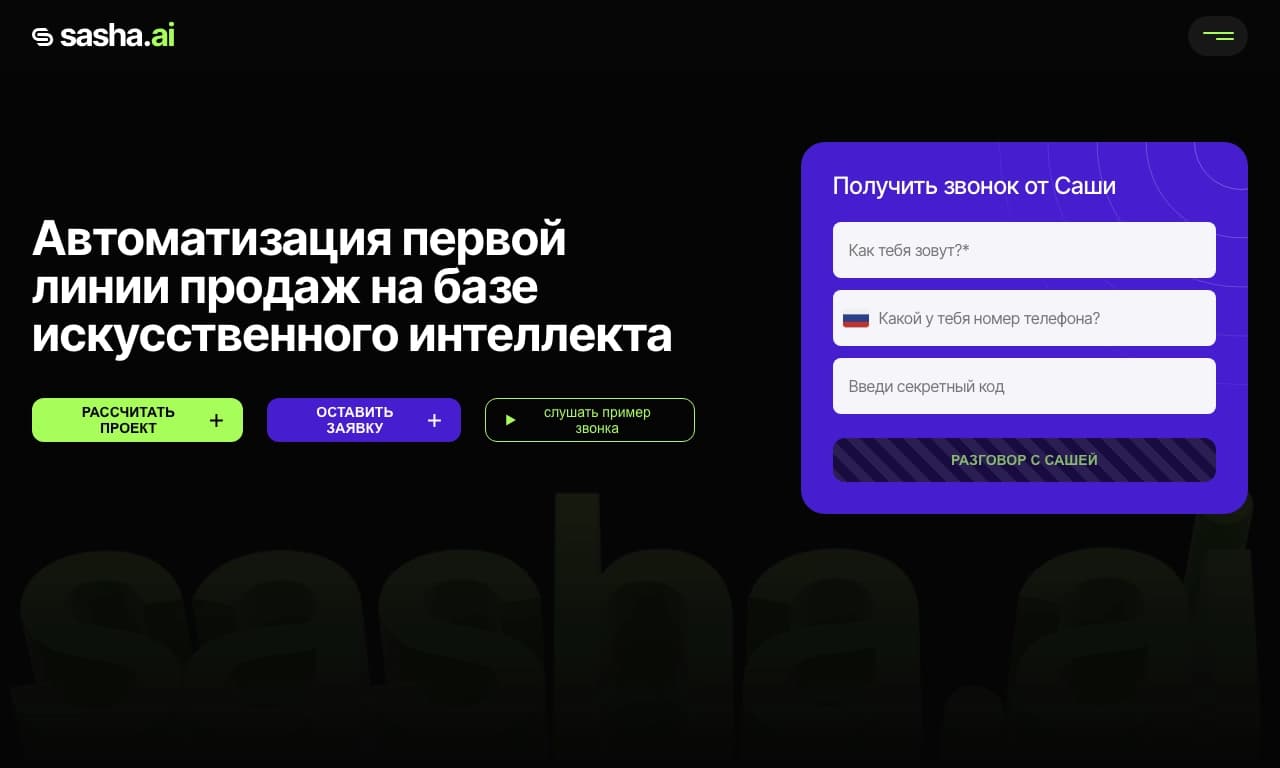
Сервис для автоматизации первого контакта с клиентами в продажах.


Русскоязычный ИИ-чат-бот на основе GPT для поиска информации и генерации текстов.


Платформа с искусственным интеллектом для поддержки пользователей в приложениях, включающая чат-бота и тикет-систему.


Нейросеть для быстрой генерации и редактирования видео по текстовым описаниям, изображениям и референсам.
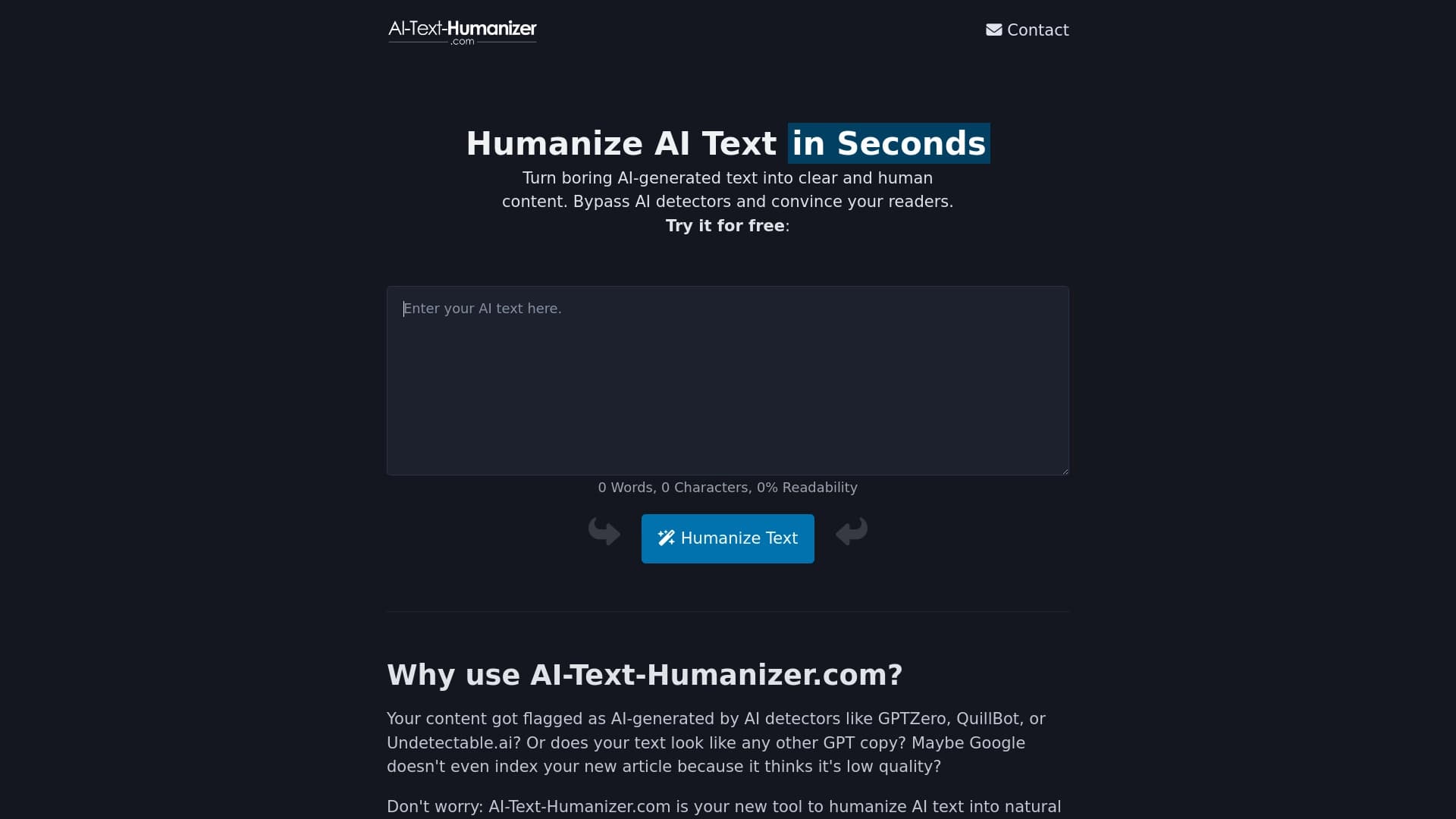
Онлайн-сервис, который перерабатывает текст, созданный нейросетью, чтобы он звучал естественно и не распознавался детекторами ИИ.

Онлайн-сервис, который позволяет общаться с PDF-документами в чате: задавать вопросы и получать краткие ответы с указанием источника.


Сервис для создания обложек музыкальных треков на основе анализа аудио.


AI-ассистент для создания кратких конспектов видео, PDF-документов и веб-страниц.