

Blink
No-code cybersecurity task automation platform.
Overview
Blink Neural Network Description
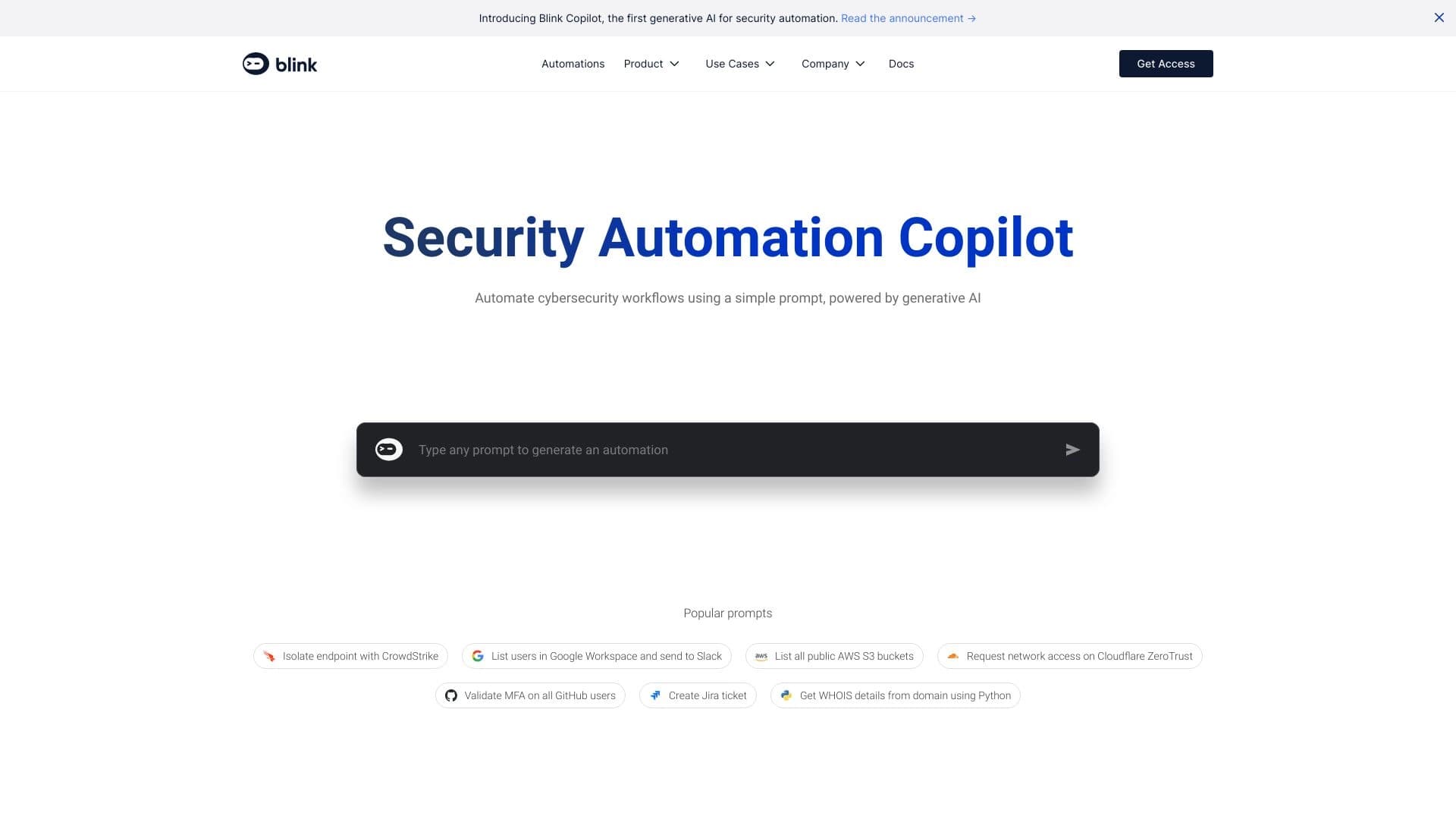
Blink is a no-code platform designed to automate cybersecurity operations. The service allows specialists to create and configure incident response scenarios without writing program code. Instead, users work with an intuitive visual editor and use a library of over 7,000 ready-made templates that cover a wide range of tasks: from access management to cloud security.
Blink's main goal is to speed up routine security operations and reduce the load on teams. The platform automates processes that traditionally require manual intervention and integrates with popular security systems, allowing it to be embedded into an organization's existing tool stack.
Blink Characteristics
| Characteristic | Value |
|---|---|
| Type | No-code security platform |
| Category | No-code application development tools, workflow management services |
| Developer | BlinkOps |
| Platforms | Web |
| Monthly visits | 388.9K |
| Free tier available | Yes (freemium) |
| Number of automations | 7000+ |
| Editorial rating | 8.9 out of 10 |
| Page rating | 4.8 |
Who is Blink suitable for?
For system administrators and InfoSec specialists
Blink is aimed at system administrators, security engineers, and anyone involved in security operations. The tool allows you to quickly automate repetitive tasks without getting distracted by writing scripts or manually integrating APIs.
For companies without deep technical skills
The platform is suitable even for employees who are not professional developers. Thanks to the no-code approach and the library of ready-made scenarios, not only IT departments but also adjacent teams can work with automation. This is especially useful for organizations that want to reduce time spent on routine tasks and respond to threats faster without unnecessary bureaucracy.
How to use Blink?
Choosing a ready-made scenario from the library
To get started, simply log into the platform and select the desired automation from the library containing over 7,000 templates. The scenarios cover various areas: cloud security, access management, incident response, and more. You can use ready-made solutions as-is or combine them.
Creating and configuring your own automations
For more specific tasks, the platform provides a visual editor where you can create your own scenarios without a single line of code. Templates for popular APIs and cloud platforms are available, simplifying integration with tools already in use.
Collaboration through the self-service portal
Through the self-service portal, employees can launch processes on demand. This allows you to publish created applications for colleagues so that teams can independently run the automations they need without contacting the InfoSec department.
Key Features of Blink
Extensive automation library
Blink's main feature is the largest collection of security workflows. Over 7,000 automations cover most typical tasks, allowing you to find a suitable scenario for almost any situation.
No-code visual editor
Instead of programming, users work with an intuitive editor that allows them to assemble complex scenarios from ready-made blocks. This makes the platform accessible to specialists without development experience.
Integration with popular security systems
Blink supports templates for popular APIs and platforms, ensuring smooth integration with leading security system vendors, cloud services, and internal company tools.
Self-service portal
The platform offers a corporate portal through which employees can launch processes on demand and share ready-made automations within the team.
Advantages of Blink
Efficiency and speed of implementation
Blink allows you to implement complex solutions in minutes. Lightning-fast task automation reduces mean time to recovery and improves the overall security level across various environments.
Reducing the load on specialists
By automating routine operations, employees can focus on higher-priority tasks. The no-code interface is quick to learn — according to the developers, basic skills can be acquired in just one evening.
Flexibility and adaptation to the company
The platform easily integrates with cloud services and internal organizational tools. The ability to combine ready-made templates and create custom scenarios allows the system to be adapted to specific workflows.
Disadvantages of Blink
Limited customization options
Blink's built-in flexibility may prove insufficient for highly non-standard requirements. If a company has specific needs not covered by standard templates, additional development may be required.
Dependence on ready-made templates
Much of the platform relies on ready-made solutions from the library. For specific tasks, individual customization may not be enough, and integration with some systems sometimes requires additional effort.
Potential for errors in automations
If a scenario is configured with an error, the system may produce an unexpected bug. This is a standard situation for no-code platforms: the responsibility for configuration correctness lies with the user, and debugging sometimes requires testing.
What tasks does Blink solve?
Automating security operations
Blink is designed to automate operations inside and outside the Security Operations Center (SOC). The platform simplifies access management processes, cloud system control, and other security areas.
Incident response
The platform reduces incident response time through ready-made scenarios that launch automatically when certain conditions are triggered.
Cloud security and access control
Blink supports solutions for protecting cloud environments and managing access, helping organizations strengthen data protection without writing code or complex configurations.
Blink Pricing
Free tier
The basic free plan includes access to the core automation library and a limited number of operations. Cost — $0 per month.
Basic tier
The plan at $35 per month provides expanded integration capabilities with external systems and additional automation templates.
Premium tier
The premium subscription at $105 per month unlocks full access to all platform features, including unlimited automations and priority support.
Terms of Use for Blink
Blink operates on a freemium model. Users can start with the free tier to evaluate the platform's capabilities and, if necessary, upgrade to paid plans to expand functionality. To use all features, registration on the web platform and selection of a suitable pricing plan are required.
Blink Availability
Blink is available as a web version and works on any platform through a browser. Mobile versions for iOS or Android have not been announced — work is done through the web interface.
How Blink differs from alternatives
Key differences
The main difference between Blink and most alternatives is its exclusive focus on cybersecurity. While similar tools like Aimylogic, Napkins, or Scribo AI solve broader automation and chatbot tasks, Blink is focused specifically on security scenarios.
Library of specialized templates
Having over 7,000 ready-made automations for InfoSec tasks is a significant advantage. Competitors such as Cursor AI or Tabnine are more focused on helping developers write code, whereas Blink works with ready-made visual scenarios without requiring programming skills.
No-code approach for security specialists
Blink is designed for system administrators and security teams who do not want to write code but need automation. This distinguishes it from services like Replit or GitHub Copilot, which are intended for developers and work directly with program code.
Conclusion
Blink is a no-code security platform offering over 7,000 ready-made automations. It allows organizations to quickly automate incident response, access management, and cloud security processes without writing program code. The tool will be useful for system administrators and InfoSec specialists who want to reduce time spent on routine operations and improve the overall security level. At the same time, it is worth considering the limited configuration flexibility for non-standard scenarios.
Pricing
Frequently asked questions
See also


Platform for organizing live chat and communicating with website visitors, offering a free chat widget for customer support.

A customer support automation platform that analyzes inquiries and helps operators respond faster.

AI agent for automating routine browser actions, such as filling out forms and collecting data.


An add-in for Microsoft Word that uses neural networks to automate the creation, editing, and analysis of legal contracts.


AI chatbot for automating customer communication and lead qualification.


AI platform for automating video editing, including face replacement, video translation, and avatar creation.


AI Slide Studio is an AI-powered service for quickly creating customizable presentations on a given topic.
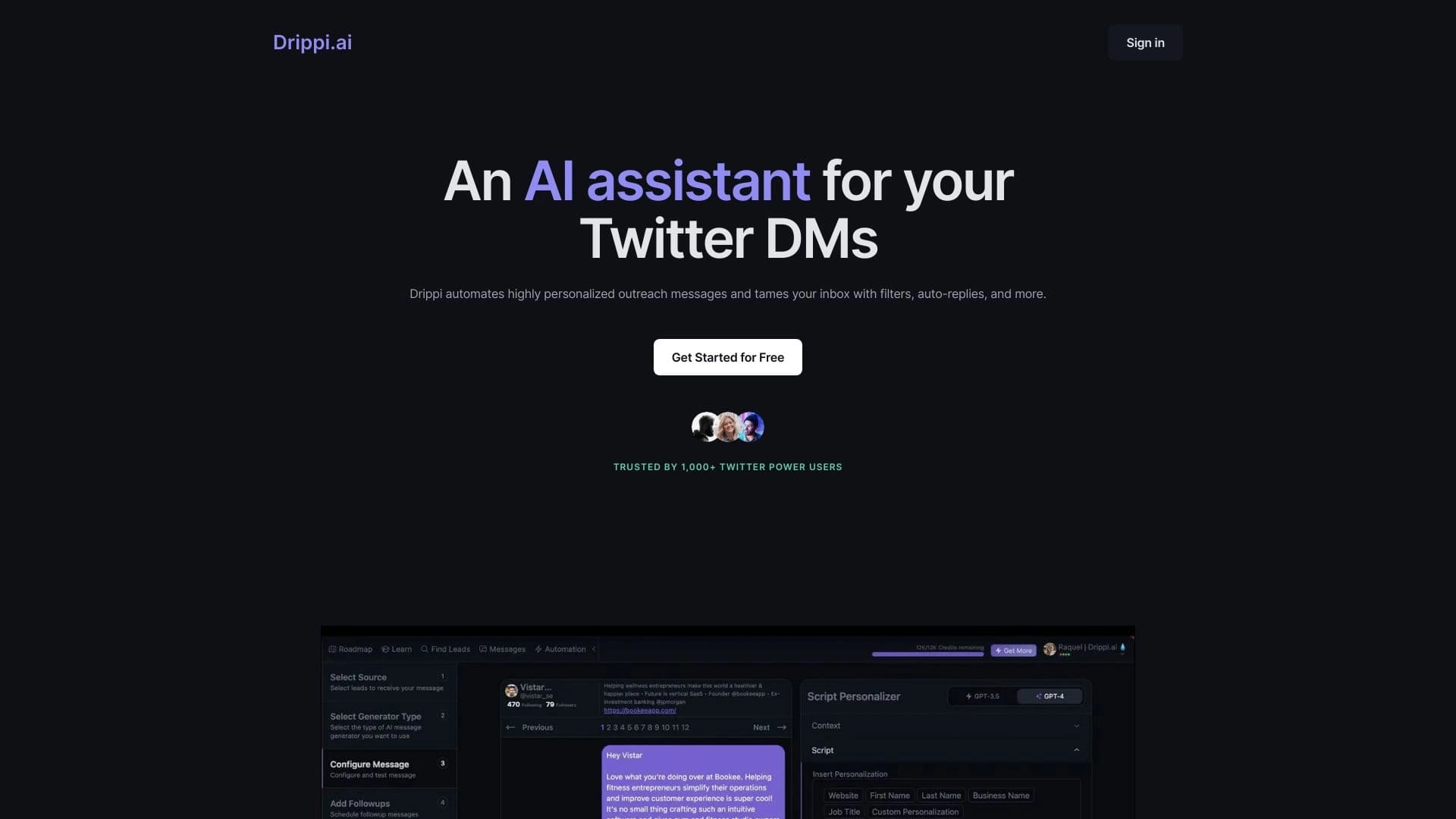

Automates sending personalized direct messages on X (Twitter) for cold outreach.