
Blackray
AI assistant for product managers that automates routine tasks and brings work data together in one window.
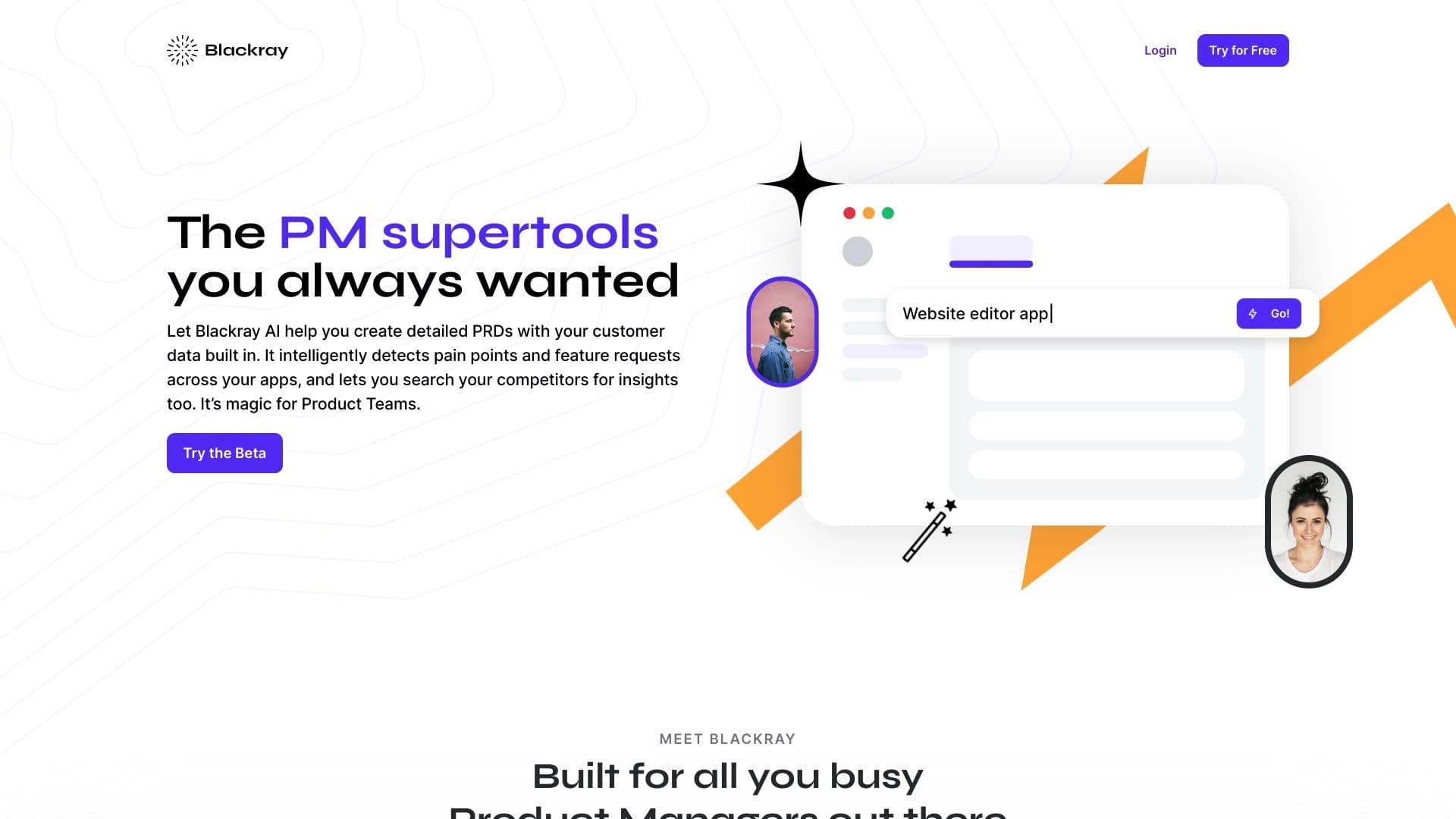
Overview
Blackray AI Description
Blackray is a specialized AI assistant designed to automate the daily tasks of product managers. The tool handles routine operations: document generation, competitor monitoring, customer insight discovery, and call scheduling. The core value of the solution is bringing all work data together in a single window.
Instead of switching between a dozen services, product managers get a centralized access point to information. Blackray integrates with popular corporate platforms (Confluence, Google Suite, Salesforce) and automatically pulls data from them. The base package includes AI Writer modules for creating complex documents, Research Assistant for finding insights, and Competitor BI for tracking competitor activity.
Blackray Features
| Feature | Value |
|---|---|
| Type | AI tool for product managers |
| Categories | Task management, description generation, productivity, text content, research |
| Developer | Blackray |
| Monthly visits | 42.6K |
| Free plan | Yes (basic features for small teams) |
| Platform | Website (getblackray.com) |
| Interface language | Not specified |
| Integrations | Confluence, Google Suite, Salesforce, and other services |
| Distribution model | Not specified |
Who is Blackray AI for?
Product managers as the primary audience
The tool is aimed primarily at product managers who work with large volumes of data daily: customer feedback, documentation, competitor analytics. Blackray helps them reduce time spent on mechanical work and focus on strategic tasks.
Teams working with corporate services
The solution will be useful for teams already using Confluence, Google Suite, or Salesforce. The more services connected to Blackray, the more complete the data picture available to the assistant. The tool offers different pricing plans for small startups and large product departments.
Who the tool may not suit
Companies with non-standard internal processes and niche corporate systems will find it harder to adapt Blackray — the tool does not adjust well to unique work regulations.
How to use Blackray AI?
Step 1: Connecting work services
To get started, you need to register on the official website and connect your work tools: Confluence, Google Suite, Salesforce. The integration allows the assistant to access company data.
Step 2: Formulating a request in the interface
In the Blackray interface, the user describes a task in natural language — for example, "find all mentions of competitor X over the last month." The AI independently determines which links and insights to pull from connected services.
Step 3: Using modules for specific tasks
The system offers a set of modules: AI Writer for creating documents, Research Assistant for finding insights, Competitor BI for competitor analysis, Collections for storing notes, Customer Call Scheduler for planning calls, and AI Insights for product feature suggestions.
Key Blackray Features
AI Writer
A module for creating complex documents — from product requirements to technical specifications. When generating text, the assistant automatically pulls fresh insights and links from connected services, speeding up the launch of new features.
Research Assistant and Competitor BI
Research Assistant performs fast searches for customer insights across all integrations — just a few clicks to find the needed notes, excerpts, and links. Competitor BI analyzes competitors by names or keywords, gathering information about their products and offerings.
Collections, Customer Call Scheduler, and AI Insights
Collections is a space for storing and sorting links, notes, and quotes. Customer Call Scheduler finds suitable candidates for interviews in Salesforce and automatically schedules calls. AI Insights offers suggestions about features users want to see in the product, as well as information about competitor actions.
Blackray Advantages
A single window for all work data
All information about customers, the product, and competitors is collected in one interface. No need to switch between Confluence, Google Suite, and Salesforce — the assistant finds and structures the needed data on its own.
Automation of routine tasks
Writing documents, scheduling calls, and initial competitor analysis are performed automatically. Analytics and insights are gathered in a few minutes instead of several hours of manual work.
Faster document workflows
The process of creating requirements and specifications is accelerated thanks to automatic pulling of up-to-date customer data and source links.
Blackray Disadvantages
Difficulties adapting to non-standard processes
The tool does not adjust well to unique internal company regulations. If an organization's processes differ from standard ones, the assistant's efficiency may decline.
Security risks and integration challenges
When working with sensitive information, there is a risk of data leakage. Additionally, connecting third-party services can be difficult, especially if the company uses older or niche corporate solutions.
What tasks does Blackray solve?
Faster document workflows and insight discovery
Blackray speeds up document writing using customer data and allows quick extraction of useful insights from various services. What used to take hours of manual searching is now done in a few clicks.
Competitor analysis and meeting organization
The Competitor BI module provides competitor and market analysis based on specified keywords. Customer Call Scheduler automates planning calls with customers by finding suitable people for interviews in Salesforce.
Workspace organization
Collections help systematize data work: links, notes, and quotes are sorted and stored in one place, simplifying their further use.
Blackray Pricing
Free plan
Available at no cost, includes basic features for small teams. Suitable for getting familiar with the tool and basic tasks.
Professional plan
Paid subscription with expanded capabilities and more integration options.
Business plan
Paid subscription providing full access to all features and priority support.
Blackray Terms of Use
To get started, registration on the official website getblackray.com is required. After creating an account, you need to configure integrations with Confluence, Google Suite, Salesforce, or other corporate services. Detailed requirements for system versions and types are not specified in available sources.
Blackray Availability
Blackray works through a web interface at getblackray.com. Information about the interface language is not specified in available sources. Categories on the catalog website indicate a Russian-speaking audience, but there is no official data on regional availability or the need to use a VPN.
How Blackray differs from alternatives
Specialization in product management
Unlike universal assistants like Gemini or ChatGPT, Blackray is tailored to product managers' tasks: working with customer insights, competitor analysis, and product documentation. It does not try to replace a general-purpose AI assistant but solves a narrow range of professional tasks.
Integration with corporate services
The key difference from tools like Fireworks, Polymer, or SigmaChat is deep integration with Confluence, Google Suite, and Salesforce. Blackray does not just generate text — it pulls real company data from work systems.
Modular structure
An architecture with separate modules (AI Writer, Research Assistant, Competitor BI) sets Blackray apart from Rationale and similar tools. Users connect the modules they need for a specific task rather than working with a monolithic interface.
Conclusion
Blackray is a niche AI tool for product managers that gathers data from different services in one window and automates document writing, insight discovery, and competitor analysis. The solution speeds up routine tasks and saves team time, but requires integration setup, has limited adaptability to non-standard company processes, and carries potential data leakage risks. The tool will be most useful for product teams already using Confluence, Google Suite, and Salesforce.
Frequently asked questions
See also


AI Slide Studio is an AI-powered service for quickly creating customizable presentations on a given topic.


AI-powered platform for generating legal documents, contract analysis, and obtaining legal information.


A tool for automated SEO content creation with keyword research and long-form text generation.


A platform for creating and interacting with AI characters, each with their own personality and story.


Web service for generating images from text descriptions and communicating with virtual characters.

AI assistant for business that helps manage tasks and automate routine through dialogue.
Web simulator for practicing supportive communication with a person experiencing anxiety.


AI platform for automating video editing, including face replacement, video translation, and avatar creation.