
Bizfly Chatbot AI
Browser extension for automating customer responses on Facebook fan pages with integration into the Bizfly ecosystem.
Overview
Bizfly Chatbot AI is a browser extension designed to automate customer communication on Facebook fan pages. The tool was developed within the Bizfly Eco Systems ecosystem and solves a key challenge — freeing businesses from the routine work of handling typical requests on social media.
The extension installs in the Chrome browser, then integrates with your Facebook page and lets you manage conversations through a convenient unified interface. Users can set up automatic replies, send messages, and connect analytics to track the effectiveness of audience engagement.
Essentially, it's a practical tool for teams that aren't ready to give up Facebook as a communication channel but want to reduce the load on support. Its ease of use and the availability of a free plan make it accessible to small businesses and SMM specialists.
Bizfly Chatbot AI Features
| Feature | Value |
|---|---|
| Type | Browser extension |
| Categories | Chatbot builder tools, social media assistants, auto-reply tools, Facebook management tools, customer support tools |
| Developer | Bizfly Eco Systems |
| Platforms | Chrome |
| Free plan | Yes (limited access, supports one Facebook page) |
| Monthly visits | 38.7K |
| Pricing plans | Free, Starter, Professional |
Who is Bizfly Chatbot AI for?
SMM Specialists
For those managing multiple fan pages, the extension becomes an indispensable assistant: all messages are collected in one place, and routine questions are handled automatically. This lets you focus on content strategy and creative tasks instead of constantly replying to private messages.
Online Store Owners
Stores often receive recurring questions about product availability, delivery, or payment. Bizfly Chatbot AI answers them instantly, which is especially important during peak hours or when a manager can't be online 24/7. Fast responses increase customer loyalty.
Businesses with Facebook Fan Pages
Any company that actively communicates with customers through Facebook can reduce support costs. The tool suits both small teams and larger organizations with multiple pages that require centralized management.
How to use Bizfly Chatbot AI?
Installation and Setup
To get started, install the extension from the Chrome Web Store, log in to your account, and link your Facebook fan page through the settings. The setup process takes just a couple of minutes and requires no special technical skills — everything follows an intuitive guide.
Configuration and Getting Started
After linking your page, you can immediately send messages to customers directly from the extension's interface. To automate interactions, set up replies to common questions in advance — the bot will use them for incoming inquiries. This lets you build a round-the-clock support system without constant human oversight.
Key Features of Bizfly Chatbot AI
The extension offers a set of core tools for managing Facebook communication:
- Sending messages to Facebook fan pages — reply to customers directly from the extension without switching between browser tabs;
- Integration with Bizfly Eco Systems services — access additional analytics and management capabilities within a unified ecosystem;
- Automatic replies to common questions — the bot handles standard inquiries on its own, based on the templates you create;
- Centralized conversation management — a single interface for working with multiple pages, simplifying control over all dialogues.
These features cover the key needs of businesses working with a Facebook audience: response speed, automation, and centralization.
Advantages of Bizfly Chatbot AI
Time Savings
The bot takes over handling routine questions: customers get instant answers, and you don't have to spend hours on repetitive requests. This frees up resources for more important tasks.
Integration with the Bizfly Ecosystem
Synergy with other Bizfly services creates a convenient working environment where customer data and conversations are collected in one space. This reduces the number of manual operations and the risk of information loss.
Beginner-Friendly
The extension's interface is clear even for those who have never worked with such tools before. Setting up auto-replies and connecting pages requires no programming knowledge — just a couple of clicks.
Drawbacks of Bizfly Chatbot AI
Limited Response Flexibility
Automation works based on predefined templates. Non-standard questions that don't fit the scenario have to be handled manually. This reduces the tool's effectiveness for businesses with complex or atypical customer requests.
Dependence on Facebook Policies
The extension fully depends on the availability and rules of the Facebook platform. Changes in the social network's policies or technical outages can negatively affect the service's performance.
Potential Automation Glitches
Sometimes the bot may misinterpret a question, leading to a strange or inaccurate reply to a customer. This creates a risk of a negative impression of the brand and requires constant monitoring.
What problems does Bizfly Chatbot AI solve?
The tool targets several key challenges in managing Facebook communication:
- Automating responses to customer messages — reducing response time and relieving staff;
- Customer support on Facebook without constant manual oversight — auto-replies provide a baseline level of service even at night;
- Centralized management of conversations across multiple fan pages — one interface for all dialogues, especially relevant when working with multiple brands or branches.
These tasks cover the core needs of businesses for prompt and organized customer communication on social media.
Bizfly Chatbot AI Pricing
The extension operates on a freemium model, allowing you to start using it for free and expand functionality as needed.
Free Plan
Provides limited access with support for one Facebook page. Suitable for getting familiar with the tool and for small businesses with a single account.
Starter
Designed for more active users: allows connecting up to 3 pages and unlocks expanded automation and integration capabilities.
Professional
The maximum plan for companies with multiple brands: up to 10 pages, full functionality, and premium support from the developers.
Terms of Use for Bizfly Chatbot AI
Using the extension requires mandatory registration in the system and linking a Facebook page. Installation is only available in the Chrome browser, which limits use in other browsers or on mobile devices.
The free plan has restrictions on the number of pages and the set of available features. To fully use the extended capabilities, you need to purchase a paid plan.
Availability of Bizfly Chatbot AI
The service is available as an extension for the Google Chrome browser and only works with Facebook pages. Information about interface language versions and regional restrictions is not specified on the official page. The extension will be relevant for all users actively working on Facebook who are looking for ways to optimize customer communication.
How Bizfly Chatbot AI Differs from Alternatives
No direct comparison with competitors is provided on the product page, but distinctive features can be highlighted based on available data.
Focus on Bizfly Integration
The main difference is deep integration with the Bizfly ecosystem, allowing businesses already using other brand services to get a unified workspace without extra setup.
Extension Format
Unlike full-fledged chatbot-building platforms, Bizfly Chatbot AI is presented as a lightweight Chrome extension. This simplifies installation and use but limits functionality and customization options.
Facebook-Centric Approach
The tool is tailored exclusively to Facebook pages, while competitors may support multiple communication channels. This makes it a niche solution for those working primarily with this social network.
Conclusion
Bizfly Chatbot AI is a specialized Chrome extension that automates customer communication on Facebook fan pages. The tool will be useful for SMM specialists and online store owners who want to respond to requests faster and reduce the manual load on support. Ease of use, a free plan, and integration with the Bizfly ecosystem are clear advantages of the service. However, dependence on Facebook policies, limited flexibility of template responses, and potential automation glitches should be considered when choosing a solution for working with customers on this platform.
Pricing
Frequently asked questions
See also

Web platform for AI-powered image and cinematic video generation, featuring studio-grade editing tools.


Free web tool from Google that uses machine learning to turn rough sketches into neat icons and illustrations.
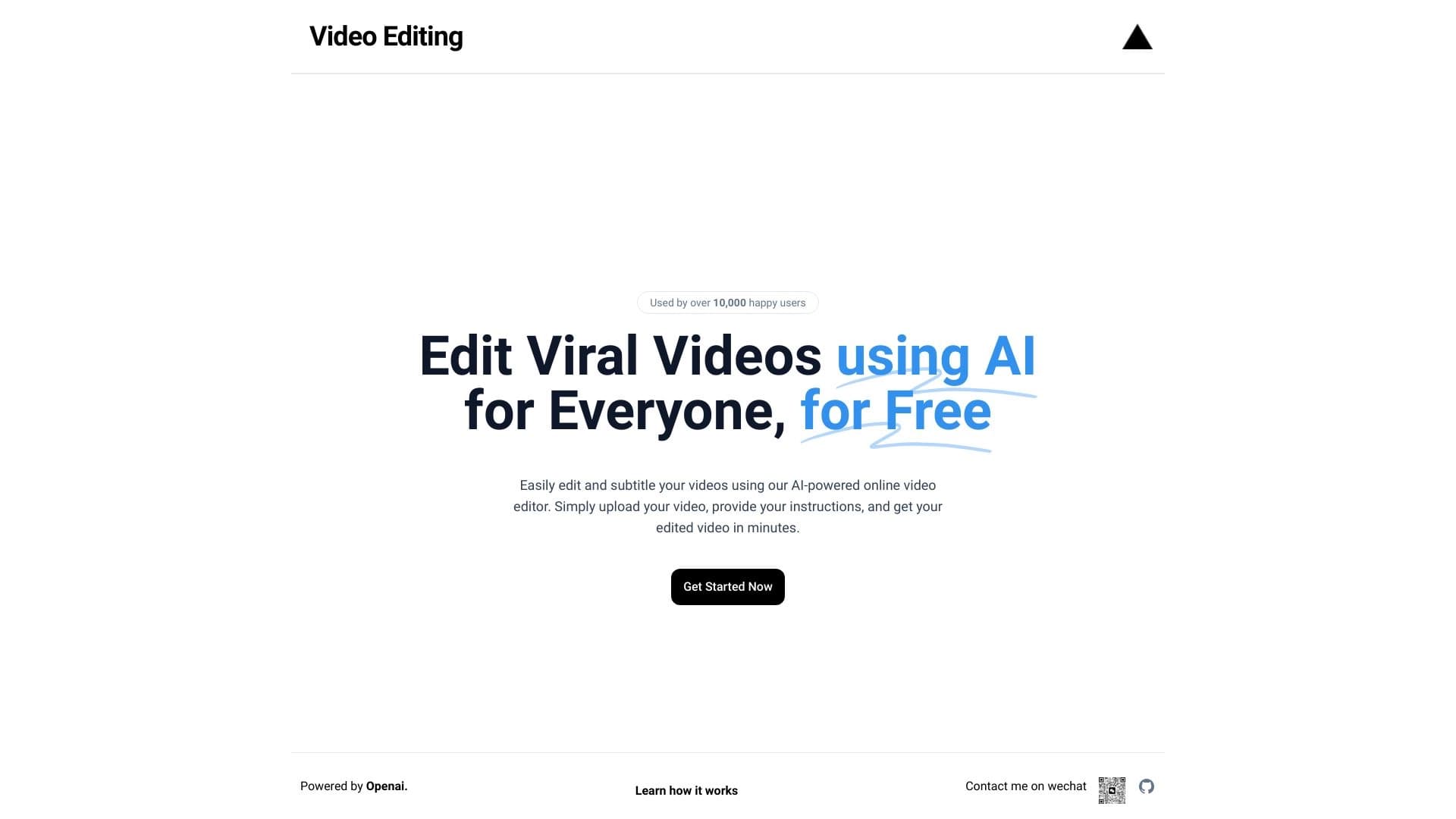
Browser-based video editor with automatic subtitles in 50+ languages and content translation.


Online AI tool for creating deepfakes and editing images.


AI-powered virtual clothing try-on service.


Generative platform for creating realistic images and short videos from text or images with control over style and camera movement.


Aimi is a service that automatically creates music and voiceovers for videos by analyzing the video footage.


A platform for automating software development using a visual builder for AI agents.